
supauth
v0.0.4
Published


Readme
Supauth for Nuxt
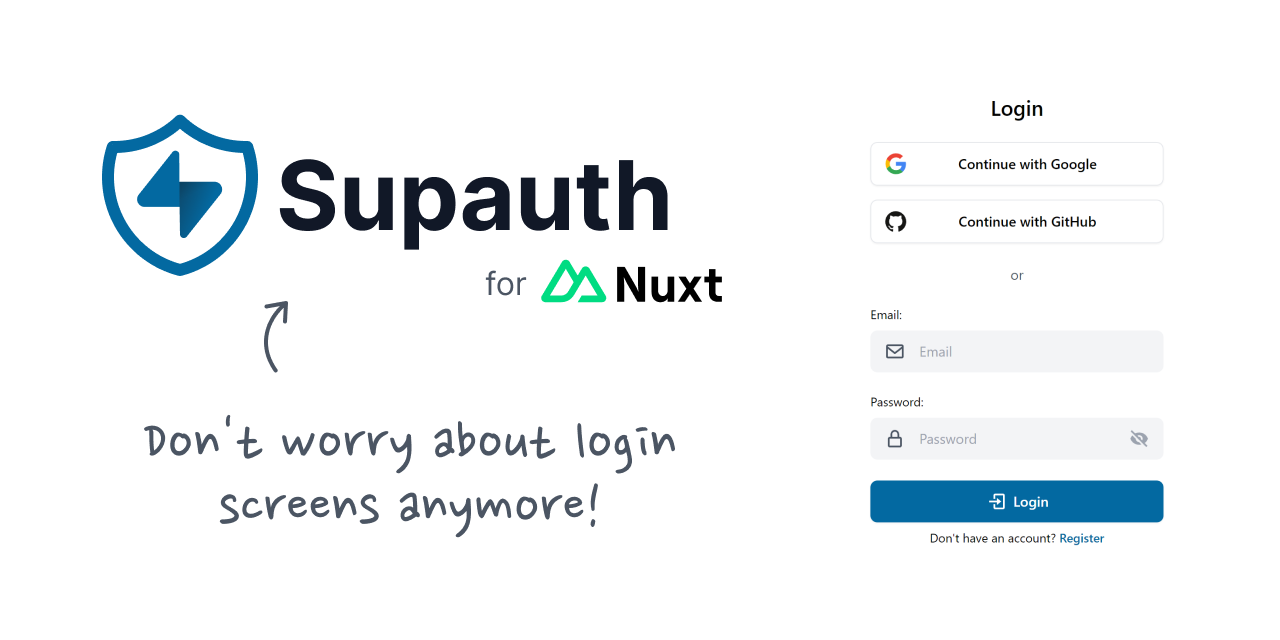
Nuxt Layer with all you need to start your next Nuxt + Supabase project without having to worry about the auth system.
🚧 This layer is still an experiment that will have many changes in the future, but feel free to try it and suggest changes or report problems.
Features
- Sign up with email and password
- Sign in with providers
- Auth middlewares
This layer is based on the oxecore layer which includes the UnoCSS, Nuxt-Icon and VueUse modules by default, although you can expect that in the future it will not have dependencies that alter your project outside of the login screens.
To do
- Add magic-link login
- Internationalization
- Reset password page
Setup
npm i -D supauth # yarn add -D supauth// ~~/nuxt.config.ts
export default defineNuxtConfig({
extends: ['supauth'],
})Modules Preset
- Supabase
- UnoCSS*
- Nuxt Icon*
- VueUse*
*coming from oxecore layer
Usage
To start using this layer, just follow the setup instructions and create a .env file with your Supabase credentials:
// .env
SUPABASE_KEY=
SUPABASE_URL=
Then, you can run your project and go to /login to sign in or /register to create a new user.
Since this layer is using the @nuxtjs/supabase module, you can of course use all the functions and utilities coming from that module (useSupabaseClient, useSupabaseUser, etc).
Options
export default defineAppConfig({
	supauth: {
		confirm: true, // enable if you have email confirmation on
		redirect: '/', // the path you want to redirect your users after login
		providers: ['google', 'github'], // the oauth providers you want to enable
		legalAdvice: {
			privacy: '/privacy-policy',
			terms: '/terms-and-conditions',
		}, // legal links to show below the auth forms. you can set it to false to don't show any legal advice
	},
})
Middlewares
- authenticated (if there isn’t a user logged-in, you’re gonna be redirected to /login)
- unauthenticated (if there is a user logged-in, you’re gonna be redirected to /, or the redirect path in the options of the layer.
Any comment, suggestion, report or pull request is absolutely welcome!