
svelte-nerdfonts
v1.0.3
Published
Use all nerdfont-icons in your Svelte project


Readme
svelte-nerdfonts
Nerdfont SVG-Icons for Svelte.js
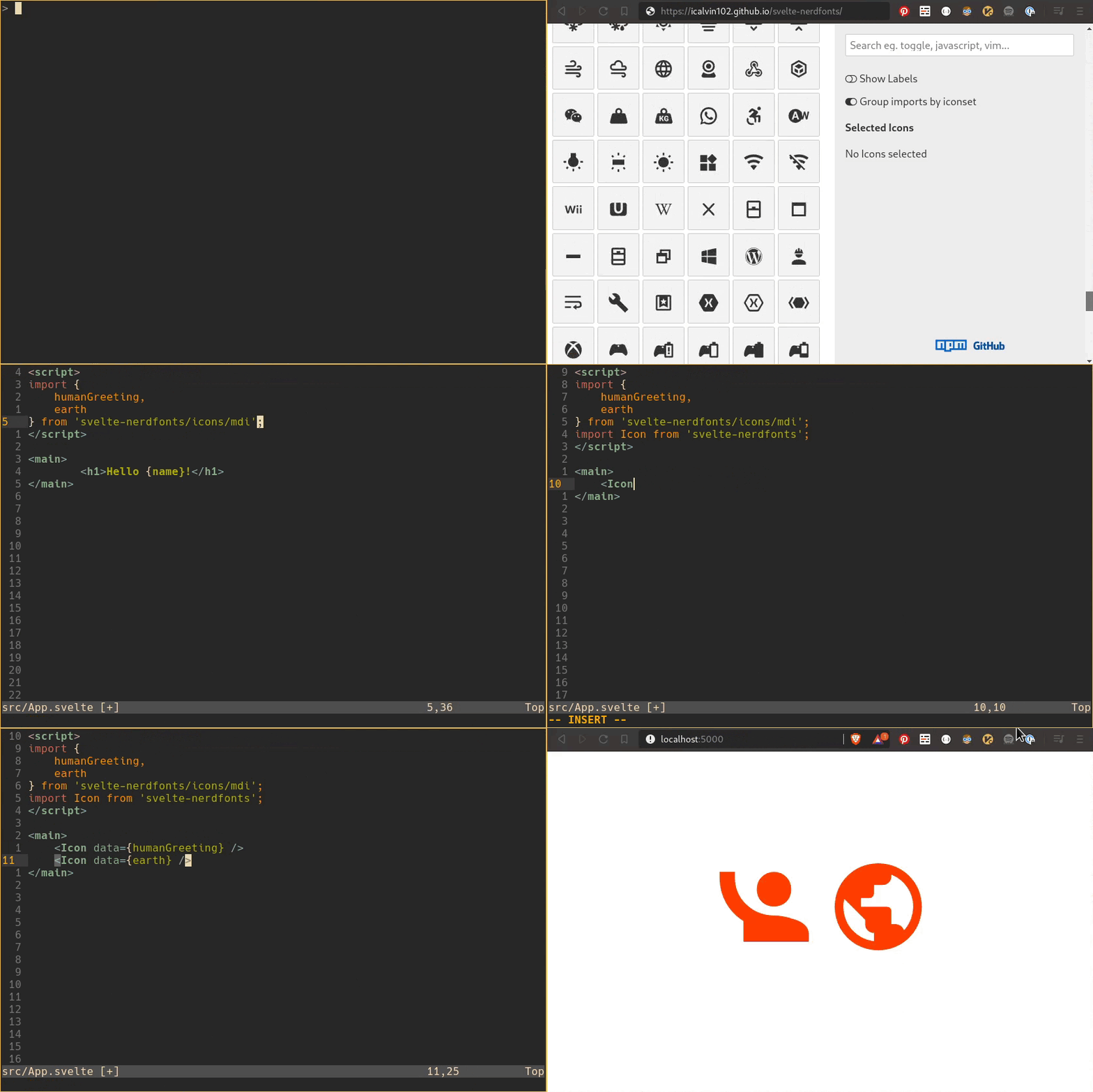
Install
Run:
npm install --save svelte-nerdfonts
Usage
<script>
  import Icon from 'svelte-nerdfonts';
  import { vim } from 'svelte-nerdfonts/icons/dev';
  import { heart } from 'svelte-nerdfonts/icons/mdi';
</script>

<Icon data={vim} />
<Icon data={heart} />
(See cheatsheet to find the icons you are looking for)
Icons
Icons can be imported directly from an Iconset or from a combined module prefixed with the name of the iconset.
The iconnames are camelcased versions of the nerdfonts cssclassnames.
// nerd-fonts classname: .nf-linux-archlinux
// all examples will import the same icon

import { default as linuxArchlinux } from 'svelte-nerdfonts/icons/linux/archlinux';
import { archlinux } from 'svelte-nerdfonts/icons/linux';
import { linuxArchlinux } from 'svelte-nerdfonts/icons';
Note: The compiletime depends on the size of the imported iconset. Example 1 will be fastest as it only has to import on iconfile.
Supported Iconsets
svelte-nerdfonts/iconsall icons (prefixed)svelte-nerdfonts/icons/customCustomsvelte-nerdfonts/icons/devDeviconssvelte-nerdfonts/icons/faFont Awesomesvelte-nerdfonts/icons/faeFont Awesome Extensionsvelte-nerdfonts/icons/iecIEC Power Symbolssvelte-nerdfonts/icons/indentationsvelte-nerdfonts/icons/linuxFont Linuxsvelte-nerdfonts/icons/mdiMaterial Designsvelte-nerdfonts/icons/octOcticonssvelte-nerdfonts/icons/plPowerline Symbolssvelte-nerdfonts/icons/plePowerLine Extra Symbolssvelte-nerdfonts/icons/pomPomiconssvelte-nerdfonts/icons/setiSeti UIsvelte-nerdfonts/icons/weatherWeather Icons
fzf.vim completion
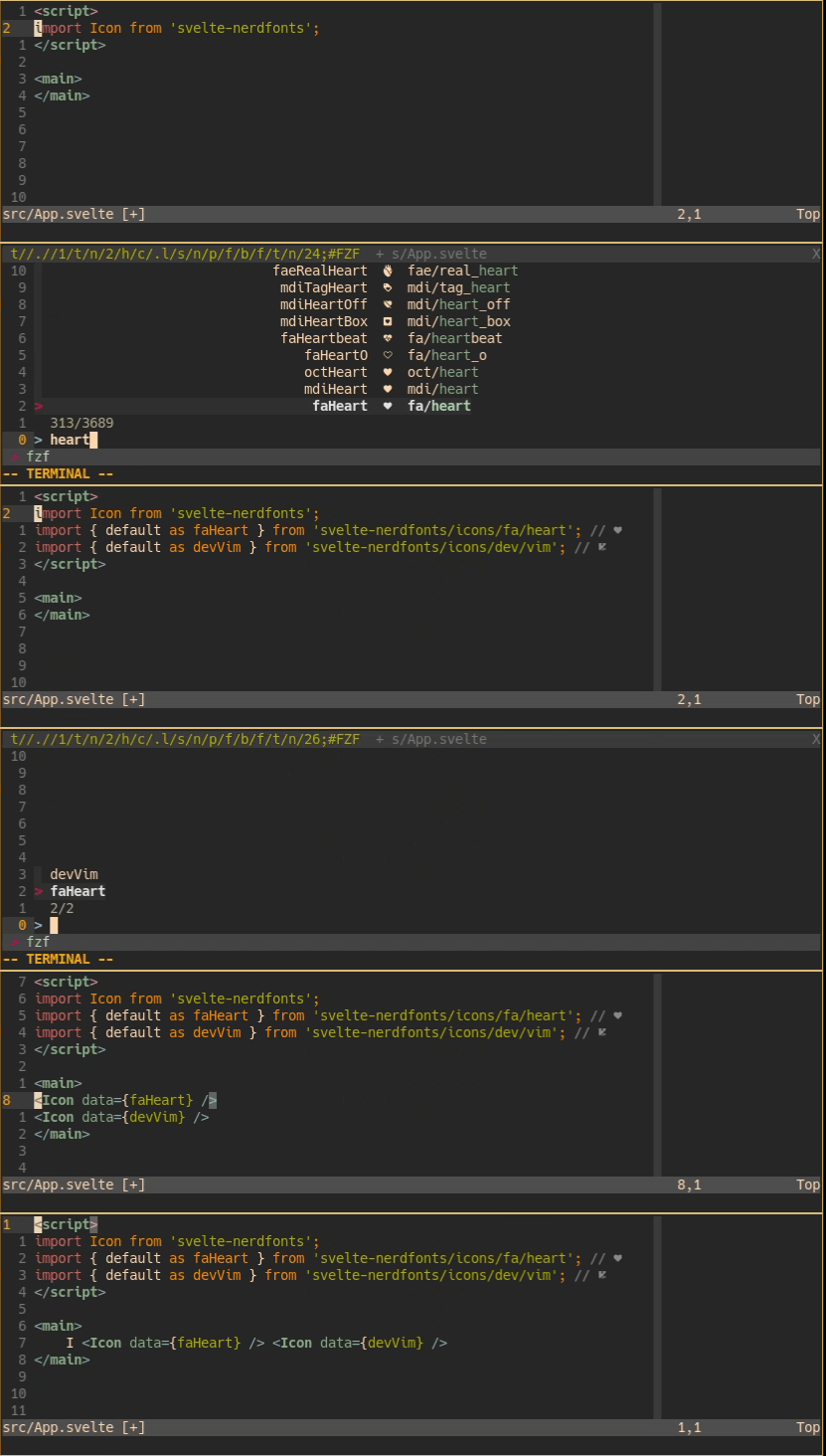
If you are using vim/neovim with
fzf.vim
you can install the svelte_nerdfonts.vim plugin
to find, import and add icons more efficently.
Install with vim-plug
Plug 'icalvin102/svelte-nerdfonts', { 'rtp': 'vim' }
Or install the vim directory manually.
The plugin will give you the :SNFAddImport and :SNFAddIcon
commands which are mapped to <leader>si and <leader>sI by default.
:SNFAddImportFind icons and add ESM import statements.:SNFAddIconSearch through imported icons and addIconcomponent
Multiple selection is possible with Tab (select down)
and Shift+Tab (select up). Press Enter to confirm and insert
the selected icons into your buffer.
Note: Install a nerd-font for icon-previews in the fzf output
Build
Setup
$ git clone https://github.com/icalvin102/svelte-nerdfonts.git
$ cd svelte-nerdfonts
$ npm run setup
svelte-nerdfonts uses icalvin102/nerdconvert
to generate the icons. This needs python and fontforge to be installed
on your machine.
Generate
If the dependencies are installed you can simply run:
npm run generateor
python nerdconvert.py -o es icons/ --fields iconname paths viewbox(see nerdconvert#usage for more details)