
swarmie
v0.3.1
Published
AI CLI tool aggregator — wrap Claude Code, Codex, Gemini CLI with a unified web dashboard


Readme
swarmie
An LLM-agent-oriented Terminal
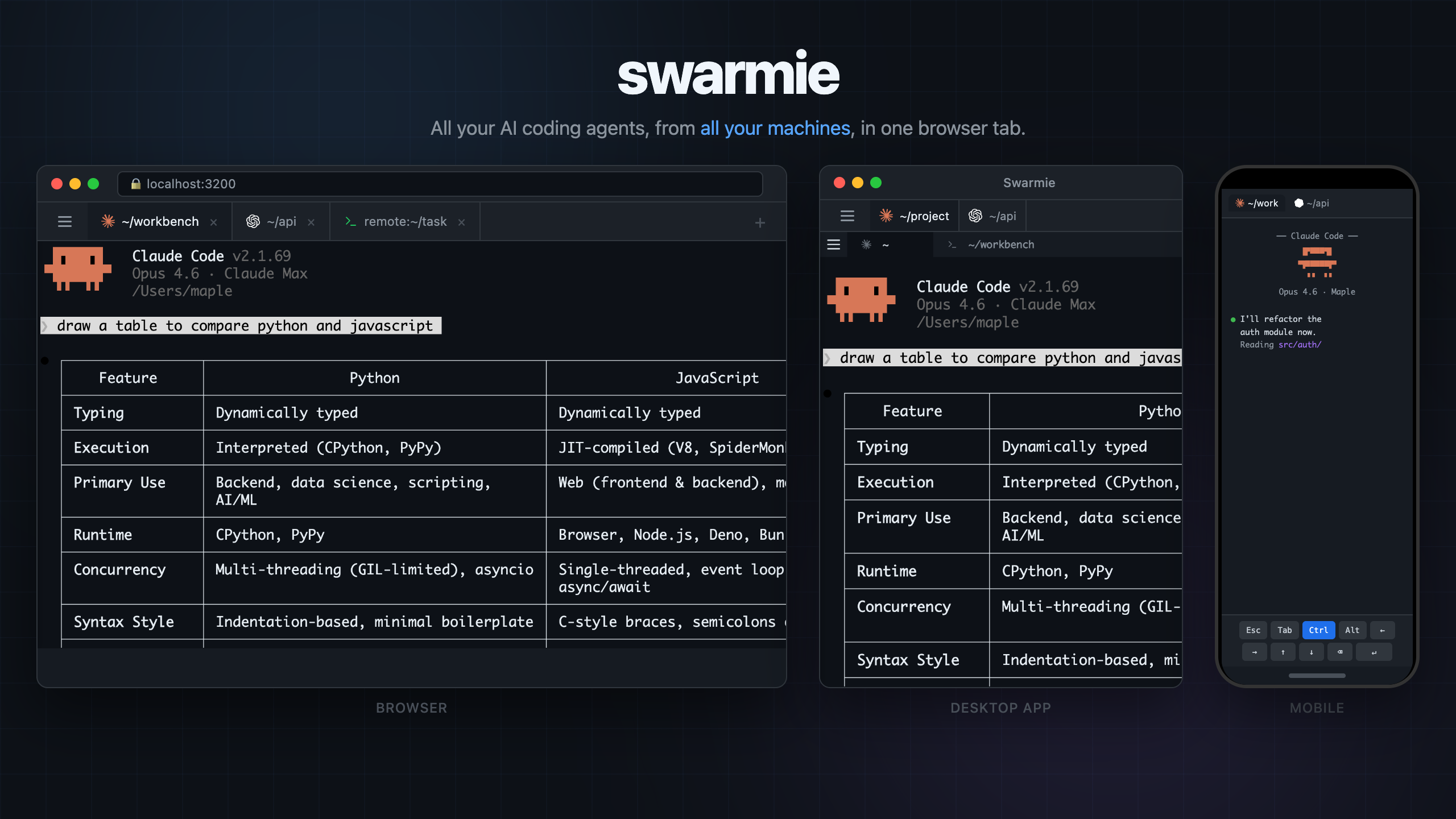
Manage Claude Code, Codex, Gemini CLI — or any terminal program — across multiple machines from a single browser tab. Browser · Desktop App · Mobile · Multi-server


Why swarmie?
Terminal-based AI agents are powerful, but managing many of them across machines and workspaces is painful. swarmie is an agent-oriented terminal purpose-built for LLM coding agents — think tmux, but designed around the workflow of running, monitoring, and steering multiple AI agents at once.
- Access from anywhere — Phone, tablet, another laptop. If it has a browser, you're in.
- Aggregate multiple machines — Connect remote servers to a single dashboard. No SSH juggling.
- One-click auto-approve — Toggle the switch on any tab to auto-accept agent prompts. Let your agents run hands-free.
- Agent status at a glance — See which agents are running, thinking, or waiting for input — right in the tab icon.
- Works with everything — Claude Code, Codex, Gemini CLI, Aider, or plain
bash. If it runs in a terminal, it works. - Zero config —
npm install -g swarmie && swarmie. That's it.
Install
CLI (npm)
npm install -g swarmieDesktop App (macOS)
# Build the Electron app
./desktop/build-electron.sh

# Run it
open dist/electron/Swarmie-darwin-*/Swarmie.app
Quick Start
# Opens a web dashboard at http://localhost:3200
swarmie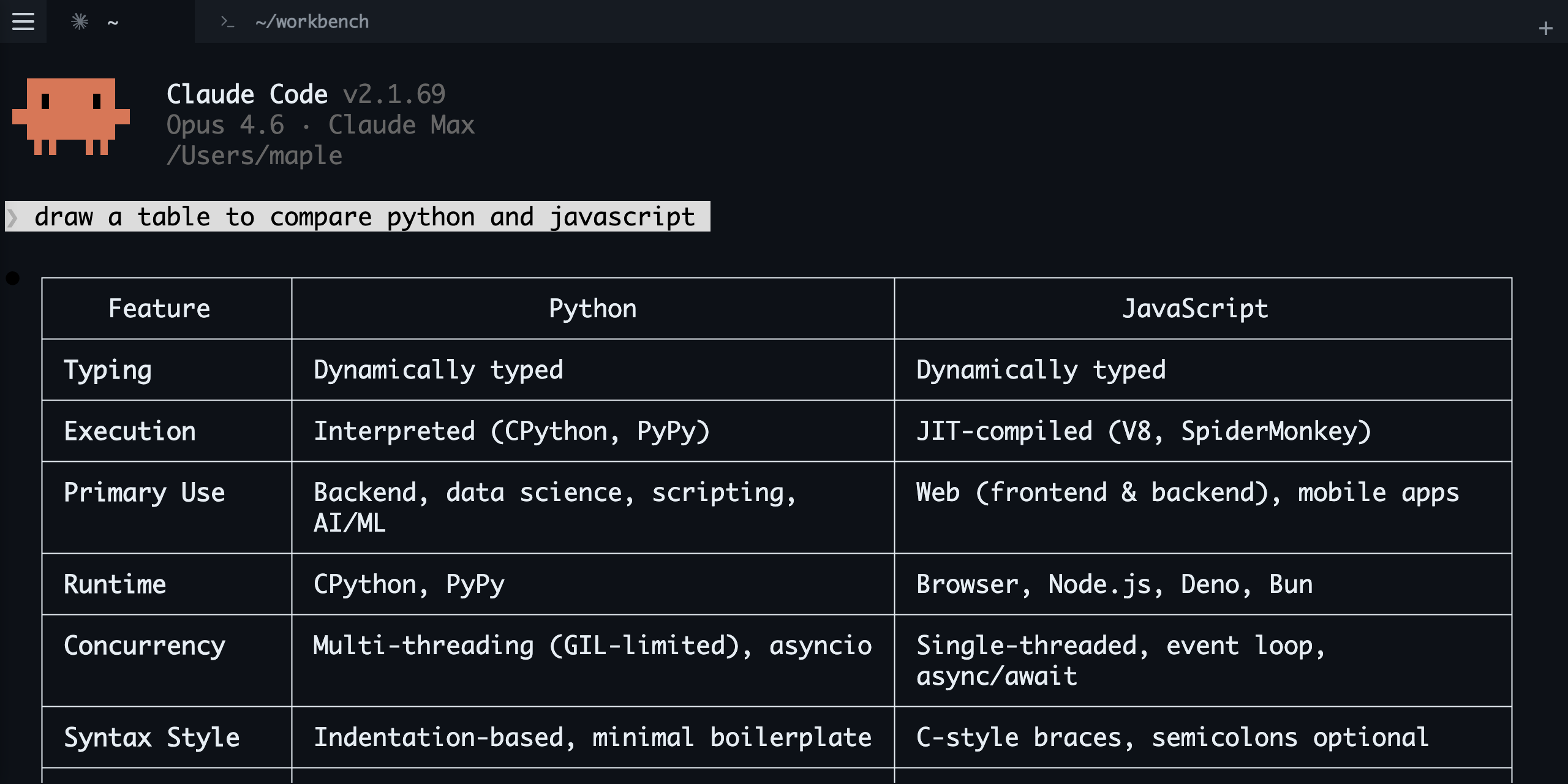
Multiple swarmie processes auto-discover each other and aggregate into one dashboard:
swarmie                               # Terminal 1
swarmie                               # Terminal 2 — appears in the same dashboard
Multi-Server
Run swarmie on a remote machine, connect from your local dashboard. Sessions from all machines appear side by side.
# Remote server
swarmie --host 0.0.0.0 --password mysecret

# Local browser → open drawer (☰) → add remote address + password
Supported Agents
| Agent | Status | |:------|:-------| | Claude Code | Auto-detected | | OpenAI Codex CLI | Auto-detected | | Gemini CLI | Auto-detected | | Any CLI program | Works |
CLI Options
swarmie [command] [options] [-- tool-args...]| Option | Default | Description |
|:-------|:--------|:------------|
| --port <n> | 3200 | Dashboard port |
| --host <addr> | 127.0.0.1 | Listen address (0.0.0.0 for network access) |
| --password <pw> | — | Require password for dashboard access |
| --record | — | Record session to JSONL |
| --no-web | — | Disable the web dashboard |
Architecture
swarmie claude     swarmie codex     swarmie (shell)     Remote server
     │                  │                  │                  │
  PTY adapter        PTY adapter       PTY adapter      WebSocket (WS)
     │                  │                  │                  │
     └──── IPC (Unix Socket) ────┬─────────┘                 │
                                 │                           │
                          Coordinator ───────────────────────┘
                                 │
                      Fastify (HTTP + WS)
                      ┌────────┼────────┐
                  Browser   Desktop App  Mobile
              (React + xterm.js) (Electron) (Touch UI)
First swarmie process becomes the coordinator — it owns the web server and IPC socket. Subsequent processes register their sessions via IPC automatically.
Development
npm run build          # TypeScript + Vite
npm test               # Vitest
CI gate entry for multi-agent verification:
bash scripts/ci-test-gate.shSee docs/test-gate-ci.md for reusable test-agent evidence workflow.
License
MIT