
tar-webview
v0.1.2
Published
A typescript interface for displaying tar files, using web-capable primitives for portability.


Readme
tar-webview
A typescript interface for displaying tar files, using web-capable primitives for portability.
Also supports (most) Pax extended headers, allowing you to display files greather than 8gb, and long pathnames.
Does not currently support all POSIX defined Pax encodings.
Web example
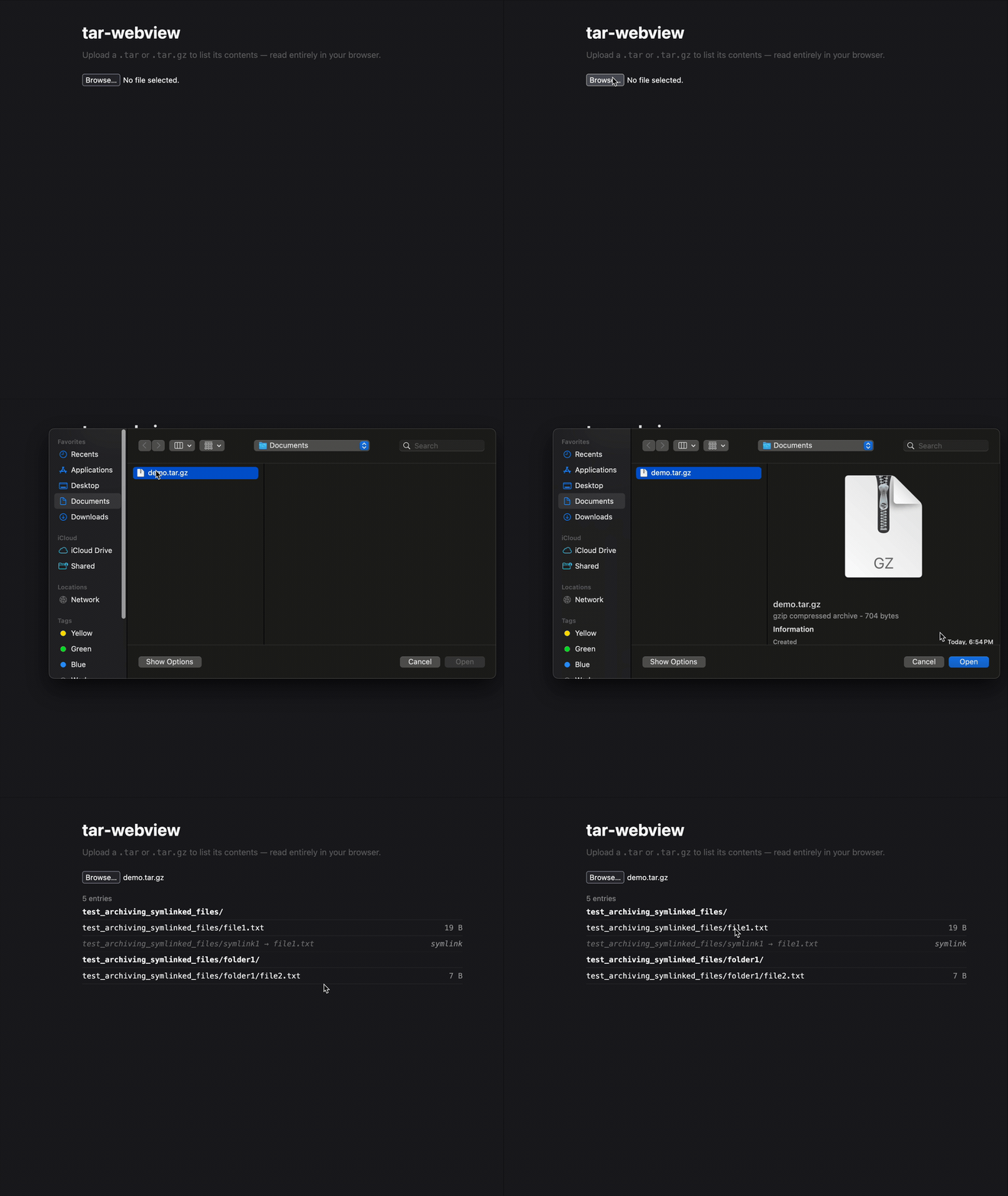

Install
npm i tar-webviewAPI
readPax(source: ByteSource): AsyncGenerator<ArchiveEvent>
ByteSource = AsyncIterable<Uint8Array>. Yields one ArchiveEvent per entry, in archive order.
ArchiveEvent
| kind | meaning | extra fields |
| --- | --- | --- |
| "data" | a regular file (typeflag 0) | data: AsyncIterable<Uint8Array>, offset?, size? |
| "ustar" | any other node — directory, symlink, etc. (check ustar.typeflag) | — |
| "local-ext" | pax extended header for the next entry; applied internally | ext |
| "global-ext" | pax global extended header; applied internally | ext |
| "EOF" | end of archive | — |
Every event except "EOF" carries a ustar: UstarHeader.
UstarHeader
type UstarHeader = {
  name: string;
  mode: number;
  uid: number;
  gid: number;
  size: number;
  mtime: number;
  checksum: number;
  typeflag: string;   // "0" file, "5" directory, "2" symlink, "1" hardlink
  linkname: string;
  magic: string;
  version: string;
  uname: string;
  gname: string;
  devmajor: number;
  devminor: number;
  prefix: string;
};
Getting a ByteSource
To read a tar file with readPax, you need to pass in a ByteSource, which is any AsyncIterable<UInt8Array>.
Turn a ReadableStream into a ByteSource
The following snippet turns any ReadableStream into a ByteSource.
async function* toByteSource(stream: ReadableStream) {
  const reader = stream.getReader();
  try {
    for (;;) {
      const { value, done } = await reader.read();
      if (done) return;
      yield value;
    }
  } finally {
    reader.releaseLock();
  }
}
Using this function, it is very easy to convert most web based streams to ByteSources. A few examples:
From a .tar file provided by <input>
const source = toByteSource(file.stream()); // file is a File from <input>From a .tar.gz provided by <input>
const source = toByteSource(
  file.stream().pipeThrough(new DecompressionStream("gzip"))
);
Via fetch
const res = await fetch("/archive.tar");
const source = toByteSource(res.body);
License
MIT