
taste-md2html
v1.0.4
Published
Markdown 转 4 设计方向 HTML 网页的 opencode/agent skill - 避开 AI 味设计,先出 4 种视觉方向让你挑/混搭

Maintainers
 zhangjiangfeng
Readme
md2html · 你的Markdown文档值得有品味
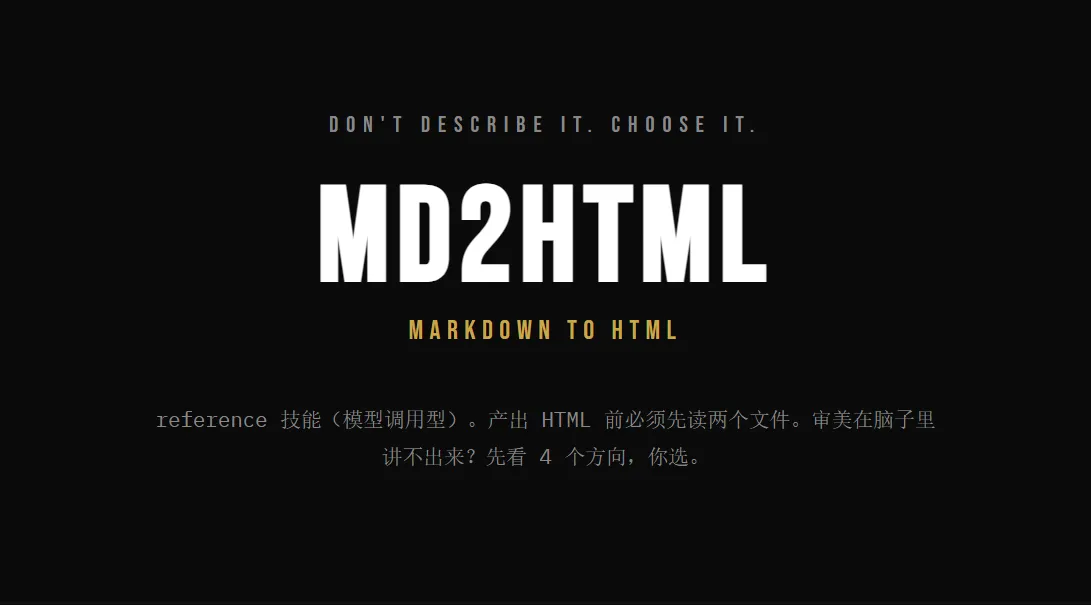
对 AI 说一句"markdown转html",它不会直接糊一张"一眼 AI 生成"的网页给你--而是先给 4 种截然不同的设计风格让你挑选,你挑中(或混搭)几种风格后交付一份精致的可预览的网页。
md2html 技能它能帮你做什么
把一篇 Markdown、一段想法、一份文档,变成打开就能看、能复制、能分享的网页。和直接让 AI"写个 HTML"不一样的地方:
- AI 味太重:避开 AI 生成的通病--滥用渐变、emoji 堆砌、千篇一律的 Inter 字体、左边框加圆角容器。每种设计都有真实的视觉词汇。
- 先提供 4 种不同设计风格: 同一内容渲染成 4 个完全不同的视觉世界(比如学术论文 / 终端诊断 / 杂志长文 / 航海图),你挑一个,或混搭几个的元素。
- 单文件、零依赖:一个
.html文件搞定,内联 CSS,双击就能打开,分享发给别人也能直接看。 - 专业工艺:React+Babel 锁定版本带完整的校验、微调调参面板、本地化存储记住你的选择、响应式自适应。
安装
在项目根目录下运行:
npx taste-md2html            # 安装到 .opencode/skills/(默认)
npx taste-md2html -c         # 安装到 .claude/skills/(Claude Code)
npx taste-md2html --all      # 同时安装到 .opencode/ 和 .claude/
npx taste-md2html -g         # 全局安装到 ~/.agents/skills/
安装完成后重启 opencode / Claude Code,即可使用。
怎么使用
装好技能后,在对话里说这些词任何一个就会触发:
markdown转html·md2html·网页设计方案·html设计·markdown转网页·设计网页·模拟一次性原型
工作流程
- 你说要做什么 -- 丢给它一篇 Markdown 或讲清需求。信息不够时它会问你一轮(要什么风格、给谁看、有没有参考素材)。
- 它给 4 个设计方向 -- 一份 HTML 里并排 4 种独立视觉风格,每个带「采纳 / 跳过」按钮。
- 选择喜欢的设计 -- 单选一个,或采纳多个让它混搭。结果会自动拼成一段可复制的prompt,告诉它下一步怎么走。
- 它按你的选择落出成品 -- 写到
artifacts/design/目录,浏览器打开就能看。 - 小修不用重走流程 -- 只是改个颜色、调段文案,直接说,它跳过 4 方向门直接改。
- 使用平台生成link链接可分享 -- 生成一个带链接的卡片,可分享给朋友看。
为什么不直接让 AI 写 HTML
直接写通常长这样:渐变背景、一堆 emoji、Roboto 字体、左边一道彩色边框配圆角卡片--一眼就是 AI 套路。这个技能把专业设计师的工作方式固化进来:先探索变体、再精修一版、全程对照一份"AI slop 黑名单"逐项规避,让产物经得起细看。
产物长什么样
- 单文件 HTML:内联 CSS,不依赖本地资源(仅 Google Fonts CDN),双击即开。
- 带 Tweaks 面板:右下角浮窗,可实时调字号、切换假设显隐,刷新不丢(localStorage)。
- 带投票:4 方向都有采纳/跳过按钮,点完自动拼回复。
- 语言跟随你:你用中文,网页文案就是中文。
md2html 技能目录结构
技能由四个文件协作:
md2html/
├── SKILL.md                      # 技能主文件--何时触发、出 4 个方向的流程、交付物存放位置
├── reference/
│   ├── design-standard.md        # 设计规范--避开 AI味设计、质量检查
│   └── skeleton.md               # 空白画布-- HTML 模板
└── assets/
    └── design-templ.html         # 参考示例作品--同一篇文章做成 4 种风格 + 采纳按钮
两条死规矩:① 写交互用的 React 和 Babel 锁死版本号并校验完整性(防止 CDN 被篡改、不偷懒省略);② 不用那些一眼 AI 设计味太重(花渐变背景、emoji 当装饰、左边一道色边框配圆角框、用 SVG 画图、Inter/Roboto/Arial 这类被用烂的字体)。
成品存到:artifacts/design/ 目录下,文件名是「类型-名字.html」。