
tech-stack-icons
v3.7.1
Published
690+ original SVG icons for tech stacks, frameworks, and design tools

Maintainers
 keno_reloaded
Readme
Tech Stack Icons
A Typesafe React component for rendering over 690+ original SVG icons for the most-used design & development tools, frameworks, and AI services.
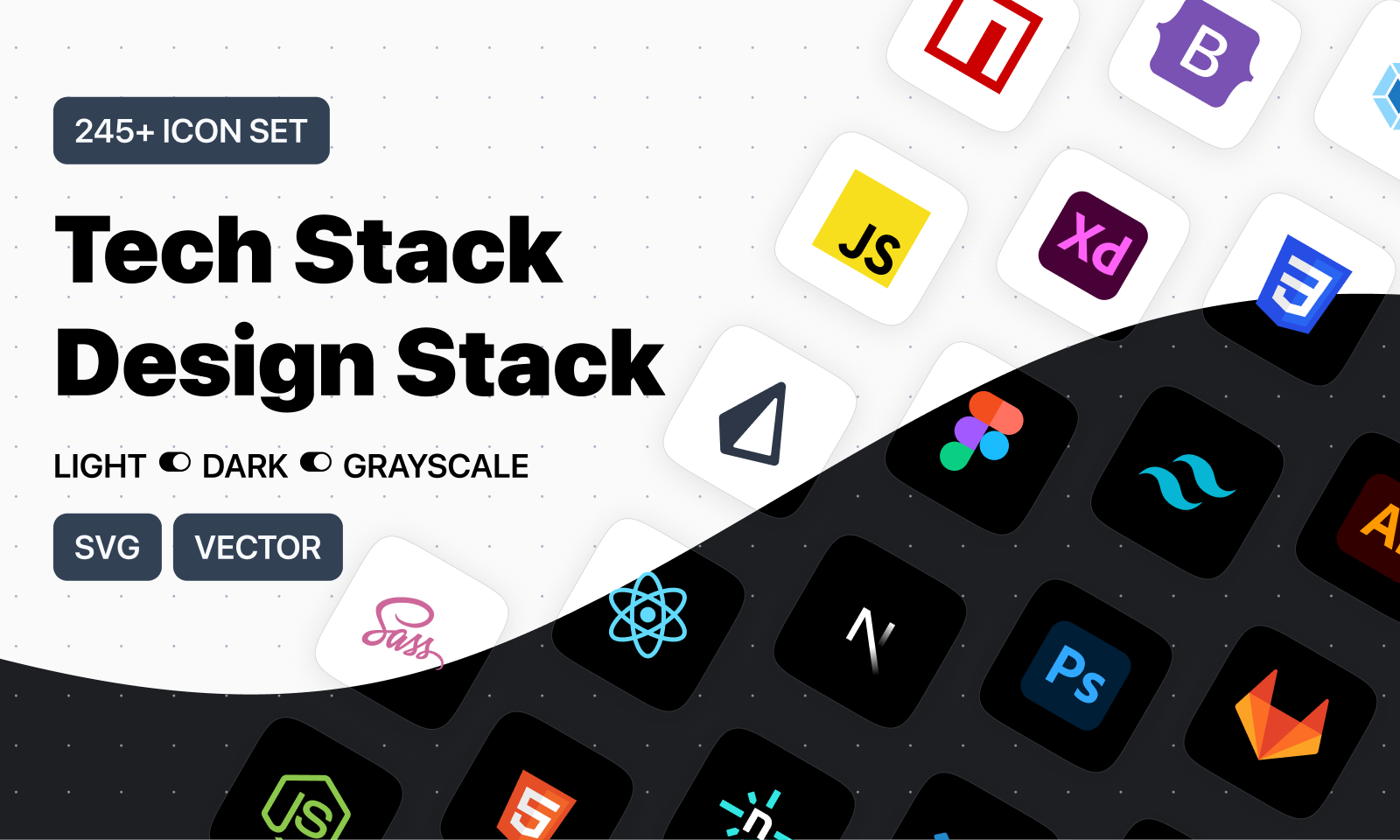
- 🌐 tech-stack-icons.com — Search, preview, copy JSX/SVG
- 🎨 Figma Plugin — Drag & Drop into canvas
- 📁 Figma File — Duplicate for free
☕ Support
If you find this library helpful, consider supporting my work:
✨ Features
- 690+ original SVG icons
- Light, Dark, and Grayscale variants
- Fully typed with TypeScript autocomplete
- Zero dependencies
- Optimized for 100% width and height scaling
- Works out of the box with Tailwind CSS and styled-components
📦 Installation
npm install tech-stack-icons
# or
pnpm add tech-stack-icons
# or
yarn add tech-stack-icons
🧱 Usage
import StackIcon from "tech-stack-icons";

export default function Example() {
  return (
    <div style={{ width: 40, height: 40 }}>
      <StackIcon name="nextjs" />
    </div>
  );
}
🧩 Props
| Prop | Type | Required | Description |
| ----------- | -------------------------------------- | -------- | ------------------------------------------------ |
| name | IconName | ✅ Yes | The ID of the icon (autocompletes in TypeScript) |
| variant | "light" | "dark" | "grayscale" | ❌ No | Defaults to "light" |
| className | string | ❌ No | CSS class for the wrapping <span> |
| style | React.CSSProperties | ❌ No | Inline styles for the wrapper <span> |
🎨 Variants
<StackIcon name="react" variant="dark" />
<StackIcon name="github" variant="grayscale" />
✅ TypeScript Autocomplete
When using in a TypeScript project, the name prop autocompletes based on the internal icon list:
import StackIcon, { IconName } from "tech-stack-icons";

const myIcon: IconName = "typescript";
🧪 Example: Styled with Tailwind
<StackIcon name="tailwindcss" className="w-8 h-8 rounded" />🪄 Accessibility
Icons are inserted as dangerouslySetInnerHTML inside a <span>, and are decorative by default.
If needed, you can wrap it in a <figure> or manually add ARIA attributes like:
<figure role="img" aria-label="React logo">
  <StackIcon name="react" />
</figure>
📂 Folder structure
Icons are embedded inline (no file loading needed). You do not need to manage separate assets.
📄 License
MIT — Made by Eugenio Ciccale