
tenbo-dashboard
v0.13.0
Published
Local-first architecture dashboard and CLI tools for .tenbo/ repos

Maintainers
 poyi-ionic
Readme
tenbo-dashboard
Local architecture dashboard and CLI tools for tenbo — an agentic project manager for AI-assisted coding.
Quick start
# Run in any project with a .tenbo/ directory
npx tenbo-dashboard
Opens a local dashboard at http://localhost:5174.
What it gives you
Three views over the same .tenbo/ files Claude maintains. Edits in either surface show up in the other on next refresh.
Roadmap — what to work on next
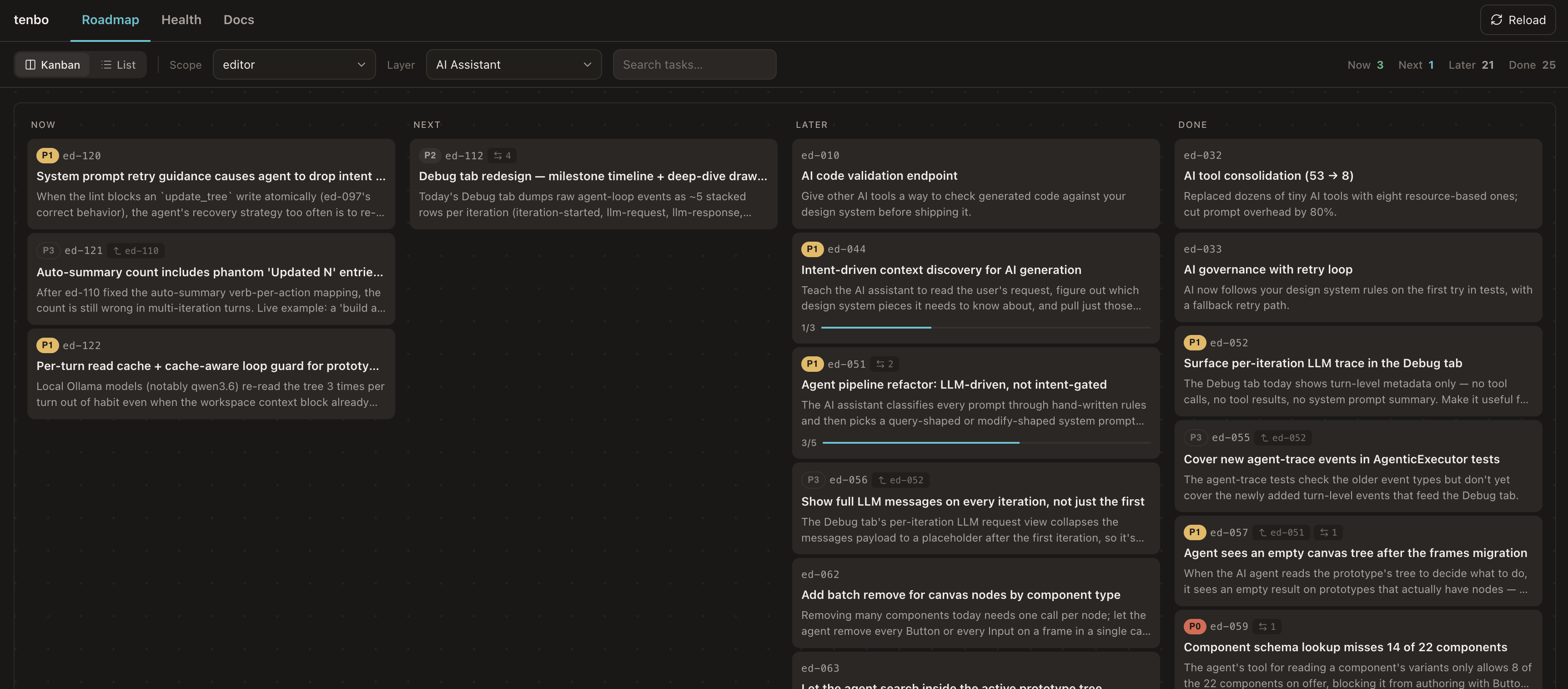
Kanban across now / next / later / done, grouped by scope and layer. Drag to reprioritize, click to edit. The same roadmap Claude reads when you ask "what should I build next?".
Docs — what the project actually does
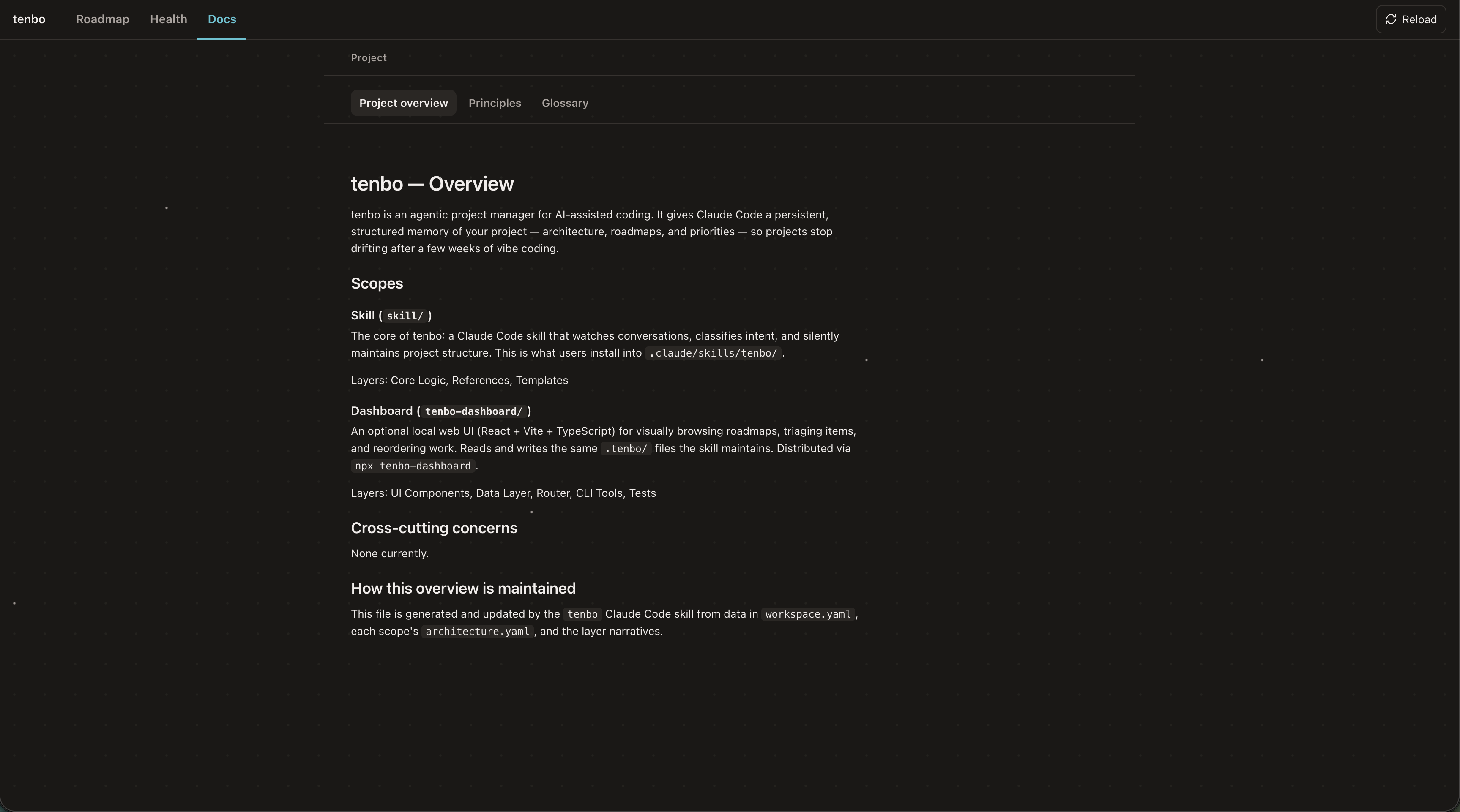
Project overview, principles, and glossary alongside per-layer narratives, intents (responsibilities + boundaries + invariants), and code maps (entry points + key files + extension recipes). Onboard new contributors — human or AI — in minutes instead of an hour of grep.
Health — where the codebase is quietly rotting
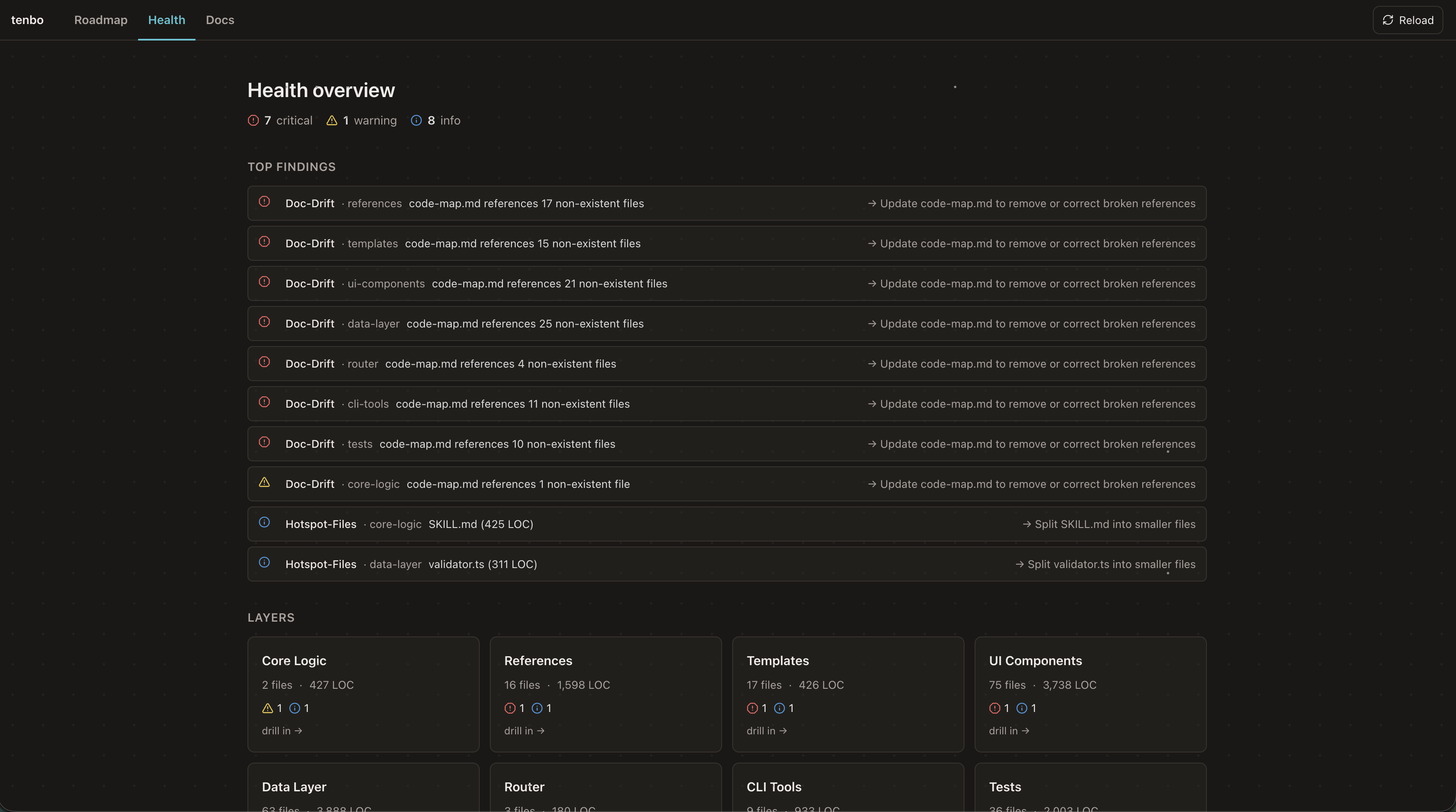
Surfaces the things that would otherwise become tech debt nobody mentions: oversized layers (hotspots), code-map references that no longer match real files (doc drift), unreferenced files, coupling violations, dead code. Each finding carries a severity, the file it points at, and a suggested fix.
Some health findings include generated graph evidence such as importers, exports,
and layer ownership. This evidence is rebuilt from source and .tenbo/ metadata;
it is not separate project memory.
CLI tools
The same package ships commands the skill uses behind the scenes — also runnable directly:
npx tenbo-dashboard item show sk-030 --json
npx tenbo-dashboard item set-status sk-030 done
npx tenbo-dashboard item add-note sk-030 "Implemented; live verification pending"
npx tenbo-dashboard item verify sk-030 --status pending_live --evidence "npm test -- --run"
npx tenbo-dashboard item link-commit sk-030 7fc09a5
npx tenbo-dashboard items --status done --verification pending_live --json
npx tenbo-dashboard next --json
npx tenbo-dashboard context feature --query "help me build X" --json
npx tenbo-dashboard impact --json     # Map git changes to affected layers/docs/items
npx tenbo-dashboard index --json      # Rebuild the derived source index
npx tenbo-dashboard validate          # Schema + consistency checks
npx tenbo-dashboard init-check        # Strict completeness check after fresh init
npx tenbo-dashboard metrics --all     # Recompute scope metrics + health findings
npx tenbo-dashboard next-id <prefix>  # Allocate next roadmap item ID
npx tenbo-dashboard --version         # Print the installed version
Installed packages also expose a shorter tenbo binary alias for the same commands.
context feature is the agent-facing read path. It returns likely scope/layers,
matching roadmap items, active work, goal refs, recommended files, and freshness warnings
as one JSON payload so agents do not have to re-read every roadmap file by hand.
What is tenbo?
An AI cofounder that gives your coding assistant persistent project memory — architecture docs, roadmaps, and health signals that survive across sessions. Available as a Claude Code skill and as a Cursor rule package; both editors share the same .tenbo/ data and the same companion dashboard. The dashboard is the optional visual companion; the skill / rule is the always-on conversational brain.
Install: github.com/poyi/tenbo (instructions for both Claude Code and Cursor)
License
MIT