
termichart
v0.1.2
Published
High-performance terminal charting SDK — line, candlestick, bar, histogram, sparkline charts with technical indicators. Built in Rust, native Node.js bindings via NAPI-RS.


Readme
TermiChart — Node.js SDK
High-performance terminal charting SDK built in Rust with native Node.js bindings. Render line charts, candlestick charts, sparklines, and more directly in the terminal.
Screenshots
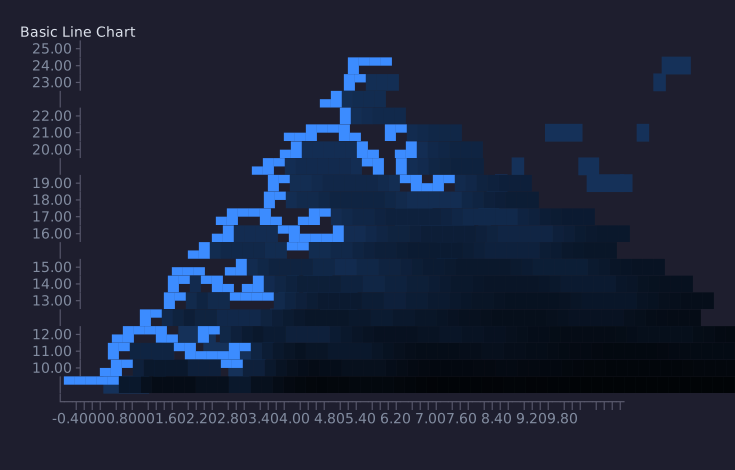
Line Chart
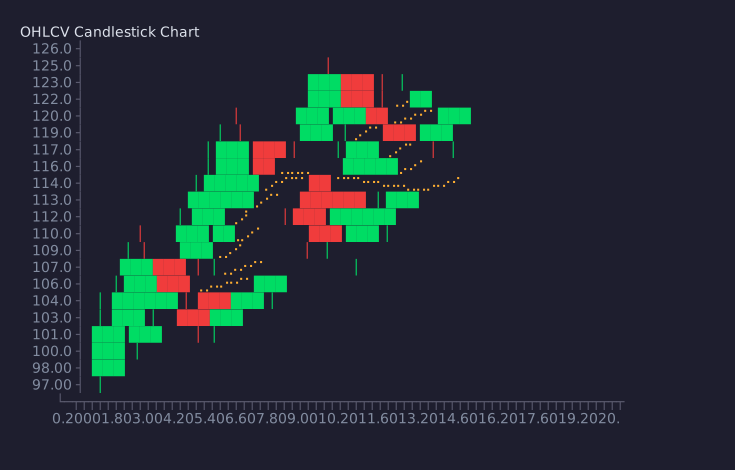
Candlestick Chart
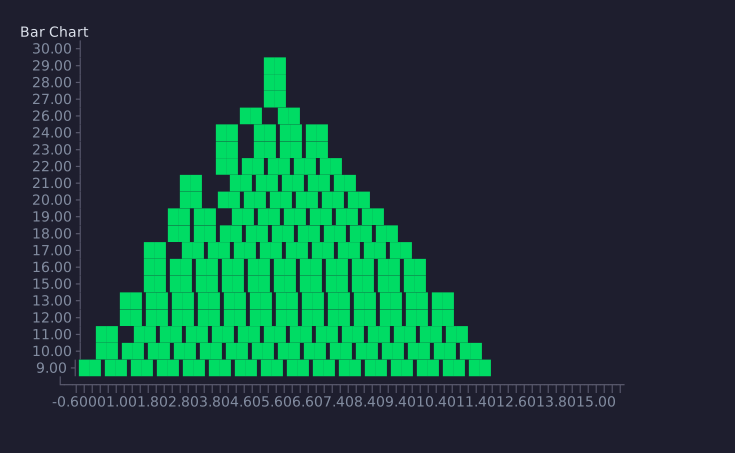
Bar Chart
Sparkline
Installation
npm install termichartQuick Start
Line Chart
const { Chart } = require('termichart');

const chart = new Chart('line');
chart.size(80, 24);
chart.setTitle('Temperature');
chart.addPoint(0, 20);
chart.addPoint(1, 22.5);
chart.addPoint(2, 19);
chart.addPoint(3, 24);
chart.addPoint(4, 23);
chart.show();
Candlestick Chart
const { Chart } = require('termichart');

const chart = new Chart('candlestick');
chart.size(80, 24);
chart.setTitle('BTC/USDT');
chart.addCandle({ time: 0, open: 100, high: 110, low: 95, close: 105, volume: 1000 });
chart.addCandle({ time: 1, open: 105, high: 115, low: 100, close: 112, volume: 1200 });
chart.addCandle({ time: 2, open: 112, high: 118, low: 108, close: 110, volume: 900 });
chart.addSma(5);
chart.show();
Sparklines
const { sparkline, sparklineColored } = require('termichart');

console.log(sparkline([1, 3, 5, 2, 8, 4, 7]));        // ▁▃▅▂█▄▆
console.log(sparklineColored([1, 3, 5, 2, 8, 4, 7]));  // colored version
Load from JSON
const fs = require('fs');
const { Chart } = require('termichart');

const chart = new Chart('candlestick');
chart.size(80, 24);
chart.loadJson(fs.readFileSync('data.json', 'utf8'));
chart.show();
API
| Method | Description |
|--------|-------------|
| new Chart(type) | Create chart ("line" or "candlestick") |
| .size(w, h) | Set chart dimensions |
| .setTitle(str) | Set chart title |
| .addPoint(x, y) | Add a data point |
| .setPoints([{x, y}]) | Set all points at once |
| .addCandle({time,open,high,low,close,volume}) | Add OHLCV candle |
| .setCandles([...]) | Set all candles at once |
| .addSma(period) | Add SMA overlay |
| .addEma(period) | Add EMA overlay |
| .addVwap() | Add VWAP overlay |
| .heikinAshi() | Enable Heikin-Ashi mode |
| .noAxis() | Hide axes |
| .loadJson(str) | Load data from JSON string |
| .render() | Return chart as ANSI string |
| .show() | Print chart to terminal |
| sparkline([numbers]) | Generate sparkline string |
| sparklineColored([numbers]) | Colored sparkline |
| stripAnsi(str) | Remove ANSI codes from string |
Built with Rust
TermiChart's core engine is written in Rust for maximum performance. The Node.js bindings are generated via NAPI-RS, giving you native speed with a JavaScript API.
See the full project at github.com/HeyElsa/terminal-chart.
License
MIT