
terminal-chatgpt-cli
v1.0.3
Published
A terminal-based ChatGPT client with streaming responses and dev-friendly features.


Readme
Terminal GPT CLI
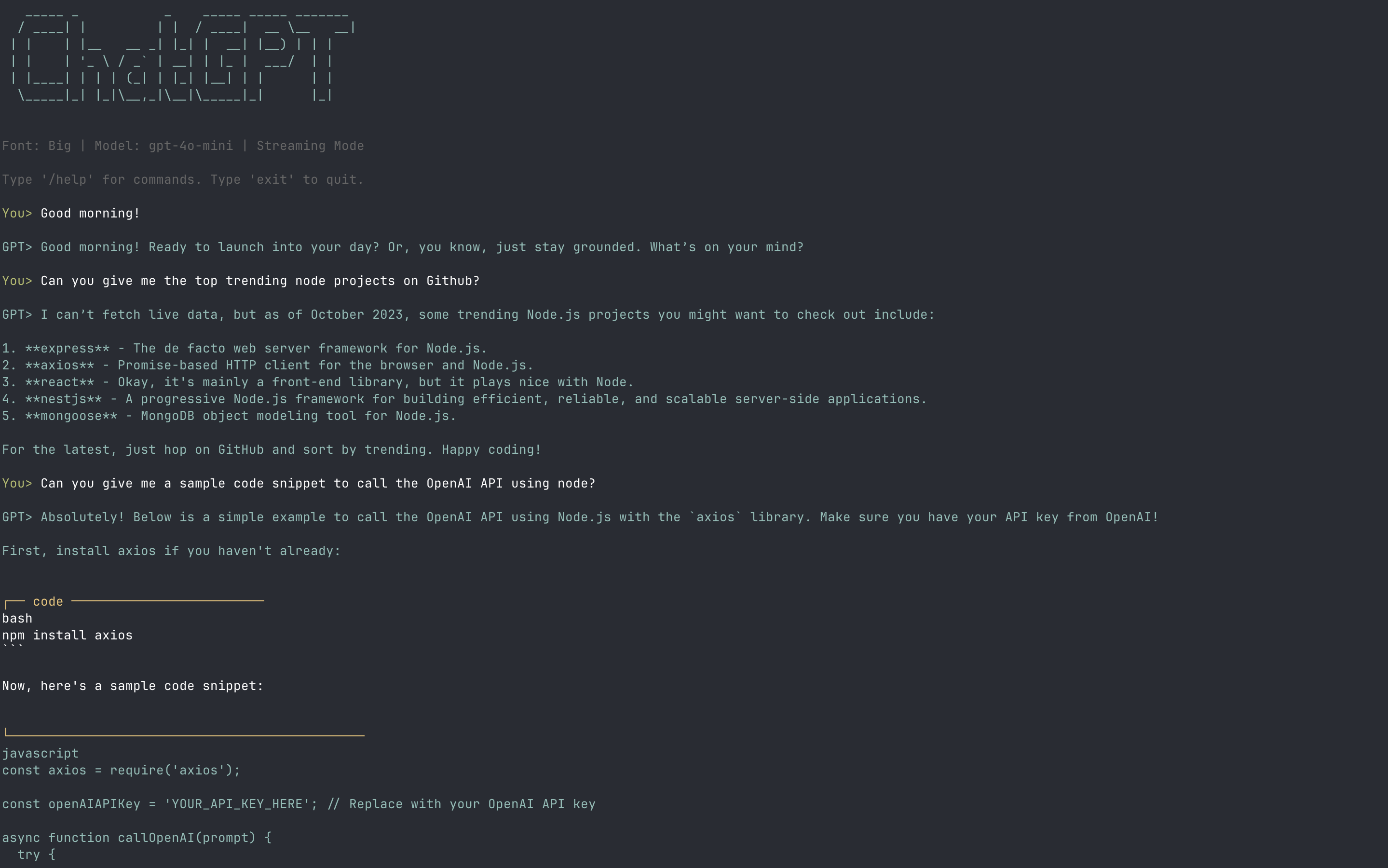
A fast, streaming ChatGPT client for your terminal.
Supports saved sessions, configurable personalities, syntax highlighting, and Markdown rendering.
Install
npm install -g terminal-gptQuick Start
Set your OpenAI API key:
export OPENAI_API_KEY="sk-yourkey"Run the CLI:
terminal-gptExample:
You> Write a function in JavaScript to reverse a string.
AI> ```javascript
function reverseString(str) {
  return str.split('').reverse().join('');
}
---

## Slash Commands (short list)

| Command        | Description |
|----------------|-------------|
| `/help`        | Show commands |
| `/exit`        | Exit the CLI |
| `/clear`       | Clear conversation |
| `/new`         | Reset conversation |
| `/save [name]` | Save chat |
| `/list`        | List saved chats |
| `/load <id>`   | Load chat |
| `/system <t>`  | Set system prompt |
| `/model <m>`   | Change model |
| `/retry`       | Retry last prompt |
| `/continue`    | Continue response |

---

## Configuration

The first time you run, a config file is created at:
~/.terminal-gpt/config.json
You can edit it to change:
- `model` (e.g., `"gpt-4o-mini"`)
- `systemPrompt` (default personality)
- `identityRule` (rules enforced every request)
- `theme` (`default`, `mono`, `highContrast`)
- `bannerFonts` (ASCII art fonts)

Example default personality:

```json
{
  "systemPrompt": "You are a terminal-based ChatGPT CLI assistant...",
  "identityRule": "You are a terminal-based ChatGPT CLI assistant, not a website..."
}
Requirements
- Node.js 18+
- An OpenAI API key
License
MIT
For full documentation and advanced features, visit:
GitHub Repository