
termreel
v0.0.7
Published
AI-powered terminal demo recorder — describe your demo, get a GIF

Maintainers
 arre-ankit
Readme
termreel
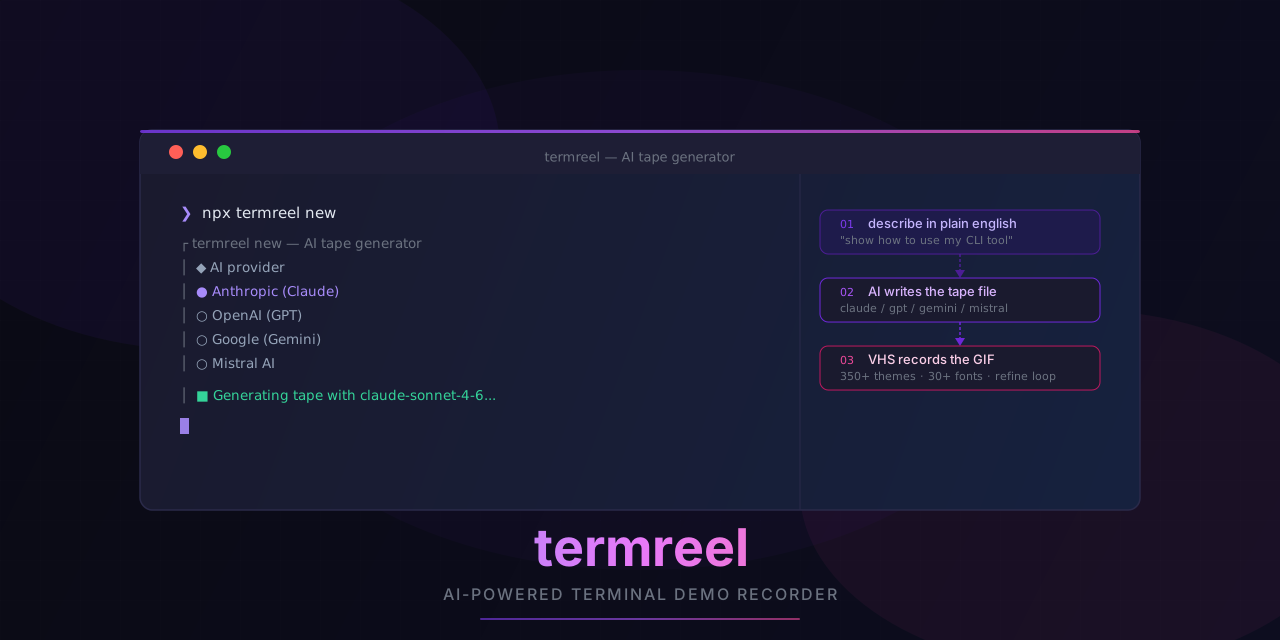
AI-powered terminal demo recorder. Describe what you want to demo in plain English — termreel generates a VHS tape file, records it into a GIF/MP4/WebM, and lets you refine it with AI in a loop.
Prerequisites
brew install vhs   # macOS
# or
go install github.com/charmbracelet/vhs@latest
Install
# run without installing
npx termreel new

# or install globally
npm install -g termreel
pnpm add -g termreel
Commands
termreel new
The flagship command. An interactive AI wizard that generates a .tape file and records it.
npx termreel newWhat it does:
- Picks your AI provider — Anthropic (Claude) or OpenAI (GPT)
- Picks a model
- Asks for your API key (saved to
~/.config/termreel/config.jsonon first use) - You describe the demo in plain English
- You pick output formats (GIF, MP4, WebM), a theme, and dimensions
- AI generates the
.tapefile — concurrently generates a filename while you pick options - Records with VHS
- Drops into a refine loop — describe changes, AI updates the tape, re-records, repeat
If VHS fails to render, termreel automatically sends the error back to the AI to fix it (up to 3 attempts).
termreel run <tape>
Run an existing .tape file with an optional theme override.
npx termreel run demo.tape
npx termreel run demo.tape --theme "Dracula"
npx termreel run demo.tape --no-theme
| Flag | Description |
|---|---|
| -t, --theme <name> | Inject a theme by name (case-insensitive) |
| --no-theme | Skip theme picker, use the tape as-is |
Theme injection writes to a temp file — your original tape is never modified.
termreel themes
Browse all 200+ bundled themes with live color previews.
npx termreel themesFuzzy-search by name, see a full color swatch for each theme, then copy the theme name or the full Set Theme {...} directive to your clipboard.
AI Providers
| Provider | Models | Key Env Var |
|---|---|---|
| Anthropic (Claude) | claude-opus-4-5, claude-sonnet-4-5, claude-haiku-4-5 | ANTHROPIC_API_KEY |
| OpenAI (GPT) | gpt-4o, gpt-4o-mini, gpt-4-turbo | OPENAI_API_KEY |
API keys are resolved in this order: environment variable → ~/.config/termreel/config.json → interactive prompt (saved on first entry).
Your provider preference and keys are stored at ~/.config/termreel/config.json.
How It Works
termreel wraps VHS — it doesn't reimplement the recording pipeline. Instead it:
- Uses AI to generate valid
.tapefiles from plain English descriptions - Injects themes as JSON into the tape (using a
THEME_PLACEHOLDERsentinel so the AI never hallucinates theme values) - Kicks off filename generation concurrently while you fill out the rest of the wizard
- Loops AI refinement and auto-fix until you're happy with the result
Development
pnpm install
pnpm test        # vitest
pnpm typecheck   # tsc --noEmit
pnpm build       # tsup → dist/
Attribution
Made by (human) Ankit Kumar and (agent) Command Code.