
testbox-runner
v0.5.0
Published
Runs Testbox tests via the command line

Maintainers
 seancoyne
Readme
Testbox Runner
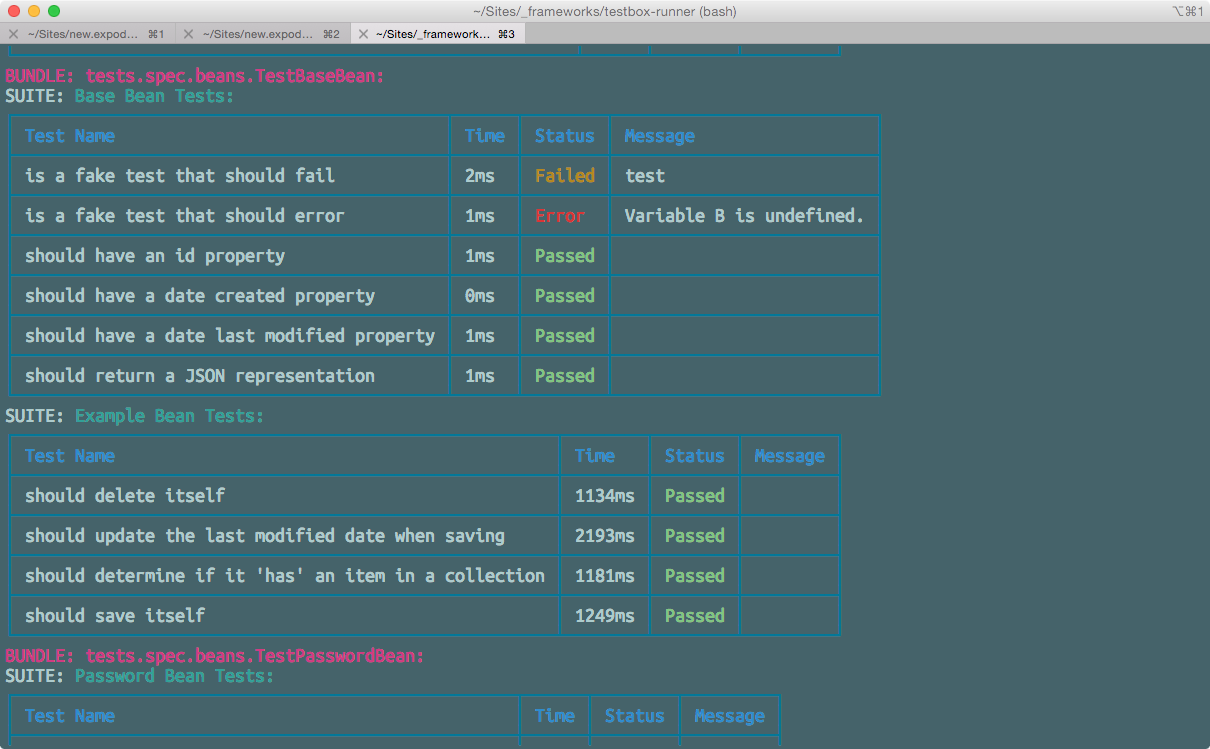
Runs Testbox tests via the command line.
Installation
Use npm
npm install -g testbox-runner
Configuration
Config File
You have several options for passing configuration values. This utility uses rc to parse a configuration file. It also accepts command line arguments and environment variables.
Create a .testbox-runnerrc file in the root of your project (where you will run textbox-runner). This file can be either in ini or JSON format and should contain the following options:
runner(required) - This is the URL to your test runner. This should point to the HTMLRunner.cfm file that ships with testbox (/testbox/system/runners/HTMLRunner.cfm). It can be your own custom runner as long as it accepts the same URL parameters as HTMLRunner.cfm.directory(required ifbundlesis not provided) - The directory of your tests.recurse(optional, default isfalse) - Indicates if you want to recurse the directory provided in thedirectoryoption. Must be a boolean.bundles(required ifdirectoryis not provided)labels- The string or list of labels the runner will use to execute suites and specs with.errorsOnly- If true, only display failures and errors. The summary will still show all passing suites and tests.
Example
JSON
{
	"runner": "http://localhost/testbox/system/runners/HTMLRunner.cfm",
	"directory": "/tests",
	"recurse": true
}
ini
runner = http://localhost/testbox/system/runners/HTMLRunner.cfm
directory = /tests
recurse = true
The utility will look in several places for the .testbox-runnerrc file. See the rc documentation for more information on locations searched.
testbox-runner
You can also specify a specific configuration file:
testbox-runner --config /path/to/config/file.json
Command Line Arguments
Simply run the utility and pass the above configuration options prefixed with --.
Example
testbox-runner --runner http://localhost/testbox/system/runners/HTMLRunner.cfm --directory /tests --recurse true
Grunt/Gulp Notes
This utility can be used with grunt-shell to run it via Grunt, however, you will lose the color output. There is another option you can specify --colors which will force the colors.
You can see an example Grunt setup here and an example Gulp setup here (assumes you're using a .testbox-runnerrc file)