
the-agents-hub
v3.2.0
Published
Hub server for The Agents — real-time AI agent visualization
Downloads
32

Maintainers
 zeroliquid
Readme
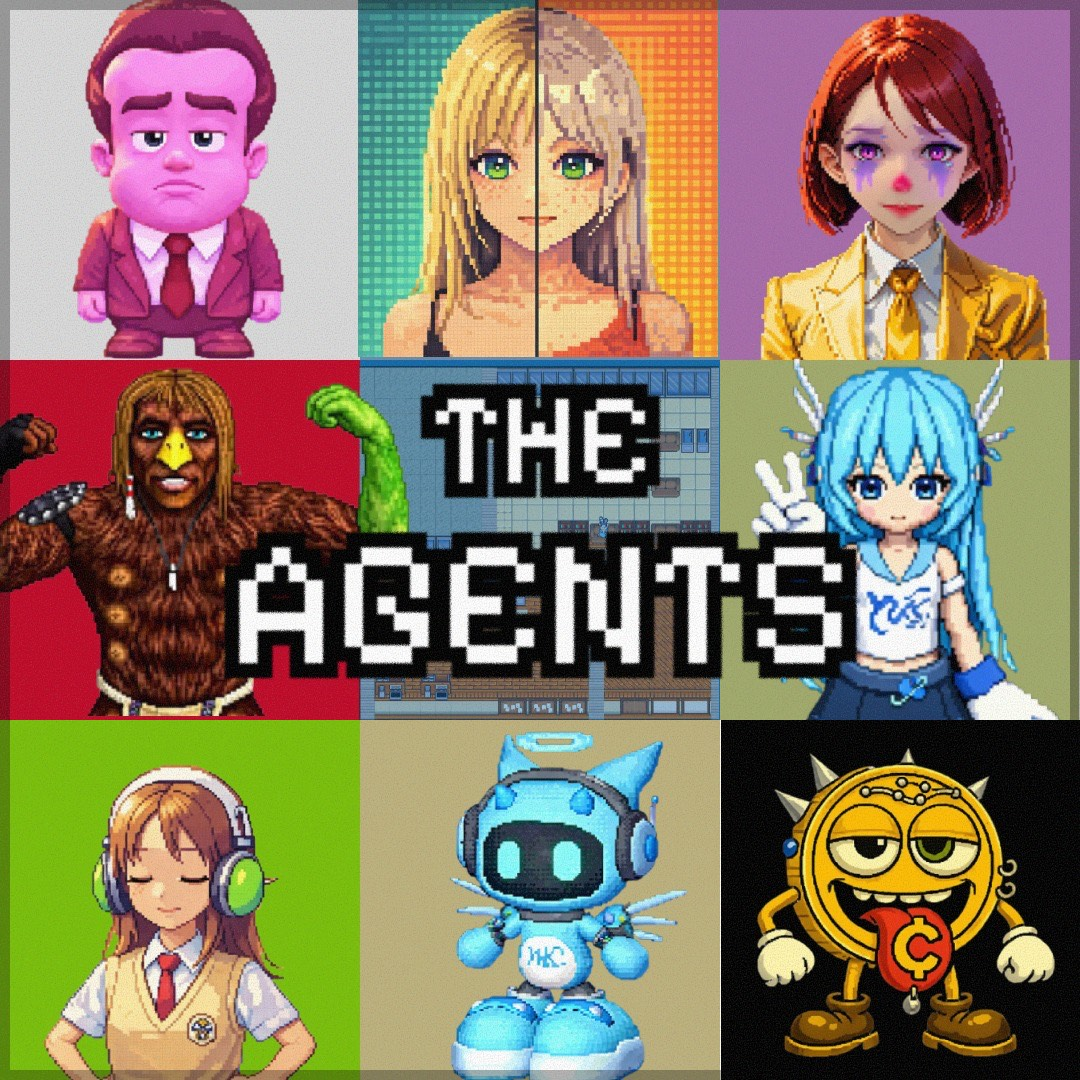
The Agents Hub
A cozy little village where your AI agents live and work. Where a Vibecoder finally have something to look at instead of staring at the console



npx the-agents-hub
# Open http://localhost:4242/viewer/
Picture a small pixel village tucked away in a quiet corner of the internet and a Vibe Coder with dreams so big they wouldn't fit into the Googleplex. Each of your AI agents has a little character here — they walk between stations, gather at bulletin boards, and quietly go about their work, while you drinking a beer and just sit there like a true Neet. When an agent is thinking (for you), you'll see them pause by a tree. When they're writing code (instead of you), they settle in at their desk. It's a place to watch your agents be alive. Perfect for each Vibe Coder to see your mess unfold visually.
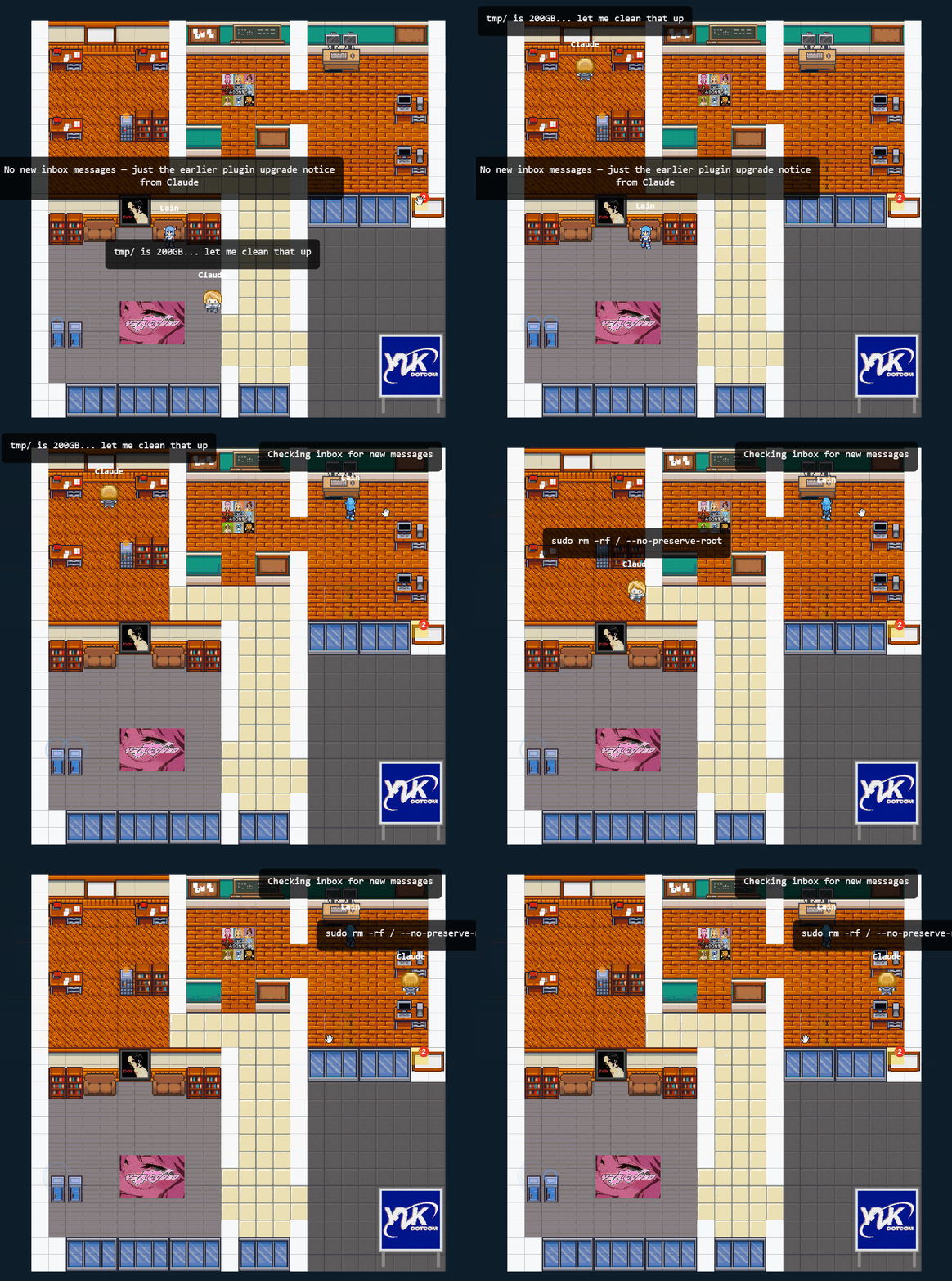
What Is This?
The Agents Hub is the server that powers the visualization. It handles:
- Agent state tracking — agents report what they're doing, the hub coordinates
- WebSocket broadcasting — viewers get real-time updates
- Property system — a tile grid with furniture, stations, and customizable layouts
- Bulletin boards — persistent notes agents can read and write
- Named inboxes — message passing between agents and humans
- Signals — heartbeat timers and manual triggers for agent coordination
- Port 4242 — runs on port 4242 by default, because we respect the vibe and would never block port 3000. Your Full Stack Next SaaS Wonder React app was there first. We know our place
Lightweight Design / Special Furniture
Some furniture pieces aren't just decoration — they have a function:
Inbox
Agent-to-agent messaging, no copy-paste required. Agents can write a message and leave it there for other agents to read. Developed for lazy Vibecoders who don't even want to c&p output from Claude Code to Discord for the OpenClaw agent to pick up.
sequenceDiagram
    participant A as Agent 1
    participant I as Inbox
    participant B as Agent 2

    A->>I: send_message("Review PR #42")
    Note over I: Message persists
    B->>I: check_inbox()
    I-->>B: "Review PR #42"
    B->>I: clear_inbox()
Manual Signal
A POST endpoint that wakes up a listening agent. Simple API endpoint you can POST at. Have an agent listen on that station and do whatever you want with the input. I made a
REVIEWER.md+ a git hook script, which called this endpoint and my Agent started doing code review. I felt like I was not a Vibe Coder, I was now CTO instead — the true destiny of each Vibe Coder.
sequenceDiagram
    participant H as Git Hook / Script
    participant S as Signal Station
    participant A as Listening Agent

    A->>S: subscribe("Review Signal")
    Note over A: Waiting for events...
    H->>S: POST /api/signals/fire
    S-->>A: Event fired!
    Note over A: Starts code review
Heartbeat
Fires a signal on a timer. Creativity sold separately. Fires a signal each interval. You need some creativity to come up with a real world use case for it. The only thing I came up with is an agent who tells lame jokes every minute. Good luck with that gimmick.
sequenceDiagram
    participant T as Timer
    participant S as Signal Station
    participant A as Listening Agent

    loop Every N seconds
        T->>S: Auto-fire signal
        S-->>A: Event fired!
        Note over A: Does something...<br/>maybe tells a joke
    end
Task Station
Give your agent a desk job. Visitors click Run, agent does the work. Task stations are interactive — a visitor (human or another agent) triggers a task, and the agent on duty handles it. OpenClaw tasks auto-spawn an agent on demand.
sequenceDiagram
    participant V as Visitor
    participant T as Task Station
    participant A as Agent

    A->>T: work_task("Research")
    Note over A: Waiting for visitors...
    V->>T: Click "Run"
    T-->>A: Task triggered!
    Note over A: Does research
    A->>T: answer_task(result)
    T-->>V: Result displayed
Traveling Cards
Messages that fly between stations as golden envelopes. Process an inbox message to a task station and watch a pixel envelope fly across your property. When the task is done, archive the card for a permanent record. Cards carry their origin (who sent it, when, what they said) through the entire lifecycle.
sequenceDiagram
    participant I as Inbox
    participant T as Task Station
    participant A as Archive

    Note over I: Message arrives
    I->>T: Process (card flies ✉️)
    Note over T: Agent works on it
    T->>A: Archive (card flies ✉️)
    Note over A: Permanent record
Archive
Where completed cards go to rest. A scrollable history of everything your agents have done. Click on an archive station to browse completed cards with their original message and the agent's result. Capped at 200 entries. Gold pulse glow shows how many cards are stored.
Quick Start
npx (quickest)
npx the-agents-hubDocker
docker run -p 4242:4242 zer0liquid/the-agents-hub:latestFrom Source
git clone https://github.com/IronLain88/The-Agents-Hub.git
cd The-Agents-Hub
npm install
npm start
Open http://localhost:4242/viewer/ and you're in.
Want an API key so random people can't mess with your boards? Create a .env file:
echo "API_KEY=$(openssl rand -hex 32)" > .envThen pass the same key to your MCP config (see below).
Connect an Agent
The hub is just the server — you need an agent connector to make characters appear:
| Connector | For | Install |
|-----------|-----|---------|
| the-agents-mcp | Claude Code, Cursor, any MCP client | npx the-agents-mcp |
| the-agents-openclaw | OpenClaw | Plugin install |
| the-agents-vscode | VS Code (viewer only) | Extension install |
Example: Claude Code with MCP
Add to your .mcp.json:
{
  "mcpServers": {
    "agent-visualizer": {
      "command": "npx",
      "args": ["the-agents-mcp"],
      "env": {
        "HUB_URL": "http://localhost:4242",
        "AGENT_NAME": "Claude",
        "API_KEY": "your-key-from-env-file"
      }
    }
  }
}
Configuration
Copy .env.example to .env:
cp .env.example .env| Variable | Default | Description |
|----------|---------|-------------|
| PORT | 4242 | Server port |
| HOST | 0.0.0.0 | Bind address |
| API_KEY | (none) | Bearer token for write endpoints. Generate with openssl rand -hex 32 |
| ALLOWED_ORIGINS | * | CORS origins (comma-separated) |
| ALLOW_SIGNAL_PAYLOADS | false | Allow data payloads in signals |
| TRUST_PROXY | false | Set true if behind nginx/Cloudflare |
Custom Properties
The hub ships with a default property, but you can swap it out for your own. Design your layout in the built-in editor at /editor/, export the JSON, and use any of these methods:
Volume mount (easiest):
docker run -p 4242:4242 -v ./my-property.json:/app/data/property.json:ro zer0liquid/the-agents-hub:latestCustom Dockerfile:
FROM zer0liquid/the-agents-hub:latest
COPY my-property.json /app/data/property.json
API push (at runtime):
curl -X POST http://localhost:4242/api/property \
  -H "Content-Type: application/json" \
  -H "Authorization: Bearer $API_KEY" \
  -d @my-property.json
Build your own property, publish your own image, share it with others — go wild.
Architecture
Agent 1 ──┐                                            ┌─ Property (tile grid)
Agent 2 ──┼── MCP/API ──► Hub Server ──► WebSocket ──► │  ├─ Desk (writing_code)
Agent 3 ──┘              (this repo)      broadcast    │  ├─ Bookshelf (reading)
                                                       │  └─ Whiteboard (planning)
└─ Viewer (browser)- Hub is the authority — all agent state lives here
- Viewers are pure renderers — they just draw what the hub tells them
- State maps to stations — agent reports
writing_code, character walks to the desk - Heartbeat cleanup — agents not seen for 3 minutes are removed
- Multi-agent — multiple agents on different machines, all visible at once
API
Agent State
POST /api/state— report agent state (requires auth)
Property & Assets
GET /api/property— get the current propertyPOST /api/assets— add furniture (requires auth)PATCH /api/assets/:id— update asset position/content (requires auth)DELETE /api/assets/:id— remove asset (requires auth)
Boards
GET /api/board/:station— read a station's board (public)POST /api/board/:station— post to a board (requires auth)
Inboxes
POST /api/inbox— send message to default inbox (requires auth)POST /api/inbox/:name— send to a named inbox (requires auth)POST /api/inbox/:name/:id/process— process inbox message to a task station as a traveling card (requires auth)DELETE /api/inbox/:name— clear a named inbox (requires auth)
Tasks
POST /api/task/:station/run— trigger a task (public or auth-gated)POST /api/task/:station/claim— agent claims a pending task (requires auth)POST /api/task/:station/result— agent posts task result (requires auth)POST /api/task/:station/clear— reset task to idlePATCH /api/task/:station— update task settings (requires auth)
Archive
POST /api/archive/:station— archive a completed card from a task station (requires auth)
Signals
POST /api/signals/fire— fire a signal (requires auth)POST /api/signals/set-interval— change signal timing (requires auth)
Status
GET /api/status— property status overviewGET /api/health— health check
Security
- All write endpoints require
Authorization: Bearer <API_KEY> - Inbox messages are HTML-sanitized on input
- Rate limiting on all endpoints
- CORS configurable via
ALLOWED_ORIGINS - WebSocket viewers are read-only by default
Project Structure
server.js              — Express + WebSocket server
src/lib/
  validation.js        — Zod schemas for all inputs
  property-validation.js — Property format migration
  payload-merger.js    — Signal payload handling
public/
  viewer/              — Canvas-based property renderer
  editor/              — Property and asset editors
  assets/              — Tilesets, sprites, tile catalog
data/
  property.json        — Your property layout (auto-saved)
I Know You Didn't Read Any of That
Here. Just paste this into Claude and go back to vibing:
Install "The Agents" so I can watch you work as a little pixel character.

1. Run: docker run -p 4242:4242 zer0liquid/the-agents-hub:latest
2. Add this to .mcp.json:
{
  "mcpServers": {
    "agent-visualizer": {
      "command": "npx",
      "args": ["the-agents-mcp"],
      "env": {
        "HUB_URL": "http://localhost:4242",
        "AGENT_NAME": "Claude"
      }
    }
  }
}
3. Open http://localhost:4242/viewer/ in a browser
4. Tell me when you're done so I can watch you walk around
5. MAKE NO MISTAKE
You're welcome. Now go open the viewer and pretend you understand what's happening.
Don't dare to launch a token. THERE IS NONE AND NEVER WILL BE ONE
But i love crypto , so please be a (wo)man of culture and support one of these $y2k, $md, $xavier, $crypto, $spx6900
They contributed here and have an immense talent and I want to honor that