
tilted
v0.4.8
Published
Tilted is a lightweight zero-dependency TS library for displaying maps or other similar content in a modern 2.5D way.

Maintainers
 anbeeld
Readme

Tilted
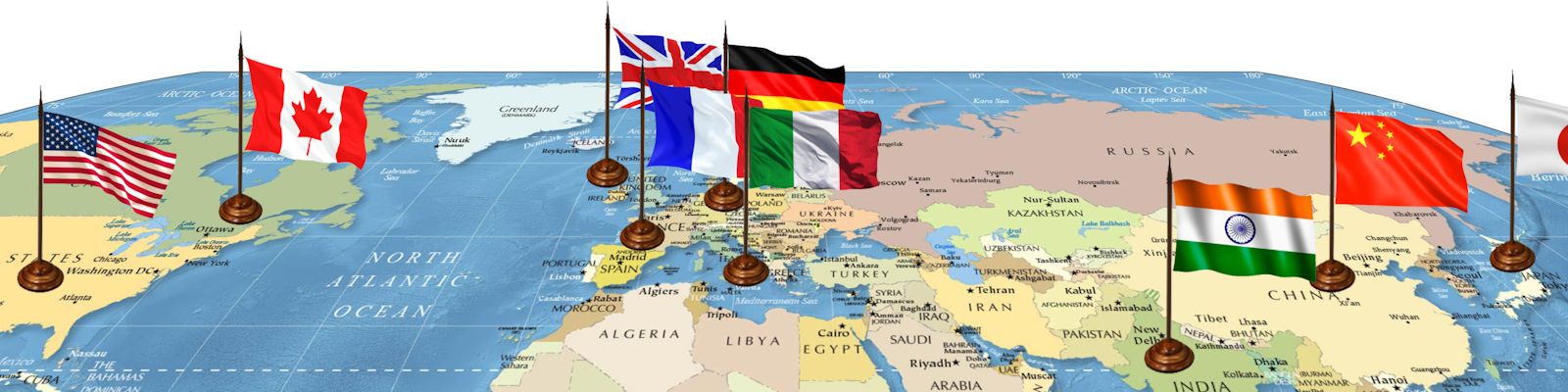
Tilted is a lightweight zero-dependency TS library for displaying maps or other similar content in a modern 2.5D way. Its key feature is the creation of multi-dimensional visuals out of 2D assets by placing them at an angle to each other.
Live demo is available on my website.
It goes well with my other library, Elemap, made for creating game maps rendered using HTML elements and CSS.

Features
- Make your content tilted by default or depending on how close you look at it.
- Angle the surface and the things you've put at it towards each other, creating 2.5D visuals.
- Smooth scaling with the content gliding towards the cursor, animated with pure JS/TS.
- Dragging functionality with limits so the content doesn't move off screen.
- Works with anything, all visual modifications are done through CSS transform.
- Ability to customize how it looks and works through configuration system.
Installation
npm i tilted or grab JS dist file from GitHub repo.
Usage
import Tilted from 'tilted' if using npm
new Tilted(container, surface, config?, contents?)
surface is HTML element with content, and container is HTML element used to determine viewport size that has surface as a child. Fixed width and height are preferred for both.
config? is an optional object that allows to change various constants related to scaling, animations, controls etc., check let config in config.ts file for available values and explanation what each of them affects.
contents? is an optional array of objects describing HTML objects that you want to create 2.5D visuals with, placing them at an angle to the surface when it's tilted.
The content object looks like: {type: 'scene'|'figure', element: HTMLElement, factor?: number}. Figure is a single content unit so the HTML element itself will be angled, while scene is a container of figures, meaning all direct children of it will be angled. Factor is optional and serves as a multiplier of the angle this content will have, default is 1.
Note that you can still add a direct child of a scene as a separate figure. In this case it won't be affected by scene properties, but only by its own instead.
Future plans
- Implement surface rotation.
- Add pinch zoom and other gestures for better controls on mobile.
- Add more keyboard button actions for better controls on desktop.
- Allow to configure controls.
- Provide clear usage documentation.
- Ensure best possible performance.
- Improve overall code quality.
- ...more to come