
tinker-speed-test
v0.1.0
Published
Test network latency, download and upload speed


Readme
tinker-speed-test
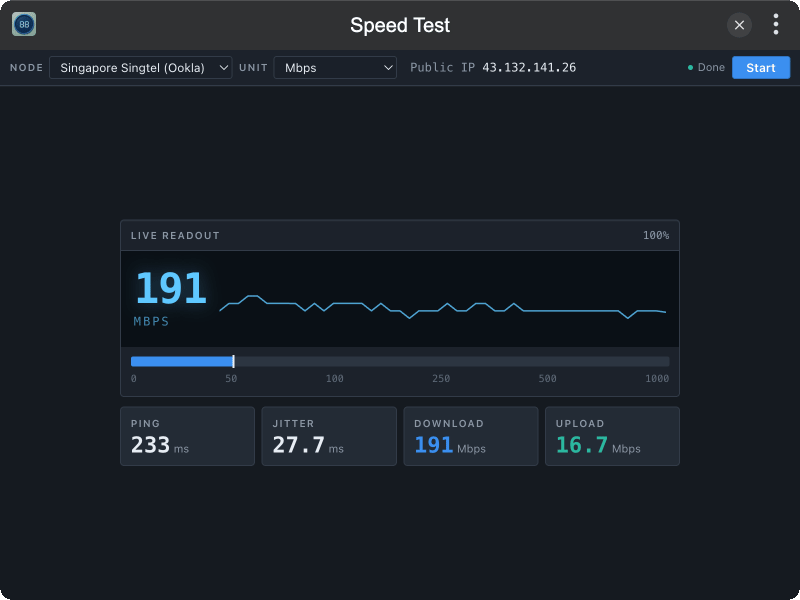
A network speed test plugin for TINKER, measuring latency, download, and upload against selectable test nodes.
Features
- Latency & jitter probe with live median readout
- Multi-stream download / upload throughput test (Mbps or MB/s)
- Multiple nodes — Shanghai Telecom (Ookla), Singapore Singtel (Ookla), Cloudflare
- Live meter with LCD-style readout, sparkline, and horizontal scale
- Public IP shown in the toolbar during the test
Installation
Download and install TINKER from https://tinker.liriliri.io/, then run npm i -g tinker-speed-test.
Usage
- Open the plugin and pick a test node and unit (Mbps / MB/s)
- Click Start to run IP → latency → download → upload in sequence
- Watch the live readout and sparkline; results appear in the metric rail below
- Click Stop anytime to cancel the current run