toastmessage-js
v1.0.5
Published
ToastMessage provides simple message about an operation


Readme
ToastMessageJS
Toast Messages using Vanilla JavaScript and CSS
npm Integration ToastMessageJS
Import Google Icons and place it in head of your HTML file
<link href="https://fonts.googleapis.com/icon?family=Material+Icons" rel="stylesheet">Installation
npm i toastmessage-jsUse generateToast to display the message
import { generateToast } from 'toastmessage-js'

generateToast({
  status: 'success', // 'error' or 'info' or 'warning'
  message: "Ya sure about that? Ya sure about that?",
});
Using Parcel
npm install parcel -g- Create a HTML (
index.html) and JavaScript(index.js) files - Follow npm Integration and Installation
- In
index.jswrite the code which is in Use generateToast to display the message - Import
index.jsinindex.htmlwithtype="module"<body> <script type="module" src="index.js"></script> </body> parcel index.html
Simple Integration ToastMessageJS
Import Google Icons, Toast Javascript and place it in head of your HTML file
<link href="https://fonts.googleapis.com/icon?family=Material+Icons" rel="stylesheet">

<script src="https://cdn.rawgit.com/4akhilkumar/ToastMessageJS/master/toastmessage.js" defer></script>
Use generateToast to display the message
<script>
  generateToast({
    status: 'success', // 'error' or 'info' or 'warning'
    message: "Ya sure about that? Ya sure about that?",
  });
</script>
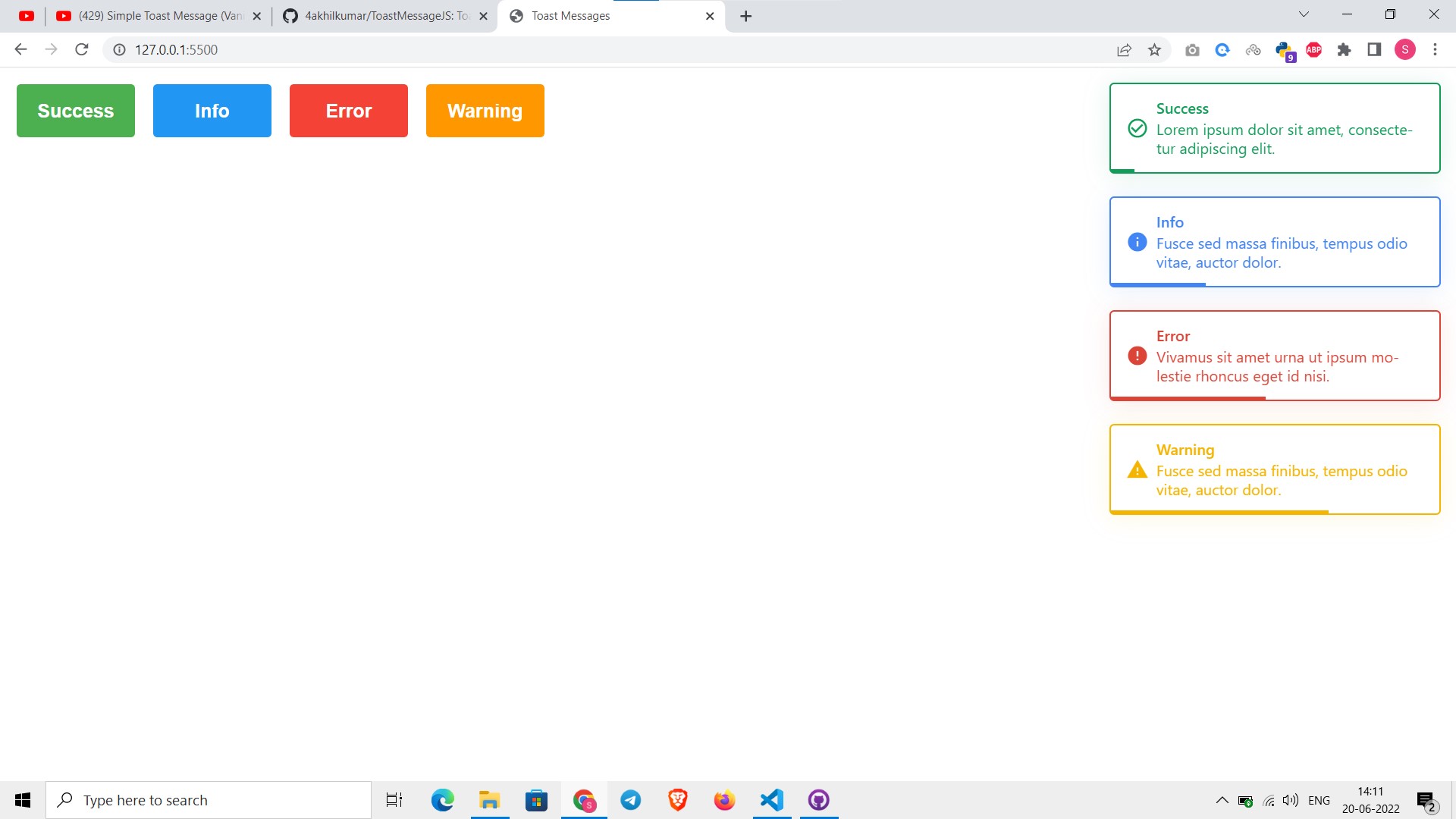
Output