
touch-keyboard
v0.1.3
Published
Virtual on-screen keyboard


Readme
Touch Keyboard
Virtual on-screen keyboard for digital signage screens.
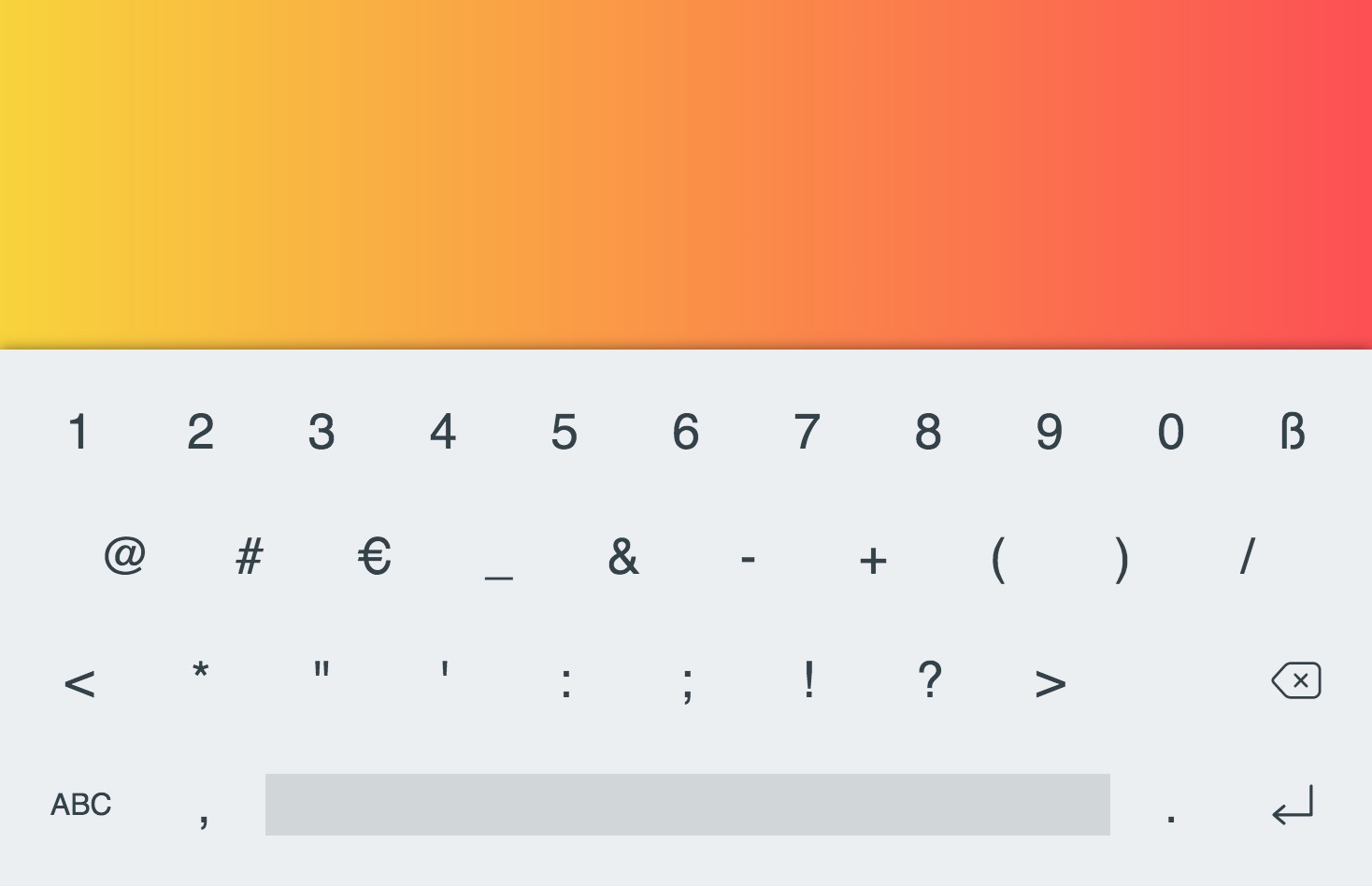
The keyboard will show up whenever an input field (or textarea) is focused.
The keyboard is framework agnostic and works with any frontend technology, including React.
Configuration
You can customize the keyboard layout as well as the look and feel by setting window.touchKeyboard = {...}.
window.touchKeyboard = {
  layout: {
    abc: [
      ['q', 'w', 'e', 'r', 't', 'y', 'u', 'i', 'o', 'p', 'backspace'],
      ['a', 's', 'd', 'f', 'g', 'h', 'j', 'k', 'l', 'enter'],
      ['shift', 'z', 'x', 'c', 'v', 'b', 'n', 'm', '!', '?', 'shift'],
      ['num', '/', 'space', '.'],
    ],
  },
};
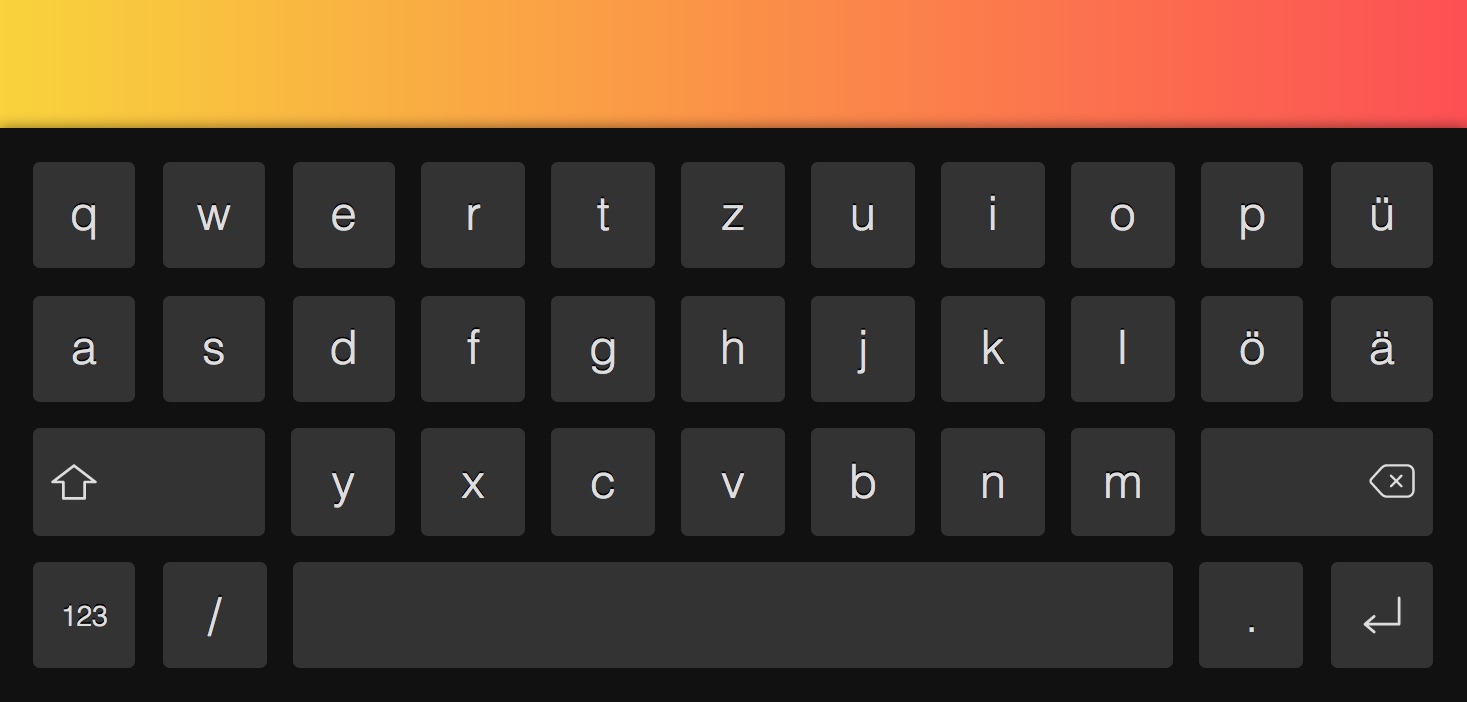
Dark theme:
window.touchKeyboard = {
  style: {
    keyboard: {
      background: '#111',
    },
    key: {
      background: '#333',
      color: '#ddd',
      fontSize: '.35em',
      fontWeight: 300,
      textShadow: '0 -1px 0 #000',
    },
  },
};
You can also style individual keys. The following code is taken from the default config and makes the shift and backspace keys twice was wide (regular keys are 1em wide):
window.touchKeyboard = {
  keys: {
    shift: {
      width: '2em',
      justifyContent:  'flex-start',
    },
    backspace: {
      width: '2em',
      justifyContent: 'flex-end',
    },
    space: {
      width: '7em',
    },
  },
};
Implememtation Notes
If the input is located near the bottom of the screen the whole page is moved upwards so that the keyboard doesn't hide the text field. As translating the whole html or body element does not work as expected, the script uses your app's topmost container element instead.
Text is inserted/deleted using th execCommand API. This does not trigger any key events whereas input/change will fire as expected.
License
MIT