
tra-table
v0.4.3
Published
npm i tra-table

Maintainers
 bashialee
Readme
Angular Table Element
Install
npm i tra-tableDemo
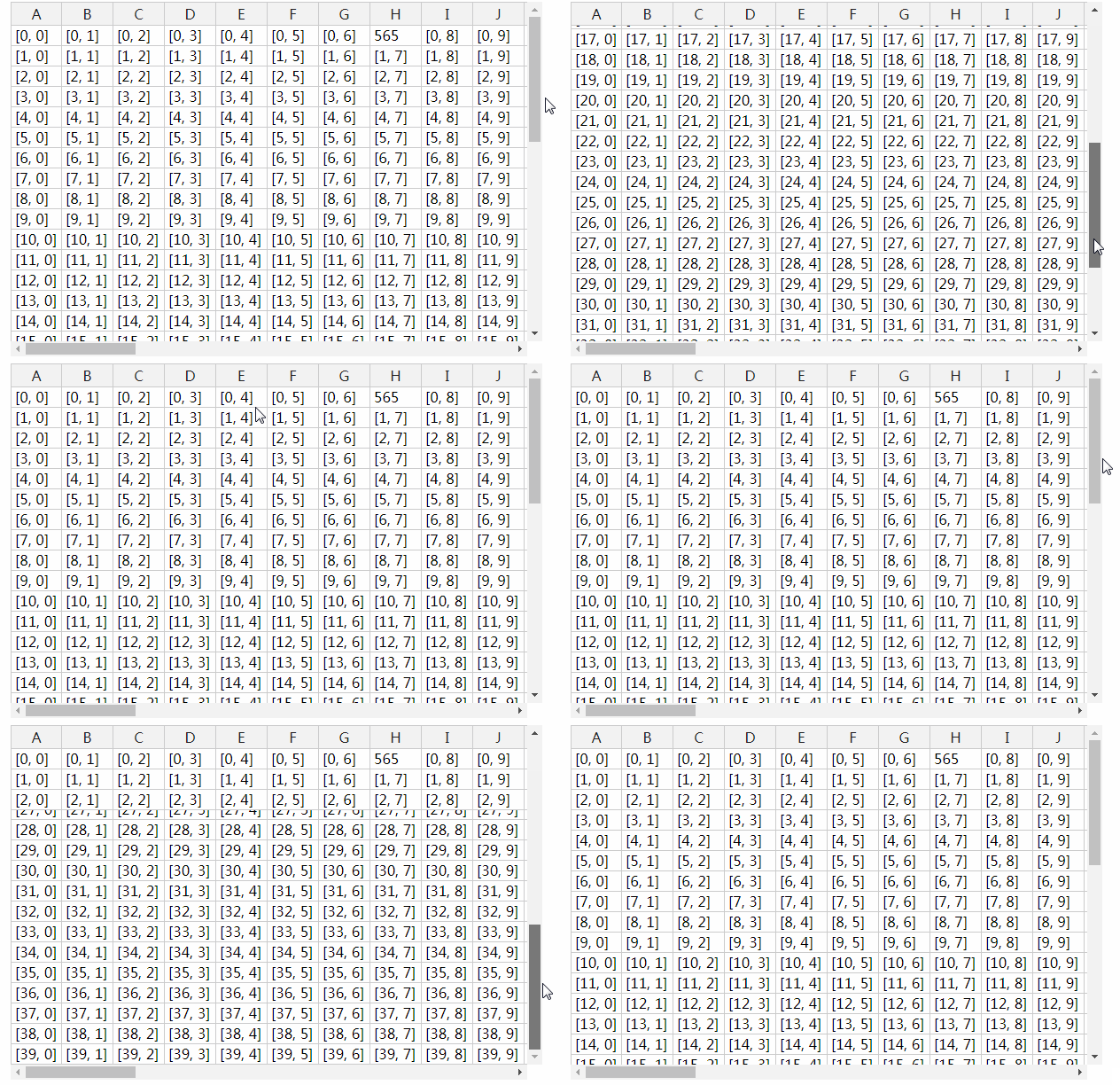
Usage
import 'tra-table'
let data = any : []
let settings: any = {
    isExport: `true` or `false`,
    hasContextMenu: `true` or `false` //if `true` it will show menu on right click on row
    readOnly: `true` or `false`
    licenseKey: 'non-commercial-and-evaluation' or `please add key here` //if you dont have key use 'non-commercial-and-evaluation',
    height: '', // it would be auto if is empty, it can be in vh or pixels, avoid percentage
    width: '' // it would be '100%' if is empty, in % or pixels or 'auto', avoid vh,
    filters: [] //if has filters pass filters array
}

<tra-table  [source]="data"
  [source]="dataset"
  (getFiltered)="getFiltered($event.detail)"
  (getSelected)="getSelected($event.detail)"
  [settings]="settings"
  (getAssignedList)="getAssignedList($event.detail)"
  (getFiltersList)="getFiltersList($event.detail)"
  (getUnassignedList)="getUnassignedList($event.detail)">
</tra-table>
Methods
getFiltered($event.detail) This method will return you the array whenever you apply filter.
In your component just use it like below:
getFiltered(event) {
    console.log(event)
}
getSelected($event.detail) This method will return you the select rows.
In your component just use it like below:
getSelected(event) {
    console.log(event)
}
getAssignedList($event.detail) This method will return you the array when you click on Assign Context Menu.
In your component just use it like below:
getAssignedList(event) {
    console.log(event)
}
getUnassignedList($event.detail) This method will return you the array when you click on Unassign Context Menu.
In your component just use it like below:
getUnassignedList(event) {
    console.log(event)
}
getFiltersList($event.detail) This method will return you the array of filters applied on the table
In your component just use it like below:
getFiltersList(event) {
    console.log(event)
}
Inputs
source It needs array thats need to be displayed in Table.
settings It takes object
settings: any = {
    isExport: `true` or `false`,
    hasContextMenu: `true` or `false` //if `true` it will show menu on right click on row
    readOnly: `true` or `false`
    licenseKey: 'non-commercial-and-evaluation' or `please add key here` //if you dont have key use 'non-commercial-and-evaluation',
    height: '', // it would be auto if is empty, it can be in vh or pixels, avoid percentage
    width: '' // it would be '100%' if is empty, in % or pixels or 'auto', avoid vh
}