
transvue2ts
v1.0.5
Published
auto transform vue-js to vue-ts

Maintainers
 kother1
Readme
TransVue2Ts





transvue2ts 是一个自动将 vue-js代码转化为 vue-ts规范的工具库
Install
npm install transvue2ts -g全局安装完毕后,npm会自动将 transvue2ts执行文件的路径写入系统 path,所以理论上可以直接在命令行中使用 transvue2ts这个指令
Usage
同时支持单文件和文件目录的转化
打开命令行工具,输入命令行指令,格式为:
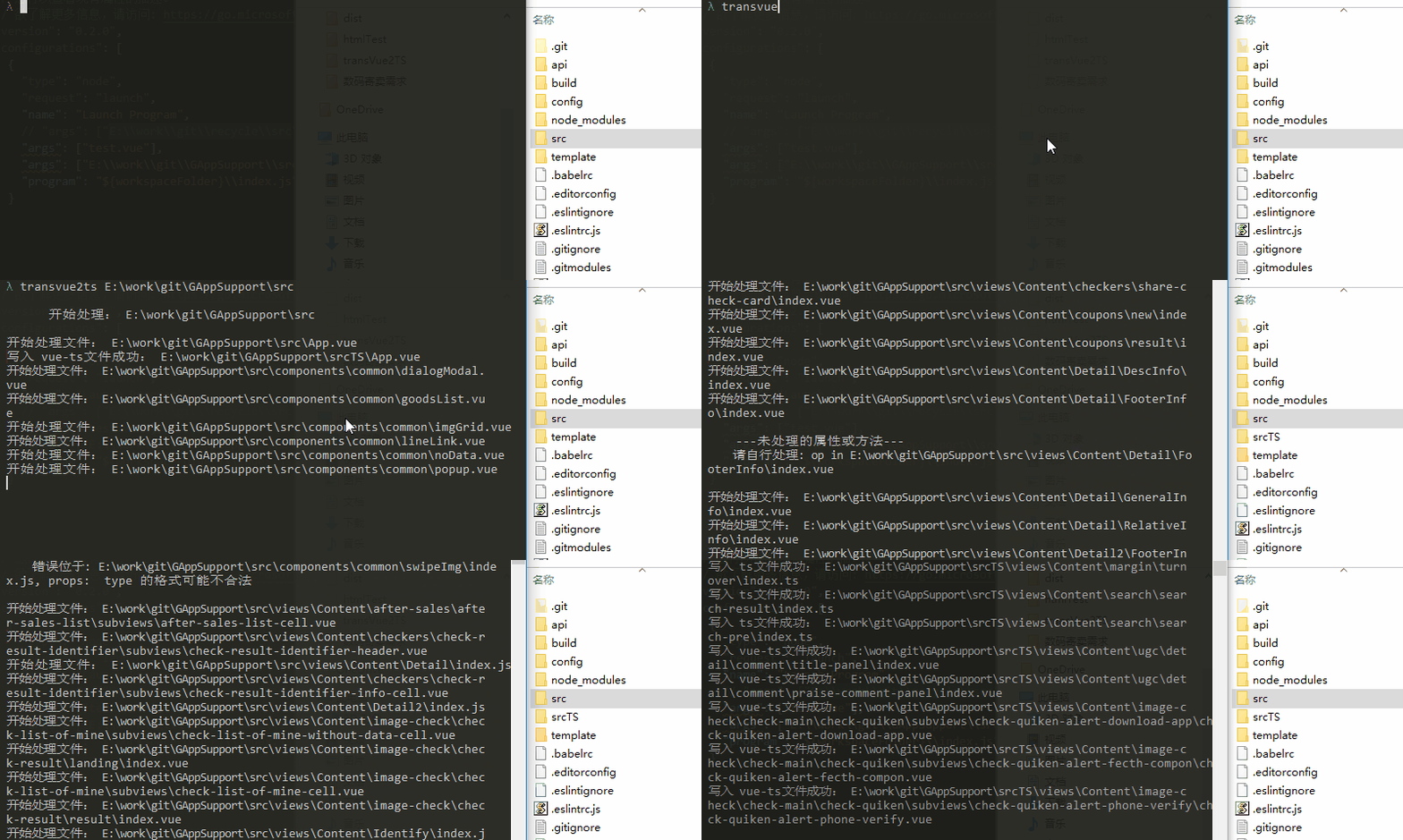
transvue2ts vueFileFullPath其中,transvue2ts是库的指令,第二个参数 vueFileFullPath表示需要处理的文件(夹)的 完整全路径
例如:
处理 E:\project\testA\src\test.vue文件,在命令行中输入:
transvue2ts E:\project\testA\src\test.vue转化后的文件路径为
E:\project\testA\src\testTs.vue处理 E:\project\testA\src文件夹下的所有 .vue文件,在命令行中输入:
transvue2ts E:\project\testA\src转化后的文件夹路径为
E:\project\testA\srcTs对于单文件来说,其必须是 .vue结尾,转化后的文件将输出到同级目录下,文件名为原文件名 + Ts,例如 index.vue => indexTs.vue
对于文件目录来说,程序将会对此文件目录进行递归遍历,找出这个文件夹下所有的 .vue文件进行转化,转化后的文件将按照原先的目录结构全部平移到同级目录下的一个新文件夹中,例如 /src => /srcTs
Demo
import OtherMixins from './OtherMixins'
export default {
  mixins: [OtherMixins],
  props: {
    a: {
      type: Number,
      required: true,
      validator (value) {
        return value > 2
      }
    }
  },
  data () {
    return {
      b: 20
    }
  },
  watch: {
    a (value) {
      console.log(value)
    }
  },
  computed: {
    c () {
      return this.a * 2
    }
  },
  created () {
    console.log('created done')
  },
  methods: {
    clickFn () {
      console.log('click')
    }
  }
}
转化为:
import { Component, Mixins, Prop, Watch } from 'vue-property-decorator'
import OtherMixins from './OtherMixins'

@Component
export default class TransVue2TS extends Mixins(OtherMixins) {
  @Prop({
    type: Number,
    required: true,

    validator(value) {
      return value > 2
    }

  })
  readonly a: number | undefined
  b: number = 20

  @Watch('a')
  onAChanged(value) {
    console.log(value)
  }

  get c() {
    return this.a * 2
  }

  created() {
    console.log('created done')
  }

  clickFn() {
    console.log('click')
  }

}