
treezap
v0.1.6
Published
CLI primitives for discovering and deleting stale Git worktrees.
Downloads
24


Readme
Treezap
Clean up stale Git worktrees without guessing where your tools put them.
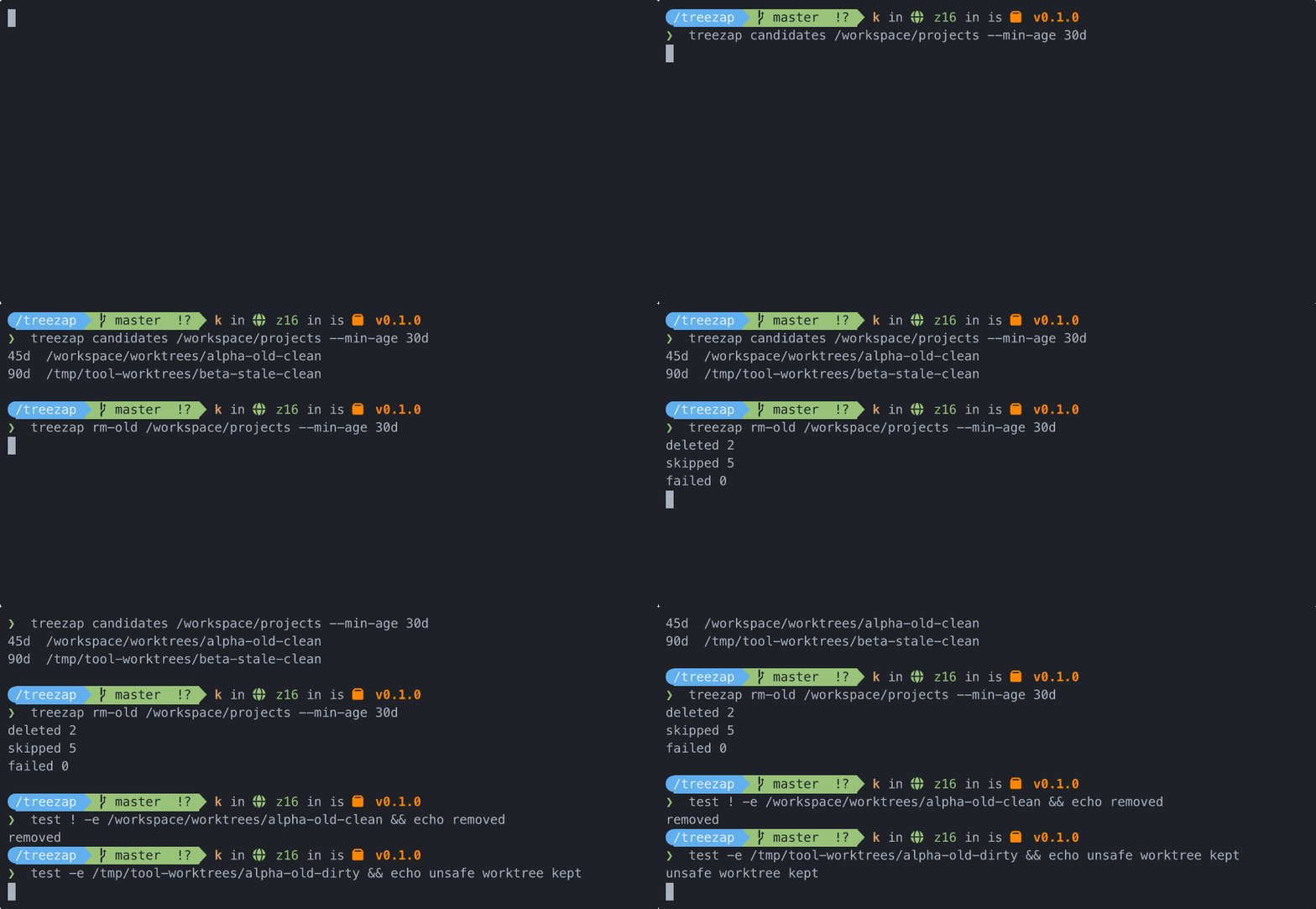
Treezap is a small CLI that starts from the directory where your main checkouts live, asks Git where each repository's registered worktrees are, and removes only linked worktrees that pass conservative safety checks.
Why
Agent and editor workflows create worktrees in many different places. The main checkout is usually easy to find; the worktrees are not. Treezap uses Git's own worktree registry to discover them, then applies deterministic checks before deleting anything.
Usage
Run it directly with npx:
npx treezap candidates ~/code --min-age 30dQuick Start
Scan the directory that contains your normal project checkouts:
npx treezap scan ~/codeEvaluate linked worktrees older than the minimum age:
npx treezap candidates ~/code --min-age 30dThe JSON includes candidates for worktrees that pass every safety check and
blockedCandidates for old worktrees that need review before deletion.
Print a compact count summary:
npx treezap candidates ~/code --min-age 30d --countdeletable: 15
old_enough_blocked: 116
blocked_dirty: 31
blocked_untracked: 16
blocked_missing_default_branch: 0
blocked_unique_patches: 27Delete eligible linked worktrees:
npx treezap rm-old ~/code --min-age 30dInspect one path:
npx treezap stat /path/to/worktreeDelete one eligible linked worktree:
npx treezap rm /path/to/worktree --min-age 30dSafety Rules
A worktree is not deleted unless it is:
- older than the minimum age
- clean, with no tracked changes
- free of untracked files
- able to identify the repository default branch
- free of unique committed patches relative to the default branch
Bulk deletion skips primary repository checkouts. It only deletes linked worktrees discovered through git worktree list.
Treezap uses refs/remotes/origin/HEAD as the default branch signal and git cherry <default-branch> HEAD to distinguish committed work that is patch-equivalent to the default branch from committed work that still has unique patches. Missing upstream metadata is diagnostic; it is not a deletion blocker when committed patches are already represented on the default branch.
--min-age accepts case-insensitive durations:
30ddays2wweeks1mmonths, treated as 30 days1yyears, treated as 365 days
The default is 30d.
Commands
treezap scan <root>
treezap stat <path>
treezap candidates <root> [--min-age duration] [--count]
treezap rm <path> [--min-age duration]
treezap rm-old <root> [--min-age duration]
Command output is JSON except --help and candidates --count, so the CLI is straightforward to drive from scripts or agents.
Development
npm test
npm run check
npm run build
The Docker fixture creates repositories and worktrees across several locations:
npm run fixture:build
npm run fixture:check
npm run fixture:shell