
uireact-menu
v0.0.8
Published
UIReact - React menu component


Readme
UiReact - React menu
React reusable multilevel menu component
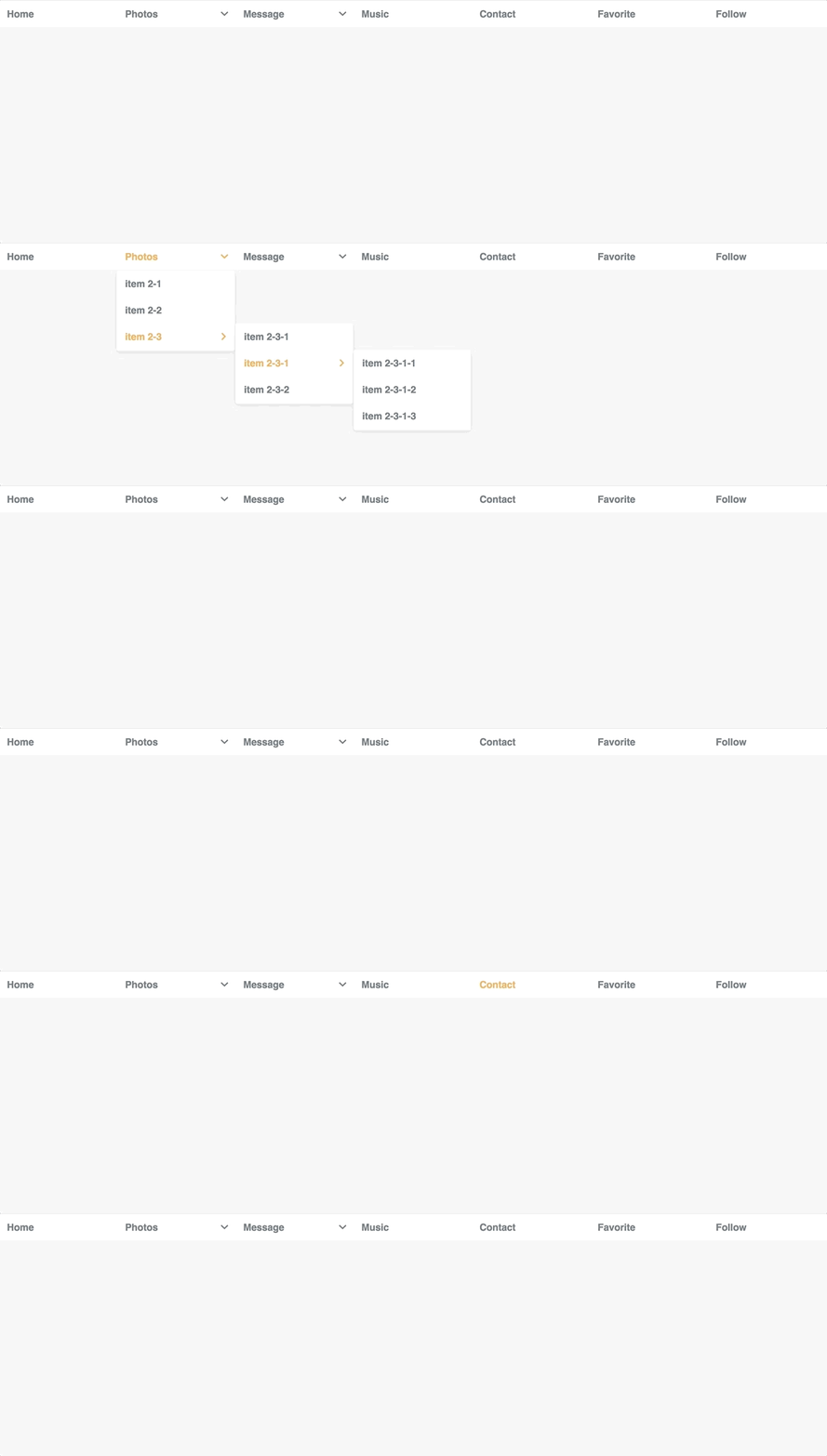
Demo in Storybook
Getting Started
- Add uireact-menu
npm install uireact-menu --save - import core css
import 'uireact-menu/build/uireact-menu.css' - import theme css
import 'uireact-menu/build/your-custom-theme.css'
Theme
- uireact-menu-light.css: Default theme
- uireact-menu-dashborad.css: Admin dashborad style menu
- more...
Usage
Static data
Import menu to your project
import React, { Component } from 'react';
import Menu from 'uireact-menu'

<Menu containerClass="my-class">
  <Menu.Item>item 1</Menu.Item>
  <Menu.Item>item 2</Menu.Item>
  <Menu.Item>item 3</Menu.Item>
  <Menu.Item>item 4</Menu.Item>
  <Menu.Item>item 5</Menu.Item>
</Menu>
Static data with Dropdown menu
import React, { Component } from 'react';
import Menu from 'uireact-menu'

<Menu containerClass="my-class">
  <Menu.Item>Home</Menu.Item>
  <Menu.Item>
    <Menu.Label>Photos</Menu.Label>
    <Menu.Sub >
      <Menu.Item>item 2-1</Menu.Item>
      <Menu.Item>item 2-2</Menu.Item>
      <Menu.Item>
        <Menu.Label>item 2-3</Menu.Label>
        <Menu.Sub>
          <Menu.Item>item 2-3-1</Menu.Item>
          <Menu.Item>item 2-3-2</Menu.Item>
        </Menu.Sub>
      </Menu.Item>
    </Menu.Sub>
  </Menu.Item>
  <Menu.Item>Music</Menu.Item>
  <Menu.Item>Contact</Menu.Item>
  <Menu.Item>Favorite</Menu.Item>
  <Menu.Item>Follow</Menu.Item>
</Menu>
import data from json
import React, { Component } from 'react';
import Menu from 'uireact-menu'
const menuData = require('./menu.json')

<Menu data={menuData} />
import data from Array
import React, { Component } from 'react';
import Menu from 'uireact-menu'

const menuData = [{
  'title': 'Menu 1',
  'submenu': [{
    'title': 'Sub Menu1',
    'submenu': [{
      'title': 'Sub sub Menu1',
      'href': '#'
    }, {
      'title': 'Sub sub Menu2',
      'href': '#'
    }]
  }, {
    'title': 'Sub Menu2',
    'href': '#'
  }, {
    'title': 'Sub Menu3',
    'href': '#'
  }]
}, {
  'title': 'Menu 2',
  'submenu': [{
    'title': 'Sub Menu 2',
    'href': '#'
  }]
}, {
  'title': 'Menu 3',
  'href': '#'
}]

<Menu data={menuData} />
Prop
After menu was add, it will have the following props:
| Name | Type | Default | Description | | ------------- |:-------------:| -----:| -----:| | data | object or array | | import json data or static menu data | | direction | 'horizontal' or 'vertical' | 'vertical' | menu direction| | containerClass | string | 'lightmenu' | add your custom menu className |
<Menu.Item>
| Name | Type | Default | Description | | ------------- |:-------------:| -----:| -----:| | onClick | function | | Menu item click event | | to | string | | url or link |
License
MIT