
unite-lib
v1.13.0
Published
Assets and data library for Pokémon Unite — names, images, moves, maps. Use via npm or CDN.

Maintainers
 dudadecesaro
Readme
unite-lib
Assets and data library for Pokémon Unite: roster, names, images, moves, maps, battle items, and held items. Use in any project via npm or CDN.
Support
If this project helps you, consider supporting it:
Install
npm install unite-libUsage
Data and helpers
import {
  pokemons,
  moves,
  maps,
  battleItems,
  heldItems,
  BattleType,
  Tag,
  getPokemonByName,
  getPokemonByDex,
  getPokemonsByBattleType,
  getImageUrl,
  getPokemonName,
  getPokemonSkillNames,
  resolveMoveSlot,
  getBattleItemById,
  getHeldItemById,
  getBattleItemName,
  getHeldItemName,
} from "unite-lib";

// All roster entries
console.log(pokemons.length);

// Find by name or dex
const pikachu = getPokemonByName("Pikachu");
const dex25 = getPokemonByDex(25);

// Filter by role
const attackers = getPokemonsByBattleType(BattleType.ATTACKER);
const ranged = getPokemonsByTag(Tag.RANGED);

// Image URL (relative or with CDN base)
const mainImg = getImageUrl(pikachu, "main");
const cdnImg = getImageUrl(pikachu, "main", {
  baseUrl: "https://cdn.jsdelivr.net/npm/[email protected]",
});
i18n (localized names)
import { getPokemonName, getMapName, getMapDescription } from "unite-lib";
// or
import { getPokemonName, getMapName, getMapDescription } from "unite-lib/i18n";

// Pokémon names
getPokemonName("venusaur", "en");    // "Venusaur"
getPokemonName("venusaur", "pt-BR"); // "Venusaur"
getPokemonName("venusaur", "ja-JP"); // "フシギバナ"
getPokemonName("venusaur", "fr");    // "Florizarre"
getPokemonName("venusaur", "es");    // "Venusaur"

// Map names and descriptions (optional — use when you need localized UI)
getMapName("map-groudon", "en");       // "Theia Sky Ruins"
getMapName("map-groudon", "pt-BR");   // "Ruínas Celestes de Theia"
getMapDescription("map-groudon", "es"); // "Mapa 5v5 con Groudon."
Supported locales: en, pt-BR, ja-JP, fr, es. Each map in maps has a default name and description (English); use getMapName(mapId, locale) and getMapDescription(mapId, locale) when you want to show them in another language.
Content
The library includes data and images ready to use in Pokémon Unite apps, bots, and sites.
Roster (Pokémon)
Roster icons and stat images for the full active roster. The library includes every playable Pokémon with roster and stat assets.
| Roster | Stats | Roster | Stats |
|--------|-------|--------|-------|
|  Pikachu |
  |
|  Charizard |
  |
|
|
|  Venusaur |
  |
|  Blastoise |
  |
|
|
|  Gengar |
  |
|  Dragonite |
  |
|
|
|  Greninja |
  |
|  Mew |
Mew |  |
|
Moves
Each roster entry stores passive, early moves, Unite, and branch upgrades under pokemon.images using keys move_*. The preferred shape is an object with English display name and asset path; a plain string is still supported as a legacy image-only path.
| Key pattern | Role (typical) |
|-------------|----------------|
| move_p1 | Passive ability |
| move_s1, move_s2 | Level 1 choices (Move 1 / Move 2 roots) |
| move_s11 … move_s14 | Upgrades for Move 1 (first branch = s11, second = s12, …) |
| move_s21 … move_s24 | Upgrades for Move 2 |
| move_u1 | Unite Move |
Shape
- Preferred:
{ "name": "Sludge Bomb", "image": "moves/venusaur_s11.png" } - Legacy:
"moves/venusaur_s11.png"(image only; usegetPokemonSkillNames/resolveMoveSlotfor names when present)
Slot order used by moves and helpers is defined by POKEMON_MOVE_SLOT_IDS (s11–s14, s21–s24, then s1, s2, p1, u1).
| Passive | Move 1 | Move 2 | Unite | Branch 1.1 | Branch 1.2 | Branch 2.1 | Branch 2.2 |
|---------|--------|--------|-------|------------|------------|------------|------------|
|  |
|  |
|  |
|  |
|  |
|  |
|  |
|  |
|
import {
  pokemons,
  getPokemonByName,
  getImageUrl,
  getPokemonSkillNames,
  resolveMoveSlot,
  POKEMON_MOVE_SLOT_IDS,
} from "unite-lib";

const v = getPokemonByName("Venusaur");
// URL for any images.* key (string or { image })
getImageUrl(v, "move_p1");
getImageUrl(v, "move_s11");

// Names merged from move_* objects (+ optional deprecated skillNames)
getPokemonSkillNames(v); // { s11: "Sludge Bomb", s12: "Giga Drain", …, p1: "Overgrow", … }

// One slot as { name, image }
resolveMoveSlot(v, "s11");
Maps
Game map images (Theia Sky Ruins variants: Groudon, Kyogre, Rayquaza). Each map has multiple resolutions (1x, 2x, 4x); use getMapImageUrl(map, resolution?, options?) to pick one. Names and descriptions are available in all supported locales via getMapName(mapId, locale) and getMapDescription(mapId, locale) (see i18n).
| Groudon | Kyogre | Rayquaza |
|---------|--------|----------|
| 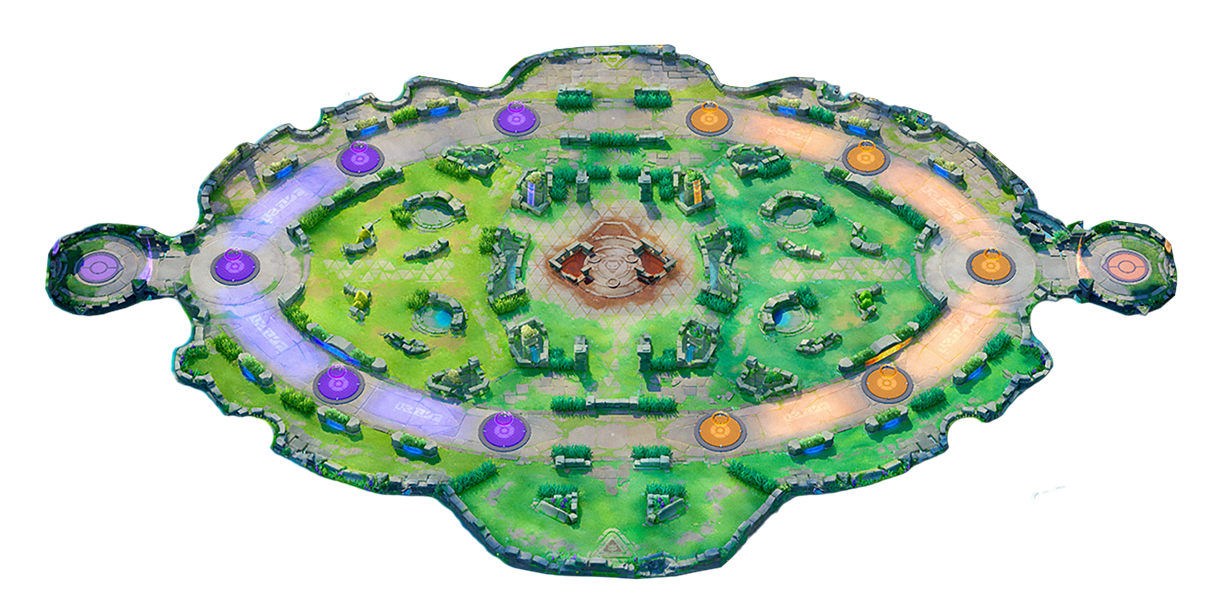 |
| 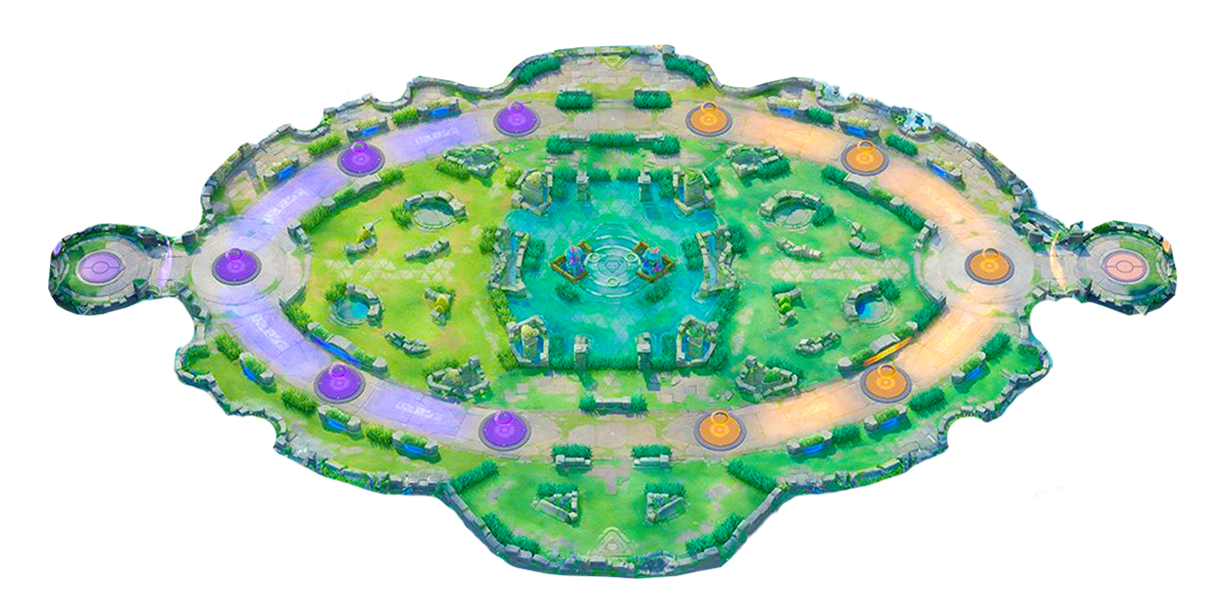 |
| 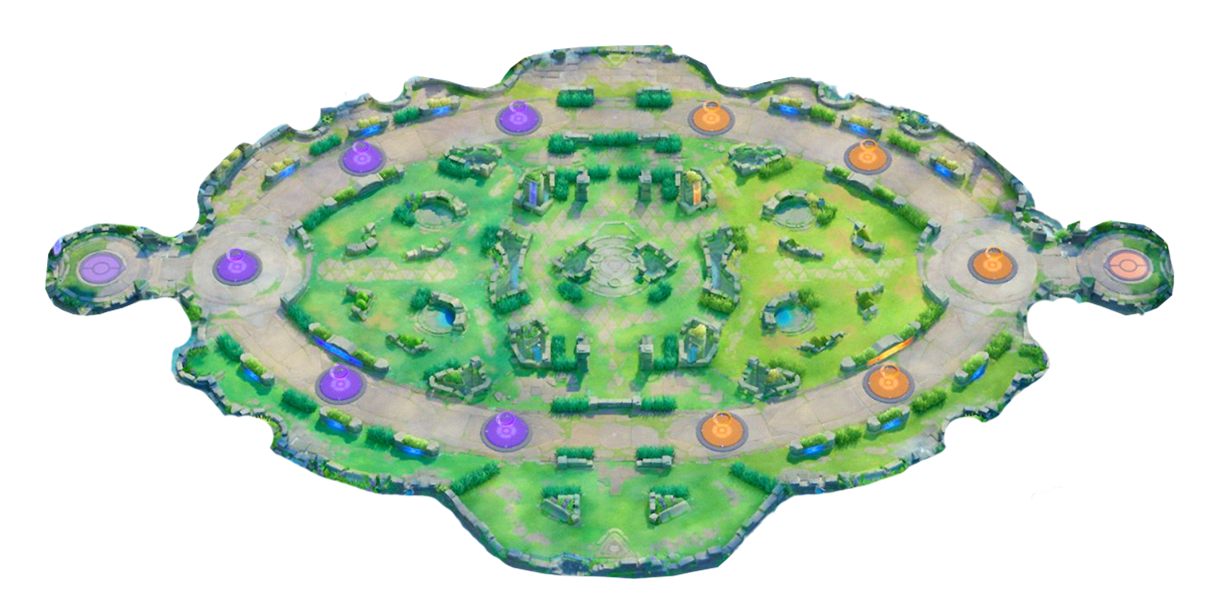 |
|
Battle Items
Consumable items used during battle (e.g. Eject Button, Potion). Images in battle-items/.
import { battleItems, getBattleItemById, getBattleItemName } from "unite-lib";

// All battle items
console.log(battleItems.length); // 10

// Lookup by id
const btn = getBattleItemById("eject-button");
// { id: "eject-button", image: "battle-items/eject-button.png", name: "Eject Button" }

// Localized names
getBattleItemName("eject-button", "pt-BR"); // "Botão de Ejeção"
getBattleItemName("potion", "fr");          // "Potion"
| | | | | |
|-|-|-|-|-|
|  Eject Button |
  Potion |
  X Attack |
  X Speed |
 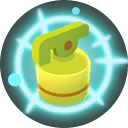 Full Heal |
|
Full Heal |
|  Fluffy Tail |
  Slow Smoke |
  Goal Getter |
  Goal Hacker |
  Shedinja Doll |
Held Items
Passive items held by a Pokémon during battle (e.g. Muscle Band, Buddy Barrier). Images in held-items/. Some items have an exclusive field indicating the Pokémon they belong to (e.g. Mega Stones).
import { heldItems, getHeldItemById, getHeldItemsByPokemon, getExclusiveHeldItems, getHeldItemName } from "unite-lib";

// All held items
console.log(heldItems.length); // 41

// Lookup by id
const band = getHeldItemById("muscle-band");
// { id: "muscle-band", image: "held-items/muscle-band.png", name: "Muscle Band" }

// Items available for a Pokémon (non-exclusive + that Pokémon's exclusives)
getHeldItemsByPokemon("Lucario"); // all common items + Lucarionite

// Only exclusive/mega-stone items
getExclusiveHeldItems(); // Rusted Sword, Mewtwonite X/Y, Lucarionite, Charizardite X/Y, Gyaradosite

// Localized names
getHeldItemName("muscle-band", "pt-BR"); // "Faixa Muscular"
getHeldItemName("buddy-barrier", "es");  // "Buddy Barrier" (falls back to English)
Neutrals and spawns
The library includes a neutrals catalog (wild Pokémon and items that spawn on maps) with images in neutrals/, and a unified spawns list in src/spawns.ts (same pattern as pokemons.ts) linking each spawn to a map and a neutral. Use getSpawnsByMap(mapId) to get all spawns for a map (e.g. "map-groudon", "map-kyogre", "map-rayquaza"), getNeutralById(id) to resolve the neutral (e.g. for its image), and getNeutralImageUrl(neutral, options?) for the image URL.
| Wild Pokémon / Bosses | | | |
|-----------------------|---|---|---|
| 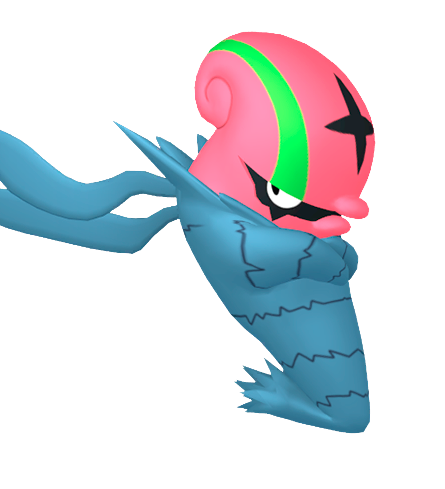 Accelgor |
  Altaria |
  Baltoy |
  Bunnelby |
|
Bunnelby |
|  Escavalier |
 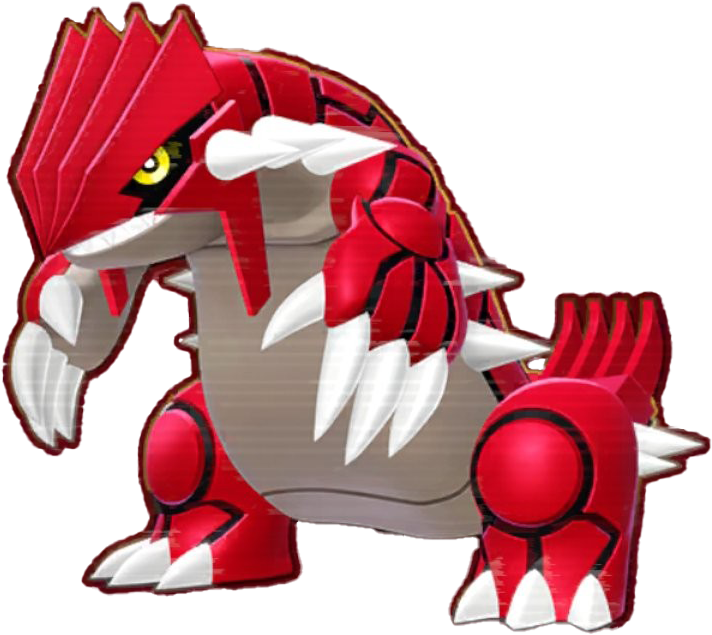 Groudon |
  Indeedee |
  Kyogre |
|
Kyogre |
| 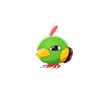 Natu |
  Rayquaza |
  Regidrago |
  Regice |
|
Regice |
|  Regieleki |
 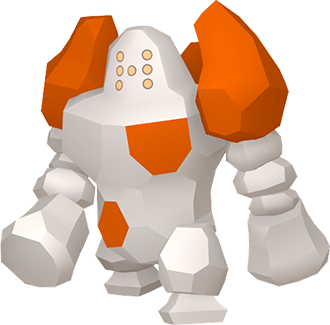 Regirock |
 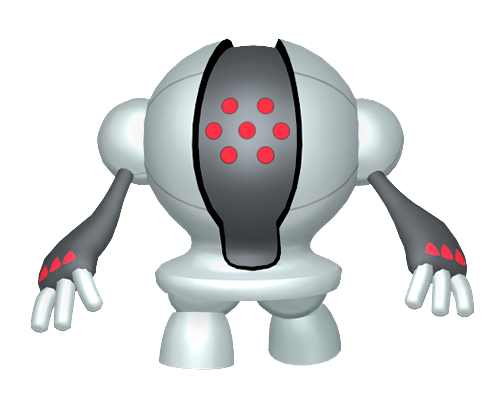 Registeel |
 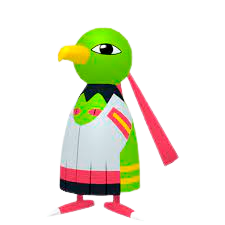 Xatu |
| Items | | | |
|
Xatu |
| Items | | | |
| 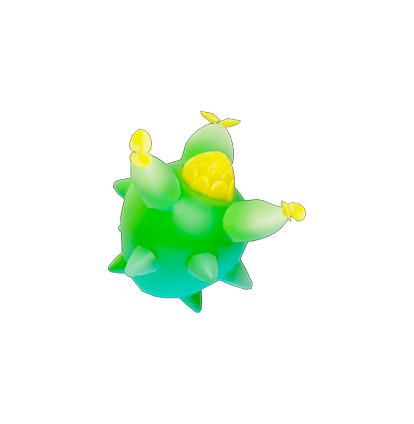 Salac Berry |
 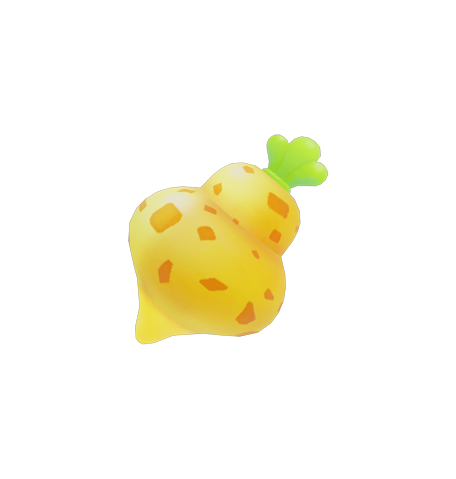 Sitrus Berry | | |
Local development (testing without publishing to npm)
To test the library in another project on your machine without publishing to npm:
1. Build the library
From the unite-lib folder:
cd unite-lib
npm run build
2. Use in your project
Option A — npm link (symlink, great for development)
From the library folder:
npm linkIn your other project (e.g. the app that consumes the library):
cd /path/to/your/project
npm link unite-lib
From then on, import { pokemons, getPokemonName } from "unite-lib" uses the local version. When you change the library, run npm run build again; the consuming project already points to the same package.
To undo in the consuming project: npm unlink unite-lib.
Option B — file: dependency (install from path)
In your project's package.json, add:
{
  "dependencies": {
    "unite-lib": "file:../unite-lib"
  }
}
Adjust ../unite-lib to the relative (or absolute) path to the library folder. Then:
npm installWhenever you change the library, run npm run build in it and, to refresh the copy in the consumer, run npm install again in the project (or use npm update unite-lib).
Roster & moves (contributors)
Names and paths for skills are maintained in src/pokemons.ts. External data source for display names (same roster as unite-db) is https://unite-db.com/pokemon.json.
| Script | Purpose |
|--------|---------|
| npm run sync:unite-db-skill-names | Fill / refresh images.move_*.{ name } from pokemon.json (dry run; add -- --write; optional -- --slug=…) |
| npm run audit:missing-base-skills | List Pokémon that have branch slots in TS but are missing p1/s1/s2/u1 vs unite-db (add -- --grid-only for a fixed name subset) |
| npm run fill:missing-base-skills | Insert missing move_p1 / move_s1 / move_s2 / move_u1 blocks; add -- --write. After that, npm run fill:missing-base-skills -- --download-base-pngs fetches CloudFront icons where URLs resolve |
| npm run sync:skills | Download move PNGs from the CloudFront layout used by Pokebag metadata (-- --slug=… optional) |
| npm run migrate:move-slots | One-off migration helper for older string-only move_* entries |
Images when testing locally
Image paths are relative (e.g. pokemons/roster-venusaur.png). In the consumer you can:
- Use baseUrl when calling
getImageUrl(pokemon, "main", { baseUrl: "http://localhost:3000/node_modules/unite-lib" })if the bundler/server servesnode_modules, or - Point baseUrl to where the
pokemons/,moves/, andmaps/folders are available in your app.
CDN (browser)
<script src="https://cdn.jsdelivr.net/npm/unite-lib@latest/dist/index.global.js"></script>
<script>
  const { pokemons, getPokemonName, BattleType } = window.UniteLib;
</script>
Asset URLs via jsDelivr (substitua @latest por uma versão se quiser):
https://cdn.jsdelivr.net/npm/unite-lib@latest/pokemons/roster-venusaur.pnghttps://cdn.jsdelivr.net/npm/unite-lib@latest/moves/venusaur_p1.pnghttps://cdn.jsdelivr.net/npm/unite-lib@latest/moves/venusaur_s11.png
API overview
| Export | Description |
|--------|-------------|
| pokemons | Full roster (name, dex, images, battleType, stats, tags, difficulty) |
| moves | Flat move list derived from each Pokémon’s images.move_* (pokemonId, slotId, name, image) |
| maps | Map list (id, name, image, images by resolution, description) |
| neutrals | Neutral catalog (id, image; wild Pokémon/items for spawns) |
| spawns | All map spawns (mapId, neutralId, left, top, spawnTime, respawnTime, etc.) |
| battleItems | Battle item catalog (id, image, name) — 10 items |
| heldItems | Held item catalog (id, image, name, exclusive?) — 41 items |
| BattleType | attacker, defender, allrounder, speedster, supporter |
| Tag | Role + style: attacker, defender, melee, ranged, … |
| getImageUrl(pokemon, key, options?) | Image path or full URL with baseUrl (supports move_* as string or { name, image }) |
| getPokemonSkillNames(pokemon) | Skill display names from images.move_* (+ optional skillNames overrides) |
| resolveMoveSlot(pokemon, slotId) | One slot as { name, image } or null (slotId: p1, s1, s11, …, u1) |
| POKEMON_MOVE_SLOT_IDS | Readonly ordered list of move slot ids used when building the moves array |
| getMapImageUrl(map, resolution?, options?) | Map image URL (resolution: "1", "2", "4") |
| getNeutralImageUrl(neutral, options?) | Neutral image path or full URL |
| getSpawnsByMap(mapId) | Spawns for a map (e.g. "map-groudon") |
| getNeutralById(id) | Find neutral by id |
| getBattleItemById(id) | Find battle item by id (e.g. "eject-button") |
| getHeldItemById(id) | Find held item by id (e.g. "muscle-band") |
| getHeldItemsByPokemon(pokemonName) | Held items available for a Pokémon (non-exclusive + that Pokémon’s exclusives) |
| getExclusiveHeldItems() | Only exclusive held items (Mega Stones, Rusted Sword, etc.) |
| getPokemonByName(name) | Find by display name |
| getPokemonByDex(dex) | Find by Pokédex number |
| getPokemonBySlug(slug) | Find by slug (e.g. venusaur) |
| getPokemonsByBattleType(type) | Filter by BattleType |
| getPokemonsByTag(tag) | Filter by Tag |
| getActivePokemons() | Only active roster entries |
| getPokemonName(slug, locale) | Localized Pokémon name (from main package or unite-lib/i18n) |
| getMapName(mapId, locale) | Localized map name |
| getMapDescription(mapId, locale) | Localized map description |
| getBattleItemName(id, locale) | Localized battle item name |
| getHeldItemName(id, locale) | Localized held item name |
Types: BattleItem, HeldItem, Neutral, MapSpawn (see also Map, MapResolution, Pokemon, PokemonImages, MoveSlotEntry, MoveSlotValue, MoveSlotId, Move, etc.).
Project structure
dist/— Built ESM, CJS, and IIFE; type definitions (.d.ts)pokemons/— Roster and stat imagessrc/pokemons.ts— Roster source:images.move_*as{ name, image }(or legacy string paths)moves/— Move skill PNGs ({slug}_{slot}.png, e.g.venusaur_p1.png,venusaur_s11.png)maps/— Map imagesneutrals/— Wild Pokémon and item images used in map spawnsbattle-items/— Battle item images (10 items)held-items/— Held item images (41 items).cursor/skills/— Cursor Agent Skills for use with AI agents in this repo (e.g. syncing roster from images inpokemons/andmoves/).dev/scripts/— Node helpers for roster/moves (unite-db sync, Pokebag CDN downloads, audits); see Roster & moves (contributors)mcp/— MCP server (Model Context Protocol) para consumir a library em agentes de IA: tools para listar e buscar pokémons, moves, mapas, URLs de imagens e nomes localizados (Cursor, Claude Desktop, etc.).
Releases (publicação no npm)
As versões e a publicação no npm são feitas automaticamente com semantic-release quando há push na branch main.
Como a versão é definida
Os commits seguem Conventional Commits. O semantic-release usa isso para decidir o tipo de release:
| Tipo de commit | Efeito na versão |
|------------------|-------------------|
| feat: | MINOR (1.x.0) — nova funcionalidade |
| fix:, perf:, docs: (sem escopo de código) | PATCH (1.0.x) — correção ou melhoria |
| BREAKING CHANGE ou ! no escopo (ex.: feat!:) | MAJOR (x.0.0) — mudança incompatível |
Exemplos:
git commit -m "feat: add Mega Charizard Y to roster"
git commit -m "fix: correct Venusaur stat image path"
git commit -m "feat!: change getImageUrl signature"   # breaking → MAJOR
Commits que não indicam release (ex.: chore:, style:, test:) não geram nova versão; mesmo assim o push na main roda o workflow (que pode não publicar nada).
O que você precisa configurar
Token do npm (NPM_TOKEN)
No repositório no GitHub: Settings → Secrets and variables → Actions e crie um secret chamadoNPM_TOKEN.- Crie o token em npmjs.com → Access Tokens: “Automation” ou “Publish”.
- Cole o valor no secret
NPM_TOKEN.
Conventional Commits
Para haver release, use pelo menos um commit comfeat:oufix:(ou breaking) no histórico desde a última tag. Se todos foremchore:/style:/test:, nenhuma versão será publicada.
Depois disso, ao dar push na main, o workflow Release roda, o semantic-release analisa os commits, atualiza a versão no package.json, gera/atualiza o CHANGELOG.md, cria a release no GitHub e publica o pacote no npm.
License
MIT. See LICENSE.
Contributing
Contributions are welcome. See CONTRIBUTING.md for guidelines and workflow.