
unity-core-beta
v0.0.2
Published
```yarn install```


Readme
Running app
yarn install
yarn start
or
yarn start -- --hostname 0.0.0.0 --port 4444
Due to some confusing webpack issues related to Storybooks, this repo has been changed to use yarn instead of npm for package management and building.


🛠 Status: In Development
PWA Starter Kit is currently in development. It's on the fast track to a 1.0 release, so we encourage you to use it and give us your feedback, but there are things that haven't been finalized yet and you can expect some changes.
See the list of Known Issues and TODOs, below, for updates.
MOCC2 Add Components
- Create wrapper component
my-componentName.jsthat will import component and renders it (seemy-tablefor example) - Add page to load/router action in
actions/app.loadPage - Add links and wrapper component to the main
my-appfile - Create folder/files for components and get to work
Build unity-core bundle
Running npm run bundle will create a bundle of the unity-core library inside the bundle/ folder, with a regular and a minified version (unity-core-bundle.js and unity-core-bundle.min.js)
Include <script type="module" src="<path>/unity-core-bundle.js"></script> or <script type="module" src="<path>/unity-core-bundle.min.js"></script> in an HTML file to use any of the web components included in the library.
PWA Starter Kit
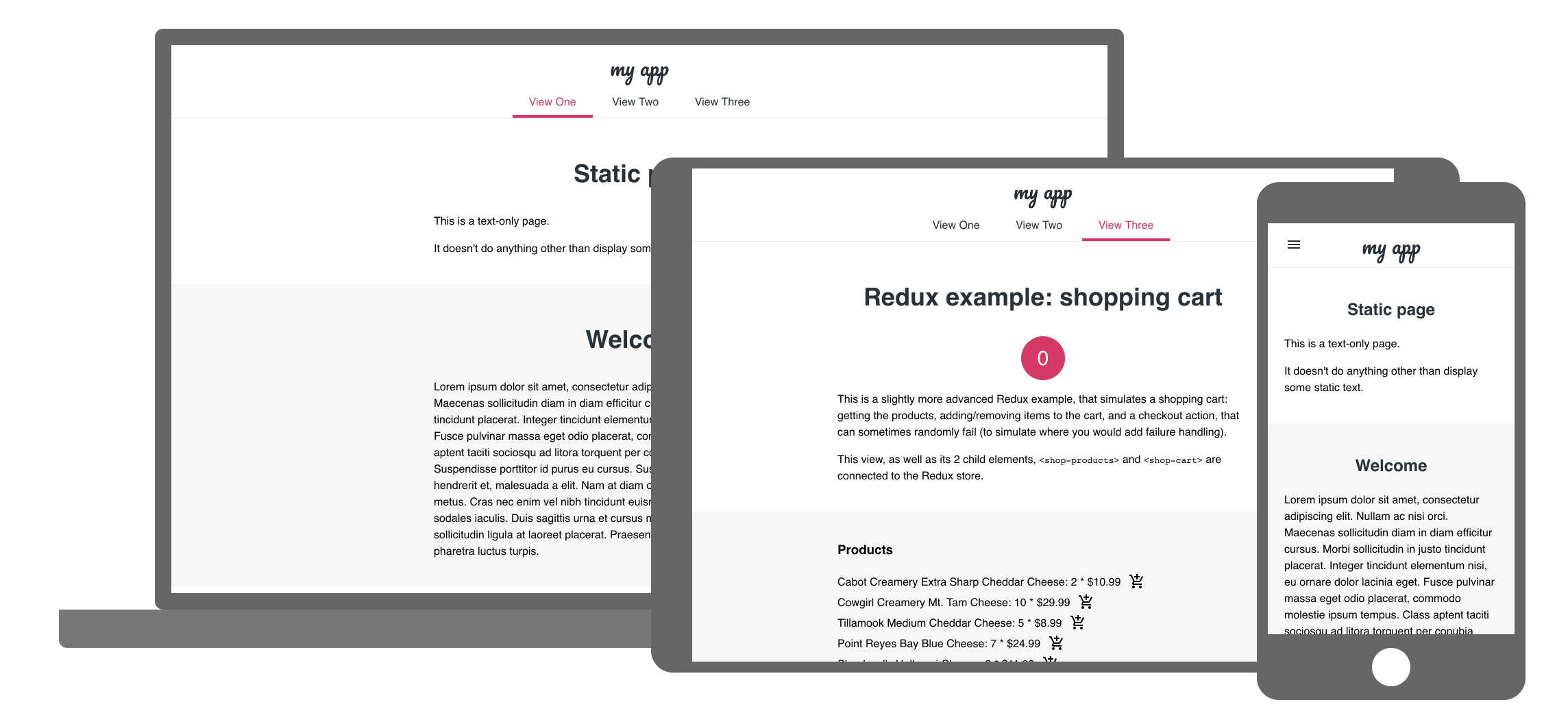
This sample app is a starting point for building PWAs. Out of the box, the template gives you the following features:
- all the PWA goodness (manifest, service worker)
- a responsive layout
- application theming
- example of using Redux for state management
- offline UI
- simple routing solution
- fast time-to-interactive and first-paint through the PRPL pattern
- easy deployment to prpl-server or static hosting
- unit and integrating testing starting points
- documentation about other advanced patterns.
📖 Head over to the documentation site for more details or check out how to get started!
TODOs
- [x] Setup Safari testing on Travis.
- [x] Deploy all templates as demos.
- [ ] Update to latest Material Web Components.
Testing
Test files must be located in the test/unit/ folder and end with .test.js. We use the @open-wc/testing library to set up and run tests (see open-wc testing). This uses Karma as a runner, Mocha for setting up tests, and Chai for assertions.
To run the tests, run npm test. It will display success/errors and code coverage on console, and also will create a coverage folder with complete coverage results. The tests will fail if a minimum of coverage is not reached. To see the complete coverage results, open the coverage/index.html file in the browser. There you can inspect the code to see how many times each line of code is executed in the tests, and which statements/functions/branches are not executed at all.
A CI pipeline is configured in Gitlab to run unit tests when pushing or merging to develop. The pipeline is triggered with each merge request created or when new code is pushed to it. If the unit tests fail (because of test failure or insufficient coverage), it will prevent the user from merging.
Possible Issues
If you encounter and error that looks like Uncaught TypeError: Failed to resolve module specifier. Relative references must start with either "/", "./", or "../"., you might be running into a different issue.
When we encountered this issue, it had to do with use of unsupported syntax (Syntax Not Allowed). It was fixed by putting the appropriate babel parser into the .babelrc file.