
universal-datetime-picker
v2.1.3
Published
Framework-agnostic date/time/range picker for React, vanilla JS, Web Components, Vue, Svelte, Angular, and CDN. Accessible TypeScript calendar with dayjs locales and CSS themes.
Downloads
101

Maintainers
 raghav-bhardwaj
Keywords
Readme





universal-datetime-picker
Framework-agnostic date picker, datetime picker, and date range calendar. One accessible TypeScript package for React, Vue, Svelte, Angular, vanilla JS, Web Components, and CDN.
A headless core powers React components, a vanilla DOM renderer, and custom elements (<datetime-picker>, <datetime-picker-input>, <datetime-picker-range>).
- Docs: Getting started · full docs
- Examples: Playground
- Changelog: Release notes
- GitHub: Bhardwaj-Raghav/universal-datetime-picker
Features
- React components, Vue / Svelte / Angular via Web Components, vanilla JS, and CDN
- Date, time, datetime, and date-range pickers
- Input + popover or fully inline modes
- TypeScript types, ESM/CJS builds, React 18+ (optional peer)
- Accessible UI (dialog, focus trap, arrow-key navigation)
- Themable via CSS variables; dark theme; dayjs locales; 12-hour AM/PM
Install
npm install universal-datetime-pickerAlso works with yarn add / pnpm add. React peers (react, react-dom ≥ 18) are required only for the React entry. Vanilla, Web Components, and CDN need no React.
Frameworks
| Stack | Guide | |-------|-------| | React | Docs · quick start below | | Vanilla JS | Docs · demo | | Web Components / CDN | Docs · CDN | | Vue | Docs · demo | | Svelte | Docs · demo | | Angular | Docs · demo | | Next.js / Nuxt / Solid / Preact | Docs index |
Quick start
React
import { useState } from "react";
import DateTime, { DateTimeInput } from "universal-datetime-picker";
import "universal-datetime-picker/style.css";

function App() {
  const [value, setValue] = useState<Date | null>(null);

  return (
    <>
      <DateTimeInput value={value} onChange={setValue} />
      <DateTime inline value={value} onChange={setValue} />
    </>
  );
}
Vanilla JS
import { createDateTimePicker } from "universal-datetime-picker/vanilla";
import "universal-datetime-picker/style.css";

const handle = createDateTimePicker(document.getElementById("picker")!, {
  inline: true,
  mode: "date",
  asString: false,
  onChange: (value) => console.log(value),
});
CDN
<link
  rel="stylesheet"
  href="https://cdn.jsdelivr.net/npm/universal-datetime-picker/dist/style.css"
/>
<script src="https://cdn.jsdelivr.net/npm/universal-datetime-picker"></script>

<datetime-picker inline mode="date" as-string="false"></datetime-picker>
Props, return values, ranges, theming, and locales: docs.
Package entry points
| Import | Use for |
|--------|---------|
| universal-datetime-picker | React (DateTime, DateTimeInput, DateTimeRange) |
| universal-datetime-picker/vanilla | createDateTimePicker / createDateTimeRangePicker |
| universal-datetime-picker/wc | defineCustomElements() + custom element classes |
| universal-datetime-picker/vue | Vue registration helpers |
| universal-datetime-picker/svelte | Svelte registration / action |
| universal-datetime-picker/angular | registerDateTimePickerElements() |
| universal-datetime-picker/core | Headless controllers + date logic |
| universal-datetime-picker/style.css | Shared stylesheet |
Details: entry points.
Screenshots
| Date only | Time only |
|-----------|-----------|
| 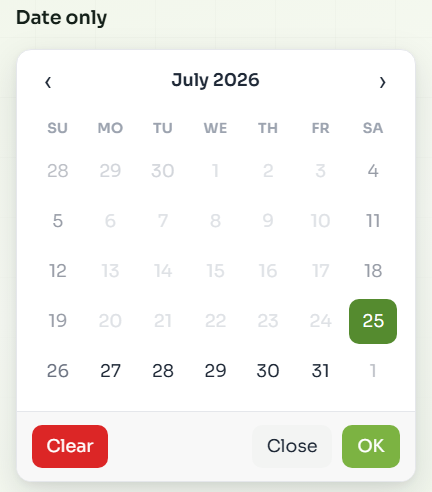 |
| 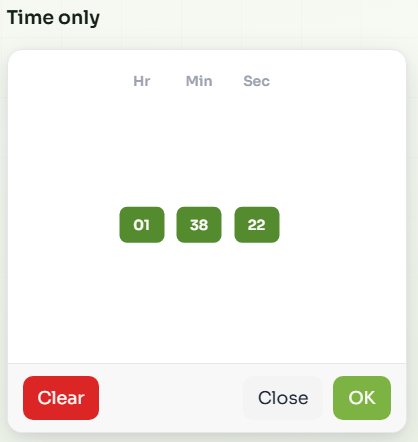 |
|
| Combined date & time | Separate view (tabs) |
|----------------------|----------------------|
| 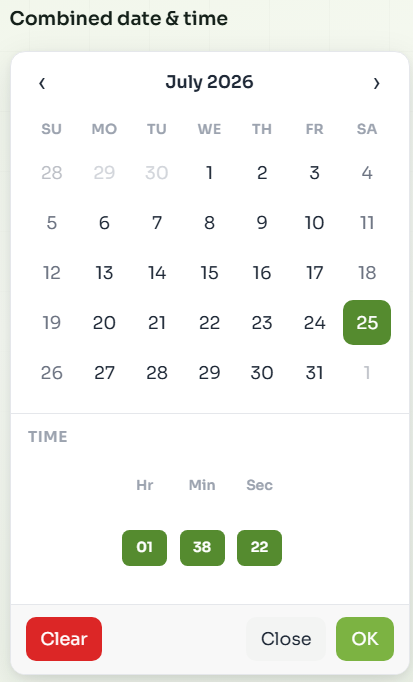 |
| 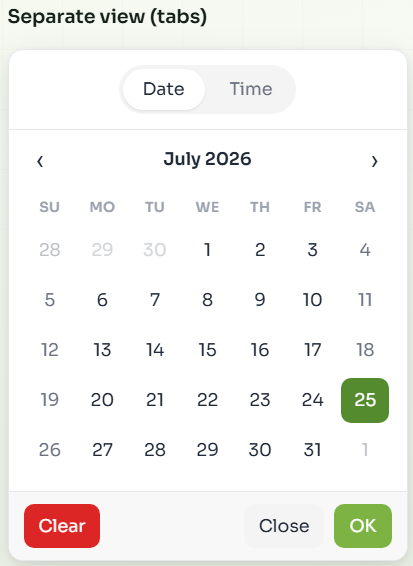 |
|
| Date range | Dark theme |
|------------|------------|
| 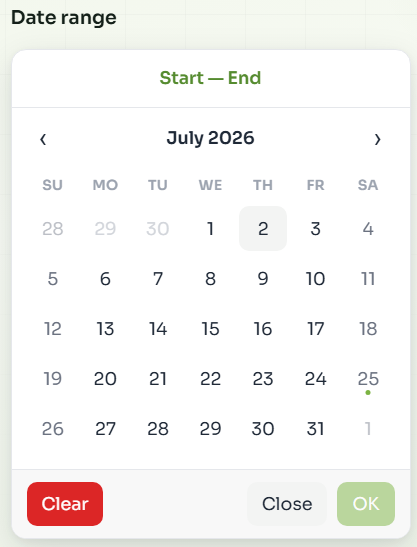 |
| 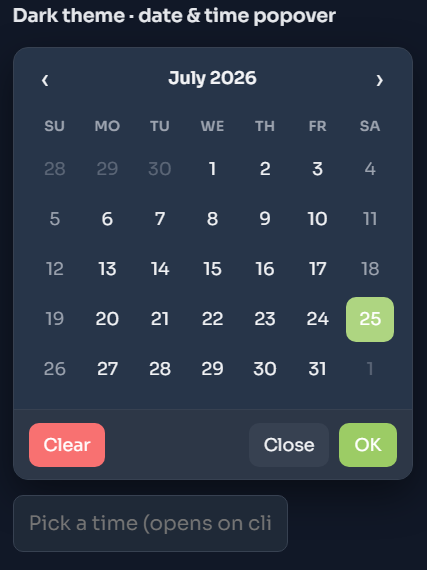 |
|
Migrating from react-calendar-time
Renamed to universal-datetime-picker in v2.0.0. Swap the package name and import paths; Web Components are now <datetime-picker>*. Full steps: migration guide.
Contributing
See CONTRIBUTING.md.
License
MIT