
upgrade-modal-version
v1.0.3
Published
**Upgrade Modal Version** is a package that displays a modal whenever the version in your application's package.json changes compared to the version stored in local storage. This package is specifically designed for PWA applications to help refresh cached


Readme
Upgrade Modal Version
Introduction
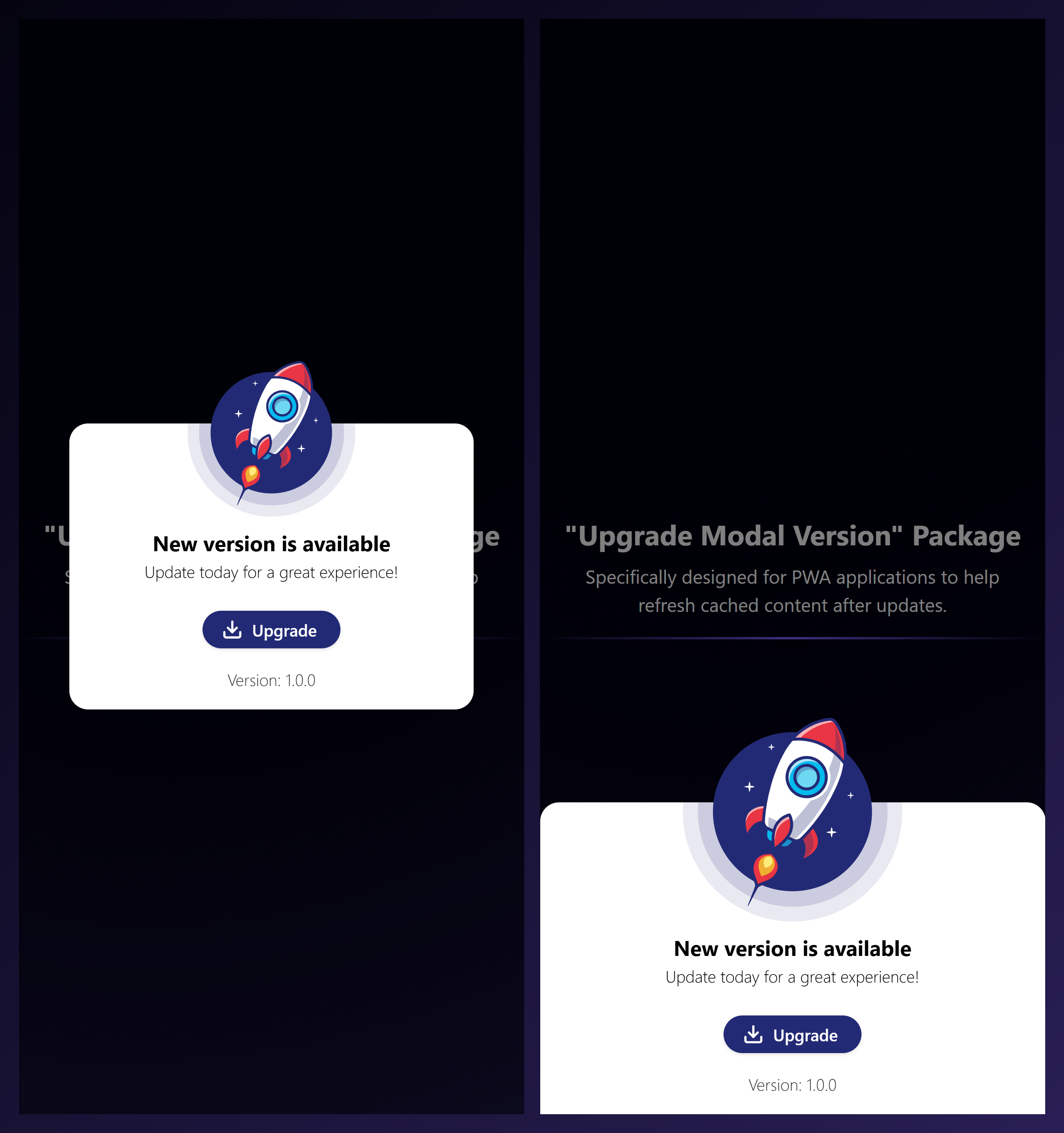
Upgrade Modal Version is a package that displays a modal whenever the version in your application's package.json changes compared to the version stored in local storage. This package is specifically designed for PWA applications to help refresh cached content after updates.
Features
Compares the version in package.json with the version stored in local storage.
Displays a modal if the versions differ.
Requires the user to explicitly provide their package.json file for better control.
Supports highly customizable UI and behavior.
Provides hooks for pre-upgrade logic and error handling.
Seamless integration with PWA projects.
Installation
Install the SDK via npm:
npm install upgrade-modal-versionor yarn
yarn add upgrade-modal-versionUsage
Step 1: Add a cache-clearing function to your service worker
In your service worker file, include the following code to handle cache clearing when the modal triggers the update:
self.addEventListener('message', (event) => {
  if (event.data && event.data.type === 'CLEAR_CACHE') {
    caches.keys().then((cacheNames) => {
      cacheNames.forEach((cacheName) => {
        caches.delete(cacheName);
      });
    });
  }
});
Step 2: Add the Modal to Your Application
Import and provide your package.json to the UpgradeModal component:
import UpgradeVersionModal from "upgrade-modal-version";
import 'upgrade-modal-version/dist/style.css'
import yourPackageJS from '../package.json';


function App() {
  return (
    <div>
      <UpgradeVersionModal packageJson={yourPackageJS} />
    </div>
  );
}
Customization
You can customize the modal using the following type:
type UpgradeVersionModalProps = {
  packageJson: PackageJson;
  type?: "modal" | "popup";
  render?: {
    header?: JSX.Element;
    version?: (target: string, current?: string) => JSX.Element;
    button?: (loading: boolean, upgrade: () => Promise<void>) => JSX.Element;
    rocket?: {
      projectionModifier?: string;
      color?: string;
    };
  };
  containerClassName?: string;
  modalClassName?: string;
  onBeforeUpgrade?: () => void;
};
Example
import UpgradeVersionModal from "upgrade-modal-version";
import 'upgrade-modal-version/dist/style.css'
import yourPackageJS from '../package.json';

function App() {
  return (
    <div>
      <UpgradeVersionModal
        packageJson={yourPackageJS}
        type="popup"
        render={{
          header: <h1>Upgrade Available</h1>,
          version: (target, current) => (
            <p>
              New version: {target}, Current version: {current}
            </p>
          ),
          button: (loading, upgrade) =>
            loading ? (
              <button disabled>Updating...</button>
            ) : (
              <button onClick={upgrade}>Update</button>
            ),
          rocket: { projectionModifier: "1.5rem", color: "red" },
        }}
        containerClassName="custom-container"
        modalClassName="custom-modal"
        onBeforeUpgrade={() => console.log("Preparing for upgrade...")}
      />
    </div>
  )
}
License
ISC Licensed. Copyright (c) Esollabs 2024.