
usagecut
v1.1.6
Published
Scan your Claude Code setup and see exactly how many tokens you waste and where. By ClockedCode. Not affiliated with Anthropic.
Downloads
24

Maintainers
 neozino
Readme
UsageCut
See exactly how many tokens you waste in Claude Code, and where. Then cut them.



npx usagecutNo install. No account. No API key. Runs entirely on your machine.
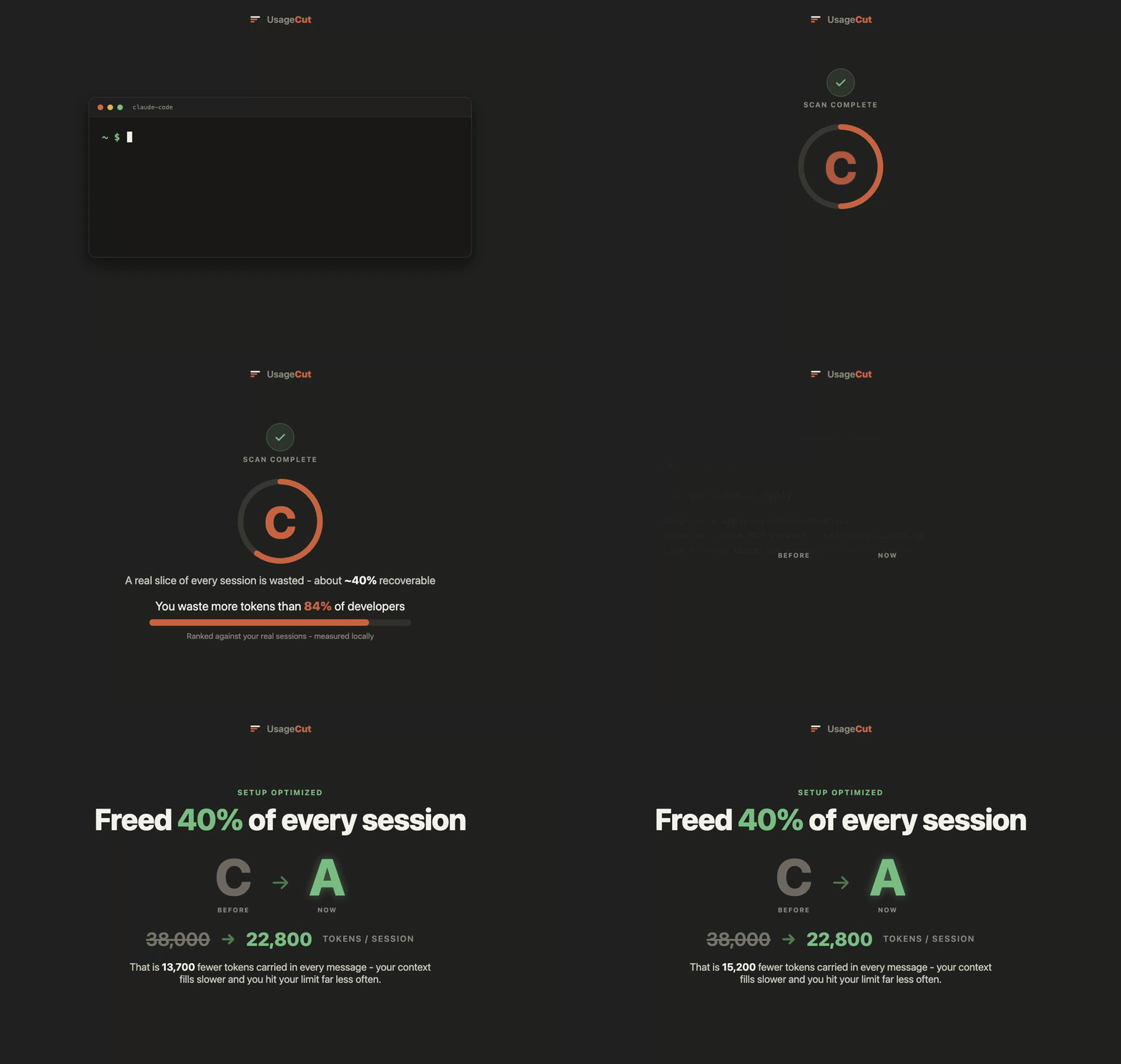
ccusage tells you what you spent. UsageCut shows you what you are wasting, and cuts it.
Claude Code re-sends your whole conversation on every turn, so duplicate file
reads, idle MCP servers, and a bloated CLAUDE.md quietly tax every single
message, which is what drains your weekly limit faster than the work you
actually did. UsageCut reads your real session history, finds that waste, and
shows you a clean visual report of where it goes.
What it does
- Reads your Claude Code setup and session transcripts locally - config,
MCP servers,
CLAUDE.md, and your~/.claudehistory. - Measures your waste by replaying your own tool outputs through the exact shipped trimmer, so the number is measured, not estimated.
- Finds the specific culprits: idle MCP servers loaded into every session, oversized always-loaded instructions, and the same files read again and again.
- Renders a visual report with a setup grade, where your tokens go, and how you rank against other developers scanned so far.
- Optimizes it for you, for free - disable idle servers, slim and re-scope
CLAUDE.md, and install a lossless live trimmer. Every change is backed up, diffed, and reversible with one command.
Usage
npx usagecut          # scan your setup and open your visual web report
npx usagecut --json   # print the raw aggregate payload, no upload

npx usagecut apply    # apply the free optimizations (backed up + reversible)
npx usagecut status   # show what is currently applied
npx usagecut revert   # undo every change, restoring your original setup
Privacy
Your raw code, prompts, and logs never leave your machine. The scan runs locally and uploads only aggregate counts - numbers and one-letter grades - to render your web report. Nothing else is transmitted, and there is no account to create. The scanner is open source, so you can read exactly what it does before you run it.
How it cuts tokens
UsageCut is lossless by design. It never makes Claude dumber and never reroutes your API key or your code. The levers:
- Live trimmer - a local hook that losslessly shrinks bulky, repeated tool output as it appears (collapses duplicate reads, strips junk). The big one.
- Disable idle MCP servers - detected from your real transcripts, including sub-agent transcripts, so a server is only flagged when it was truly never called.
- Slim
CLAUDE.md- trim and re-scope always-loaded instructions, kept verbatim, so they only load where they are actually needed.
Honest about the numbers: setup fixes alone are a modest cut; the live trimmer is where most of the savings live on token-heavy sessions. The free scan measures your real sessions and shows your number - no billboard percentages.
Options and environment
--json- print the raw aggregate payload instead of uploading.USAGECUT_API_URL- override the report endpoint (defaults tohttps://www.usagecut.com).USAGECUT_TOKEN- claim token from the website scan page, so that page shows your scan automatically.
About
UsageCut is a free tool by ClockedCode. It is free because it is genuinely useful on its own - if you want to push Claude Code much further, that is what ClockedCode is for.
Not affiliated with Anthropic. "Claude" and "Claude Code" are trademarks of Anthropic.
License
MIT. See LICENSE.