npm package discovery and stats viewer.

Discover Tips

  • General search

    [free text search, go nuts!]

  • Package details

    pkg:[package-name]

  • User packages

    @[username]

Sponsor

Optimize Toolset

I’ve always been into building performant and accessible sites, but lately I’ve been taking it extremely seriously. So much so that I’ve been building a tool to help me optimize and monitor the sites that I build to make sure that I’m making an attempt to offer the best experience to those who visit them. If you’re into performant, accessible and SEO friendly sites, you might like it too! You can check it out at Optimize Toolset.

About

Hi, 👋, I’m Ryan Hefner  and I built this site for me, and you! The goal of this site was to provide an easy way for me to check the stats on my npm packages, both for prioritizing issues and updates, and to give me a little kick in the pants to keep up on stuff.

As I was building it, I realized that I was actually using the tool to build the tool, and figured I might as well put this out there and hopefully others will find it to be a fast and useful way to search and browse npm packages as I have.

If you’re interested in other things I’m working on, follow me on Twitter or check out the open source projects I’ve been publishing on GitHub.

I am also working on a Twitter bot for this site to tweet the most popular, newest, random packages from npm. Please follow that account now and it will start sending out packages soon–ish.

Open Software & Tools

This site wouldn’t be possible without the immense generosity and tireless efforts from the people who make contributions to the world and share their work via open source initiatives. Thank you 🙏

© 2026 – Pkg Stats / Ryan Hefner

uview-ultra

v4.5.48

Published

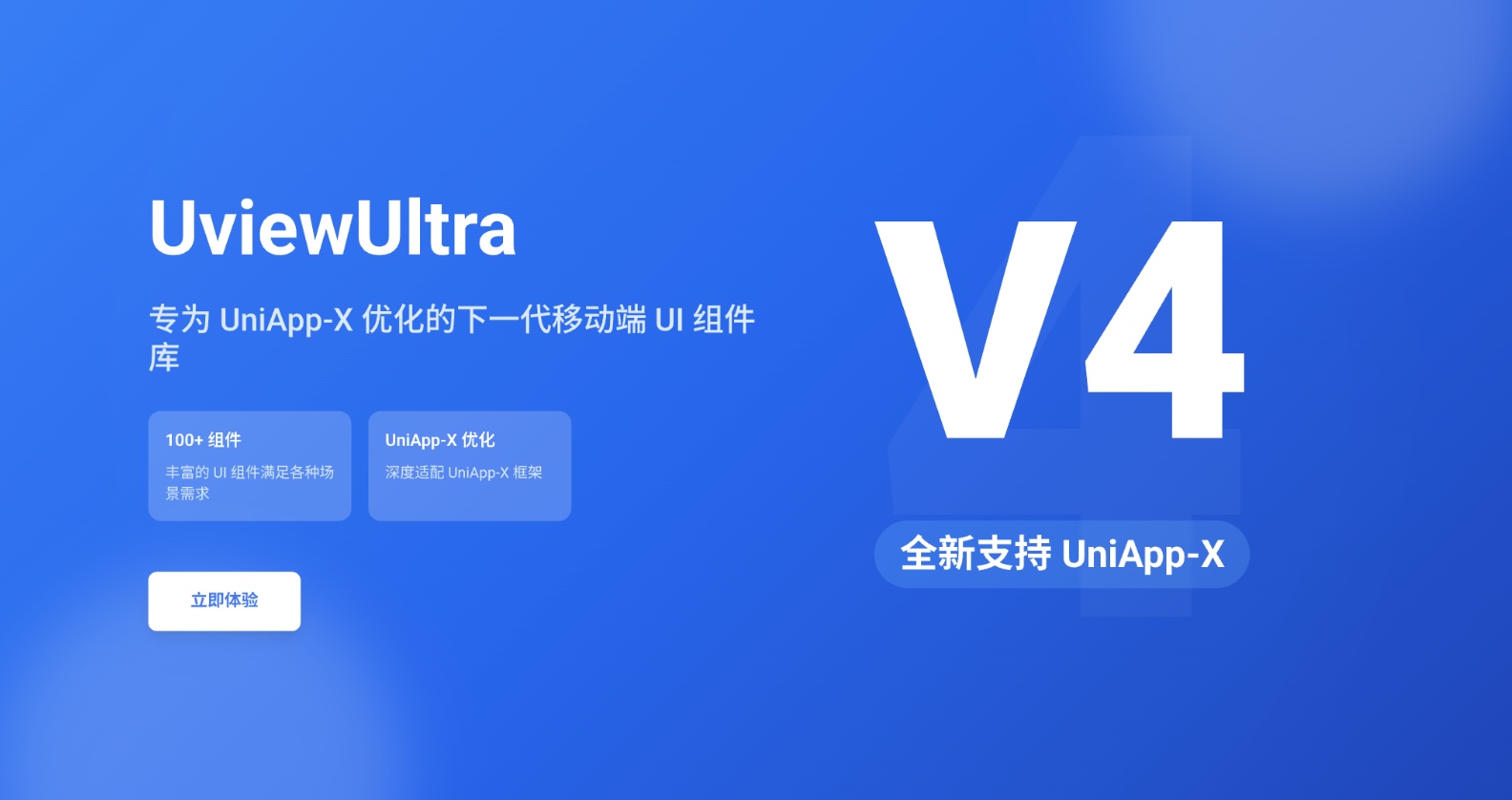
uview-ultra全面兼容uni-app/uni-app-x/鸿蒙/nvue,全面的组件和便捷的工具会让您信手拈来,如鱼得水

Readme

Website Website Website Website npm

image

说明

刚适配的uni-app-x,已经尽可能的继续跟uview-plus一样保持原始uview的接口兼容性,新版发布仍然存在细节问题需要完善与修复,后续会继续更新完善。

介绍

全面兼容uni-app/uni-app-x/nvue/鸿蒙的uni-app生态框架,丰富的组件和便捷的工具以及兼容的API会让您轻松升级,事半功倍。

官方文档:https://uview-ultra.lingyun.net/

特性

  • 全面兼容uni-app/uni-app-x/nvue/鸿蒙,原生渲染,高性能
  • 兼容安卓,iOS,微信小程序,H5,QQ小程序,百度小程序,支付宝小程序,头条小程序
  • 100+精选组件,功能丰富,多端兼容,让您快速集成,开箱即用
  • 众多贴心的JS利器,让您飞镖在手,召之即来,百步穿杨
  • 众多的常用页面和布局,让您专注逻辑,事半功倍
  • 详尽的文档支持,现代化的演示效果
  • 按需引入,精简打包体积

预览

您可以通过微信扫码,查看最佳的演示效果。 image image

链接

关于PR

我们非常乐意接受各位的优质PR,但在此之前我希望您了解这是一个需要兼容多个平台的(小程序、h5、ios app、android app)包括uni-app-x页面、vue页面。 所以希望在您修复bug并提交之前尽可能的去这些平台测试一下兼容性。最好能携带测试截图以方便审核。非常感谢!

安装

uni-app插件市场链接 —— https://ext.dcloud.net.cn/plugin?name=uview-ultra

npm(uni-app CLI 工程)

npm i uview-ultra

npm 方式安装不会自动写入 easycom 规则,需要在 pages.json 里自己加一条 (插件市场安装会自动配好):

{
	"easycom": {
		"autoscan": true,
		"custom": {
			"^up-(.*)": "uview-ultra/components/up-$1/up-$1.vue"
		}
	}
}

并在 main.js 里挂载插件、引入全局样式:

import uviewUltra from 'uview-ultra'
import 'uview-ultra/index.scss'

export function createApp() {
	const app = createSSRApp(App)
	app.use(uviewUltra)
	return { app }
}

全局样式也可以不写在 main.js,改到 App.vue 的 <style lang="scss"> 里:

<style lang="scss">
	@import 'uview-ultra/index.scss';
</style>

npm 包的入口是 index.js(uni-app / Vue3 的实现)。 uni-app x 工程请用插件市场安装 —— 它走的是 .uvue 那套实现, 而 npm 包同时包含 .vue 与 .uvue 两份源码,混用容易装错组件。

快速上手

请通过快速上手了解更详细的内容

使用方法

配置easycom规则后,自动按需引入,无需import组件,直接引用即可。

<template>
	<up-button text="按钮"></up-button>
</template>