
vanilla-js-carousel
v3.1.2
Published
1Kb (gzipped) pure JavaScript carousel with all the features most of us will ever need.

Maintainers
 zoltantoth
Readme
Vanilla JavaScript Carousel



Tiny (1Kb gzipped) JavaScript carousel with all the features most of us will ever need.
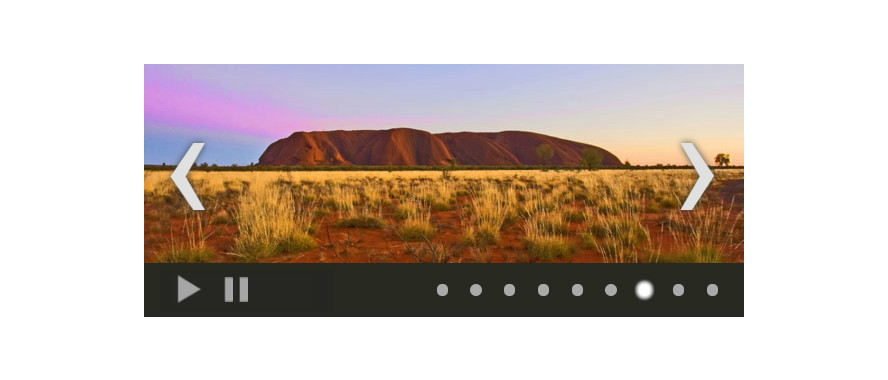
— Inspired by the blazing fast, lightweight, cross-platform and crazy popular Vanilla JS framework.
Demo
Installation
Via NPM:
npm install --save vanilla-js-carouselor in case you love shortcuts:
npm i --S vanilla-js-carouselOld school:
<script src="dist/vanilla-js-carousel.min.js"></script>
Usage
Include the CSS and feel free to edit it or write your own:
<link rel="stylesheet" href="dist/vanilla-js-carousel.css" />Write some markup:
<div class="js-Carousel" id="carousel">
    <ul>
        <li><img src="image-1.jpg" alt=""></li>
        <li><img src="image-2.jpg" alt=""></li>
        <li><img src="image-3.jpg" alt=""></li>
    </ul>
</div>
If you installed via NPM:
const Carousel = require("vanilla-js-carousel");Initialize the carousel:
var carousel = new Carousel({
    elem: 'carousel',    // id of the carousel container
    autoplay: false,     // starts the rotation automatically
    infinite: true,      // enables the infinite mode
    interval: 1500,      // interval between slide changes
    initial: 0,          // slide to start with
    dots: true,          // show navigation dots
    arrows: true,        // show navigation arrows
    buttons: false,      // hide play/stop buttons,
    btnStopText: 'Pause' // STOP button text
});

// Show slide number 3 (Numeration of slides starts at 0)
carousel.show(2);

// Move to the next slide
carousel.next();
Options
Settings
Option | Type | Default | Description ------ | ---- | ------- | ----------- elem | string | carousel | The id of the carousel container in the HTML markup interval | int | 3000 | Auto play interval in milliseconds initial | int | 0 | Index of the slide to start on autoplay | boolean | false | Enables auto play of slides infinite | boolean | false | Enables infinite mode dots | boolean | true | Display navigation dots arrows | boolean | true | Display navigation arrows (<prev>/<next>) buttons | boolean | true | Display navigation buttons (<stop>/<play>)
Button titles
Option | Type | Default | Description
------ | ---- | ------- | -----------
btnPlayText | string | Play | Text for <play> button
btnStopText | string | Stop | Text for <stop> button
arrPrevText | string | ‹ | Text for <prev> arrow
arrNextText | string | › | Text for <next> arrow
Methods
Method | Argument | Description ------ | -------- | ----------- .show(index) | index: int | Moves the carousel to slide by index .live() | | Returns the current slide's index .prev() | | Triggers previous slide .next() | | Triggers next slide .play() | | Starts the autoplay .stop() | | Stops the autoplay
Running the tests
npm testBrowser support and dependencies
Browser | Support | Dependencies
------ | -------- | -----------
Chrome | yes | -
Firefox | yes | -
Safari | yes | -
Opera | yes | -
IE | yes* | Polyfill for .classList in IE9
* IE9 and up
Versioning
This project uses SemVer for versioning. For the versions available, see the tags on this repository.
License
Anyone is free to copy, modify, publish, use, compile, sell, or distribute this software, either in source code form or as a compiled binary, for any purpose, commercial or non-commercial, and by any means.
See Unlicense for full details.