
variantkit
v0.4.0
Published
The configuration panel for AI-built UI: your agent generates variants with a full contextual control panel, you tweak and finalize, the losers get pruned from the codebase. Built on DialKit.
Downloads
21

Maintainers
 deepshal99
Readme
VariantKit
The configuration panel for AI-built UI.
You: "three takes on the pricing card." Your agent builds three real variants in your running app — wired to a full control panel with every knob that matters: layout, surface, typography, color, motion. You switch with keys 1-2-3, compare them side by side, drag sliders until it's right, hit Finalize — and the losers are pruned from your codebase. What ships is a plain component with zero tool residue.
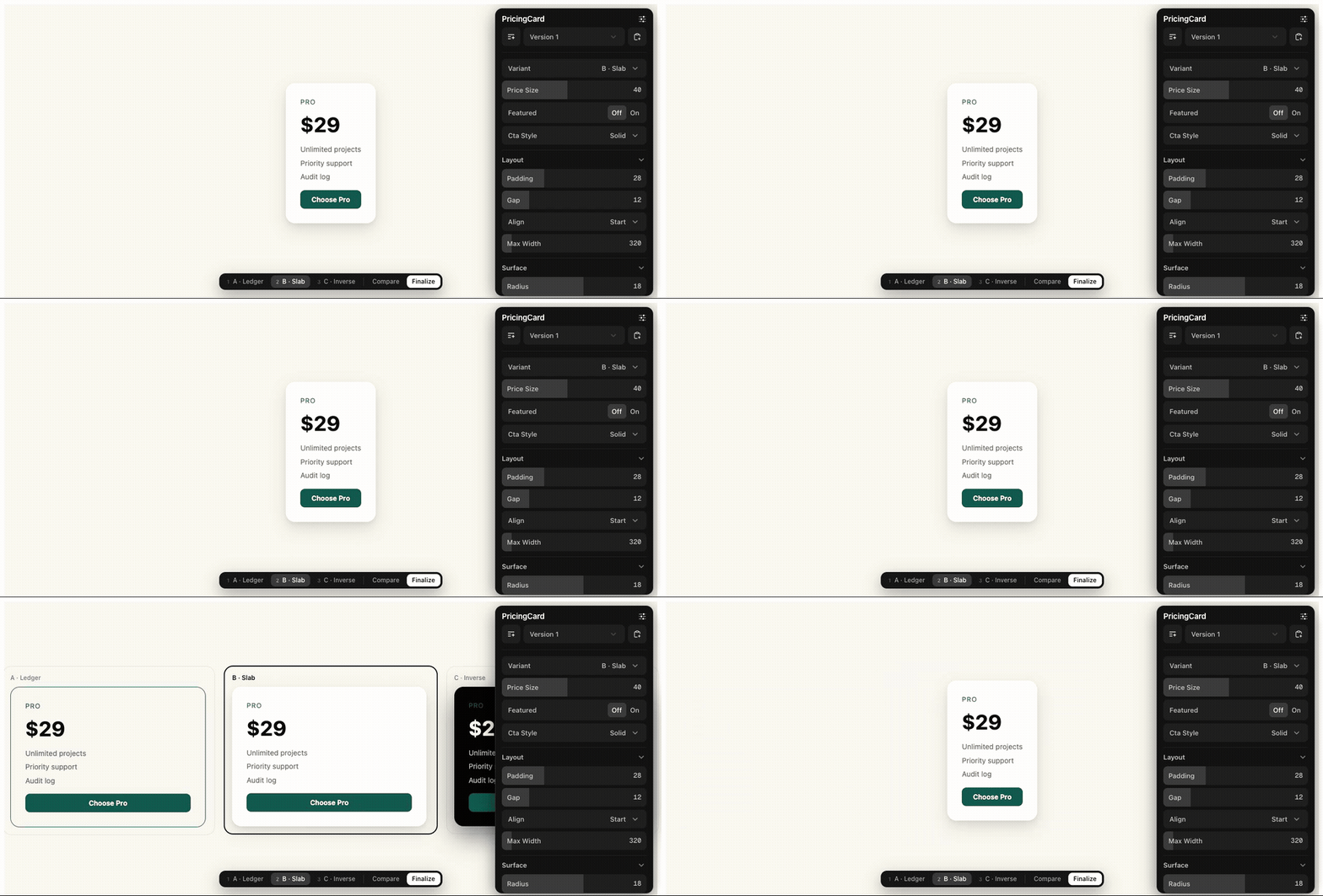
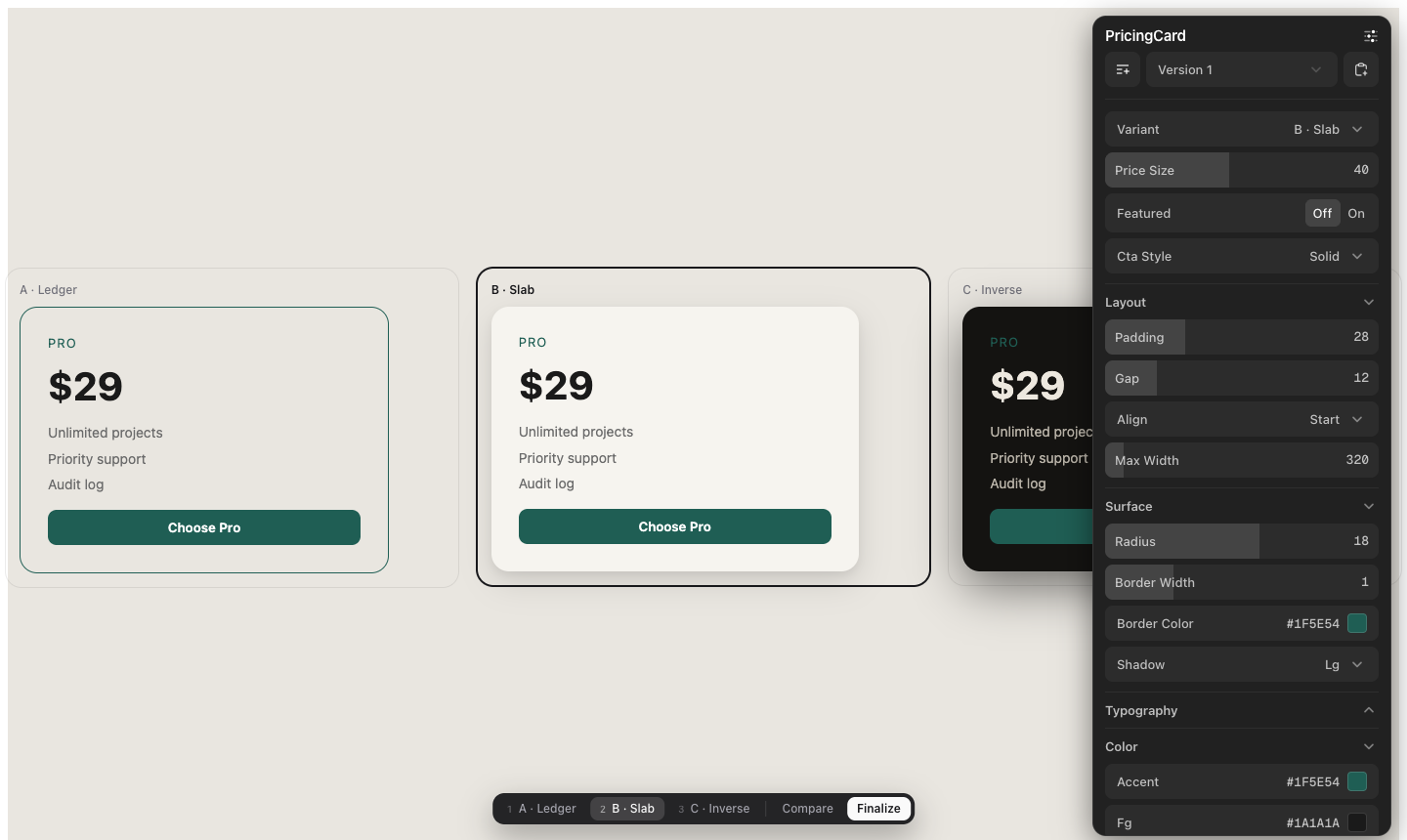
Stop describing tweaks in chat. Tweak the thing, then hand your agent the decision.
Install
From inside your project (Vite or Next.js, React 18+):
npx variantkit@latestThe @latest matters: a bare npx variantkit can run a stale cached build and ship you an old panel (missing shuffle/reset/copy). Always pin @latest.
(or straight from GitHub: npx github:deepshal99/variantkit)
One command does everything:
- installs
dialkit+motion - copies the runtime (
buildDecision, archetype schemas,VariantBar/VariantStage) - wires the decision transport (Vite plugin or Next API route)
- mounts
<DialRoot/>+<VariantBar/>in your app entry - teaches your AI the contract (
AGENT.md+ a pointer inCLAUDE.md/AGENTS.md/Cursor rules) - installs the global Claude Code skill (so every project gets variants proactively)
Check or undo anytime:
npx variantkit@latest doctor    # 15 checks with fix-its
npx variantkit@latest remove    # zero-residue uninstall (git-clean verified)
Flags: --dry-run --skip-install --no-mount --no-skill (init) · --keep-deps (remove)
The loop
- Ask for options. "Give me three takes on the hero." The agent scaffolds a variant set: 2-4 self-contained components + a thin shell wiring the panel.
- Get a real panel, not 3 sliders. The agent authors the controls for YOUR element
(VariantKit presents; the project decides) using archetype checklists per element
type (
button · card · hero · navbar · modal · form · table · list · badge · pricing ·
section
) — adapted, grouped in folders, every default seeded from your code. - Explore. Switch variants with the bottom bar or keys 1-9. Compare renders all variants in a live grid — drag a slider, every variant reacts.
- Finalize. The decision (winner + your overrides — the taste signal) lands in
.variantkit/decisions/via the dev server. No copy-paste. (Clipboard fallback when no transport is running.) - "Apply decision." The agent inlines your final values into the winner, renames it to
index.tsx, deletes the losers and all tool wiring. Deterministic: deletion + one rename + literal inlining — no JSX surgery. - It compounds. Resolved decisions append to
.variantkit/history/. After 3+, the agent distillsTASTE.md— grounded observations ("radius lands 8-12, 3/3 decisions") that seed better defaults next time.
Also in the box
- Studio — exploring several elements at once? One panel, a folder per element, each with its own controls and Finalize; hovering an element focuses its folder.
- Panel polish — dark mode with a header toggle, a delightful minimize/expand morph (shipped as a patch-package patch), micro-motion. All panel-side: nothing is ever drawn over your UI.
Not just variants: paramify anything
"Let me tweak this" on any existing component wraps it in its archetype panel — no variants, no registry. Tune it live, finalize, and the values inline back as literals with the wiring stripped.
Why not just ask the AI to build a switcher?
You can — every time, ad hoc, with 2-3 controls it happens to think of, and then ask it to
rip its own scaffolding back out and hope. VariantKit makes that loop a contract:
archetype panels with the controls the element actually needs, one keyboard-driven bar for
every set, a schema'd decision file, a prune algorithm with a self-check, and an uninstall
that leaves git status clean. Compared to Storybook knobs: this runs in your real app,
against real data and layout — and removes itself when you decide.
How it relates to DialKit
DialKit answers "what number should this be?" VariantKit answers "which direction should this go?" — and uses DialKit as its control panel through its documented store API (no fork; the one patch-package patch is cosmetic — the panel's minimize/expand morph — and entirely optional).
Repo map
variantkit/— what gets installed:buildDecision.ts(pure core),configs.ts(panel assembly),schemas/(sections + 11 archetype checklists),react.tsx(Studio + panel theme),react/(VariantBar, VariantStage), panel css,patches/(panel morph),vite-plugin.mjs,templates/(Next routes),init.mjs(init/doctor/remove),skill/AGENT.md— the agent contract: scaffold convention, authoring rules, decision schema (v2, dot-paths), prune + self-check, §7 completeness bar, deslop, taste memoryNAMING.md— the vocabulary (one word per concept)examples/sandbox/— wired Vite example (PricingCard, 3 variants, 19-control panel);examples/panel-studio/— the Studio dogfoodfixture/— prune before/after proof + taste distillation fixture
MIT.