
varyloom
v0.1.1
Published
31 extensible image transitions for JavaScript, TypeScript, and React.

Maintainers
 nanfengw0w
Readme
Varyloom
English · 简体中文
在线体验 Varyloom ↗
选择转场、实时调参,把喜欢的效果带进你的作品。 浏览全部 31 种效果 · 复制接入代码
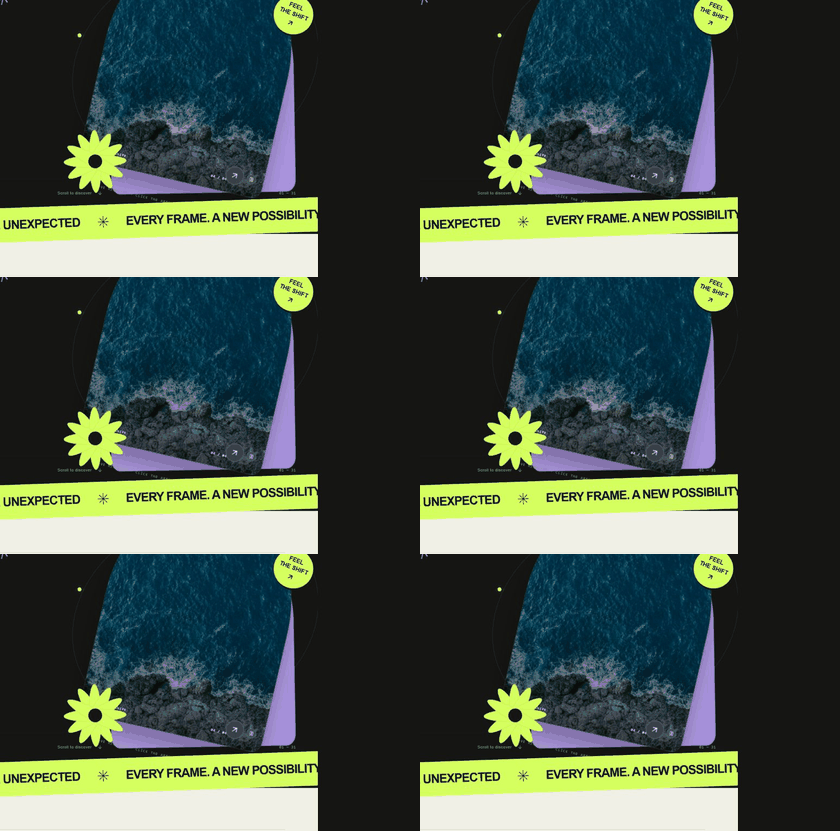
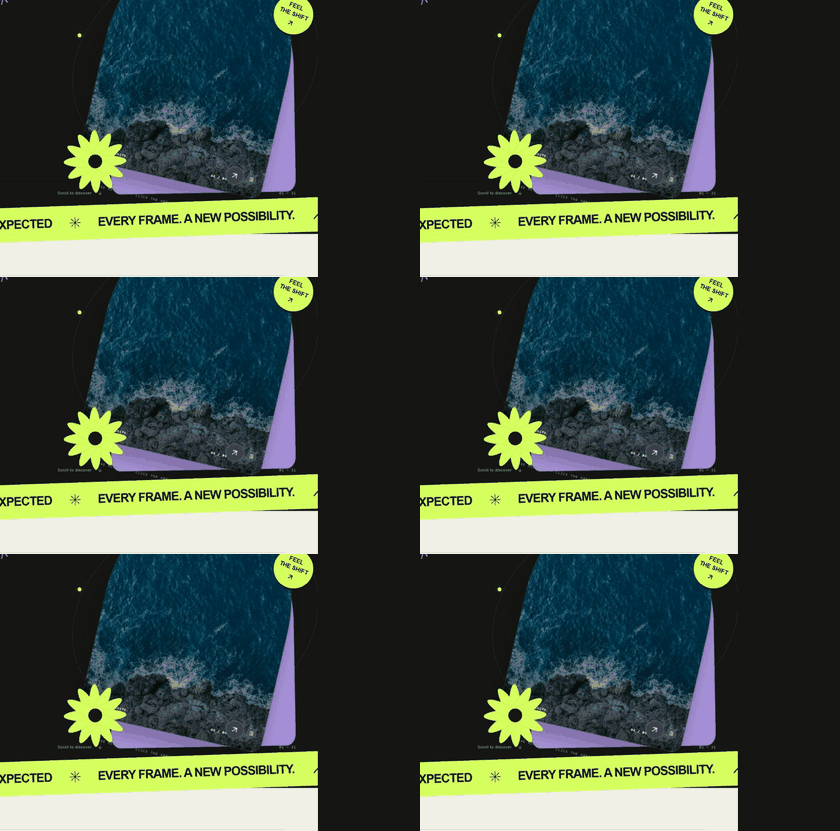
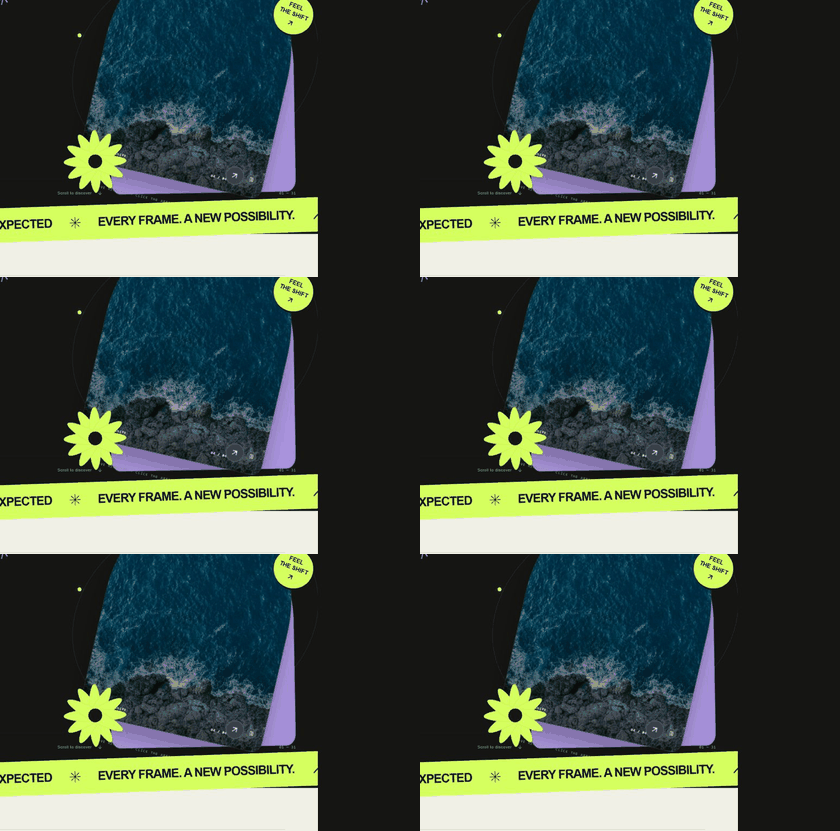
| 粒子迁移 | 流星尾迹 | 记忆拼图 |
| --- | --- | --- |
|  |
|  |
|  |
|
演示站独立安装已发布的 [email protected],不引用核心库源码。粒子迁移、流星尾迹需要 WebGPU;不支持时演示站会明确显示回退状态。
Varyloom 是一套可扩展的图片转场库:31 种内置效果共用一套控制接口,可用于 JavaScript、TypeScript 和 React。从克制的材质与平面设计转场,到 GPU 驱动的粒子转场,都可以在同一个图库里切换。
Varyloom 已发布到 npmjs.com/package/varyloom。仓库包含核心库及 website/ 下的独立演示站;网站和素材不属于 npm 包。
为什么选择 Varyloom?
- 统一接口。 更换转场效果,不必重写图片列表与导航逻辑。
- 适配不同宽高比。
imageFit: 'contain'完整显示图片;'cover'铺满画面。 - 有回退机制。 效果的能力检查判定不受支持时,可切换到另一个已注册的效果。
- 适合实际界面。 控制器负责自动播放、拖拽、键盘导航、尺寸变化、事件、减少动态效果偏好和资源清理。
- 方便扩展。 注册新转场无需修改控制器。
安装
npm install varyloomReact 子入口是可选的。React 项目还需要 React 18 或更新版本。
快速开始 — JavaScript
<div id="slider"></div>#slider {
width: min(100%, 900px);
aspect-ratio: 16 / 10;
}import { createVaryloom } from 'varyloom';
const slider = await createVaryloom(document.querySelector('#slider'), {
items: [
{ image: '/images/one.jpg', alt: '第一张图片' },
{ image: '/images/two.jpg', alt: '第二张图片' },
{ image: '/images/three.jpg', alt: '第三张图片' },
],
effect: 'ink-reveal',
duration: 1.6,
effectOptions: { imageFit: 'contain' },
});
slider.next();
// 移除图库时调用 slider.destroy()。至少提供两张图片,并给容器设置明确尺寸。图片来源可以是 URL、Blob、HTMLImageElement 或 ImageBitmap。如果加载其他域名的图片,图片服务器必须允许跨域读取,GPU 才能采样。
快速开始 — React
import { VaryloomSlider } from 'varyloom/react';

const items = [
  { image: '/images/one.jpg', alt: '第一张图片' },
  { image: '/images/two.jpg', alt: '第二张图片' },
];

export function Gallery() {
  return (
    <div style={{ width: '100%', height: 500 }}>
      <VaryloomSlider
        items={items}
        effect="melt"
        duration={1.1}
        effectOptions={{ intensity: 0.55, aberration: 0.35, drift: 0.4 }}
        autoplay
      />
    </div>
  );
}
组件卸载时会释放控制器及 GPU 资源。除非打算重建图库,否则应让 items 数组在多次渲染之间保持稳定。
31 种内置转场
| 分类 | 效果名 |
| --- | --- |
| 基础与流动 · 8 | ink-reveal、melt、gummy-squeeze、flow-morph、rack-focus、liquid-lens、frequency-handoff、darkroom-develop |
| 材质与形态 · 12 | prismatic-glass、silk-ribbons、torn-paper、burn-through、impasto-stroke、holo-foil、lenticular-shift、zipper-cloth、drowsy-blinds、postcard-relay、memory-mosaic、iris-shutter |
| 平面设计 · 5 | misregistration、contour-reveal、type-aperture、archive-seal、contact-sheet |
| 粒子与光 · 4 | particle-shift、chromatic-dust、fiber-flow、meteor-wake |
| 空间与透视 · 2 | depth-flip、vortex-portal |
粒子与光分类中的四个效果需要 WebGPU。其余效果使用 WebGL/WebGL2 或浏览器渲染能力。效果的能力检查判定不受支持时,Varyloom 会尝试 fallbackEffect,默认是 melt;设置为 false 则直接报错。运行时初始化失败仍会作为错误报告,不会被静默替换。请确保选用的回退效果在目标浏览器中可运行。
所有内置效果都接受通过 effectOptions 传入的 imageFit: 'contain' | 'cover'。部分效果还有专属参数,例如 particle-shift 的 exitDirection、enterDirection,或 melt 的 intensity、aberration、drift。TypeScript 用户可从 varyloom 导入对应的 *Options 类型。
通用参数
| 参数 | 默认值 | 用途 |
| --- | --- | --- |
| items | 必填 | 至少两张图片;每项可以附带 alt、caption、data。 |
| effect | ink-reveal | 内置或注册的转场名称。 |
| duration | 1.2 | 转场时长,单位为秒。 |
| easing | power2.inOut | 控制器缓动;个别效果可以自行定义阶段缓动。 |
| effectOptions | {} | 传给当前效果的参数。 |
| autoplay / autoplayDelay | false / 4 | 自动播放与播放间隔,单位为秒。 |
| loop | true | 首尾循环。 |
| draggable / keyboard | true / true | 水平拖拽与聚焦后的方向键导航。 |
| pauseOnHover | true | 鼠标悬停时暂停自动播放。 |
| dpr | 2 | 效果使用的设备像素比上限。 |
| fallbackEffect | melt | 能力检查判定不支持时使用的效果;false 表示不回退。 |
控制器与事件
slider.next();
slider.prev();
slider.goTo(2);
slider.seek(0.5);
slider.play();
slider.pause();
await slider.setEffect('particle-shift', { imageFit: 'contain' });
slider.setOptions({ duration: 2, autoplay: false });

const unsubscribe = slider.on('indexchange', ({ index, item }) => {
  console.log(index, item.alt);
});

unsubscribe();
slider.destroy();事件包括:ready、transitionstart、progress、indexchange、transitionend、effectchange、fallback、error、destroy。createVaryloom 初始化完成后才会返回;React 可通过 onReady 或 ref 获取控制器。
扩展自己的转场
注册表接受一个转场定义,其中包含 name、backend、create,以及 init、prepare、resize、render、destroy 生命周期。可选的 defaults、supported、phaseEasing 分别用于默认参数、能力检测和效果自身的阶段时钟。
import { defineTransition, registerTransition } from 'varyloom';

const unregister = registerTransition(defineTransition({
  name: 'my-transition',
  backend: 'custom',
  create: () => {
    const canvas = document.createElement('canvas');
    return {
      canvas,
      init(context) { context.host.appendChild(canvas); },
      prepare(fromIndex, toIndex, direction) {},
      resize(width, height, dpr) {},
      render(frame) {},
      destroy() { canvas.remove(); },
    };
  },
}));

// 不再需要此效果时,调用 unregister()。
render 会收到归一化进度、经过时间、帧间隔、方向、指针位置及合并后的效果参数。
无障碍、兼容性与许可
用户启用“减少动态效果”时,Varyloom 会缩短转场时间。请为图片提供有意义的 alt 文本;如果界面需要可见导航按钮,请自行提供。使用 GPU 效果时,请针对目标浏览器验证 WebGL/WebGPU 和图片跨域支持。本项目使用 MIT 许可证。