
vecnest
v0.1.1
Published
Open-source browser-based vector database. IndexedDB + cosine similarity + optional Transformers.js embeddings.

Maintainers
 emmanuelkyeremeh
Readme
Vecnest
Vecnest is an open-source, browser-based vector database. Vectors are stored in IndexedDB and queried via cosine similarity. Optional Transformers.js embeddings let you add and search by text—no backend required.
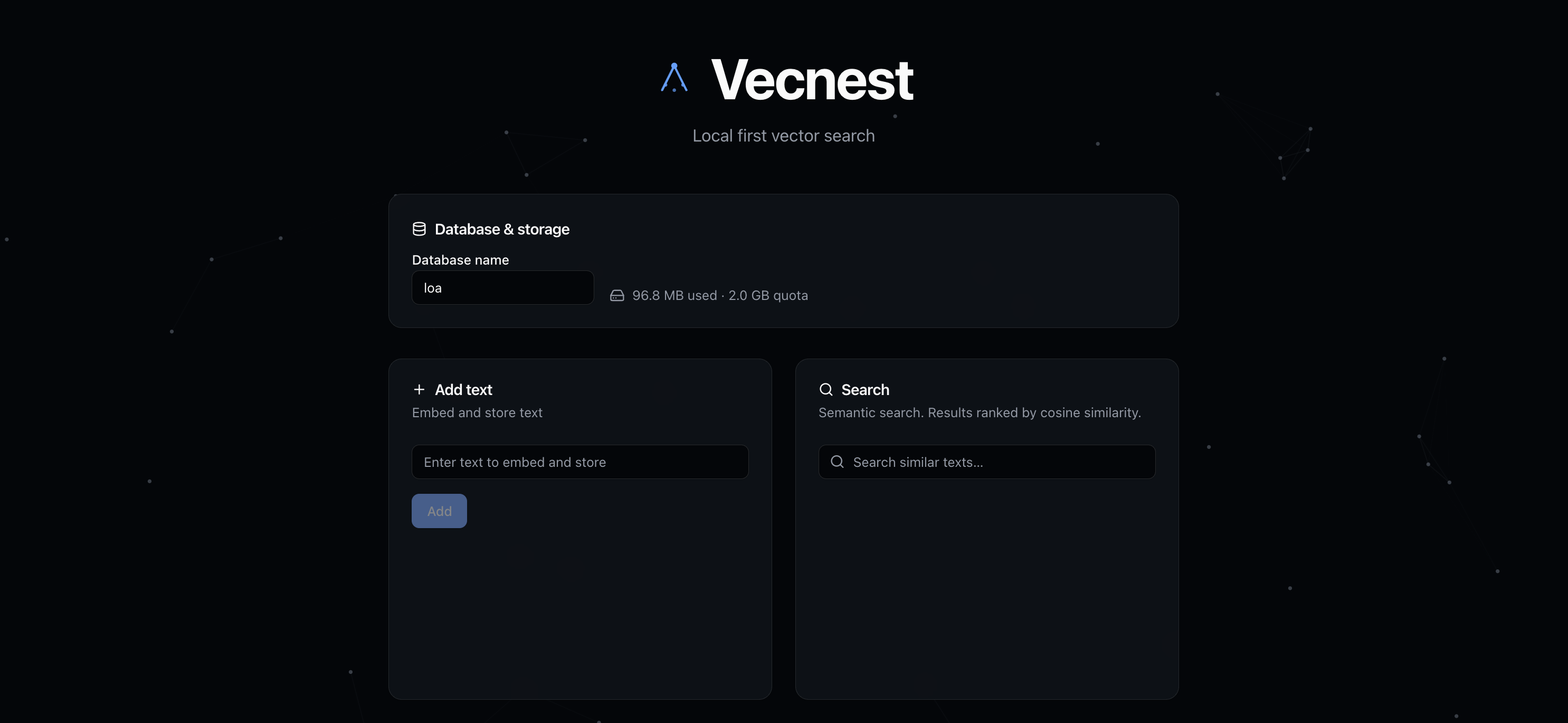
The demo app lets you manage databases, add and search text, and browse documents.
Features
- IndexedDB persistence – Vectors and metadata survive reloads; same-origin storage.
- HNSW indexing – Approximate nearest neighbor search via WebAssembly for O(log n) performance.
- Cosine similarity search – Fast vector search with automatic HNSW optimization.
- Optional embeddings – Use
addText/searchTextwith Transformers.js, or supply your own vectors. - Update operations – Update vectors and metadata by ID.
- Metadata filtering – Filter search results by metadata with advanced operators (
$eq,$gt,$in, etc.). - Web Workers – Background thread search to keep UI responsive.
- React hooks –
useVecnest,useSearch,useSearchTextfor React 18+. - No backend – Runs entirely in the browser.
Install
npm install vecnestQuickest path: install → connect() → addText() / searchText() → done. No backend.
Quick start
JavaScript (core API)
import { VecnestDB } from 'vecnest';

const db = new VecnestDB('my-db');
await db.connect();

// Add text (embeds via Transformers.js, then stores)
await db.addText('Machine learning is a subset of AI.', { source: 'doc1' });
await db.addText('Neural networks learn from data.', { source: 'doc2' });

// Search by text
const results = await db.searchText('What is ML?', { k: 5 });
console.log(results); // [{ id, score, metadata }, ...]

// Or use raw vectors
await db.insert([0.1, -0.2, ...], { label: 'custom' });
const byVector = await db.search(queryVector, { k: 10 });

// Update a vector
await db.update(123, { metadata: { category: 'updated' } });

// Search with metadata filter
const filtered = await db.searchText('query', {
  k: 5,
  filter: { category: 'docs', score: { $gte: 0.8 } }
});

// Rebuild HNSW index if needed
await db.rebuildIndex(384); // 384 = vector dimensions

db.close();
React (hooks)
import { useState } from 'react';
import { useVecnest, useSearchText } from 'vecnest/react';

function App() {
  const { db, loading, error } = useVecnest('my-db');
  const [query, setQuery] = useState('');
  const { results, loading: searchLoading } = useSearchText(db, query, { k: 5 });
  const ready = !loading && !error && db;

  const handleAdd = async () => {
    if (!db) return;
    await db.addText('Some text', {});
  };

  return (
    <div>
      {loading ? <p>Loading…</p> : null}
      {error ? <p role="alert">Error: {error.message}</p> : null}
      {ready ? (
        <>
          <button onClick={handleAdd}>Add text</button>
          <input value={query} onChange={(e) => setQuery(e.target.value)} placeholder="Search" aria-busy={searchLoading} />
          {searchLoading ? <span aria-live="polite">Searching…</span> : null}
          <ul>
            {results.map((r) => (
              <li key={r.id}>{r.metadata?.text ?? '(no text)'} — {r.score.toFixed(4)}</li>
            ))}
          </ul>
        </>
      ) : null}
    </div>
  );
}
API
Core (vecnest)
openDB(name)– Open IndexedDB; returns rawIDBDatabase.insert(db, vector, metadata, opts?)– Insert vector + metadata; returns id.insertBatch(db, items, opts?)– Batch insert (single transaction).search(db, queryVector, { k?, filter?, useHnsw?, useWorker? })– Top-k search with HNSW, filtering, and Web Workers.update(db, id, { vector?, metadata? })– Update vector and/or metadata.remove(db, id, opts?)– Delete by id.cosineSimilarity(a, b)– Cosine similarity of two vectors.embed(text)/embedBatch(texts)– Transformers.js embeddings.rebuildHnswIndex(db, dimensions, opts?)– Rebuild HNSW index from all vectors.count(db)– Total number of vectors.list(db, { limit?, offset? })– List vectors (newest first), with pagination.getStorageEstimate()–{ usage, quota }in bytes for current origin.VecnestDB– High-level client:connect,insert,addText,addTexts,search,searchText,update,delete,count,list,rebuildIndex,close.VecnestDB.getStorageEstimate()– static, returns storage estimate.
React (vecnest/react)
useVecnest(dbName)–{ db, loading, error }; opens DB, closes on unmount.useSearch(db, queryVector, { k?, filter?, useHnsw?, useWorker? })–{ results, loading, error }.useSearchText(db, queryText, { k?, filter?, useHnsw?, useWorker? })– Embed query, then search; same shape.
Metadata Filtering
Filter search results using simple equality or advanced operators:
// Simple equality
{ filter: { category: 'docs', lang: 'en' } }

// Advanced operators
{ filter: {
  score: { $gte: 0.8 },        // score >= 0.8
  views: { $lt: 1000 },         // views < 1000
  status: { $in: ['active', 'pending'] },  // status in array
  deleted: { $ne: true }         // deleted !== true
} }
Supported operators: $eq, $ne, $gt, $gte, $lt, $lte, $in, $nin.
Vecnest UI (inspector)
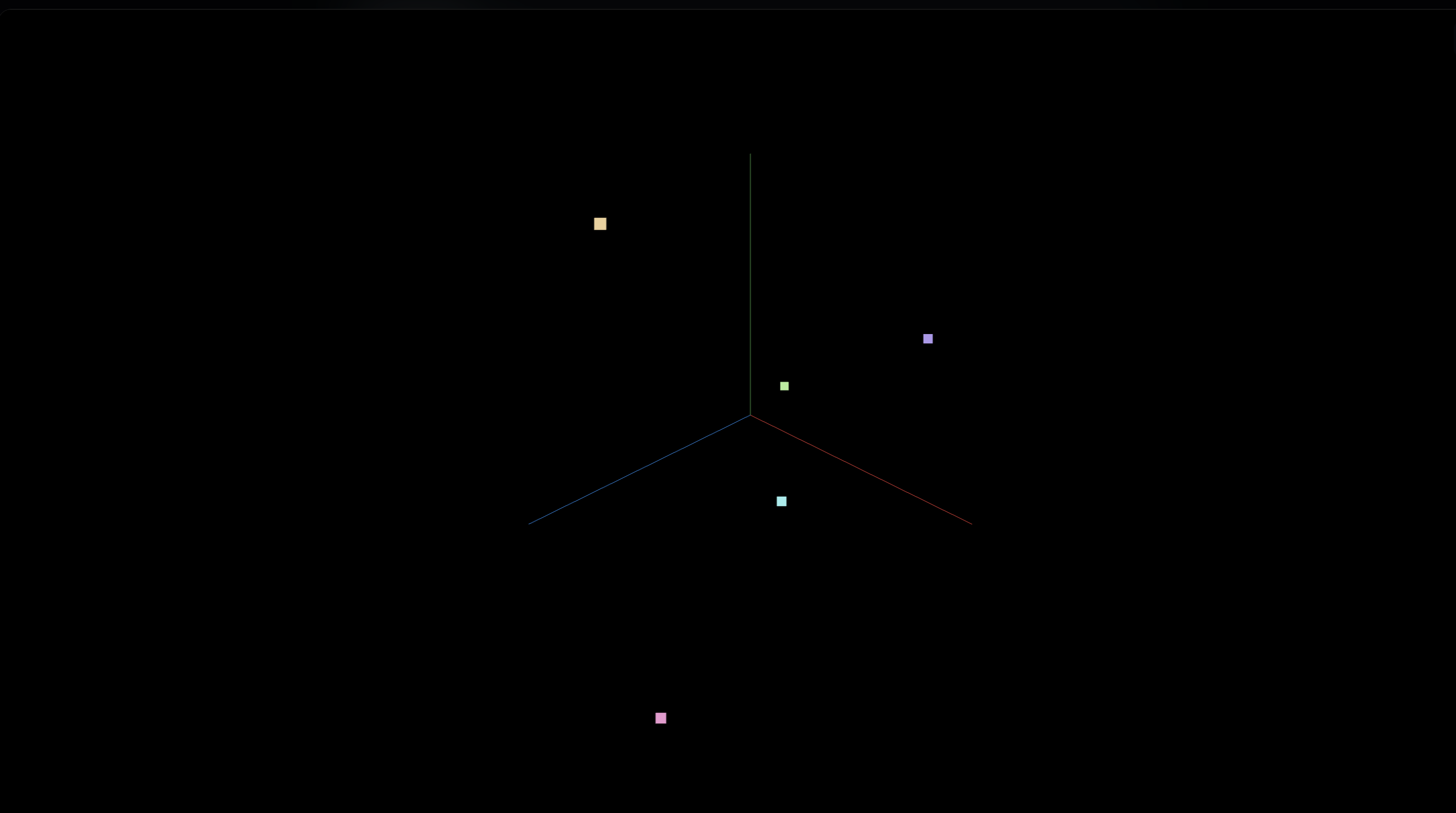
Add the Vecnest UI to your app to inspect DBs, documents, and the 3D embedding view on the same origin.
One command (run from your project root):
npx vecnest setup-uiThis builds the UI and copies it into your project. It detects public/ (Vite, Next.js, Vue, CRA) or static/ (SvelteKit). Override with --out:
npx vecnest setup-ui --out static/vecnest-uiThen:
- Add a link in your app (you must do this manually):
<a href="/vecnest-ui/index.html">Open Vecnest UI</a> - Run your dev server (e.g.
npm run dev). Same origin → same IndexedDB. - Open
/vecnest-ui/index.htmlto view DBs, documents, and 3D embeddings.
Works with React, Vue, Svelte, vanilla JS, Next.js, Webpack, Rollup, etc. — any app that serves static files from public or static (use --out if your setup differs). See Vecnest UI setup in the docs for the full flow, RAG examples, and the npm run dev vs dev:rag-* distinction.
The UI includes an interactive 3D view of the embedding space (first three dimensions); you can orbit, zoom, and see search results highlighted.
Examples
examples/demo– React + Vite app: DB name & storage info, add/search, document list (edit, delete), 3D vector-space visualization. Runnpm run dev(port 5174).examples/js-only– JS-only (no React):VecnestDB+addText/searchText. Runnpm run dev:js(port 5175).examples/rag-vanilla/examples/rag-react– Minimal RAG apps; runnpx vecnest setup-uifrom the example dir, thennpm run dev:rag-vanillaordev:rag-reactfrom repo root (notnpm run dev). See Vecnest UI setup.
Docs
Full documentation (installation, quick start, API reference, examples, and more) is at https://vecnest.readthedocs.io/.
- Vecnest UI setup – Add the inspector, RAG examples, CLI.
- Architecture – Storage, search, embeddings, SDK design.
- Tutorial – Step-by-step usage and examples.
- Community – Feedback, showcase apps, iteration.
- Contributing – How to contribute and report issues.
License
AGPL-3.0. See LICENSE.
GitHub
Source: github.com/emmanuelkyeremeh/vecnest.