
vect-js
v1.0.21
Published
Mathematical animation engine for the web.

Maintainers
 bartolomej
Readme
vect-js


Easily create interactive mathematical simulation or animations for the web.
⚠️ WARNING! ⚠️
This library is still in early development and is not only for experimental and testing usage. Documentation is still of poor quality, because API is still forming.
First stable and better documented release will be v1.1.0
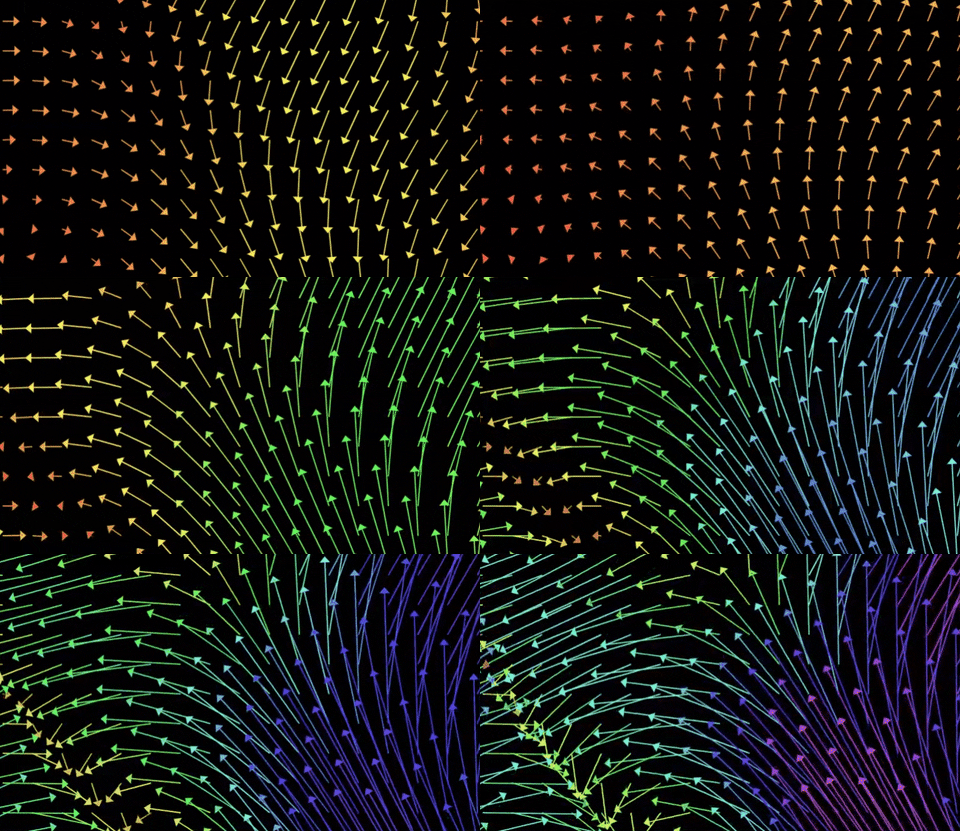
Examples
- Vector operations on CodeSandbox
- Vector field on CodeSandbox
- Vector field
- more code examples available in
examples/folder
Installing
npm i vect-jsUsage
Minimal example rendering two vectors and their sum.
import Vect, { Context, Shape, Vector } from "vect-js";

// tell vect where to render ui
const vectContainer = document.body;

const vect = Vect(Context.CANVAS_2D, {
  // renders canvas inside container
  container: vectContainer,
  // sets canvas backgkround color
  backgroundColor: "#000000",
  // draws coordinate numbers
  displayNumbers: false,
  // draws emphasized basis coordinates (x=0, y=0)
  displayBasis: false,
  // draws coordinate grid
  displayGrid: false,
  // space between grid coordinate lines
  coordinatesDelta: 100,
  // render canvas in high pixel density
  highPixelDensity: true,
  // enable drag around with mouse
  enableMouseMove: true
});

// starting position of vector arrow (default 0,0)
const p0 = new Shape.Arrow([0,0]);

const v1 = new Shape.Arrow(p0, new Vector([100,50]), '#FFFFFF');
const v2 = new Shape.Arrow(p0, new Vector([50,100]), '#FFFFFF');
const sum1 = new Shape.Arrow(p0, v1.vector.add(v2.vector), '#db002f');

// add shapes to render
vect.addShapes([v1,v2,sum1]);
Updating shapes
import { Shape, Vector } from 'vect-js';

// initialize with position and radius
let circle = new Shape.Circle(new Vector([0, 0]), 10);

// state update callback called by renderer (60 times per sec)
circle.onUpdate = function () {
  // update position with velocity vector
  // NOTE: math object (Vector, Matrix) are immutable
  this.position = this.position.add(new Vector([10,10]));
}
Mouse events on shapes
const c = new Shape.Circle(new Vector([0, 0]), 10);

// called when shape intersects with mouse position
c.onHover = function (m: MouseState) {
  // update state variables
  this.position = new Vector([0,0]);
  // you can also return ShapeStyles object that updates shape
  return {
    fillColor: '#FFFFFF',
    strokeColor: '#FFFFFF',
    size: 2
  }
};

// called when pressed mouse intersects with shape
c.onDrag = function (m: MouseState) {
  // update state variables or/and return styles
};

// called when mouse clicks on shape
c.onClick = function (m: MouseState) {
  // update state variables or/and return styles
};
Updating coordinate system
vect.onUpdate = function () {

  // translate coordinates
  this.translate(new Vector([10, 100]));

  // transform coordinates (zoom, skew)
  this.transform(new Matrix([[0.9999, 0], [0, 0.9999]]));
}
Development
- clone repo
git clone https://github.com/bartolomej/vect && cd vect - install dependencies
npm i - run tests
npm test - run example apps
npm position
Building
There are 4 build configurations:
- empty - main library
- test - builds live library tests in the browser
- docs - builds library documentation with examples
- examples - builds library usage examples
Scripts
- Run live hot-reloading
npm run start:<build-config> - Builds for production
npm run build:<build-config>