
vega-lite-api
v6.0.0
Published
A JavaScript API for Vega-Lite.
Downloads
2,874


Readme
Vega-Lite API


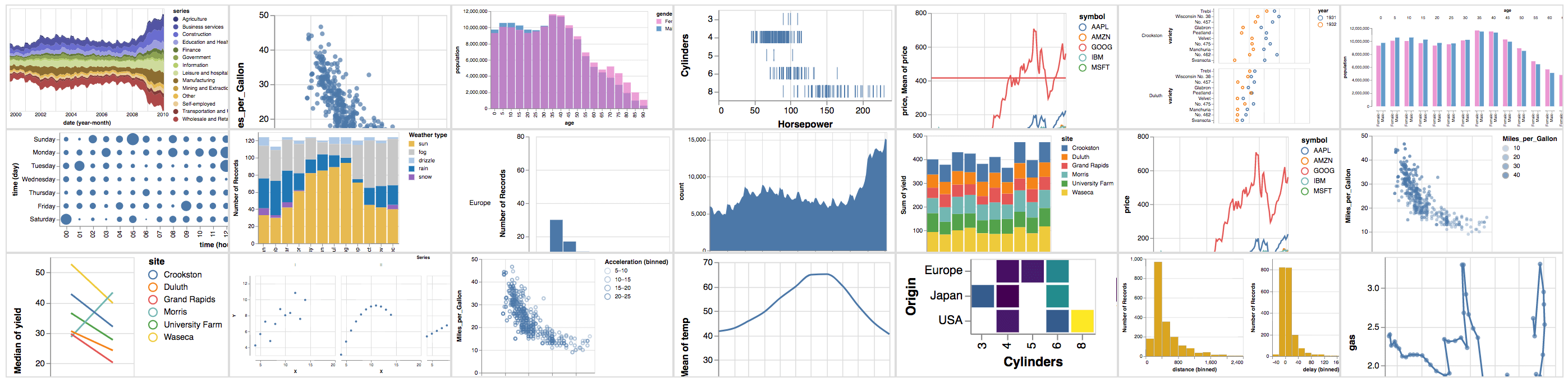
A JavaScript API for creating Vega-Lite JSON specifications. Vega-Lite is a high-level grammar for visual analysis that generates complete Vega specifications.
With the Vega-Lite API, you can write JavaScript code like this:
vl.markBar().data('data/movies.json').encode(
  vl.x().fieldQ('IMDB_Rating').bin(true),
  vl.y().count()
)
To produce Vega-Lite JSON like this:
{
  "mark": "bar",
  "data": {"url": "data/movies.json"},
  "encoding": {
    "x": {
      "bin": true,
      "field": "IMDB_Rating",
      "type": "quantitative"
    },
    "y": {
      "aggregate": "count",
      "type": "quantitative"
    }
  }
}
To get started with the Vega-Lite API, see these Observable notebooks:
Build Instructions
For a basic setup allowing you to build the API and run tests:
- Clone
https://github.com/vega/vega-lite-api. - Run
npm ito install dependencies for all packages. - Once installation is complete, run
npm run buildto build the API generator and generate API source code in thesrcdirectory. Runnpm testto additionally run the test suite.
API Reference
See the Vega-Lite JavaScript API Reference.
Usage
vega-lite API For Observable Notebooks
Just import it like this:
import {vl} from '@vega/vega-lite-api'vega-lite API for Browsers
To use the vega-lite API on a browser, you need to include all the dependencies, set the default configuration and finally register it. Here is some starting code you can build from
<!DOCTYPE html>
<html lang="en">
  <head>
    <meta charset="UTF-8" />
  </head>
  <body>
    <div id="chart"></div>

    <script src="https://cdn.jsdelivr.net/npm/vega"></script>
    <script src="https://cdn.jsdelivr.net/npm/vega-lite"></script>
    <script src="https://cdn.jsdelivr.net/npm/vega-lite-api"></script>
    <script src="https://cdn.jsdelivr.net/npm/vega-tooltip"></script>

    <script>
      const options = {
        config: {
          // vega-lite default configuration
        },
        init: (view) => {
          // initialize tooltip handler
          view.tooltip(new vegaTooltip.Handler().call);
          // enable horizontal scrolling for large plots
          if (view.container()) view.container().style["overflow-x"] = "auto";
        },
        view: {
          // view constructor options
          loader: vega.loader({
            baseURL: "https://cdn.jsdelivr.net/npm/vega-datasets@1/",
          }),
          renderer: "canvas",
        },
      };

      vl.register(vega, vegaLite, options);

      vl.markBar({ tooltip: true })
        .data([
          { a: "A", b: 28 },
          { a: "B", b: 55 },
          { a: "C", b: 43 },
          { a: "D", b: 91 },
          { a: "E", b: 81 },
          { a: "F", b: 53 },
          { a: "G", b: 19 },
          { a: "H", b: 87 },
          { a: "I", b: 52 },
        ])
        .encode(
          vl.x().fieldQ("b"),
          vl.y().fieldN("a"),
          vl.tooltip([vl.fieldQ("b"), vl.fieldN("a")])
        )
        .render()
        .then((chart) => {
          document.getElementById("chart").appendChild(chart);
        });
    </script>
  </body>
</html>
vega-lite API For Nodejs
npm install vega vega-lite vega-tooltip vega-lite-apithen import everything set your options and register. Here is an example
import * as vega from "vega";
import * as vegaLite from "vega-lite";
import * as vegaTooltip from "vega-tooltip";
import * as vl from "vega-lite-api";

const options = {
  config: {
    // vega-lite default configuration
  },
  init: (view) => {
    // initialize tooltip handler
    view.tooltip(new vegaTooltip.Handler().call);
    // enable horizontal scrolling for large plots
    if (view.container()) view.container().style["overflow-x"] = "auto";
  },
  view: {
    // view constructor options
    loader: vega.loader({
      baseURL: "https://cdn.jsdelivr.net/npm/vega-datasets@1/",
    }),
    renderer: "canvas",
  },
};

vl.register(vega, vegaLite, options);

const chart = vl
  .markBar({ tooltip: true })
  .data([
    { a: "A", b: 28 },
    { a: "B", b: 55 },
    { a: "C", b: 43 },
    { a: "D", b: 91 },
    { a: "E", b: 81 },
    { a: "F", b: 53 },
    { a: "G", b: 19 },
    { a: "H", b: 87 },
    { a: "I", b: 52 },
  ])
  .encode(
    vl.x().fieldQ("b"),
    vl.y().fieldN("a"),
    vl.tooltip([vl.fieldQ("b"), vl.fieldN("a")])
  );

// Pretty print the spec just for testing
console.log(JSON.stringify(chart.toJSON(), null, 2));