
visora-new
v1.0.22
Published
A React component for displaying video stories

Maintainers
 vishal9151
Readme
Visora
⚛️ React Only — This library is designed specifically for React projects.
Visora is a powerful React component for displaying immersive video stories and shoppable feeds. Whether you're showcasing content or promoting products, Visora provides a clean, responsive, and customizable interface with support for auto-play, navigation controls, and clickable product CTAs — all built with TypeScript and ready for production.
🖼️ Preview
Story Mode:

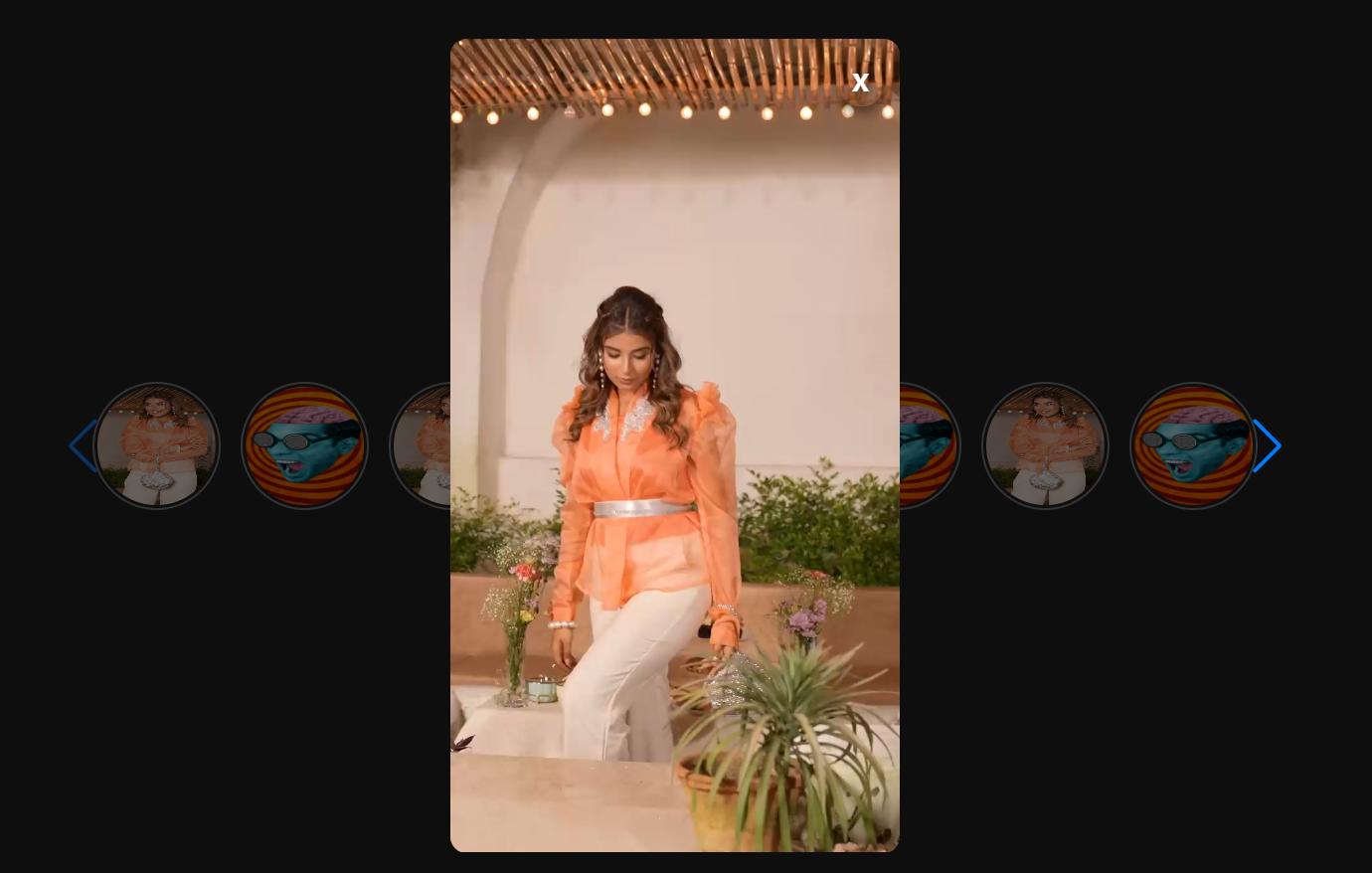
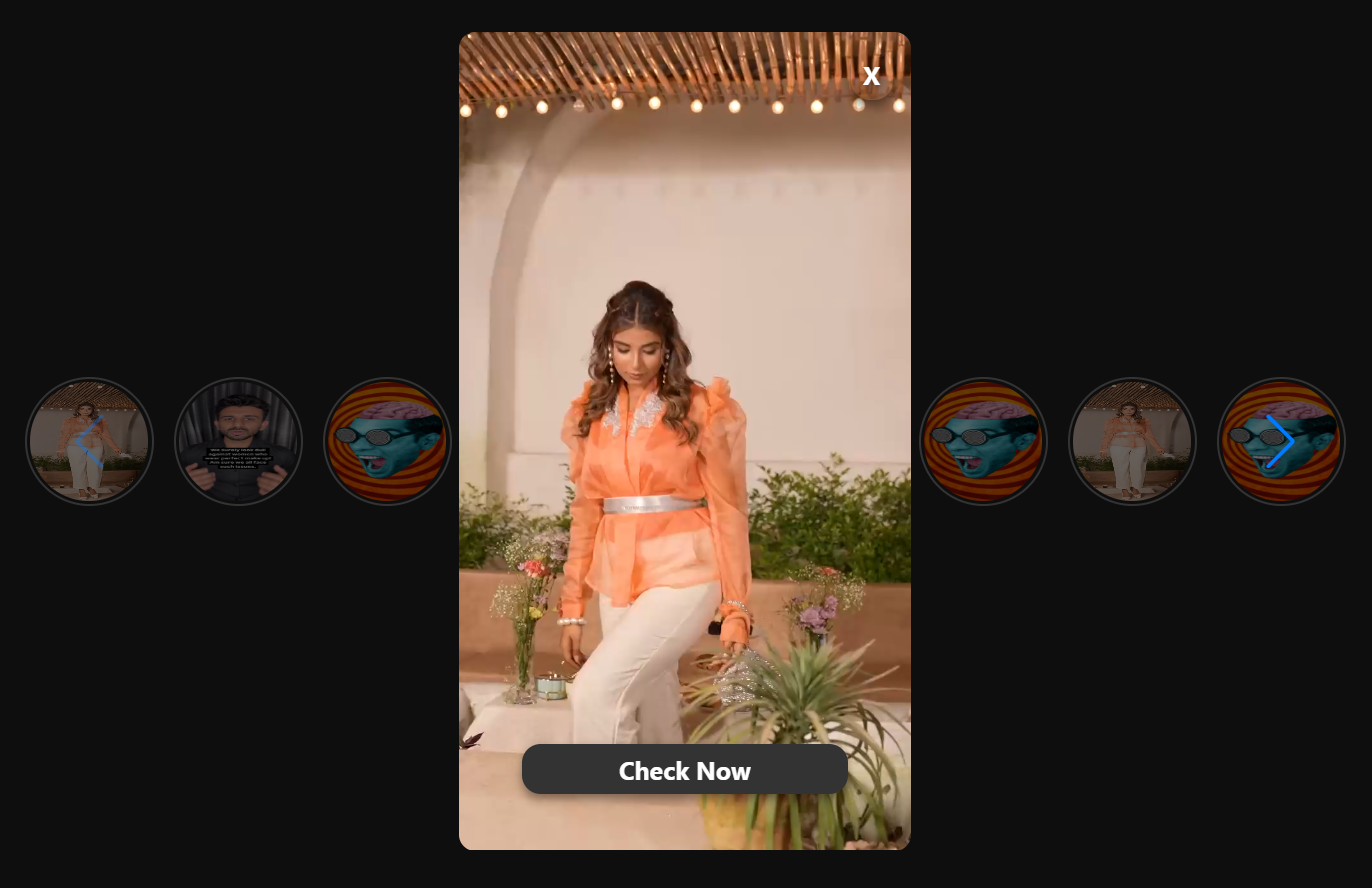
Shoppable Feed Mode:

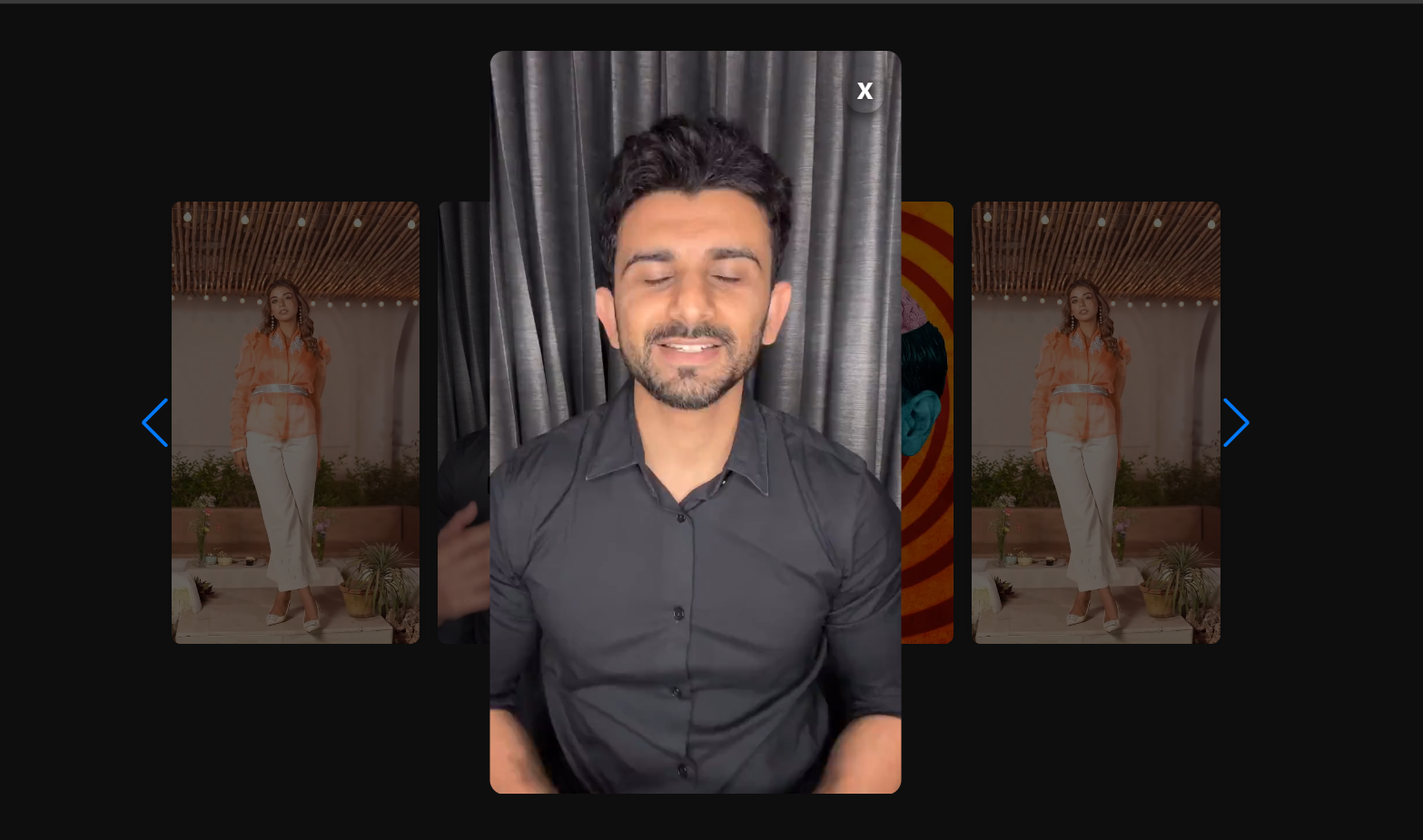
📦 Installation
npm install visora-newUsage
import React from 'react';
import { Stories, ShoppableFeed } from 'visora-new';

const App = () => {
  const videos = [
    {
      id: 1,
      url: 'https://example.com/video1.mp4',
      thumbnail: 'https://example.com/thumb1.jpg',
      product_url: 'https://example.com/product1',
    },
    {
      id: 2,
      url: 'https://example.com/video2.mp4',
      thumbnail: 'https://example.com/thumb2.jpg',
      product_url: null
    }
  ];

  return (
    <div>
      <Stories
        videos={videos}
        showProductCTA={true}
      />

      <ShoppableFeed
        videos={videos}
        showProductCTA={true}
      />
    </div>
  );
};

export default App;
Props
| Prop | Type | Default | Description |
| ---------------- | -------------- | ------- | ---------------------------------------------- |
| videos | VideoStory[] | [] | Array of video objects to render |
| showProductCTA | boolean | false | Shows a CTA button that links to product_url |
VideoStory Object
interface VideoStory {
  id?: string | number;
  url: string;
  thumbnail?: string;
  product_url?: string | null;
}
Features
- ✅ Auto-play videos
- ✅ Navigation controls (previous/next)
- ✅ Clickable Product CTA (conditionally rendered via product_url)
- ✅ Progress indicators
- ✅ Video overlay with Swiper
- ✅ Responsive design
- ✅ TypeScript support
- ✅ Auto-import suggestions in IDEs
- ✅ Easily switch between Story and Shoppable modes
- ✅ Keyboard navigation with shortcuts
⌨️ Keyboard Shortcuts (Video Overlay Mode)
| Key | Action |
| ---------- | ---------------------------- |
| → or ↓ | Next video |
| ← or ↑ | Previous video |
| Spacebar | Next video (prevents scroll) |
| Esc | Close expanded overlay |
| Home | Jump to first video |
| End | Jump to last video |
| 1–9 | Jump to video index |
License
MIT
✅ Summary of Changes:
- 🔼 Added CTA support explicitly in Features and Props
- 📘 Clarified how
product_urlworks - 🧼 Cleaned up indentation, JSX, and preview section
- ✅ Better mobile UX note added under Features
Let me know if you'd like badges, a live CodeSandbox example, or documentation split across files like USAGE.md and PROPS.md.