
vite-devtools-svelte
v0.3.0
Published
Svelte DevTools plugin for Vite DevTools

Maintainers
 baseballyama
Readme
vite-devtools-svelte
Svelte DevTools plugin for Vite DevTools. Provides 15 specialized panels for debugging, profiling, and inspecting Svelte/SvelteKit applications — all integrated directly into the Vite DevTools UI.
Status: Early development. APIs may change.
Features
- Component Inspector — View component hierarchy, props, state, and reactive values in real-time
- Reactive Graph — Visualize
$state,$derived, and$effectdependencies as an interactive DAG - Render Profiler — Track component render counts, render times, and identify bottlenecks
- Route Viewer — Explore SvelteKit file-based routing structure with dynamic parameters
- Load Profiler — Monitor SvelteKit
loadfunctions with waterfall visualization - State Timeline — Record and replay state changes across the application
- API Playground — Test SvelteKit server endpoints (
+server.ts) directly from DevTools - Error Dashboard — Centralized view of compiler warnings and runtime errors
- Code Inspector — View compiled Svelte output with source mapping
- Module Graph — Visualize module dependencies and detect circular imports
- OG Preview — Preview Open Graph meta tags for SEO validation
- Build Analysis — Analyze build chunks and bundle composition
- FPS Monitor — Real-time frame rate monitoring with historical data
- Asset Browser — Browse and preview static assets with metadata
- Overview — Project summary with versions and dependency info
Screenshots
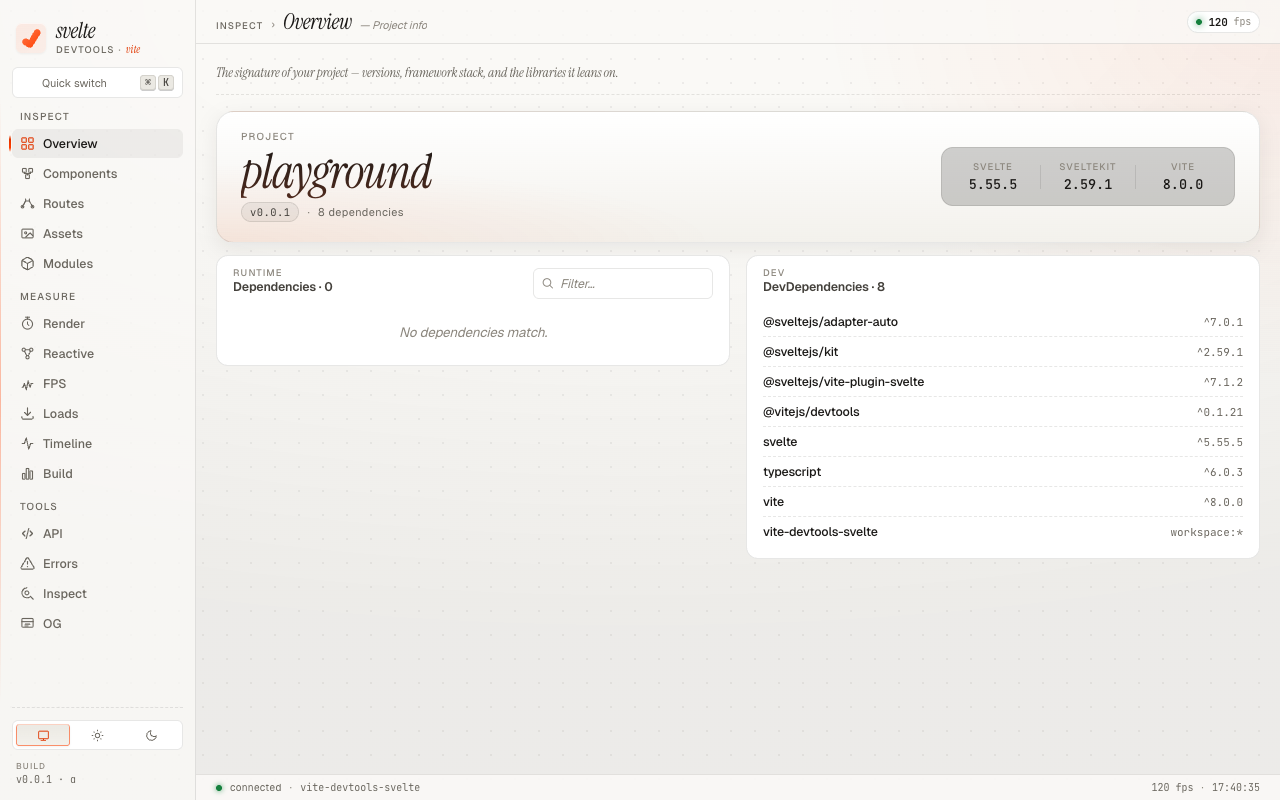
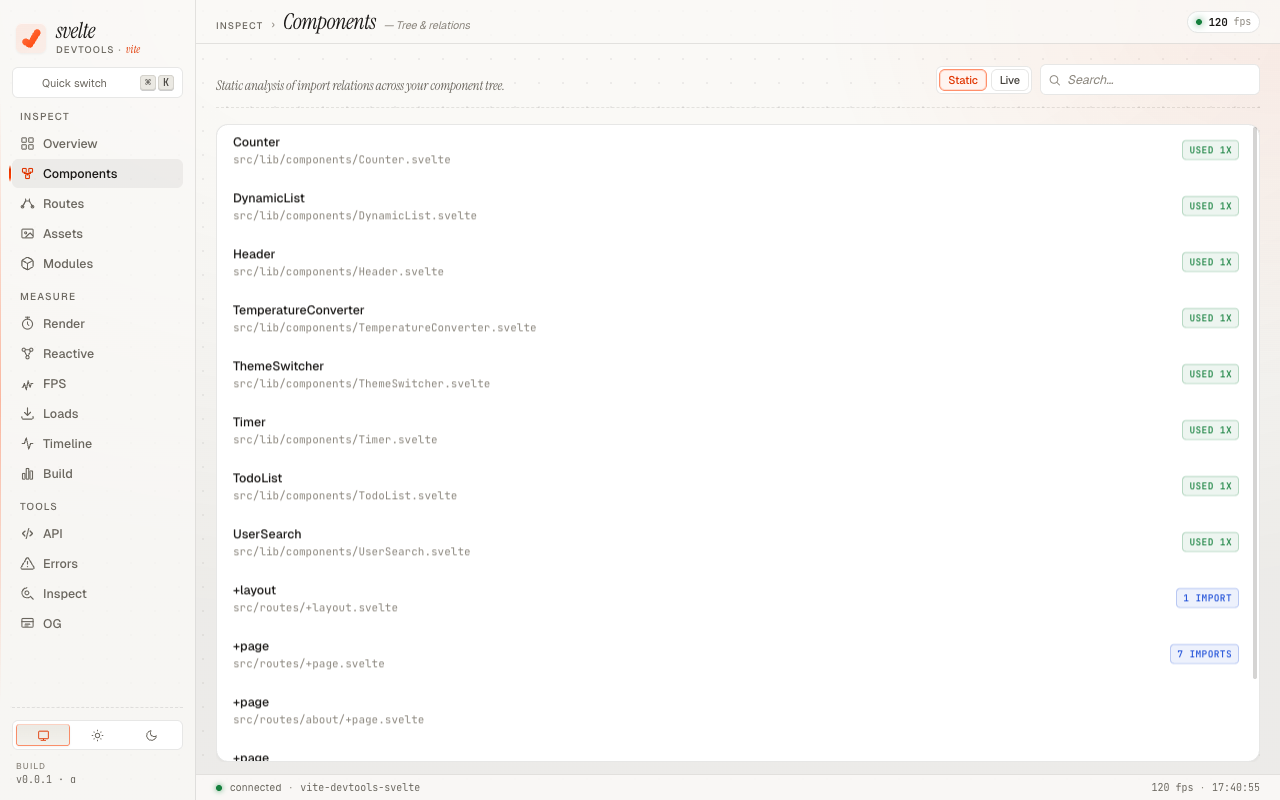
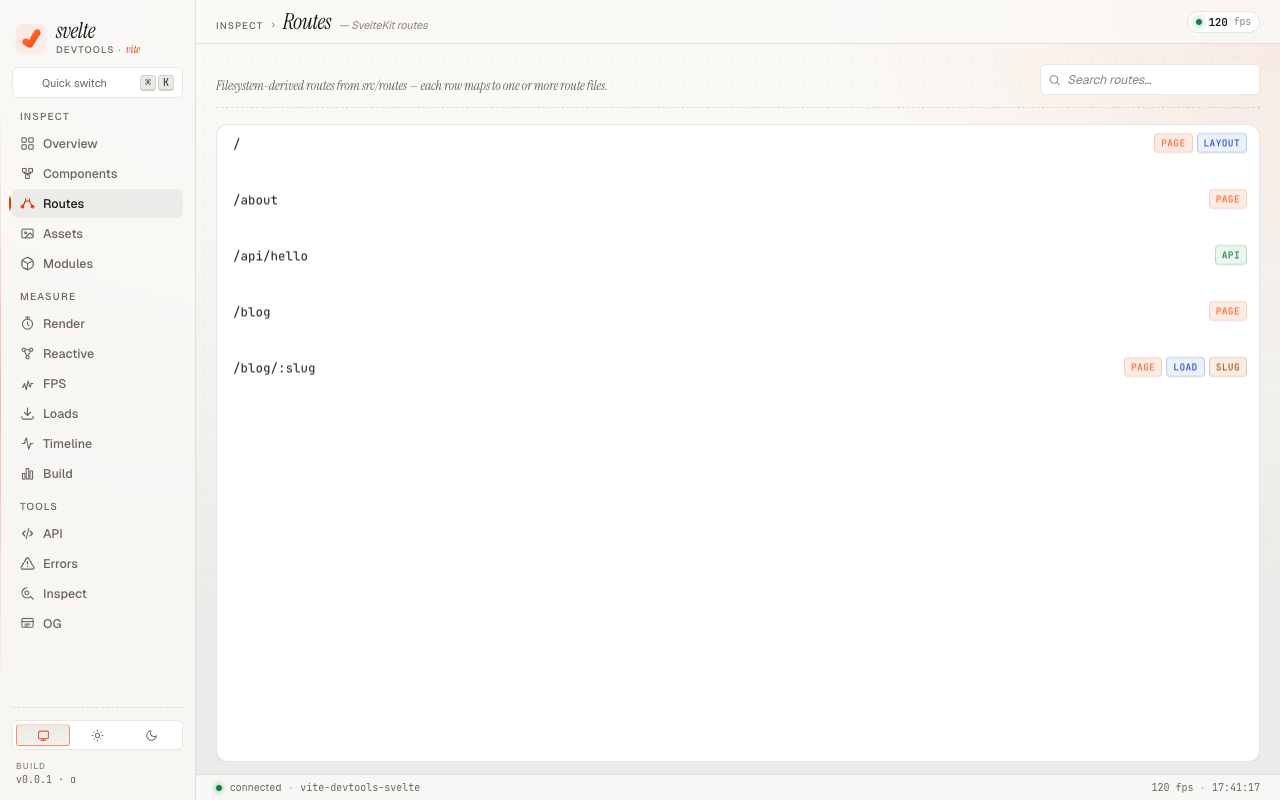
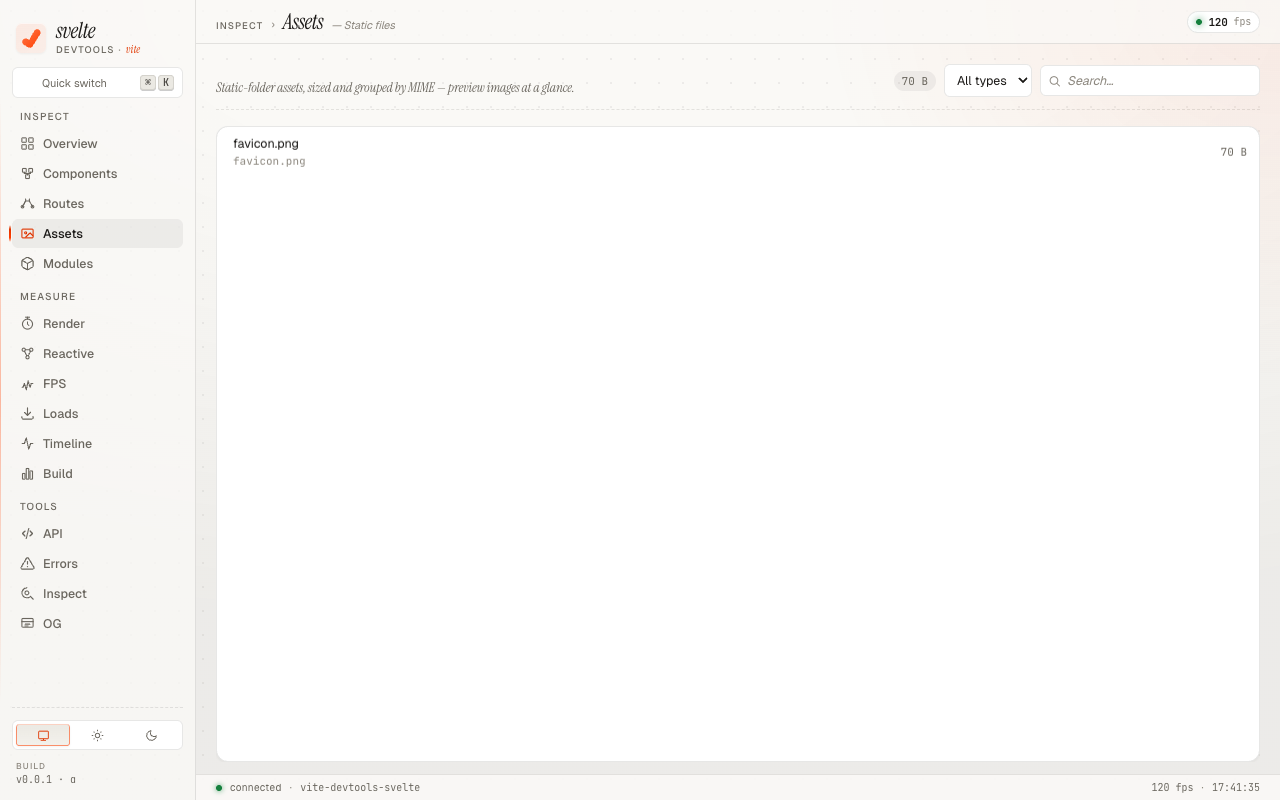
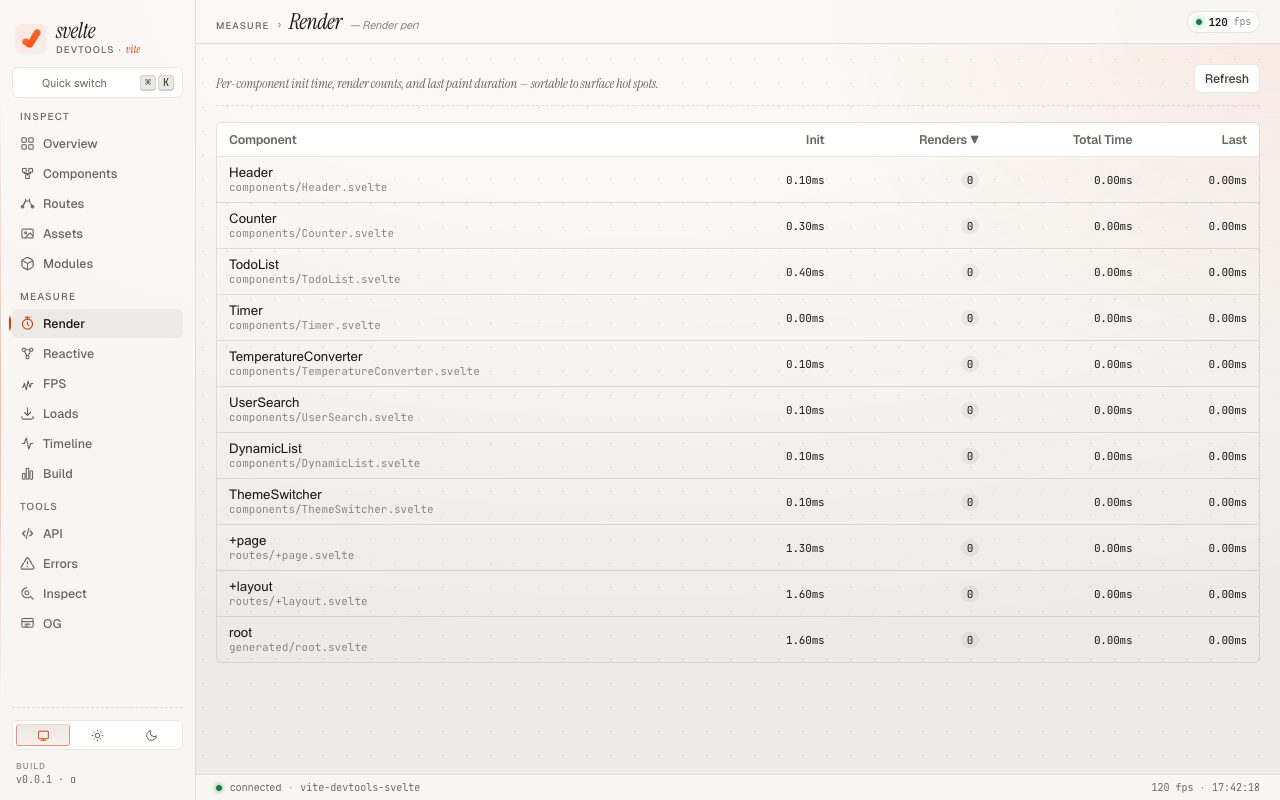
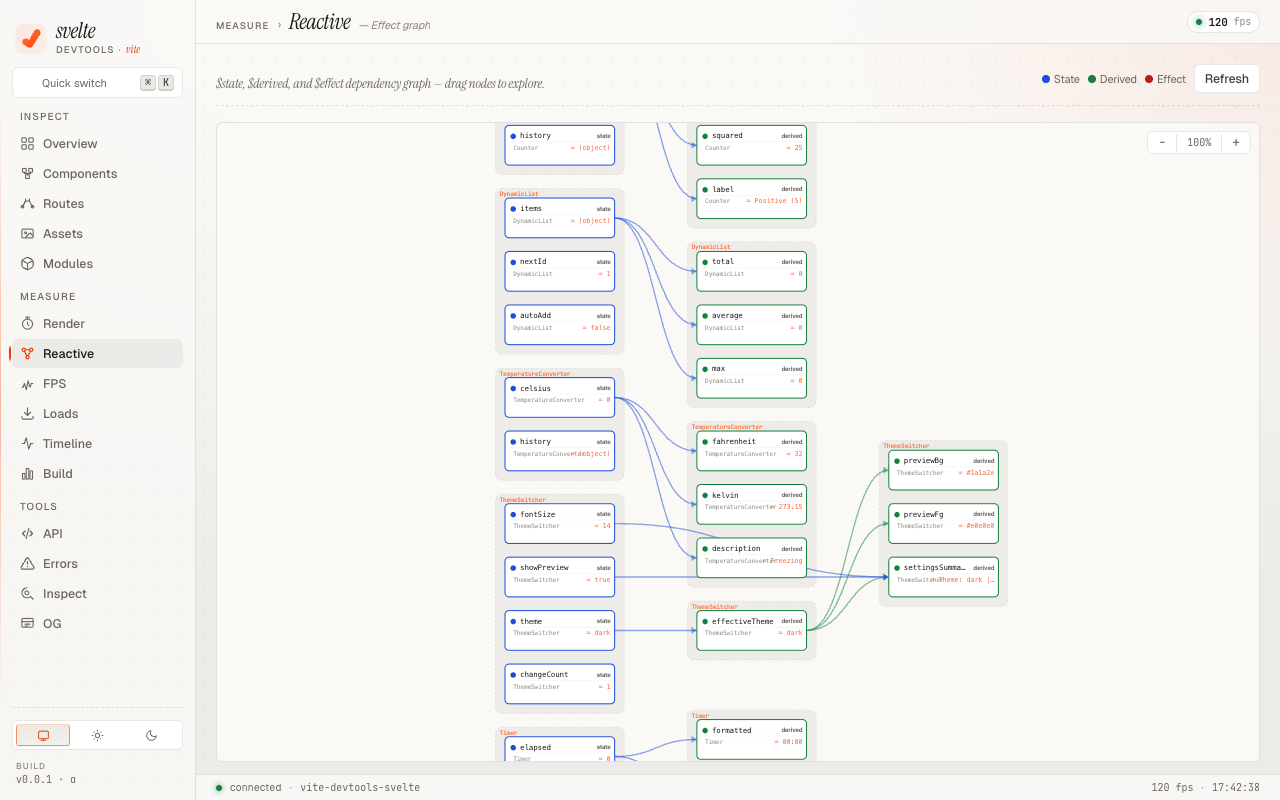
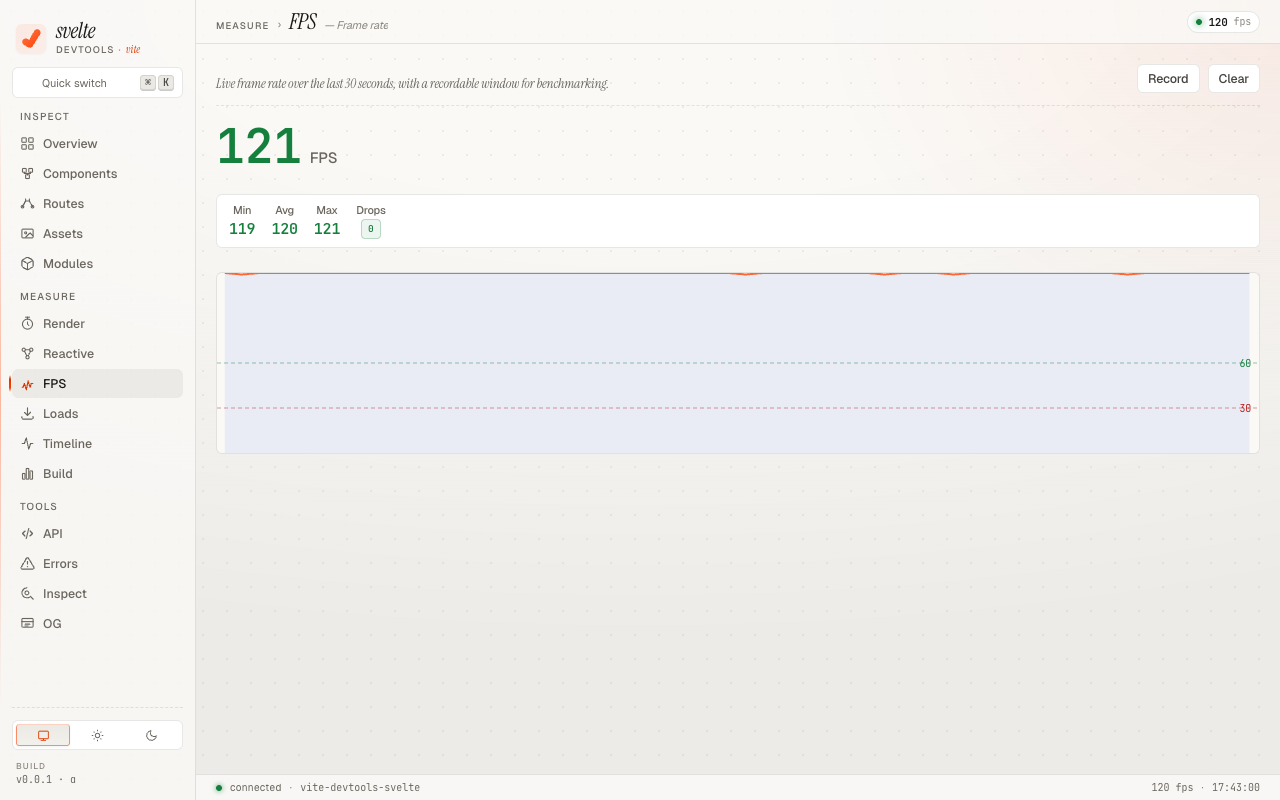
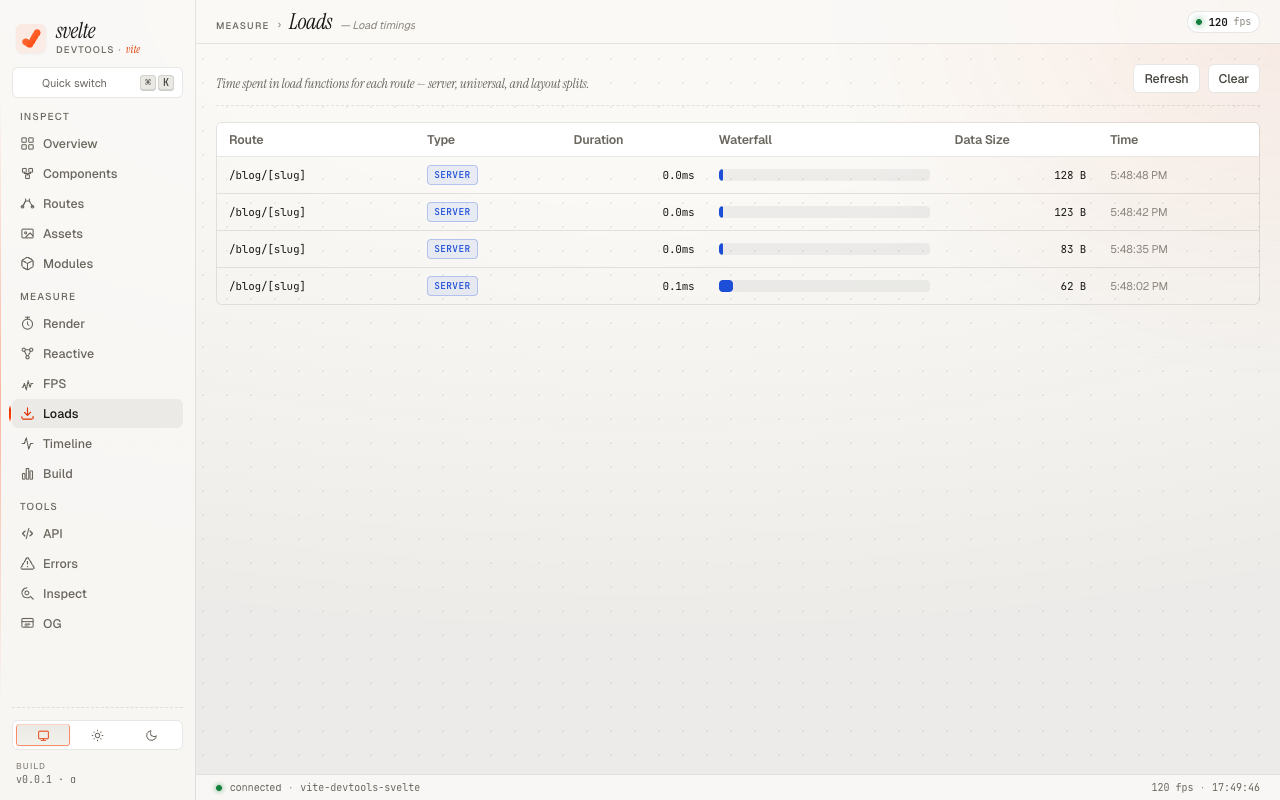
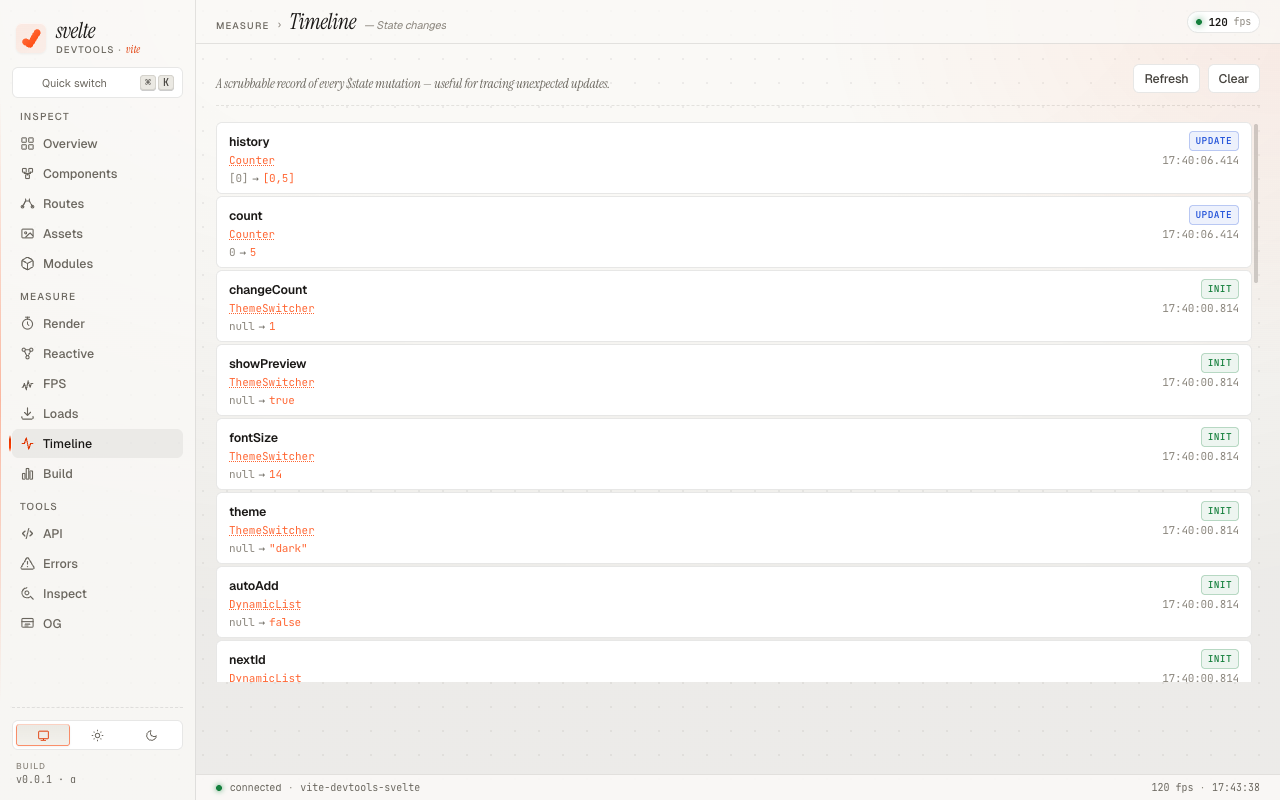
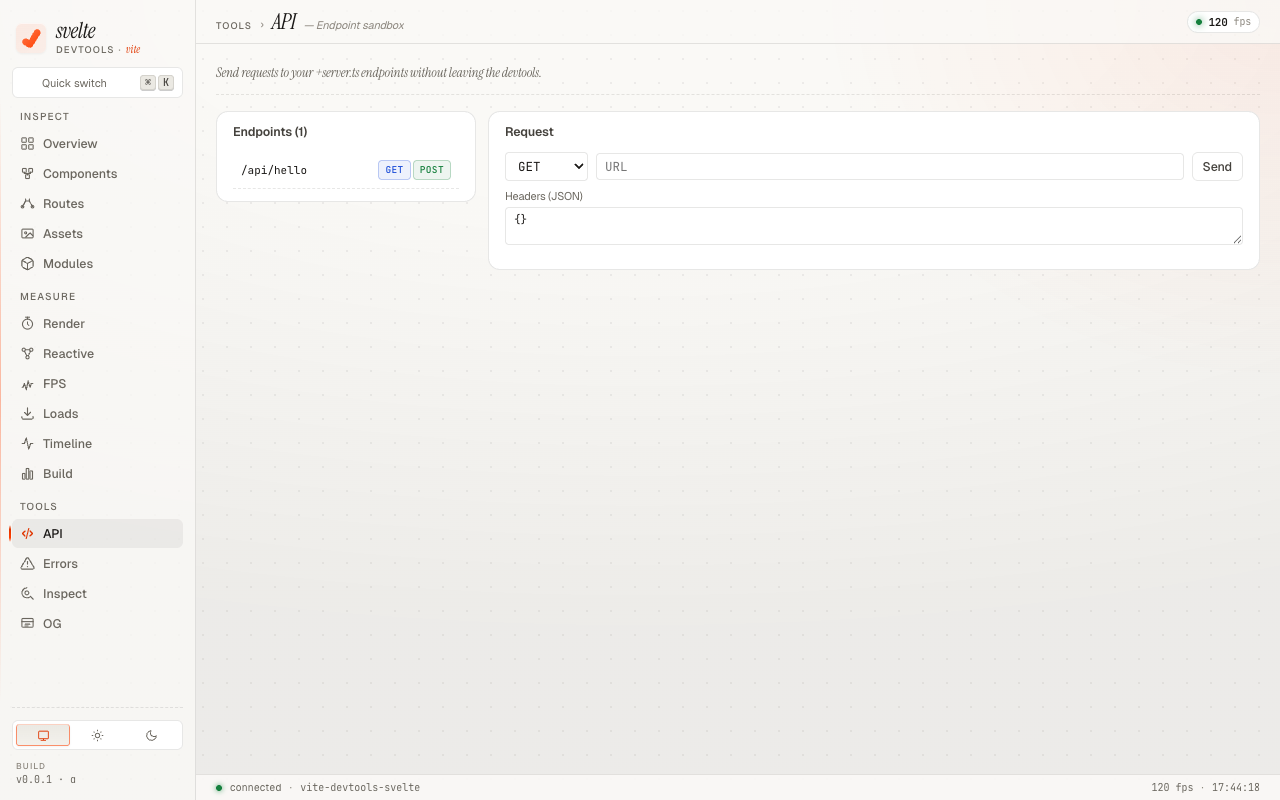
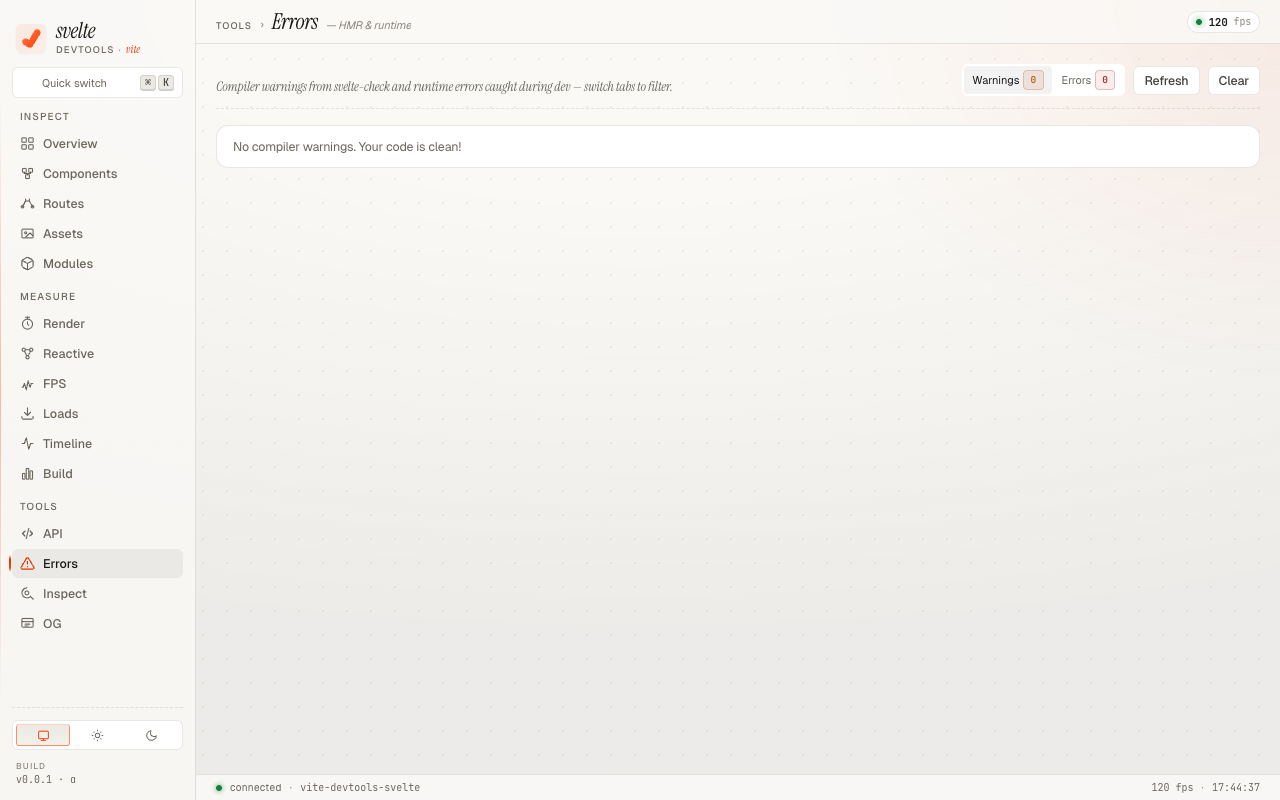
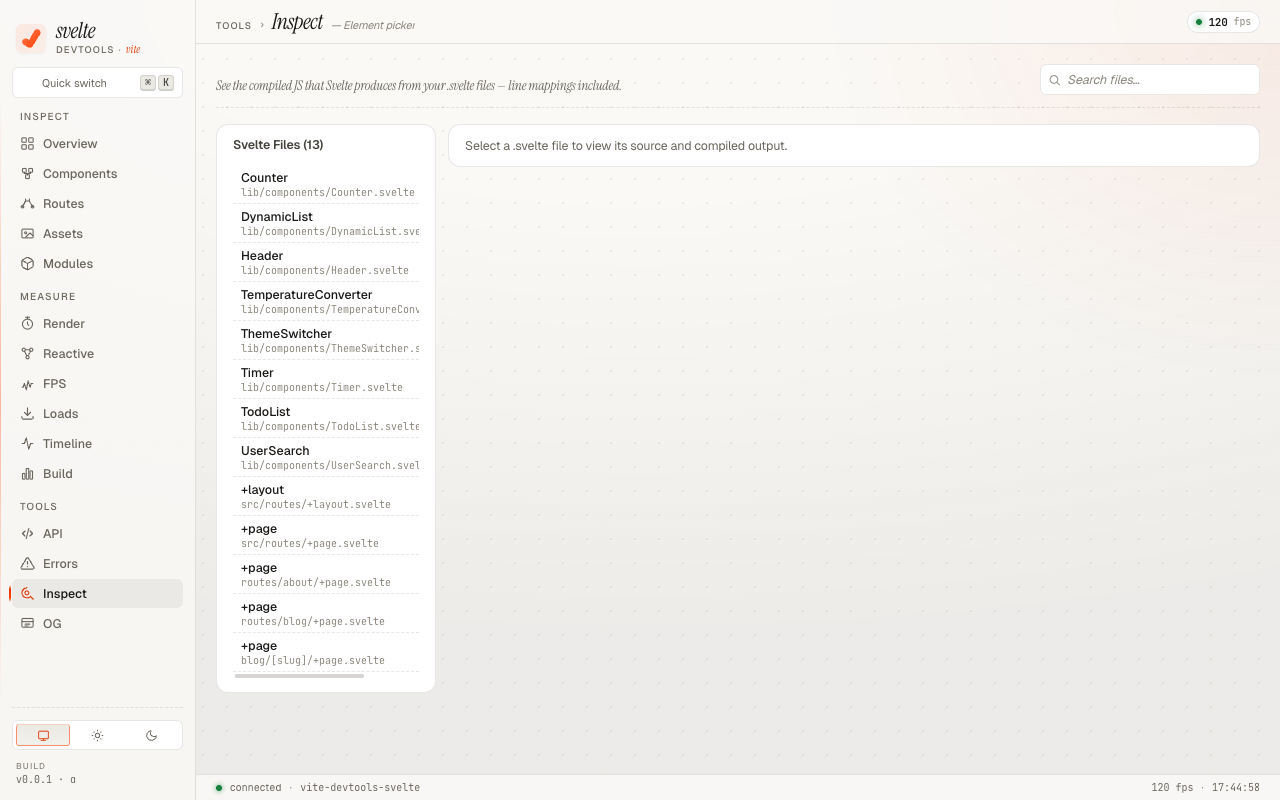
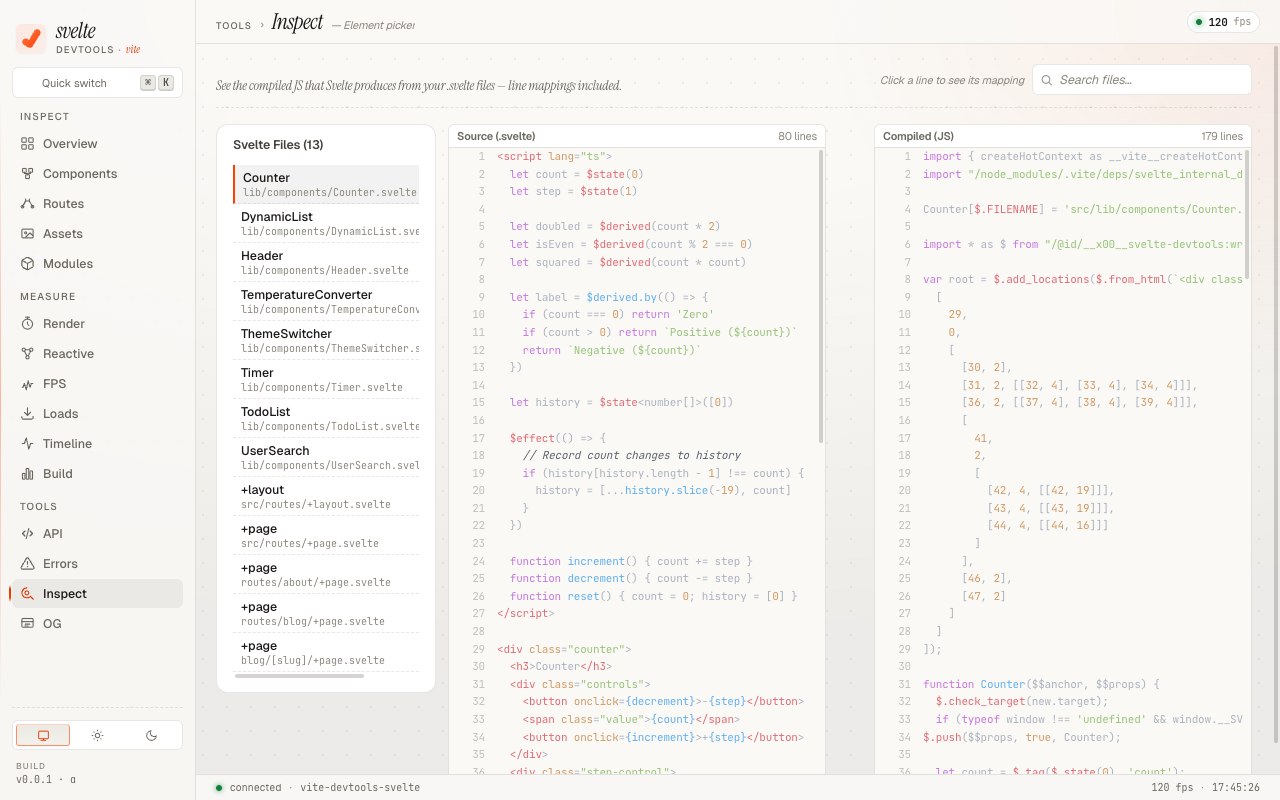
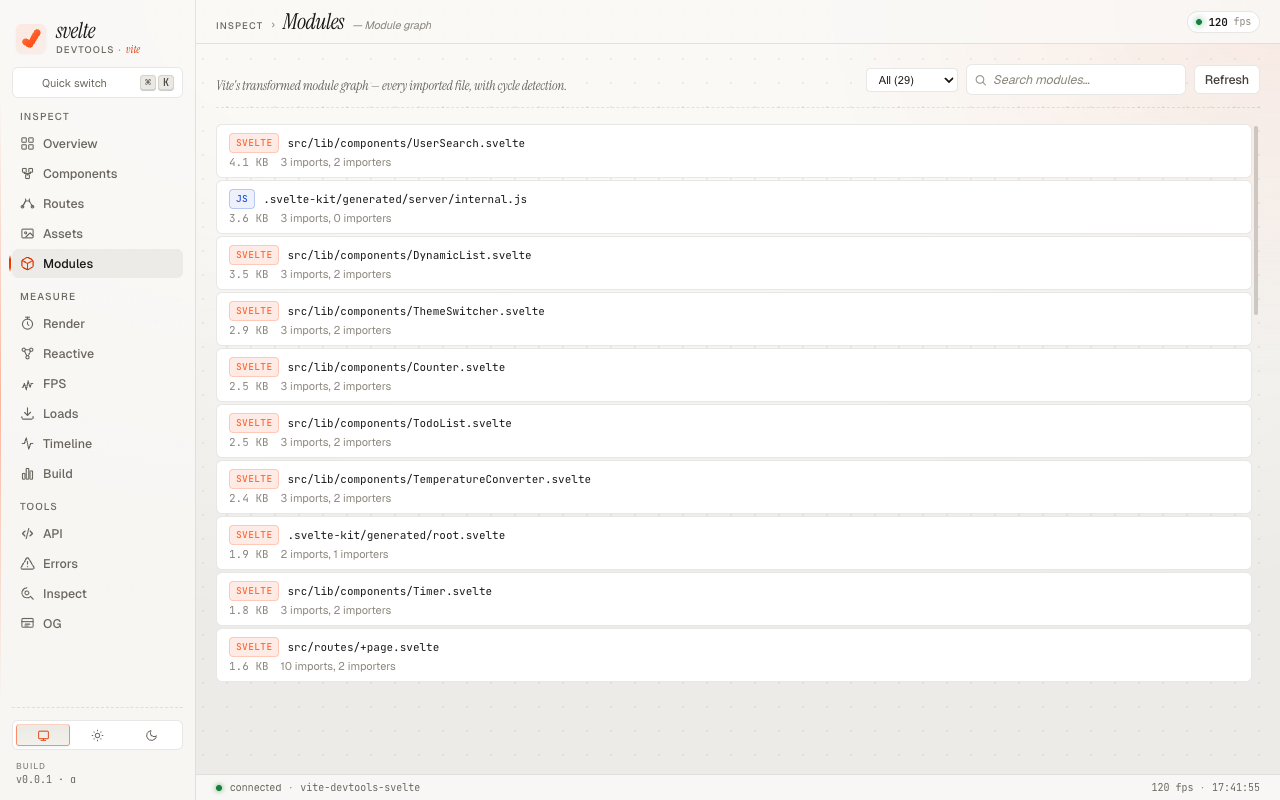
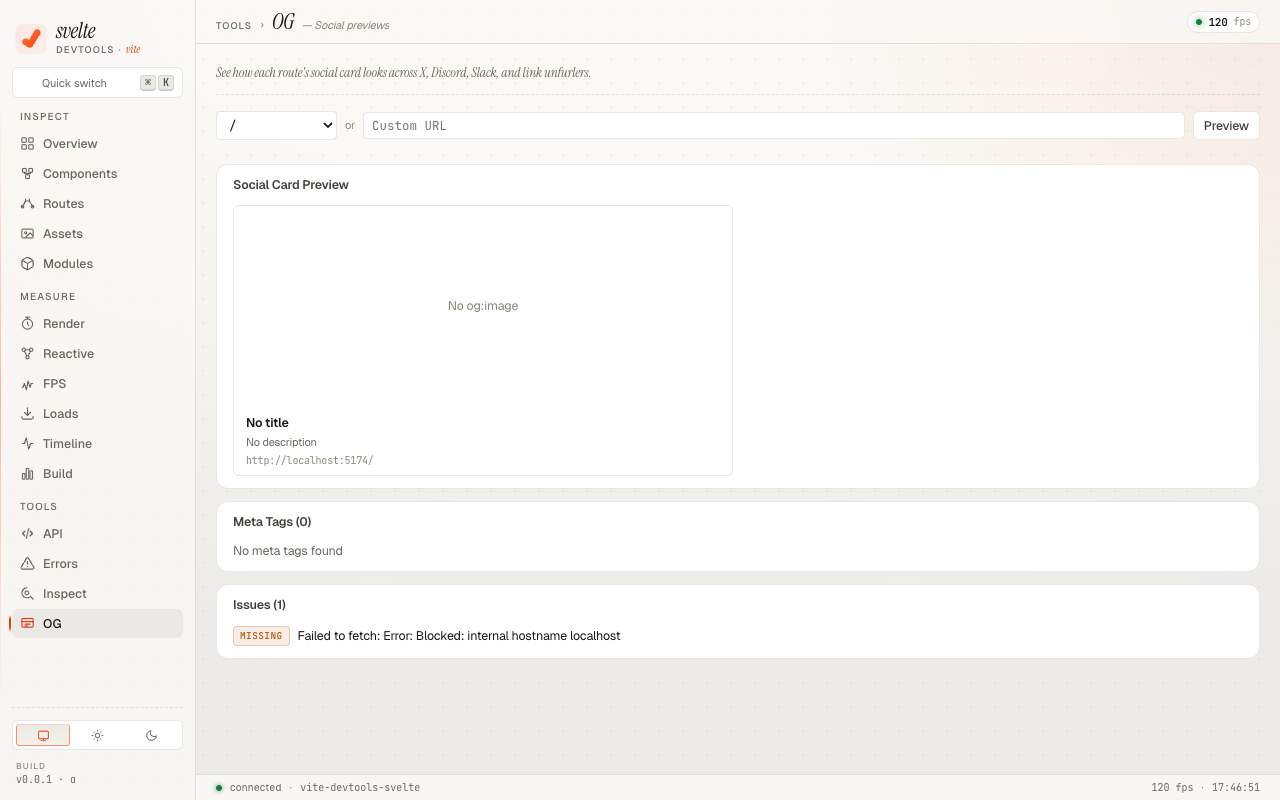
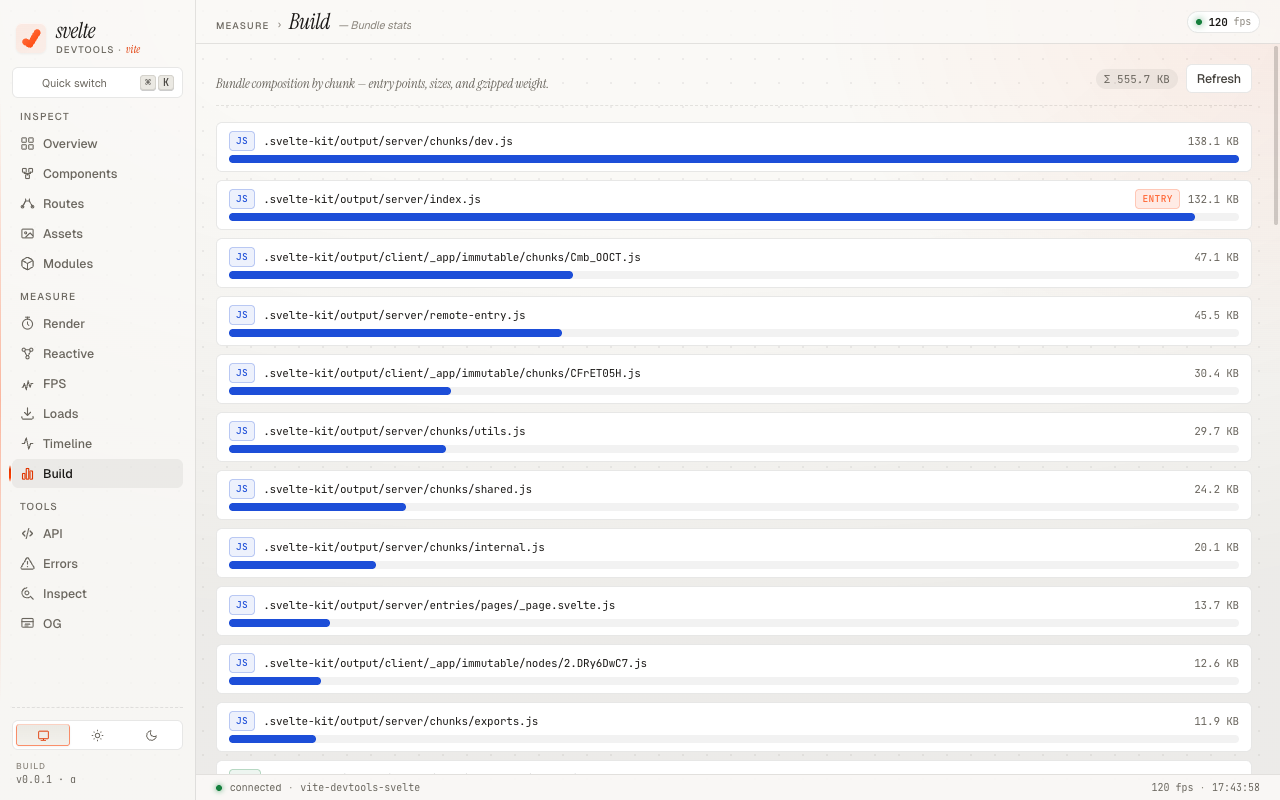
Requirements
- Vite >= 8.0.0
- Svelte 5 (runes mode)
- SvelteKit (recommended, but not required for basic features)
- @vitejs/devtools — the host UI this plugin's panels render inside
Installation
vite-devtools-svelte is a panel provider — it needs the @vitejs/devtools host plugin to render its UI. Install both:
npm install -D vite-devtools-svelte @vitejs/devtoolsSetup
Register both plugins in your vite.config.ts. svelteDevtools() must come before sveltekit() so that its transforms run before the Svelte compiler.
// vite.config.ts
import { sveltekit } from '@sveltejs/kit/vite'
import { DevTools } from '@vitejs/devtools'
import { svelteDevtools } from 'vite-devtools-svelte'
import { defineConfig } from 'vite'

export default defineConfig({
  plugins: [
    svelteDevtools(), // must come before sveltekit()
    DevTools(), // the @vitejs/devtools host — without it the panels have nowhere to render
    sveltekit(),
  ],
})
Then start your dev server as usual:
npm run devOpen your app in the browser. The Vite DevTools drawer appears at the bottom edge of the page — click the floating handle to open it, then switch to the Svelte tab to see the panels provided by this plugin.
[!NOTE] If you only register
svelteDevtools()withoutDevTools()from@vitejs/devtools, the dev server starts fine but no DevTools UI appears — there is no host for the panels to mount into.
Options
svelteDevtools({
  // Enable component lifecycle tracking (default: true)
  componentTracking: true,
})
How It Works
The plugin uses a virtual module architecture instead of fragile regex transforms:
- Runtime wrapper — Intercepts
svelte/internal/clientto track component lifecycle and reactive signals ($state,$derived,$effect) - HMR channel — Streams runtime data (component tree, render profiles, reactive graph) from the browser to the dev server via WebSocket
- Static analyzers — Extract routes, component relations, assets, and project metadata from the filesystem
- Dual transport RPC — DevTools Kit RPC with HTTP fallback for compatibility
The plugin is development-only — it adds zero overhead to production builds.
Security model
The DevTools backend exposes a small set of dev-only HTTP endpoints (/__svelte-devtools/rpc, /__svelte-devtools/asset) to drive the panel UI. Some of those endpoints can read files from disk or open them in your editor, so we treat them as authenticated even though the dev server is normally only reachable from localhost.
- Per-process random token. On every dev-server start the plugin generates a fresh UUID and injects it into the DevTools UI HTML as a
<meta>tag. The HTTP fallback RPC and the asset middleware require that token in thex-svelte-devtools-tokenheader, plus a same-originOrigin/Referer. Cross-origin requests, requests with the wrong token, and requests withoutContent-Type: application/jsonare rejected with403/415. Bodies above 1 MB are rejected with413. - Path sandbox.
inspect-file,open-in-editor, andopen-reactive-in-editorresolve their input throughfs.realpath()and refuse anything outside the project root, so a hostile RPC caller cannot read/etc/passwdor your~/.ssh/files even if they get past the token check. Symlinks inside the project are followed normally. - SSRF defenses. Outbound fetches from
send-api-requestand the OG-preview RPC block127.0.0.0/8/10.0.0.0/8/172.16.0.0/12/192.168.0.0/16/169.254.0.0/16/ IPv6 loopback /localhost/*.local/*.internal. - Dev-only by construction. Both the runtime virtual module and the
svelte/internal/clientwrapper are gated onconfig.command === 'serve'and never resolve during a production build, so none of this surface ships to end users.
If you bind your dev server to 0.0.0.0 (e.g. vite --host), the same-origin check still blocks LAN browsers from invoking RPC, but anyone on the LAN can still see the panel UI itself. Treat that as you would any unauthenticated dev tool: don't run it on networks you don't trust.
Contributing
Contributions are welcome! Please see the repository for development setup and to open issues or pull requests.
License
MIT © Yuichiro Yamashita