
vite-plugin-chrome-extension-reload
v0.1.1
Published
Vite plugin for Chrome Extension auto reload with Manifest V3 support
Downloads
234

Maintainers
 kterashi02
Readme
vite-plugin-chrome-extension-reload
Vite plugin for Chrome Extension auto reload with Manifest V3 support.
Features
- 🔥 Automatic extension reload when background script changes
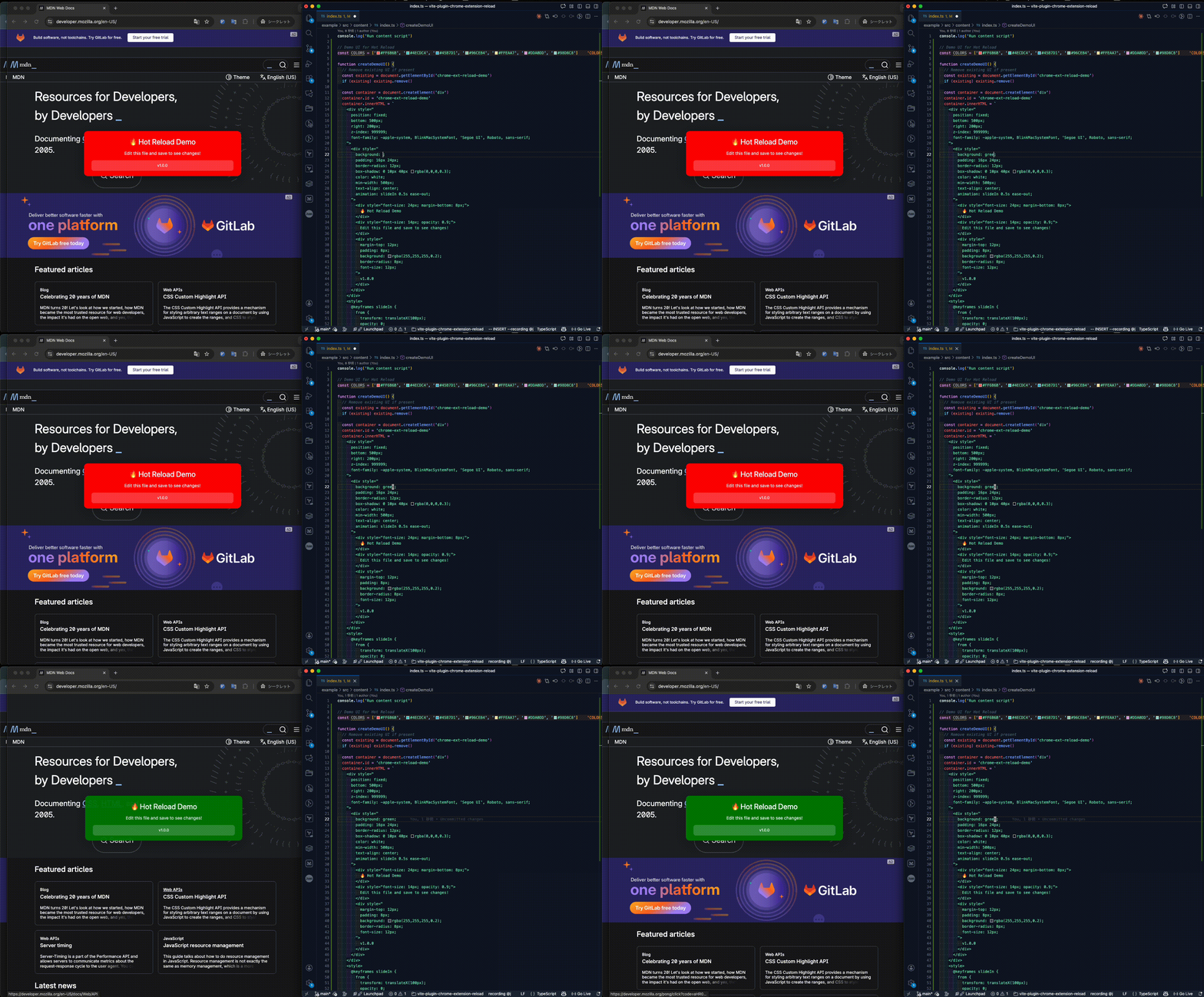
- 🔄 Automatic tab reload when content scripts change
- WebSocket-based communication with keepalive for Service Worker persistence
- 🎯 Smart reload strategy - only reloads what's necessary
Demo
Installation
npm install -D vite-plugin-chrome-extension-reload
# or
pnpm add -D vite-plugin-chrome-extension-reload
# or
yarn add -D vite-plugin-chrome-extension-reload
Usage
// vite.config.ts
import { defineConfig } from 'vite'
import chromeExtensionReload from 'vite-plugin-chrome-extension-reload'

export default defineConfig({
  plugins: [
    chromeExtensionReload({
      port: 8789,                                  // WebSocket port (default: 8789)
      backgroundInput: 'src/background/index.ts',  // Input path for background script
      contentScriptOutputs: ['src/content/index.js'], // Output paths for content scripts (as in manifest.json)
      log: true,                                   // Enable logging (default: false)
    }),
  ],
  build: {
    rollupOptions: {
      input: {
        popup: 'src/popup/index.html',
        sidepanel: 'src/sidepanel/index.html',
        content: 'src/content/index.ts',
        background: 'src/background/index.ts',
      },
      output: {
        entryFileNames: 'src/[name]/index.js',
      }
    },
  },
})
Then run with watch mode:
vite build --mode development --watchHow it works
Architecture
Transform Hook (Background Script Only)
- Injects HMR client code into background script during build
WriteBundle Hook (Content Scripts)
- Creates stub files for content scripts that include HMR client
- Generates
.actual.jsfiles with the actual application code - Stub files handle dynamic imports to bypass Chrome's caching
WebSocket Server
- Starts on the specified port to communicate with extensions
- Broadcasts reload messages based on file changes
- Maintains keepalive connection with Service Worker
Change Detection
- Background script changes →
reload-extension→chrome.runtime.reload() - Content script changes →
reload-tab→location.reload()
- Background script changes →
Configuration
Options
| Option | Type | Default | Description |
|--------|------|---------|-------------|
| port | number | 8789 | WebSocket server port |
| backgroundInput | string | undefined | Input path for background script (e.g., 'src/background/index.ts') |
| contentScriptOutputs | string[] | [] | Output paths for content scripts as specified in manifest.json (e.g., ['src/content/index.js']) |
| log | boolean | false | Enable console logging |
Important Notes
Path Configuration:
backgroundInput: Use the input path (source file) for background scriptcontentScriptOutputs: Use the output paths that match your manifest.json and Vite'soutput.entryFileNamespattern
Build Configuration:
- The plugin requires Vite's watch mode (
--watchflag)
- The plugin requires Vite's watch mode (
License
MIT