vite-plugin-markdown-preview
v1.1.1
Published
基于 `vite`/`vitepress` 的 markdown 代码块预览插件。


Readme
vite-plugin-markdown-preview
基于 vite/vitepress 的 markdown 代码块预览插件。
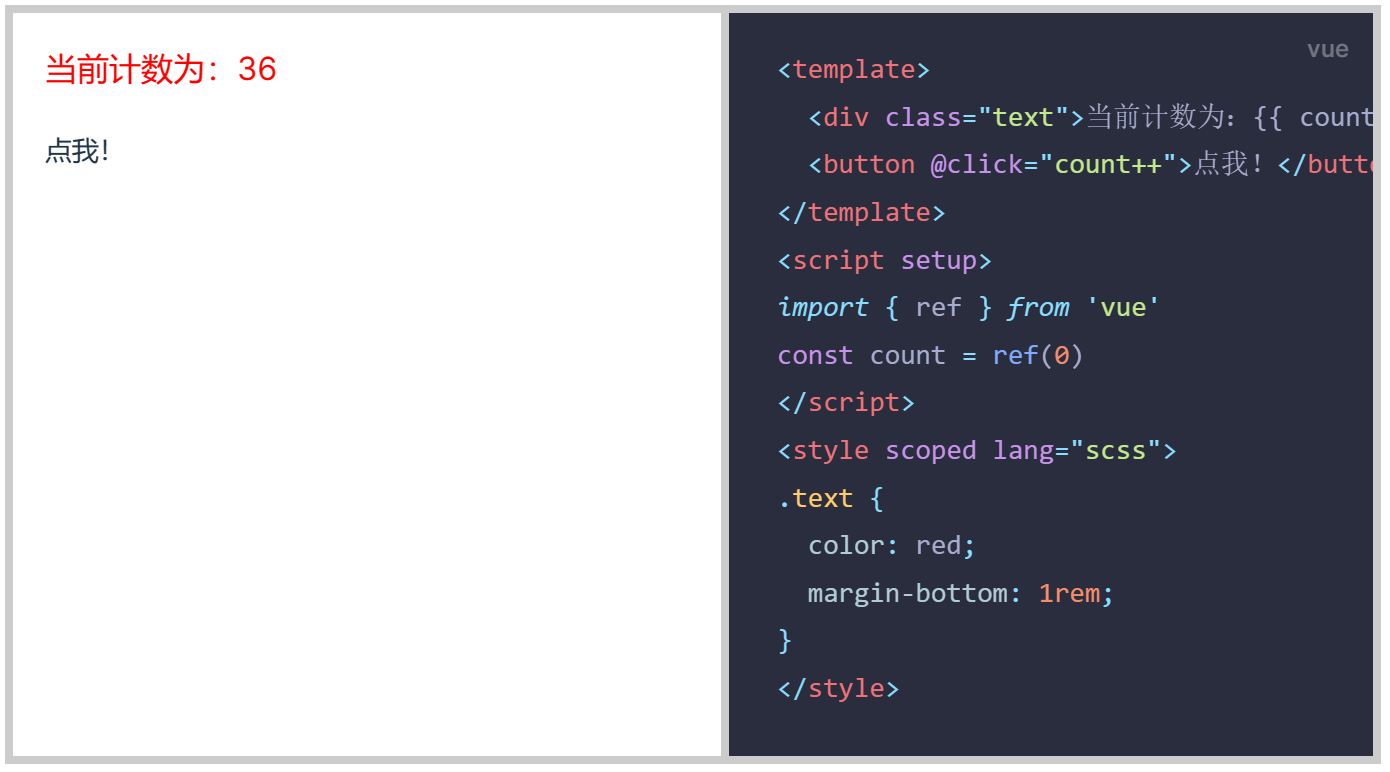
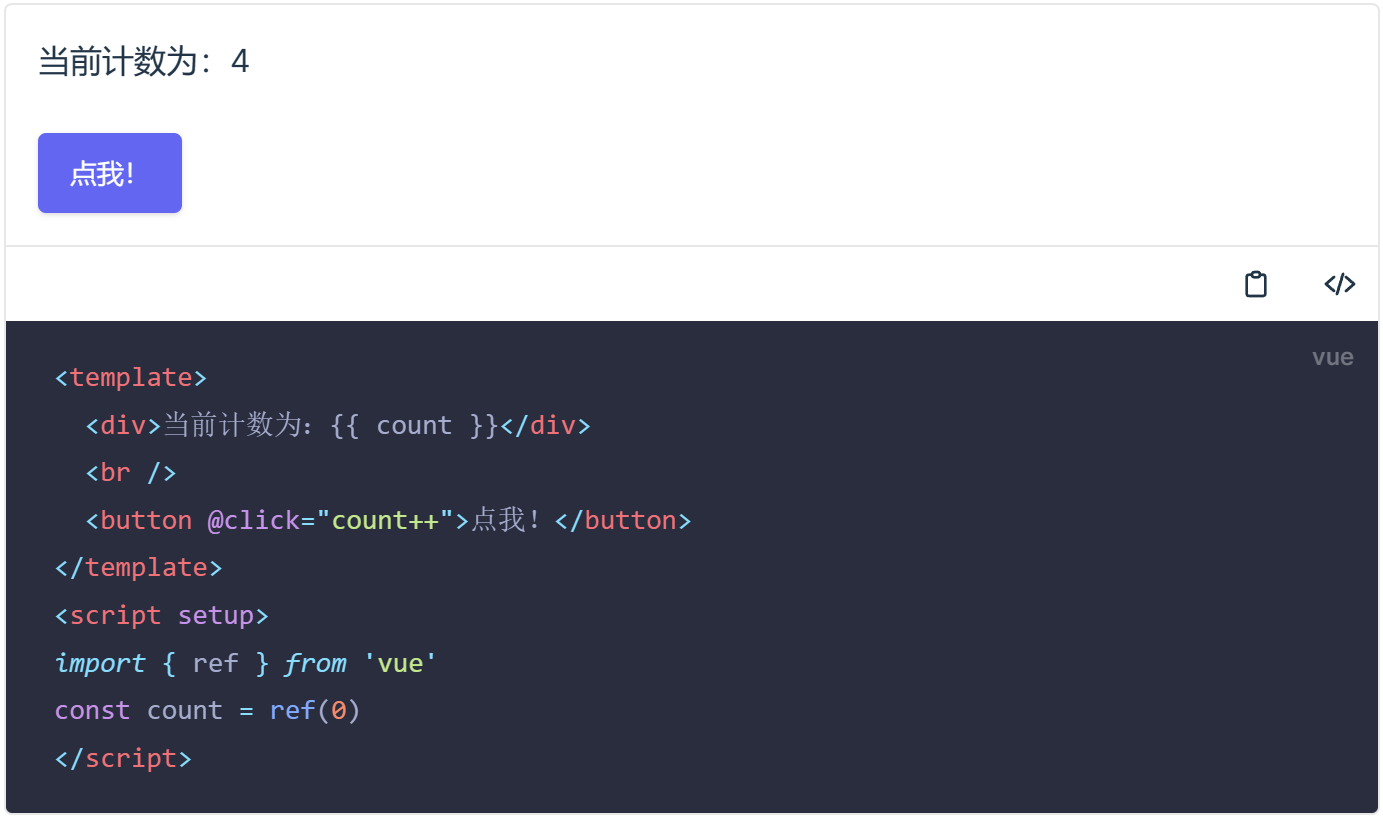
vite-plugin-markdown-preview 能将 markdown 文档中带有 preview 标识的 vue 代码块替换为 vue 组件。
文档:https://markdown-preview.jaskang.vip
示例
安装
安装依赖
npm install vite-plugin-markdown-preview
# or
pnpm install vite-plugin-markdown-preview
在 Vitepress 中使用
在 .vitepress/config.ts 中配置插件
import { defineConfig } from 'vitepress'
import MarkdownPreview from 'vite-plugin-markdown-preview'

export default defineConfig({
  vite: {
    plugins: [MarkdownPreview()],
  },
})
在 Vite 中使用
vite-plugin-markdown-preview 依赖 unplugin-vue-markdown 的 markdown 解析能力, 所以还需要安装 unplugin-vue-markdown
// vite.config.ts
import { defineConfig } from 'vite'
import Vue from '@vitejs/plugin-vue'
import Markdown from 'unplugin-vue-markdown/vite'
import MarkdownPreview from 'vite-plugin-markdown-preview'

const config = defineConfig({
  plugins: [
    Vue({
      include: [/\.vue$/, /\.md$/], // <-- allows Vue to compile Markdown files
    }),
    Markdown({
      /* options */
    }),
    MarkdownPreview(),
  ],
})

export default config
代码预览标识
给需要预览的 vue 代码块加上 preview 标记。
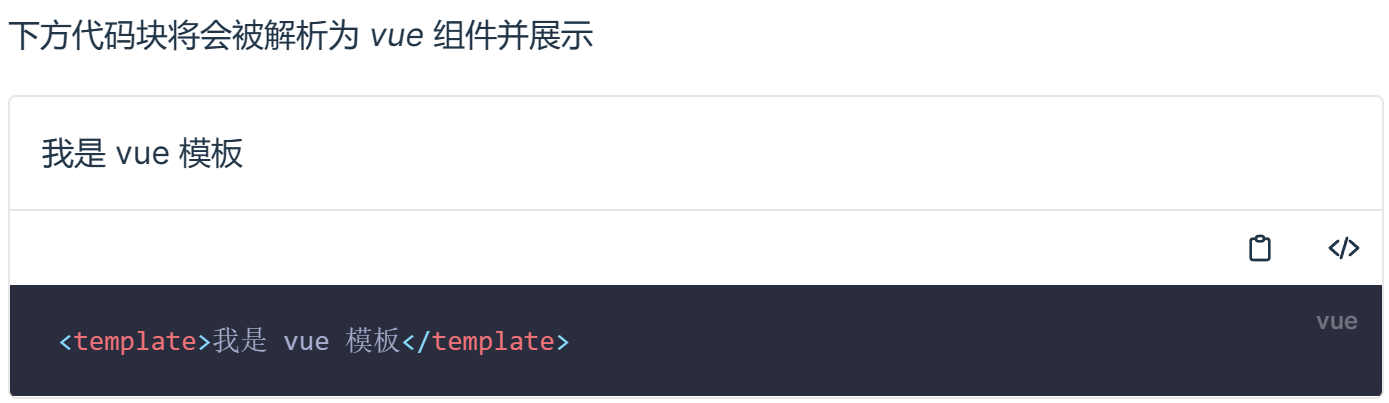
如 test.md 文件内容为:
_下方代码块将会被解析为 vue 组件并展示_

```vue preview
<template>我是 vue 模板</template>
```
经过 vite-plugin-markdown-preview 处理后:
自定义预览组件
如果默认的样式不能满足需求,可以全局注册一个 CodePreview 组件来代替默认组件。
app.component('CodePreview', MyCodePreview)CodePreview 需要按约定支持如下 props 和 slot
- props
langstring 代码块的 langmetastring // 代码块的 meta 信息codestring // 代码块的原始代码
- slot
default代码块生成的 vue 组件将会以 slots.default 传递过来code代码块经过高亮转换为 html 将会以 slots.code 传递过来
示例自定义展示组件: