
vsext
v1.0.1
Published
A CLI for download VSCode Extensions files, based on got, and install ext on offline use

Maintainers
 imcbrian
Readme
🚀 Project Introduction (Internationalized)
This Command-Line Interface (CLI) tool aims to provide convenience for users who need to use Visual Studio Code (VSCode) and its extensions in offline environments. It allows you to download VSCode extensions in vsix format and save them locally, so they can be transferred to target systems without internet access.
Features:
- ✨ Easy-to-Use: This tool offers an intuitive command-line interface, making the plugin download process simple and fast.
- 🌐 Offline Usage: Obtain the required VSCode extensions without an internet connection, facilitating installation and usage in offline environments.
- 🔍 Specify Versions: You can specify the desired version of an extension to ensure compatibility with the target system.
- 🛠️ Highly Customizable: Supports custom download options through command-line parameters, meeting various requirements.
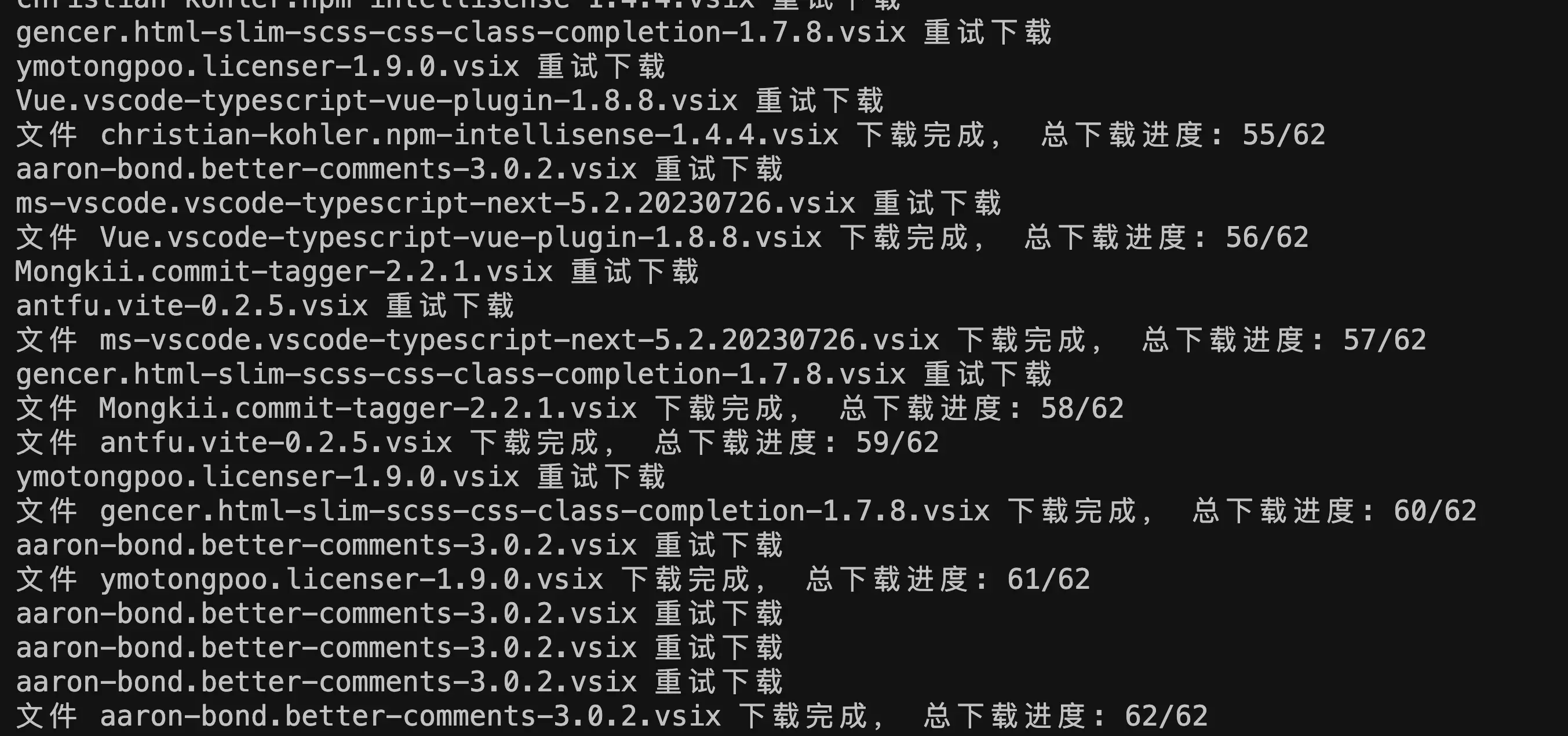
Sample download:
⚙️ Technology Used
Project Dependencies
This tool utilizes the following technologies and dependencies:
- got (Version 13.0.0):
gotis a lightweight, Promise-based HTTP request library used for fetching plugin files from remote servers. It provides a simple yet powerful interface for downloading VSCode extensions. - yargs (Version 17.7.2):
yargsis a library used for parsing command-line arguments, simplifying the process of handling user inputs. In this tool,yargsis employed to parse user-provided parameters, such as plugin names and versions.
Project Structure
The project consists of the following files:
- cli.mjs: This serves as the main entry point for the command-line interface, handling user input and invoking corresponding functionality modules.
- index.mjs: The entry file of the project, used for starting the tool or enabling hot reload during development.
- package.json: Contains essential information about the project, including dependencies, script commands, and configurations.
Script Commands
In the package.json file, the following script commands are defined:
- dev: Uses
nodemonto monitor changes in theindex.mjsfile, enabling hot reload during development to enhance productivity.
📦 Quick Start
📦 Install the CLI Tool
Before using the tool, you need to install the vsext globally:
npm i -g vsext⬇️ Download Extensions
To download all installed extensions for the current system, execute the following command:
vsext dThis will download compressed packages of all installed extensions to the current directory.
📥 Install Downloaded Offline Extensions
To install previously downloaded extensions in offline mode, use the following command:
vsext iThis will install the downloaded extension files.
⚖️ Copyright and License
This project is released under the MIT License.
FAQs
If prompted with the "code" command not found, you can install the command in VSCode's command palette:
- Open VSCode, then use the shortcut Shift + Command + P to bring up the Command window.
- Enter "shell Command" in the input box, and you'll see the option "Install 'code' command in PATH" below. Click it to install the command.
Feel free to reach out if you have any questions or need further assistance. We appreciate your support and hope this tool brings convenience to your offline VSCode usage!