
vue-barcodes-generator
v0.1.8
Published
[](https://www.npmjs.com/package/vue-barcodes-generator) [](https://www.npmjs.com/package/vu


Readme
vue-barcodes-generator



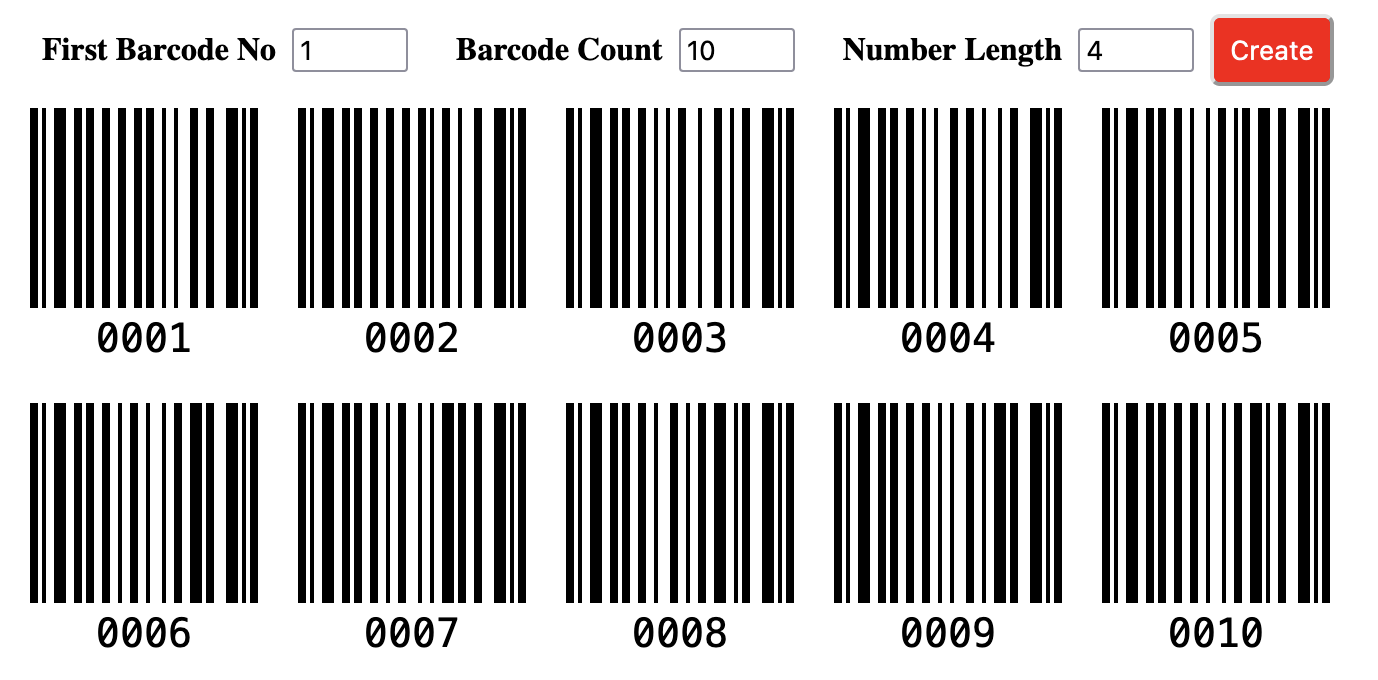
This component creates a form to generate barcodes. The form includes three required inputs (start number, barcode count, and barcode number length). Also, you can add some additional inputs to take into account while generating the barcode. After you have specified the related options, you can submit the form to generate barcodes.
Install
npm install vue-barcodes-generatorUsage
You can use the vue-barcode-generator package easily by following the three steps below:
1. Add the VueBarcodes as a component
import VueBarcodes from 'vue-barcodes-generator'
new Vue({
  components: {
    'VueBarcodes': VueBarcodes
  }
})
2. Specify the barcode options
data: function(){
    return{
      inputs: [
        {
            name: 'start',
            title: 'First Barcode No',
            val: 1
        },
        {
            name: 'count',
            title: 'Barcode Count',
            val: 10
        },
        {
            name: 'length',
            title: 'Number Length',
            val: 2
        },
      ],
      buttonText: 'Create',
    }
  }
3. Use the VueBarcodes component
  <VueBarcodes
    :inputs="inputs"
    :buttonText="buttonText"
  />
Props
|Props|Description|Required|Type|Default|
|-----|-----------|--------|----|-------|
|inputs|Components use this props for generate form|true|Array|[{name: 'start', title: 'Start Number', val:1},{name: 'count', title: 'Barcode Count', val: 10}, {name: 'length', title: 'Number Length', val: 4}]|
|buttonText|Title for button|true|String|'Generate'|
|buttonClass|Class name for button|false|String|-|
|barcodeConfig|Settings for barcode|false|Object|-|
Inputs
This props type is Array and includes an element per form input. It has three required property and if you dont pass these elements, the component generates the default value. You can generate unlimited inputs.
[
    {
        name: 'start',
        title: 'Start Number',
        val:1
    },
    {
        name: 'count',
        title: 'Barcode Count',
        val: 10
    },
    {
        name: 'length',
        title: 'Number Length',
        val: 4
    }
]
If you want to edit three required elements, you should add the element with the same name (start, count, length) as below:
name: unique name for input title: caption for input val: value for input
barcodeConfig
This props type is Object and includes settings for generating barcodes. This package uses the JsBarcode library to generate barcodes and you can inspect to JsBarcode Documentation for barcodeConfig props.