
vue-cookie-consent-banner
v0.0.3
Published
<h1 align="center"> <!-- <br> --> <!-- <a href="https://github.com/Gismo1337/vue-cookie-consent-banner"><img src="https://raw.githubusercontent.com/Gismo1337/vue-cookie-consent-banner/master/public/favicon.ico" alt="Markdownify" width="50"></a> <br>

Maintainers
 gismo1337
Readme
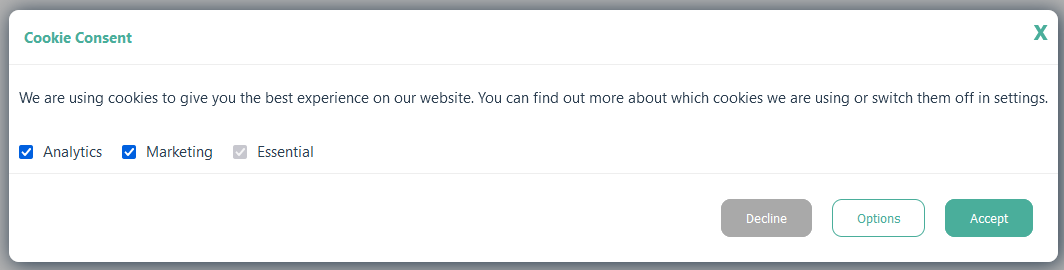
Table of Contents
Getting Started
Recommended IDE Setup
- VSCode
- Volar (and disable Vetur)
- TypeScript Vue Plugin (Volar)
Prerequisites
Before installation, please make sure you have already installed the following tools:
Installation
Clone the repo
git clone https://github.com/Gismo1337/vue-cookie-consent-banner.gitNavigate to the cloned project directory
cd vue-cookie-consent-bannerInstall the dependencies
npm installStart the server
npm run devOpen the browser to visit the website at http://localhost:3000/
Customize configuration
See Vite Configuration Reference.
Contributing
We appreciate feedback and contribution to this repo! Before you get started, please see the following:
License
This project is licensed under the MIT License - see the LICENSE file for details
Support
Give a ⭐️ if this project helped you!