
vue-flip-motion
v1.0.2
Published
A Vue component based on FLIP (First Last Invert Play) animation technique that makes your animations as smooth as silk!

Maintainers
 qyj-huanyue
Readme
English document
vue-flip-motion



基于 FLIP (First Last Invert Play) 动画技术封装的 Vue 组件,让您的动画效果如德芙般丝滑流畅!
✨ 特性
- 简单易用:通过数据驱动的方式触发动画
- 性能优化:使用 FLIP 技术减少布局抖动
- 高度可定制:支持多种动画参数配置
- 跨版本支持:同时支持 Vue 2.x 和 Vue 3.x
- 嵌套动画:支持多层嵌套实现复杂动画效果
📦 安装
使用 npm 安装:
npm install vue-flip-motion或使用 yarn:
yarn add vue-flip-motion🔨 使用指南
基本用法
// Vue 2.x
import Flip from 'vue-flip-motion/vue2';

// Vue 3.x
import Flip from 'vue-flip-motion';
<template>
<Flip
:mutation="styles"
:styles="['backgroundColor','height']"
:animate-option="{duration: 1000}"
>
<div
class="box"
@click="handleClick"
:style="{
height: styles.height,
background: styles.bgColor
}"
></div>
</Flip>
</template>
<script>
import Flip from 'vue-flip-motion/vue2';
export default {
components: {Flip},
data() {
return {
styles: {
height: '100px',
bgColor: '#42b983'
}
}
},
methods: {
handleClick() {
this.styles = {
height: '200px',
bgColor: '#ff0000'
}
}
}
}
</script>⚙️ 参数说明
| 参数 | 类型 | 必填 | 默认值 | 说明 |
|------|------|------|--------|------|
| mutation | [Array, Object, Number, String, Boolean] | 是 | - | 触发动画的响应式数据 |
| selector | String | 否 | - | 默认使用flip组件的直接子元素为动画对象,自定义选择器, 会使用flip容器的querySelectorAll(selector)获取下面指定的元素。 |
| styles | Array | 否 | ['position-x','position-y','width','height'] | styles数组指定参与动画的样式属性,除了position-x, position-y,其他样式属性和vue style的属性名类同,可以通过getComputedStyle(element)查看 |
| animateOption | Object | 否 | {} | 动画配置选项(详见下方) |
动画配置选项 (animateOption)
| 选项 | 类型 | 默认值 | 说明 |
|------|------|--------|------|
| delay | Number | 0 | 动画开始前的延迟时间(ms) |
| duration | Number | 200 | 单次动画周期时长(ms) |
| easing | String | "linear" | 动画缓动函数 |
| direction | String | "normal" | 动画播放方向 |
| iterations | Number/Infinity | 1 | 动画重复次数 |
| fill | String | "none" | 动画填充模式 |
| endDelay | Number | 0 | 动画结束后的延迟时间(ms) |
| iterationStart | Number | 0.0 | 动画开始的迭代进度点 |
| composite | String | "replace" | 多动画叠加方式 |
| iterationComposite | String | "replace" | 跨迭代累积方式 |
| pseudoElement | String | - | 目标伪元素选择器 |
🎛 高级用法
自定义选择器
<Flip
  :mutation="state"
  selector=".animated-item"
  :animate-option="{duration: 500}"
>
  <div>
    <div class="animated-item" v-for="item in list" :key="item.id">
      {{ item.text }}
    </div>
  </div>
</Flip>
嵌套动画
Flip组件可以嵌套使用,相当于叠加多个动画效果,注意外层的Flip需要指定selector,否则会使用默认的子元素进行动画。
<Flip
  :mutation="roll"
  :animate-option="{duration: 3000}"
  :styles="['position-x','position-y']"
  name="roll"
  selector=".box"
>
  <Flip
    :mutation="active"
    :styles="['backgroundColor']"
    :animate-option="{duration: 2000}"
  >
    <div
      class="box"
      :class="{active, roll}"
      @click="handleClick"
    ></div>
  </Flip>
</Flip>
自定义选择器获取动画元素终态
某些场景下,动画初始状态和结束状态不是同一个dom元素,所以需要自定义选择器获取动画元素终态。
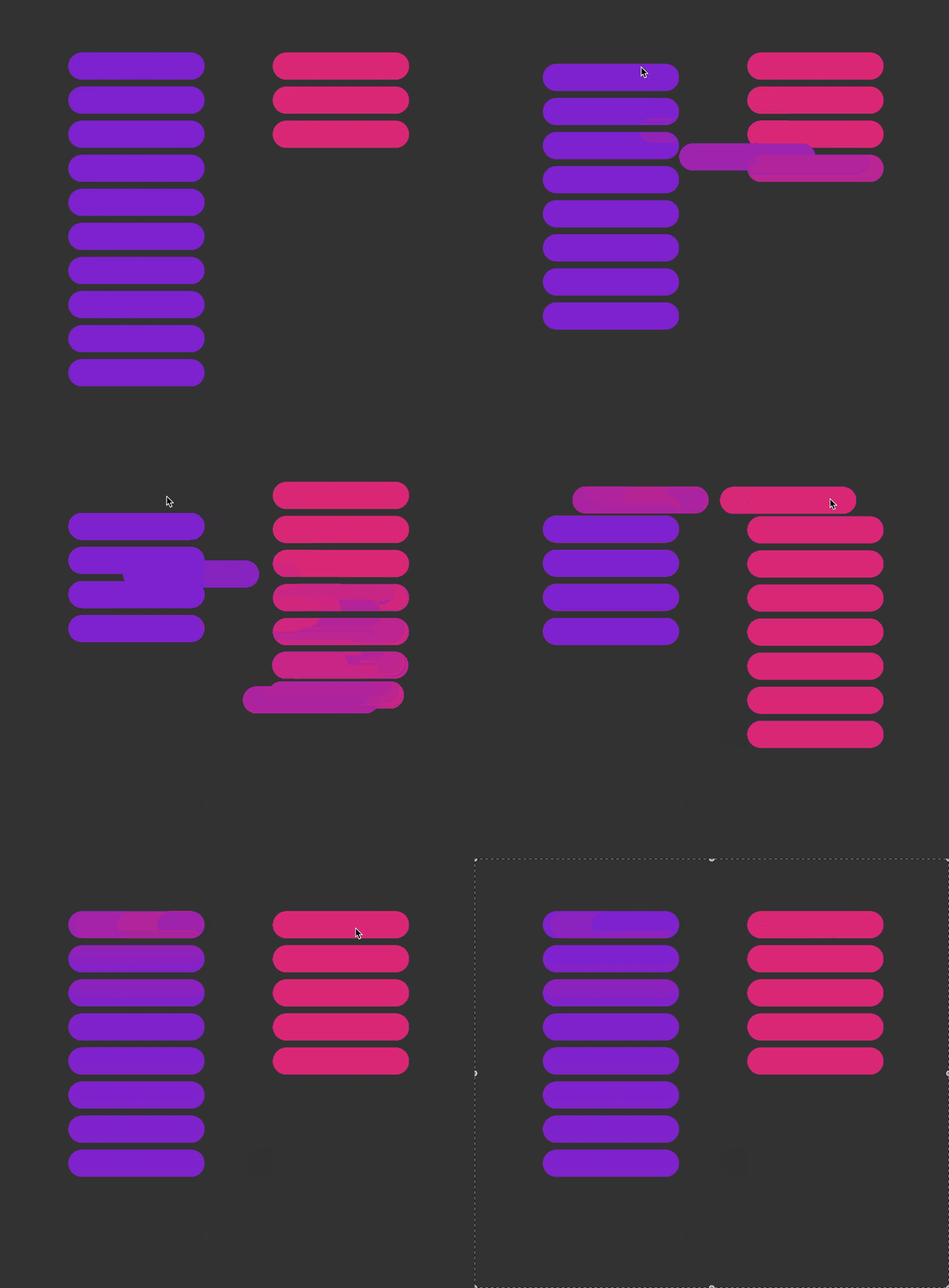
可以在初始状态元素上设置data-flip-selector自定义选择器,指定动画终态的元素。
   <Flip class="wrapper" :mutation="[left,right]" selector=".item" :animate-option="{duration:500}" :styles="['position-x','position-y']">
      <div class="left">
          <div v-for="item in left" :key="item.id" class="item" @click="clickLeft(item)" :id="item.id" :data-flip-selector="`#${item.id}`"></div>
      </div>
      <div class="right">
          <div v-for="item in right" :key="item.id" class="item" @click="clickRight(item)" :id="item.id" :data-flip-selector="`#${item.id}`"></div>
      </div>
  </Flip>
事件
finish: 动画结束时触发
<Flip
  :mutation="state"
  :animate-option="{duration: 500}"
  @finish="handleFinish"
>
    <div class="animated-item" v-for="item in list" :key="item.id">
      {{ item.text }}
    </div>
</Flip>
📝 注意事项
mutation参数是必须的,它是触发动画的关键- 默认会将元素尺寸和位置作为动画效果
- 可以通过
styles数组指定需要的动画样式 - 嵌套使用时会产生叠加动画效果
- 确保选择器能正确匹配到目标元素
案例演示
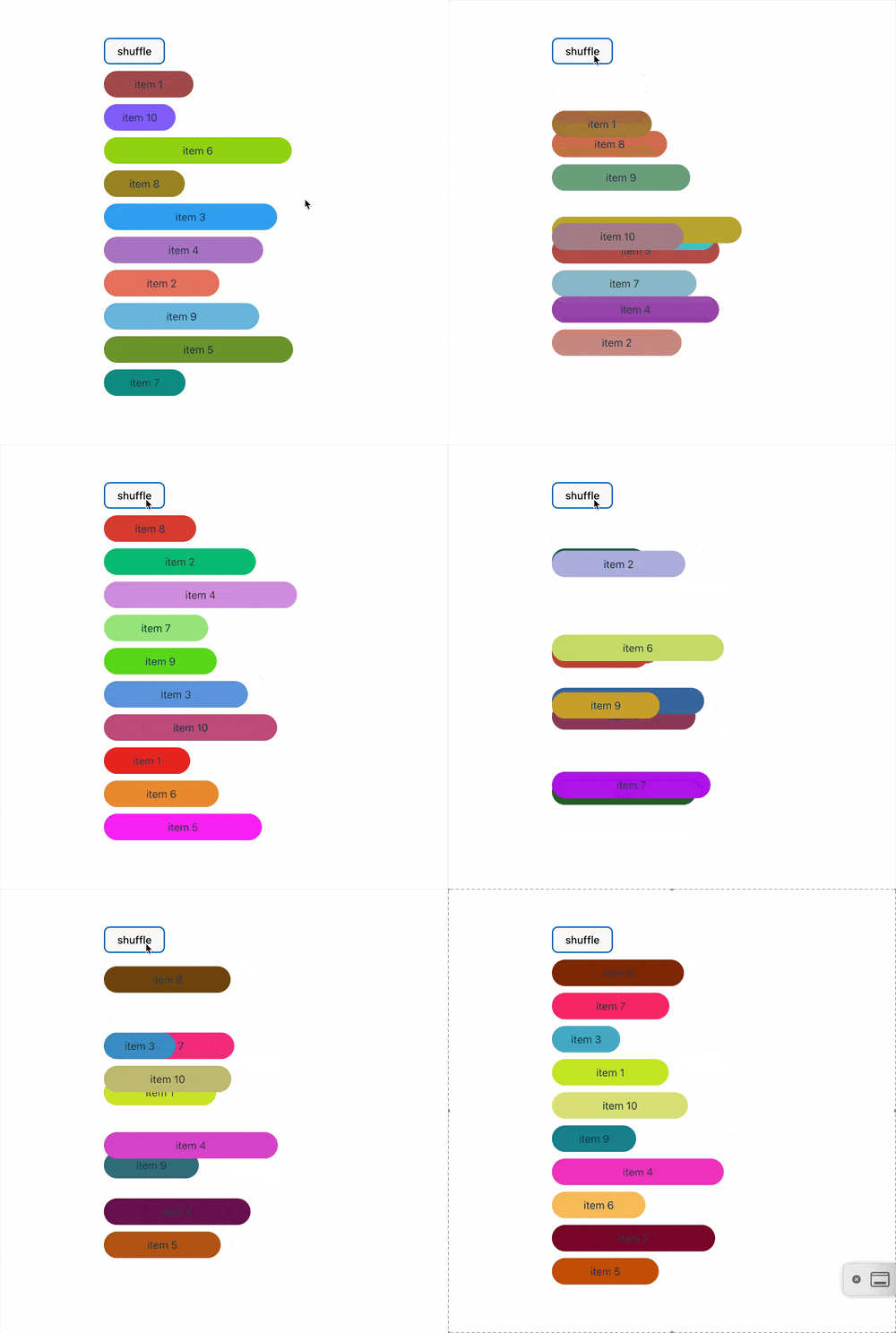
列表重排动画(get code)
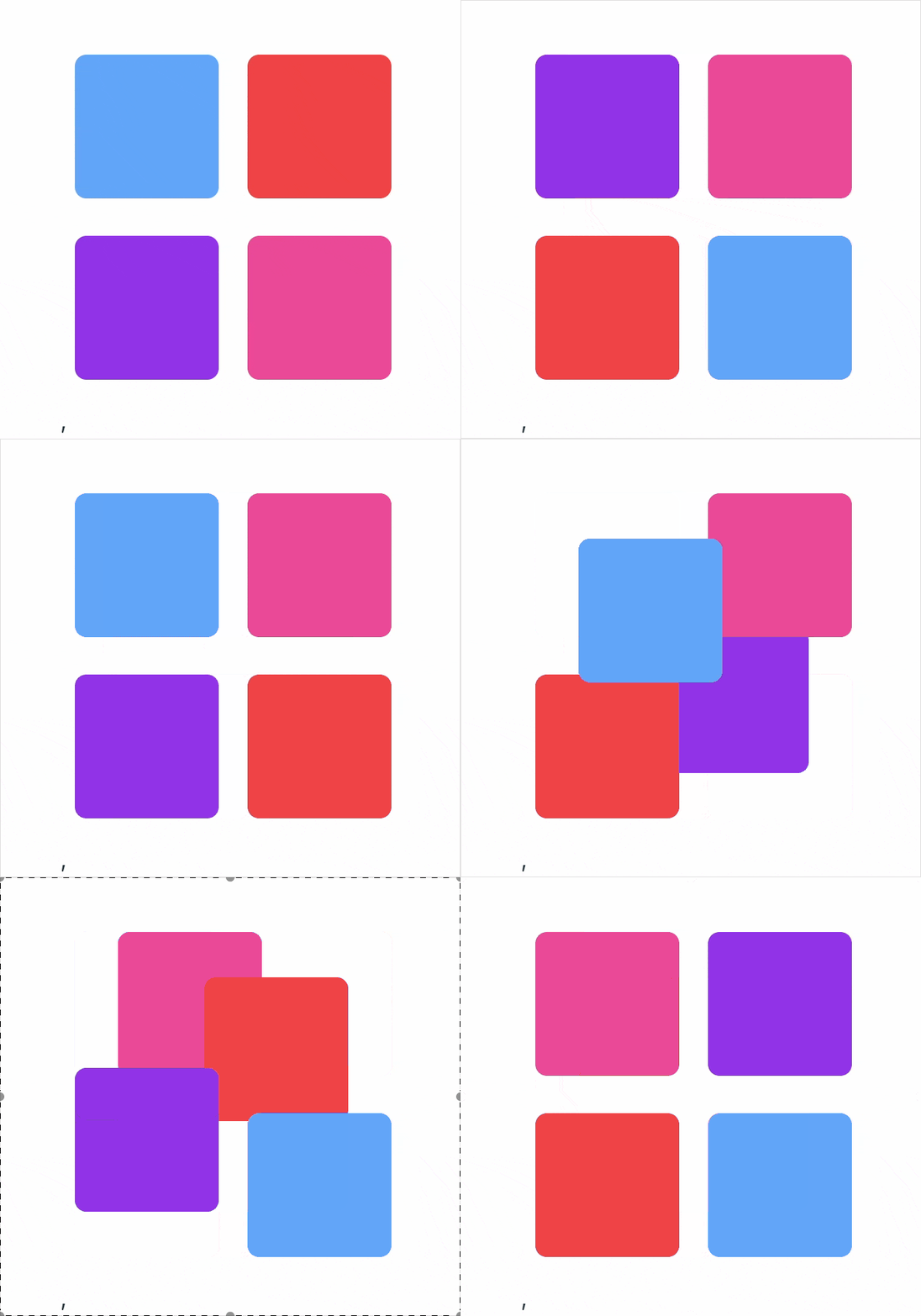
网格位移动画(get code)
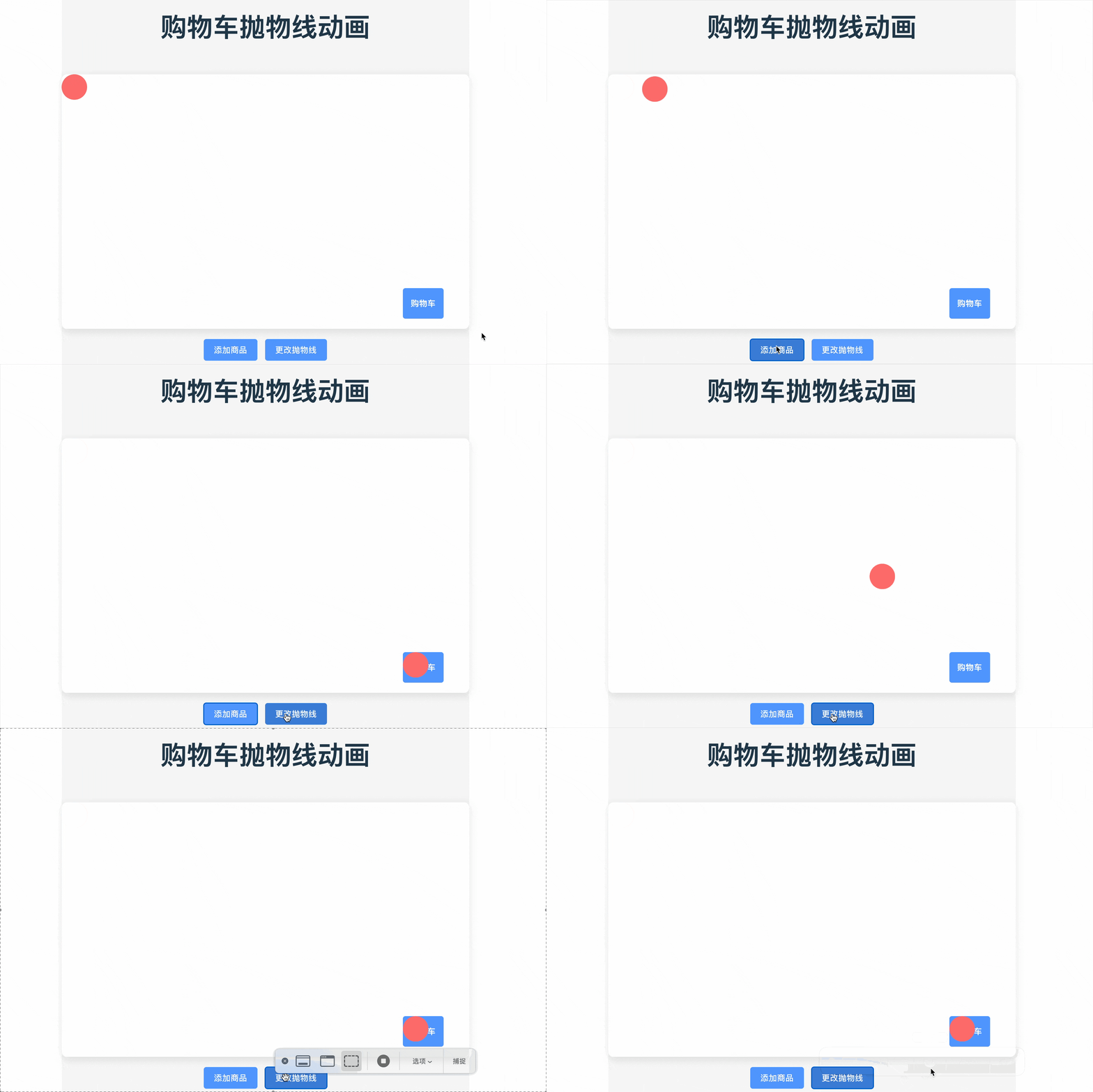
运动轨迹叠加动画(get code)
穿梭框动画(get code)
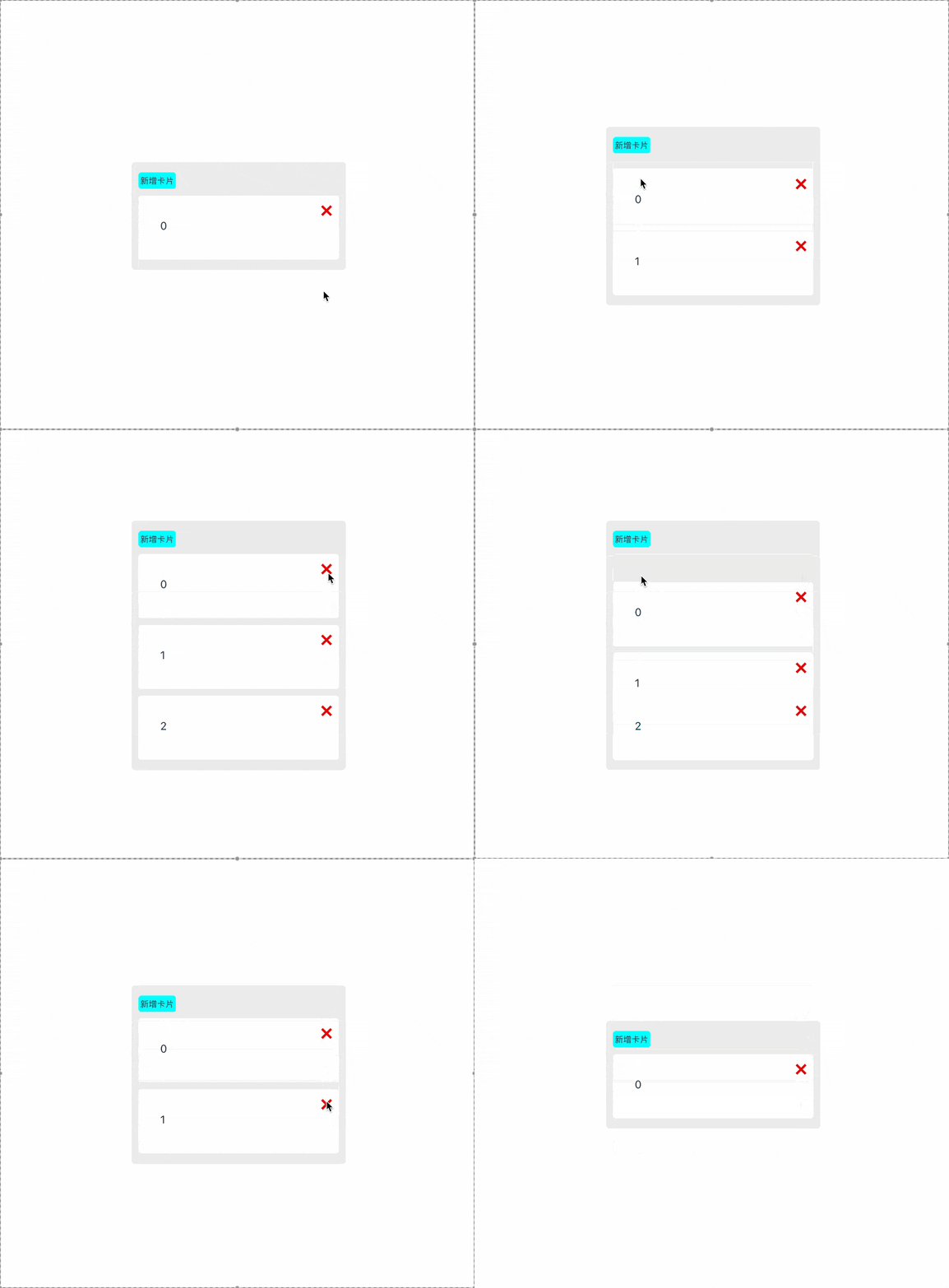
卡片增减动画(get code)
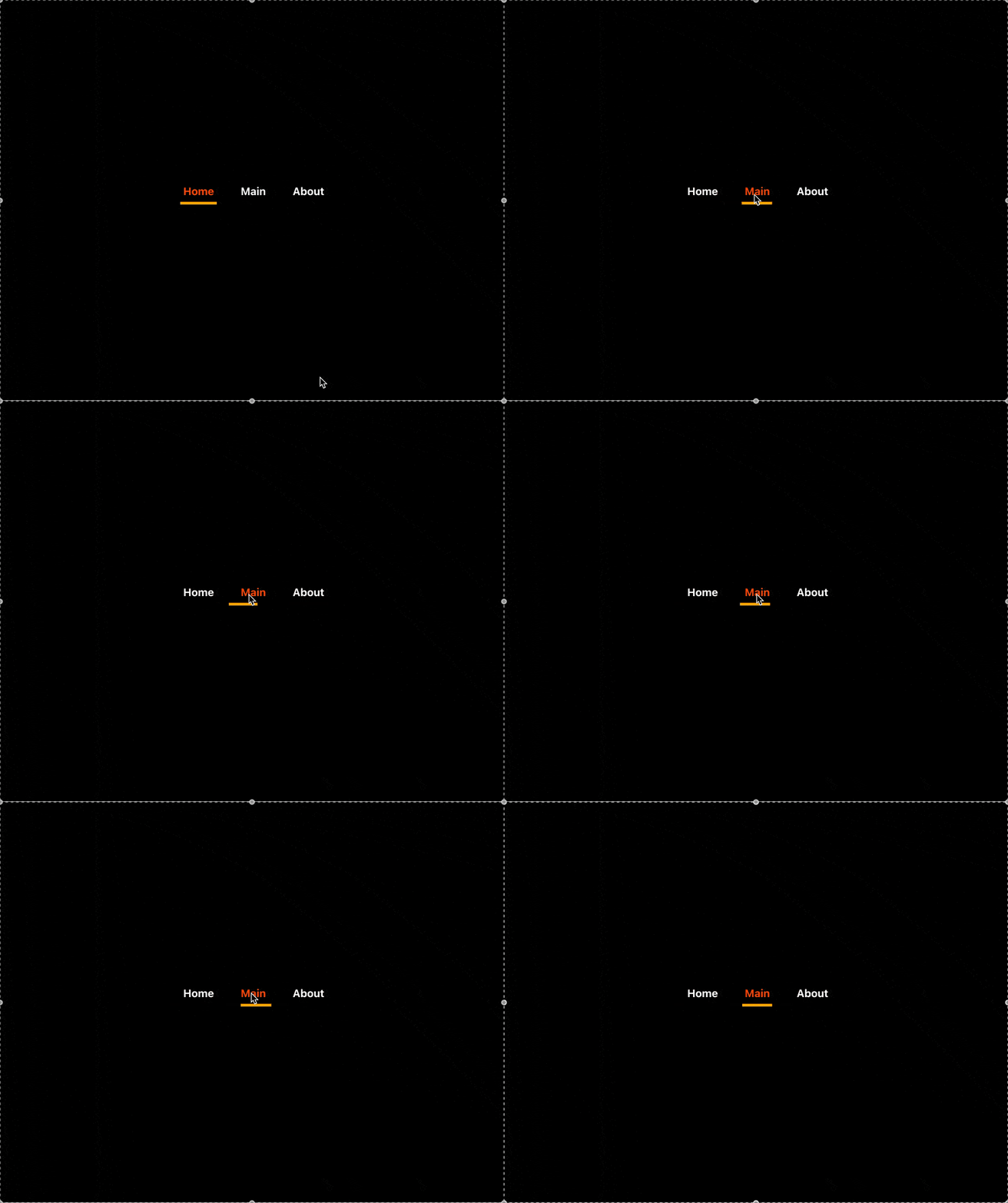
导航条动画(get code)
🤝 贡献指南
欢迎提交 Pull Request 或 Issue!
📄 License
MIT