
vue-mobile-message
v1.5.2
Published
alert | confirm | toast | loading for Vue.js

Maintainers
 spring_falling
Readme
alert | confirm | toast | loading for Vue.js
Installation
npm i vue-mobile-messageProject startup
Full register( this.$alert | this.$confirm | this.$toast | this.$loading )
import Vue from 'vue'
import MobileMessage from 'vue-mobile-message'
Vue.use(MobileMessage, options)

new Vue({
    render: h => h(App)
}).$mount('#app')
Partial register
import Vue from 'vue'
import { MessageBox, Toast, Loading } from 'vue-mobile-message'
Vue.use(MessageBox, options)    //( this.$alert | this.$confirm )
Vue.use(Toast, options)         //( this.$toast )
Vue.use(Loading, options)       //( this.$loading )

new Vue({
    render: h => h(App)
}).$mount('#app')
About options
name | description | 描述 | value | default
---- | ----------- | ----------- | ------ | ------
maskColor | mask color | 蒙层颜色 | String | rgba(0, 0, 0, 0.4)
htmlSupport | Pop-up content support html | 弹窗内容是否支持html | Boolean | false
background | Pop-up background color | 弹窗的背景色 | String | #ffffff
titleColor | Pop-up title color | 弹窗标题颜色 | String | #111111
messageColor | Pop-up content color | 弹窗内容颜色 | String | #343434
borderColor | Pop-up split line color | 弹窗分割线颜色 | String | #c0c4cc
alertBtn | Pop-up alert button | alert弹窗按钮 | String | Object | {text: '确定', color: '#007aff'}
confirmLeftBtn | Pop-up confirm left button | confirm弹窗左侧按钮 | String | Object | {text: '确定', color: '#007aff'}
confirmRightBtn | Pop-up confirm right button | confirm弹窗右侧按钮 | String | Object | {text: '取消', color: '#007aff'}
duration | Toast show time | Toast弹窗显示时长 | Number | 1500
loadingText | Loading default text | Loading默认显示文字 | String | 正在加载
Example-1
Vue.use(MobileMessage, {
    alertBtn: 'Yes',
    confirmLeftBtn: {
        text: 'Yes'
    },
    confirmRightBtn: {
        text: 'No',
        color: '#007aff'
    },
    loadingText: 'Loading...'
})
Example-2
Vue.use(MobileMessage, {
    htmlSupport: true
})
<script>
export default {
methods:{
test(){
this.$alert.message(`
<div>this a message</div>
<div style="color:red">html is supported now</div>
`).then(() => {
console.log('the button was clicked')
})
}
}
}
</script>Usage
Loading
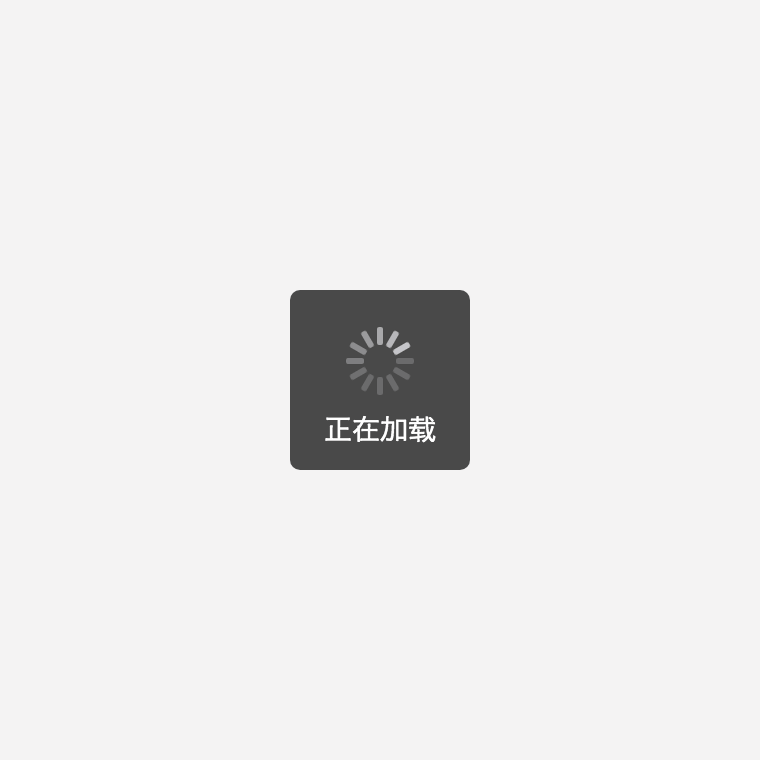
this.$loading.show();
this.$loading.show('loading...');
this.$loading.hide();
Show Alert common
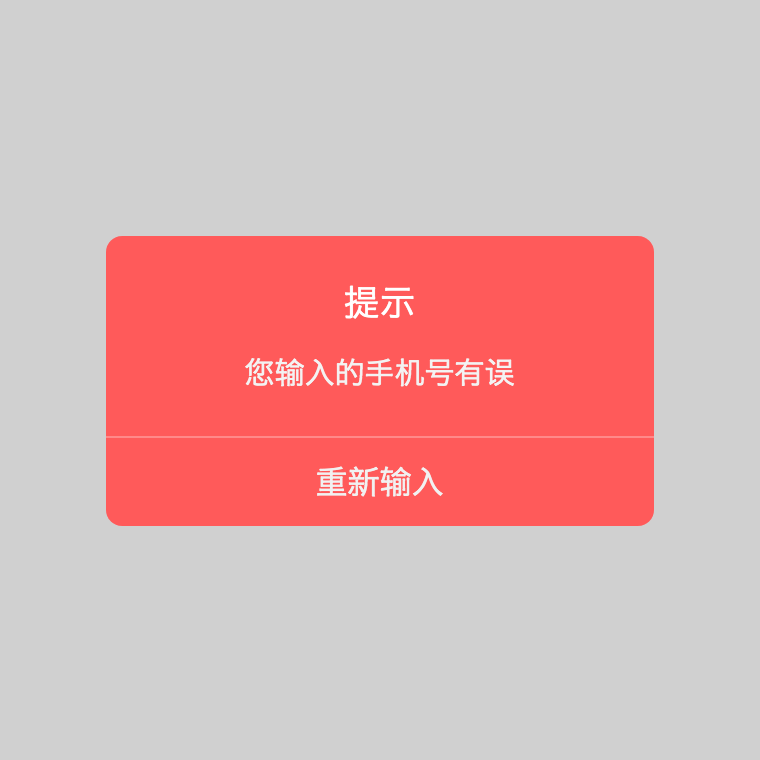
<template>
    <div id="app">
        <div @click="test1">click me</div>
    </div>
</template>

<script>
export default {
    methods: {
        test1(){
            this.$alert({
                styles:{
                    maskColor:  'rgba(40, 40, 40, .3)',
                    background: '#ff5a5a',
                    titleColor: '#fff',
                    messageColor: '#f3f3f3',
                    borderColor: '#ffb6b6'
                },
                htmlSupport: true,
                content: `<div>您输入的手机号有误</div>`,
                title: `<div>提示</div>`,
                // type: 'success',
                btn: {
                    text: '重新输入',
                    color: '#f1f1f1'
                }
            }).then(() => {
                console.log('The button was clicked')
            });
        },
        test2(){
            this.$alert({
                content: 'This is a message',
                title: 'title'
            }).then();
        },
        test3(){
            this.$alert({
                content: 'This is a message',
                type: 'success'
            }).then();
        }
    }
}
</script>
Show Alert with a title
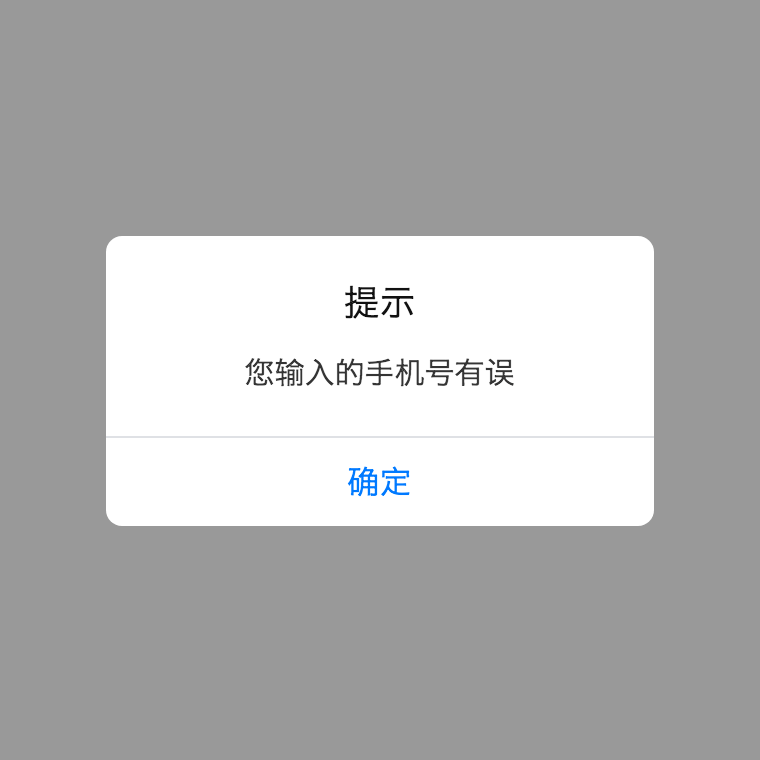
<script>
// this.$alert.message(content [,title] [,btn])
export default {
    methods: {
        test1(){
            this.$alert.message('您输入的手机号有误').then(() => {
                console.log('The button was clicked')
            });
        },
        test2(){
            this.$alert.message('This is a message', 'I am a title')
        },
        test3(){ //use default title
            this.$alert.message('This is a message', null, 'I am button')
        },
        test4(){ //define btn text and color and use default title
            this.$alert.message('This is a message', null, {
                text: 'I am button',
                color: '#f00'
            })
        }
    }
}
</script>
Show Alert with a icon without title, four types are supported (success | warning | error | info)
<script>
// this.$alert.[type](content [,btn])
export default {
    methods: {
        test1(){
            this.$alert.success('Login success').then(() => {
                console.log('The button was clicked')
            });
        },
        test2(){ //define btn text only
            this.$alert.error('Password is not correct', 'I am a button')
        },
        test3(){ //define btn text and color
            this.$alert.warning('Something is wrong, but I am not going to tell you.', {
                text: 'I am a button',
                color: '#f00'
            })
        }
    }
}
</script>
Show Confirm common
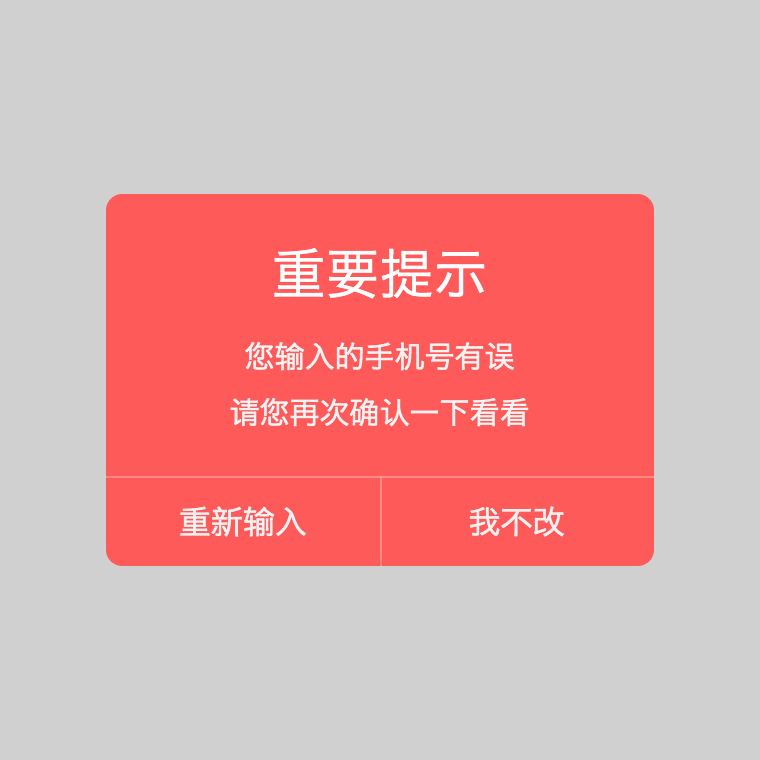
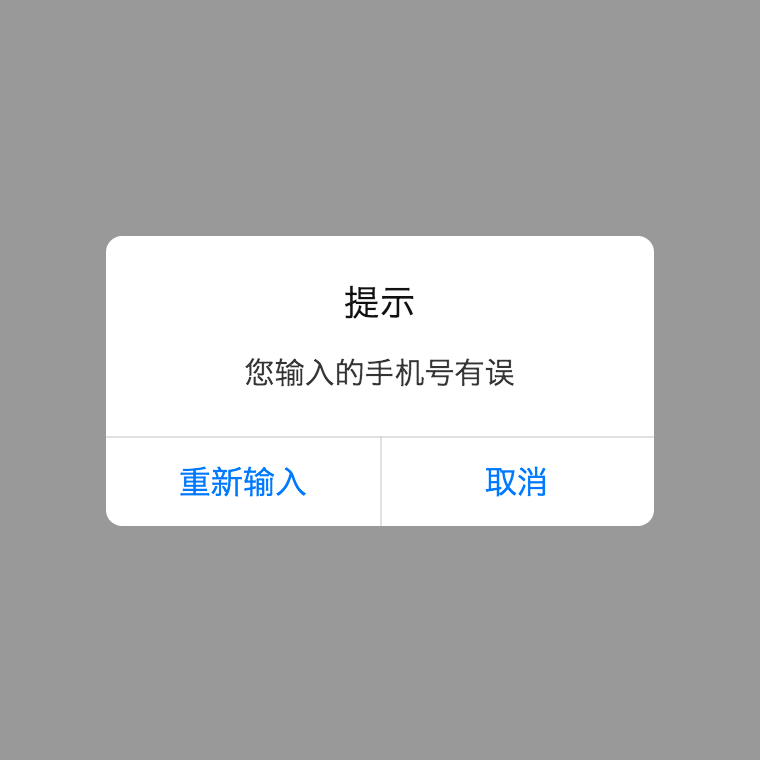
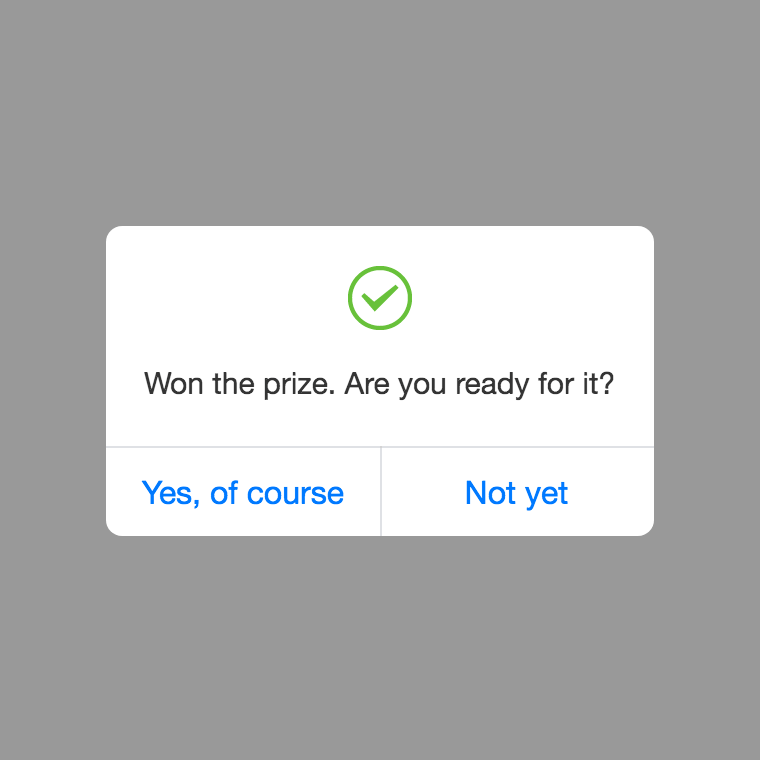
<template>
    <div id="app">
        <div @click="test1">click me</div>
    </div>
</template>

<script>
export default {
    methods: {
        test1(){//define both buttons
            this.$confirm({
                styles:{
                    maskColor:  'rgba(100,100,100,.3)',
                    background: '#ff5a5a',
                    titleColor: '#fff',
                    messageColor: '#f3f3f3',
                    borderColor: '#ffb6b6'
                },
                htmlSupport: true,
                content: `
                    <div>您输入的手机号有误</div>
                    <div style="margin-top:5px">请您再次确认一下看看</div>`,
                title: '<div style="font-size:1.5em;">重要提示</div>',
                // type: 'success',
                btnArr: [{
                    text: '重新输入',
                    color: '#f1f1f1'
                },{
                    text: '我不改',
                    color: '#f1f1f1'
                }]
            }).then(isLeft => {
                if(isLeft){
                    console.log('Left button was clicked')
                }else{
                    console.log('Right button was clicked')
                }
            });
        },
        test2(){//define left button only
            this.$confirm({
                content: '您输入的手机号有误',
                title: '提示',
                btn: '重新输入'
            }).then();
        },
        test3(){//define button text only
            this.$confirm({
                content: 'Won the prize. Are you ready for it?',
                type: 'success',
                btnArr: ['Yes, of course', 'Not yet']
            }).then();
        }
    }
}
</script>
Show Confirm with a title
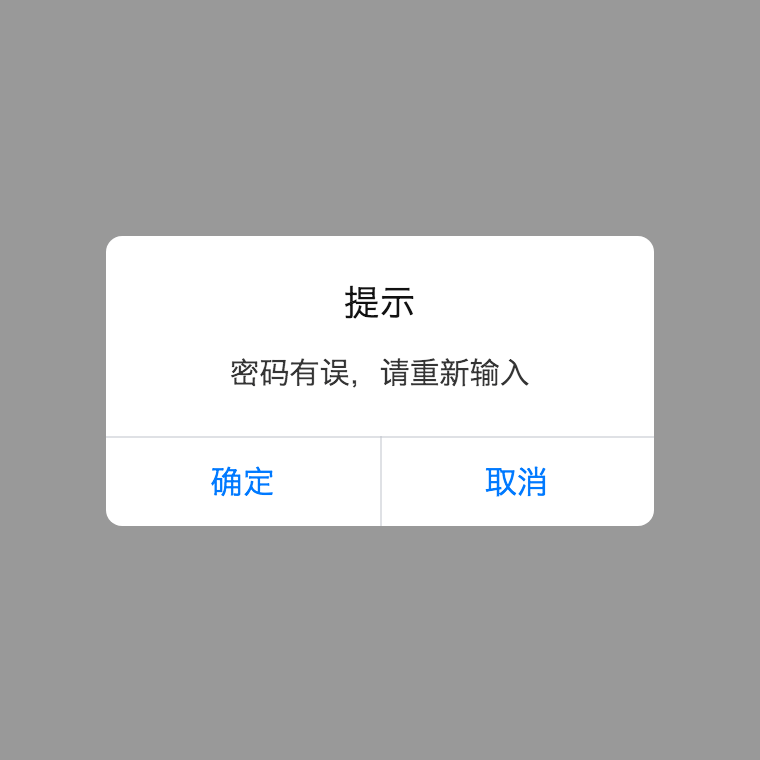
<script>
// this.$confirm.message(content [,title] [,btn])
export default {
    methods: {
        test1(){//use default title and button
            this.$confirm.message('密码有误,请重新输入').then(isLeft => {});
        },
        test2(){
            this.$confirm.message('This is a message', 'I am a title').then();
        },
        test3(){//define left button text only and use default title
            this.$confirm.message('This is a message', null, 'left button').then();
        },
        test4(){ //define left button text and color and use default title
            this.$confirm.message('This is a message', null, {
                text: 'left button',
                color: '#f00'
            }).then();
        },
        test5(){ //define both buttons and use default title
            this.$confirm.message('This is a message', null, [{
                text: 'left button',
                color: '#f00'
            },{
                text: 'right button',
                color: '#0ff'
            }]).then();
        }
    }
}
</script>
Show Confirm with a icon without title, four types are supported (success | warning | error | info)
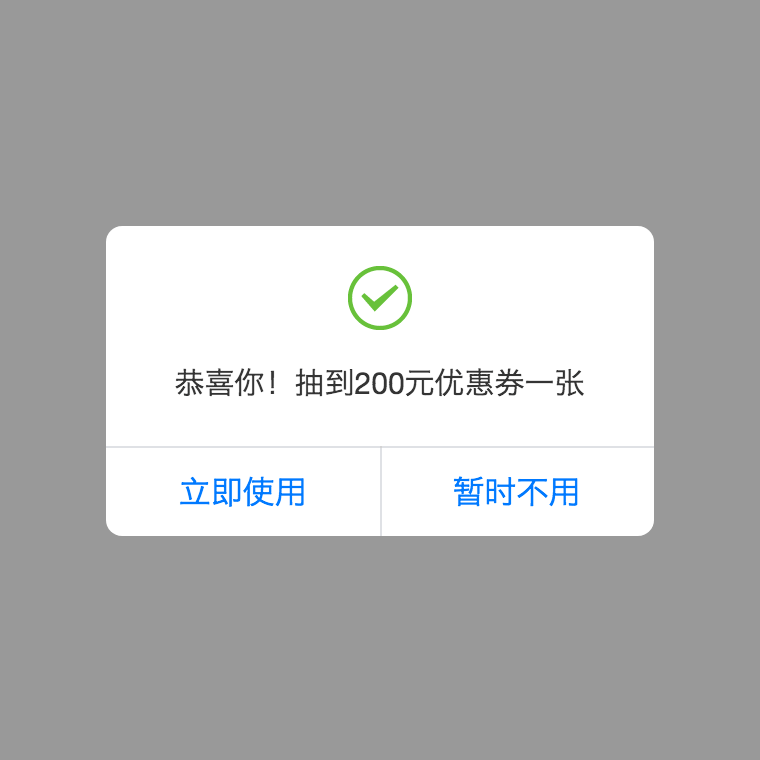
<script>
// this.$confirm.[type](content [,btn])
export default {
    methods: {
        test1(){ //define both buttons text
            this.$confirm.success('恭喜你!抽到200元优惠券一张', ['立即使用', '暂时不用']).then(isLeft => {});
        },
        test2(){ //define left button text only
            this.$confirm.error('Are you really going to die?', 'Yes').then(ifLeft => {
                if(ifLeft){
                    console.log("You're dead. God's waiting for you.")
                }else{
                    console.log('You are alive, do you still want to die?')
                }
            });
        },
        test3(){ //define left button text and color
            this.$confirm.info('This is a message', {
                text: 'left button',
                color: '#f00'
            }).then(isLeft => {});
        },
        test4(){ //define both buttons text and color
            this.$confirm.info('This is a message', [{
                text: 'left button',
                color: '#f00'
            },{
                text: 'right button',
                color: '#0ff'
            }]).then(isLeft => {});
        }
    }
}
</script>
Show Toast
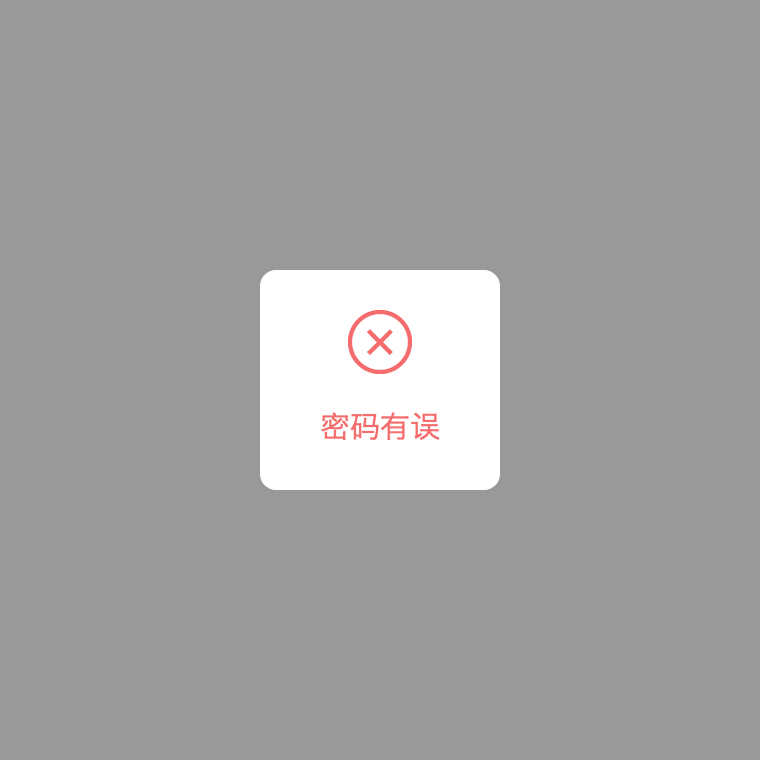
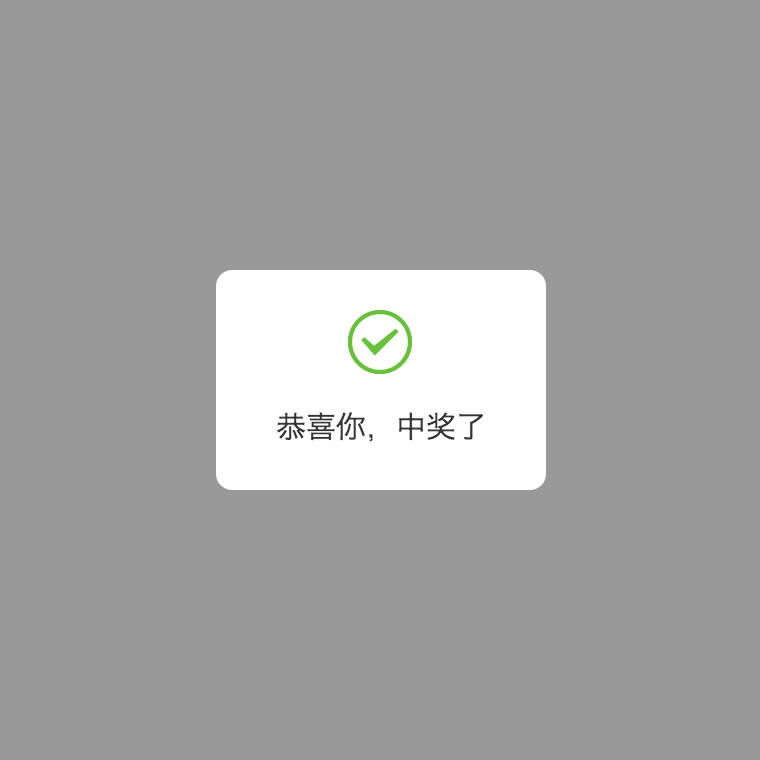
<script>
export default {
    methods: {
        // this.$toast(options)
        test1(){
            this.$toast({
                styles:{
                    maskColor:  '#000',
                    background: '#fff',
                    titleColor: '#000',
                    messageColor: '#000'
                },
                content: 'this is a message',
                title: 'title',
                duration: 2000 //default 1500
            }).then(() => {
                console.log('toast finished');
            })
        },

        // this.$toast.message(content [,title] [,duration])
        test2(){
            this.$toast.message('This is a message', 'title');
        },
        test3(){
            this.$toast.message('This is a message', null, 2000);
        },
        // this.$toast.[type](content [,duration])
        test2(){
            this.$toast.success('This is a message', 2000);
        }
    }
}
</script>
Contact
The project's website is located at https://github.com/Haycher/vue-mobile-message.git Author: Haycher, Lyu ([email protected])