
vue-placeholder.js
v1.0.0
Published
vue-placeholder component for vue.js(2.X),support pc and mobile.
Downloads
11

Maintainers
 janecc
Readme
vue-placeholder
vue-placeholder(placeholder.js) component for vue.js(2.X),support pc and mobile. 中文Readme帮助文档
1、Demo & Preview
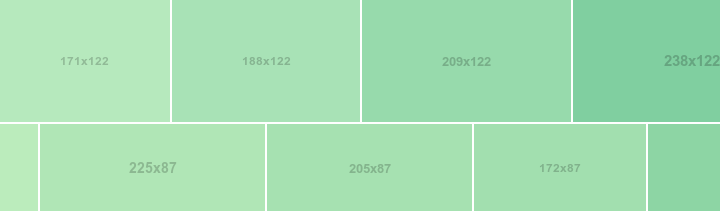

2、Usage
Include vue-placeholder in your project:
Install vue-awesome-swiper
npm install vue-awesome-swiper --saveVue mount
// import

import VuePlaceholder from 'vue-placeholder';

// or require

var VuePlaceholder = require("vue-placeholder");

// mount with global
Vue.use(VuePlaceholder)

// mount with component
import VuePlaceholder from 'vue-placeholder'

export default {
  components: {
    VuePlaceholder
  }
}
UMD import is supported, then get global object: VuePlaceholder.
3、vue-placeholder options
size: The size of placeholder. Example:256x256, Default:256x128.bgcolor: Background color. Example:#969696. Default:random.color: Foreground (text) color. Example:#ccc. Default:#FFF.text: Custom text. Example:Hello World, 你好. Default: equal tosize.fstyle: Custom text font. Can benormal / italic / oblique. Default:normal.fweight: Custom text weight. Can benormal / bold / bolder / lighter / Number. Default:normal.fsize: Custom text size. Default:automationcalculate to avoid text overflow.ffamily: Custom text family. Default:consolas.
For Example, use as var to function input:
<v-placeholder size="512x256" bgcolor="#ccc" color="#969696" text="Hello World 你好" fstyle="oblique" fweight="bold" fsize="40" ffamily='consolas'></v-placeholder>4、API
placeholder.js API and configuration can be used.
5、LICENSE
MIT