
vue-product-card
v1.4.0
Published
Simple and can be customized product card component

Maintainers
 kaansen57
Readme
Vue Product Card
Simple and can be customized product card component
Examples
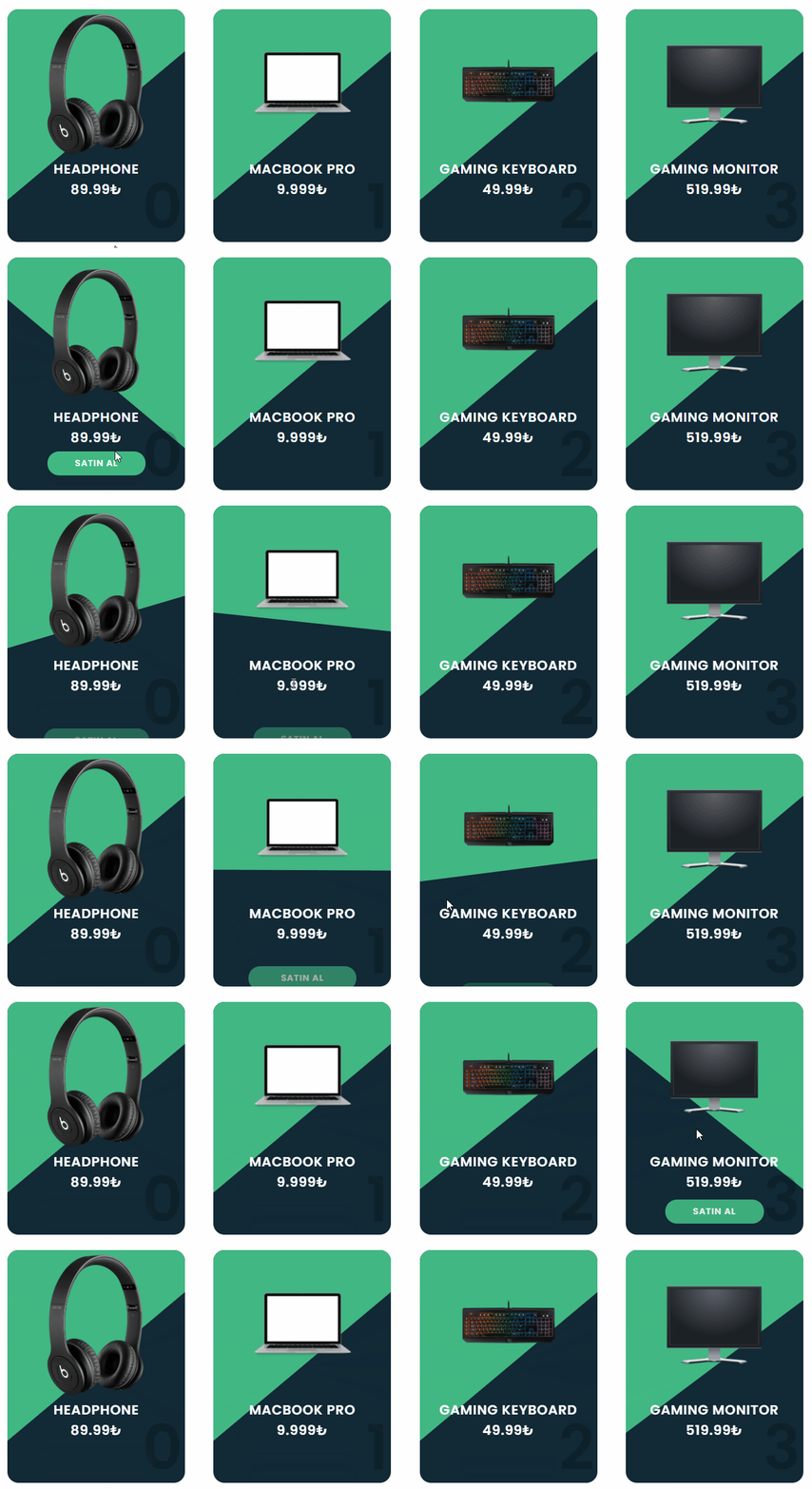
Usage
Install VueProductCard for Vue.js through npm:
npm install vue-product-cardMount with global
import Vue from "vue";
import VueProductCard from 'vue-product-card'

Vue.component("vue-product-card",VueProductCard)
Mount with component
<template>
  <vue-product-card
    :infos="infos"
    :cardColor="cardColor"
    :stripColor="stripColor"
    :buttonColor="buttonColor"
    :textColor="textColor"
    :numberShow="true"
  ></vue-product-card>
</template>

<script>
import VueProductCard  from 'vue-product-card'
export default {
  components:{
      "vue-product-card" : VueProductCard
  },
  data() {
    return {
      cardColor: "#313131",
      stripColor: "#35AFFB",
      buttonColor: "#35AFFB",
      textColor: "#fff",
      infos: [
        {
          src: "foo.png",
          title: "Headphone",
          price: "89.99₺",
          url: "",
          btnText: "Satın Al",
        },
      ],
    };
  },
};
</script>
Props
| Names | Types | Options | Default | |:---------------------:|:-------:|:----------------------------------------------------------------------------------------------------:|:---------:| | infos(required) | Array | [{src:"foo.png", title:"card title", price:"89,99$", url:"https://example.com", btnText:"Buy Now"}] | | | cardColor(required) | String | cardColor:"#000" | cardColor:"black" | | | stripColor(required) | String | stripColor:"#000" | stripColor:"black" | | | buttonColor(required) | String | buttonColor:"#000" | buttonColor:"black" | | | textColor(optional) | String | textColor:"#000" | textColor:"black" | "#ffffff" | | numberShow(optional) | Boolean | false | true | true |