
vue-show-xskj
v1.1.5
Published
this is a component to show file for vue project


Readme
vue-show-file
介绍
这是自己平常项目中经常使用到的,所以封装了该组件。主要用于 vue 项目中 docx,excel,pdf 等文件的在线预览。分享出来希望能帮助大家,里面的内容自己都可以随便改,适合自己的项目特性。
特性
- 封装了 vue-pdf, sheetjs, mammothj 的常用接口
- 支持嵌入第三方在线阅览接口,本插件默认支持微软的第三方接口
- excel 支持在线编辑-----仅支持编辑功能
- 支持网络文件 url 和文件读取文件内容输入
注意
- 第三方接口需要能在公网访问
- 本地内网仅支持 docx,xlsx,pdf 格式。组件其调用优先级最高,当没能匹配未识别格式时,会自动调用第三方接口显示
- 阅览模式非第三方阅览为默认模式,也是推荐的模式
- 完整文件 url 输入会有自动下载提示,所以推荐大家用后端读取文件内容返回的模式,这样能保证其文件安全性
效果图
- excel

- docx
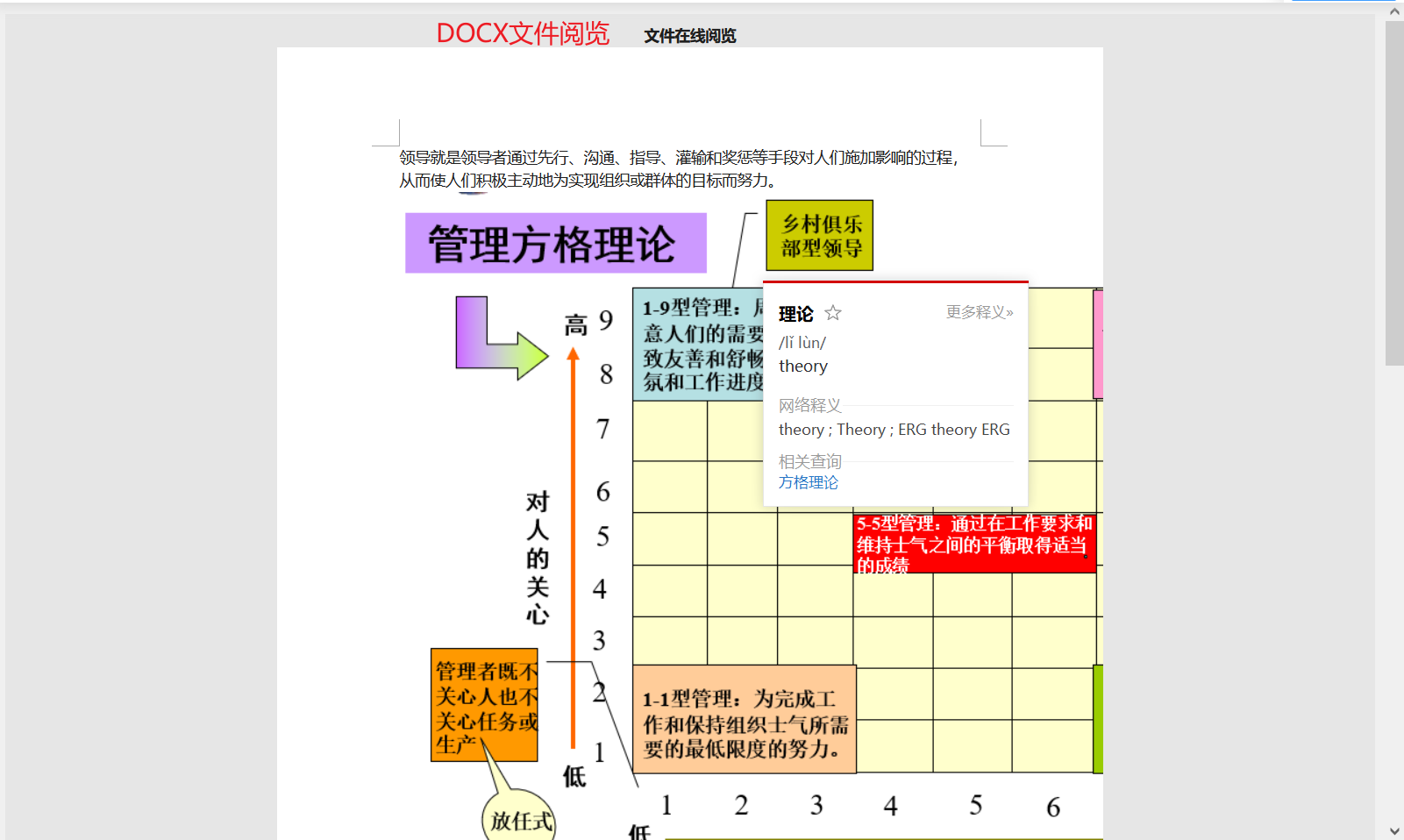
- pdf

- 第三方接口

安装
- 先安装依赖
npm i vue-pdf mammoth xlsx- 直接 clone 下载将其中的 componets 目录下 show 拷贝到自己项目中,按照正常 vue 组件引入的方式使用---实例
import show from './components/show'
//注册组件
components:{
    show
}
// 使用
<show :config="config"></show>
data(){
    config:{
        mode: "auto",                     //auto 默认本地  其他第三方
        requestFileUrl: "/source/t.xlsx", //pdf, xlsx, docx  文件url---注意跨域问题
        type: "xlsx",        //文件类型---第三方接口可不传,其他必传
        fileByteContent: "", //读取的文件字符----一般从后台获取
        api: "",              //自定义第三方接口-----默认微软接口
        excelEditAble: true, //表格是否可编辑
    }
}- npm 包安装
npm i vue-show-xskj

//引入组件
import show from 'vue-show-xskj'

// 注册
components:{
    show
}
// 使用
<show></show>
props 传参说明
props: config object
mode 模式选择:auto(默认) 组件自动调用 其他值第三方
requestFileUrl pdf, xlsx, docx 文件 url---注意跨域问题 必填
type 文件类型指定 第三方可以不传 其他必传
fileByteContent 读取的文件字符----一般从后台获取
api 自定义第三方接口-----默认微软接口 注意文件公网能访问
excelEditAble 表格是否可编辑-------默认不可编辑
例子
<template>
  <div>
    <div class="show">
      <Show :config="doc"></Show>
    </div>
  </div>
</template>

<script>
// 组件形式引入
// import Show from "../show";
// npm包引入
import Show from "vue-show-xskj";
export default {
  components: {
    Show,
  },
  data() {
    return {
      doc: {
        mode: "auto", //auto 默认本地  其他第三方
        requestFileUrl: "/source/t.xlsx", //pdf, xlsx, docx
        type: "xlsx", //文件类型---不传
        fileByteContent: "", //读取的文件字符----一般从后台获取
        api: "", //自定义第三方接口-----默认微软接口
        excelEditAble: true, //表格是否可编辑
      },
    };
  },
};
</script>

<style>
.show {
  width: 100%;
  height: auto;
}
</style>