
vue-tuto
v0.1.1
Published

Maintainers
 dbseogns1212
Readme
vue-tuto

Installation
$ yarn add vue-tuto

or

$ npm install vue-tuto
Usage
use global plugin
// main.js
import Vue from 'vue';
import VueTuto from 'vue-tuto';

import 'vue-tuto/dist/tutorial.css';

Vue.use(VueTuto);
use component
// ###.vue

import { VueTutorial } from 'vue-tuto';
import 'vue-tuto/dist/tutorial.css';

export default {
  components: {
    VueTutorial,
  },
};
component
// ###.vue
<template>
  <tutorial
    :steps="steps"
    :run="run"
    use-jump
    @end="handleCallback"
  />
</template>
<script>
// .. import
export default {
  // ... use component
  data() {
    return {
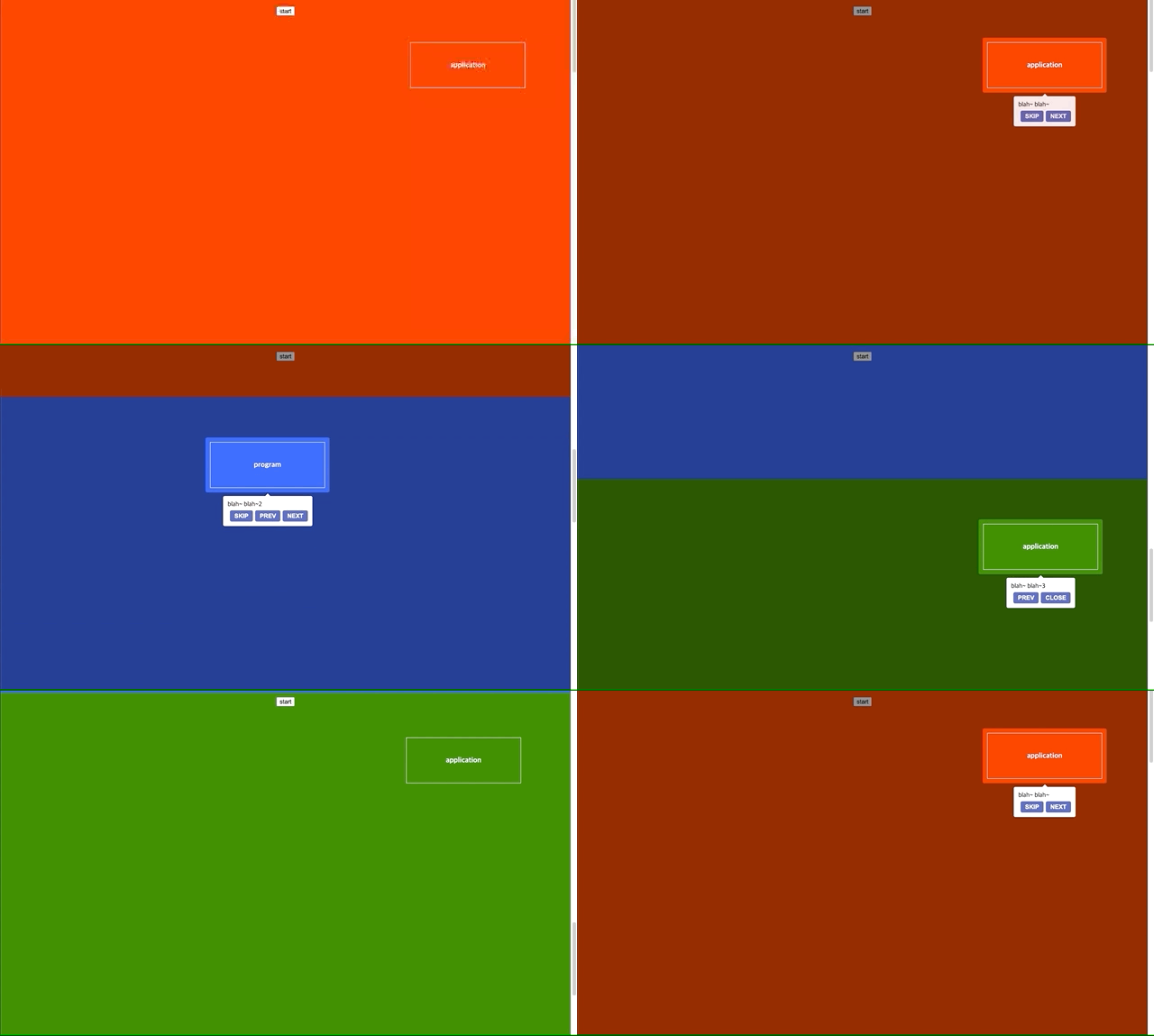
      steps: [
        {
          target: '.box-item-0',
          content: 'blah~ blah~',
          showSkip: true,
        },
        {
          target: '.box-item-1',
          content: 'blah~ blah~2',
          showSkip: true,
        },
        {
          target: '.box-item-2',
          content: 'blah~ blah~3',
        },
      ],
      run: false,
    }
  },
  methods: {
    handleCallback(reason) {
      // callback logic
    }
  },
}
</script>
Props
name | type | default | description
:------------------ | :----------------: | :------------------------- | ----------------------------------------------------------------
buttonOption | object | {} | tour 버튼의 스타일과 text를 변경
maxCount | number | 0 | 튜토리얼 표시 횟수 limit, 0 의 경우 무제한
overlayMode | text | 'next' | next, prev, skip 등 오버레이 클릭시 발생 이벤트
params | object | {} | popper option link
run | boolean | false | tutorial 실행 플래그
steps | array | [] | step 정보
showSkip | boolean | false | 스킵 버튼 표시 여부
tutorialName | string | 'tutorial' | localStorage 에 저장될 튜토리얼 key name
useJump | boolean | false | spotlight 로 scroll 이벤트 발생
buttonOption(default: {})
{
  skip: {
    text: '스킵',
    style: {
      color: 'white', fontWeight: 'bold', backgroundColor: 'black',
    }
  },
  next: { text: '다음', lastText: '닫기' },
  prev: { text: '이전' },
}steps(default: [])
[
  {
    target: '.element .query',
    duration: 1000,
    offset: -100,
    padding: 10,
    useJump: false, // 개별 처리
    showSkip: false, // 개별 처리
  }
]