
vue2-img-compare
v0.0.8
Published
Simple, responsive, highly available image comparison component using vue.js 2.0

Maintainers
 wuhou123
Readme
vue2-img-compare 最简单功能强大的图片对比组件
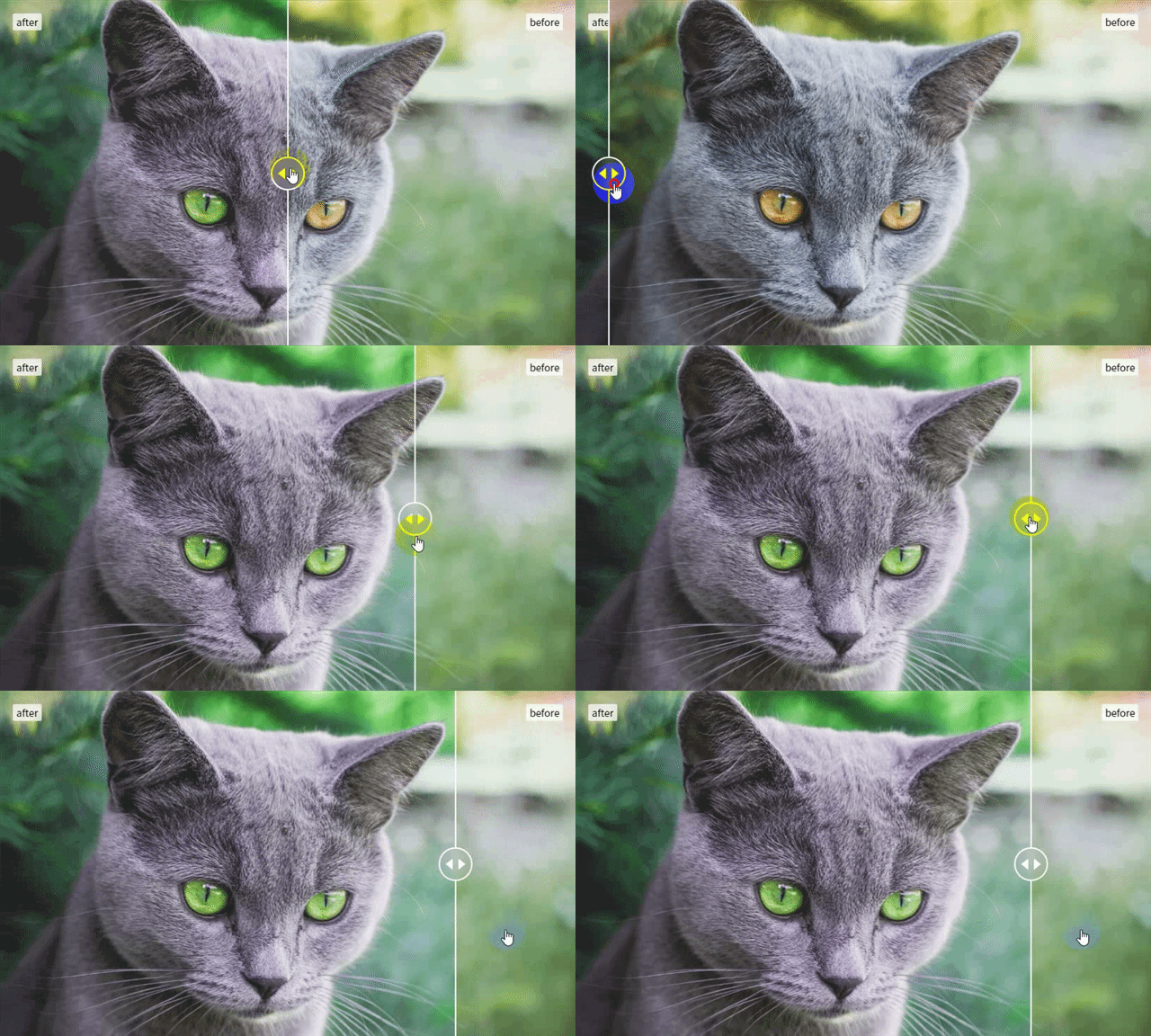
Currently, it is a version of vue 2.0. If you need a version of vue 3.0+TS or react, please refer to issues.
Best Picture Comparison Component.
强大而且简洁,vue3.0+TS版本和react版本需求有了再改版吧
Installation
npm i vue2-img-compare -S
yarn add vue2-img-compare -S
Usage
import Vue from 'vue';
import Vue2ImgCompare from 'vue2-img-compare'
import 'vue2-img-compare/index.css'

Vue.use(Vue2ImgCompare)
new Vue().$mount('#app');
<div id="app">
<vue2-img-compare
      w="820px"
      h="496"
      picL="https://marcincichocki.github.io/vue-image-compare/img/after.jpg"
      picR="https://marcincichocki.github.io/vue-image-compare/img/before.jpg"
      textL="after"
      textR="before"
    />
</div>If you are not using using es6, instead of importing add
<script src="/vue2-img-compare/index.umd.js"></script>just before closing body tag.
Props
| Name | Type | Description | Required | Default |
| --- | --- | --- | --- | --- |
| w | String or Number | "width" can set number or string(vw or % or px) | Yes | undefined |
| h | String or Number | "height" can set number or string(vw or % or px) | Yes | undefined |
| picL | String | Path to the image image after change | Yes | undefined |
| picR | String | Path to the image image before change | Yes | undefined |
| textL | String | text in after change | No | null |
| textR | String | text in before change | No | null |
Example:
<vue2-img-compare
w="820px"
h="496"
picL="https://marcincichocki.github.io/vue-image-compare/img/after.jpg"
picR="https://marcincichocki.github.io/vue-image-compare/img/before.jpg"
textL="after"
textR="before"
/>