
web-c-theme
v1.3.2
Published
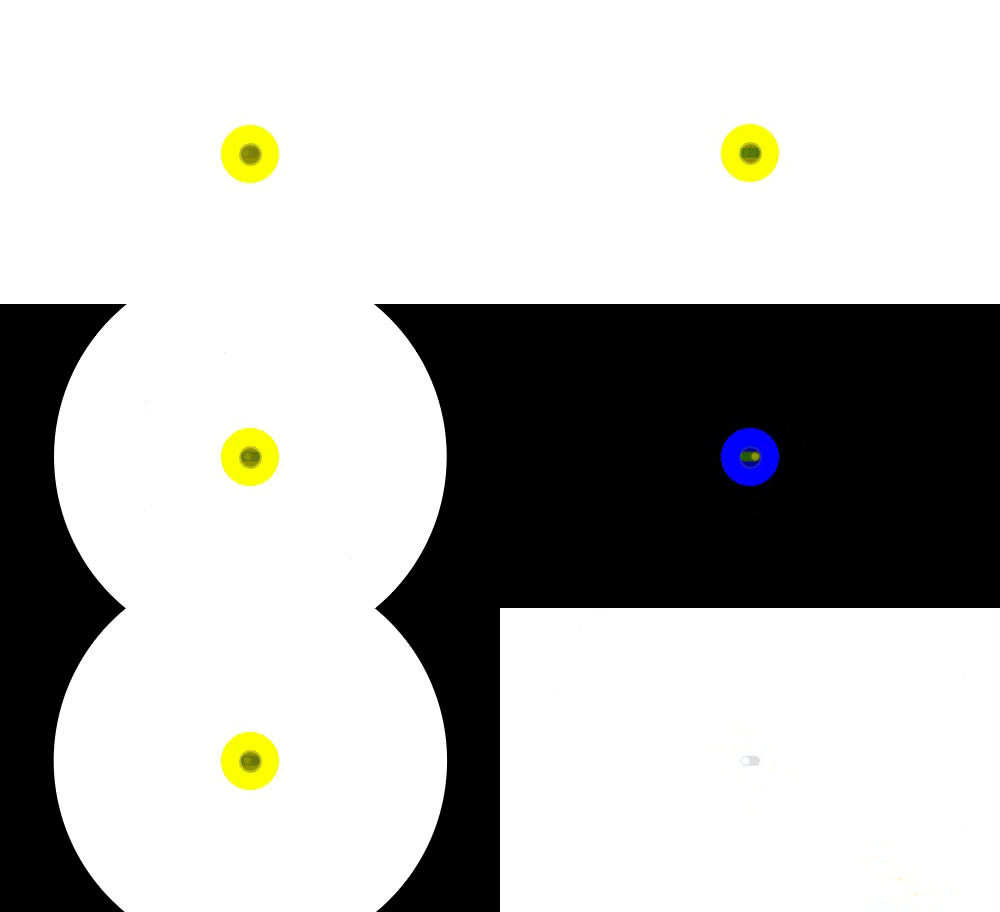 #### 功能介绍 这是一个基于 **Web Component** 技术的主题组件库,主要功能是前端 **"主题切换"**。 #### 什么是Web Component? Web Component 是一种基于HTML和DOM标准的原生组件化技术,允许开发者创建可复用的自定义HTML标签,具备样式隔离、逻辑封装等特性。

Maintainers
 wjy1998
Readme
示例图片

功能介绍
这是一个基于 Web Component 技术的主题组件库,主要功能是前端 "主题切换"。
什么是Web Component?
Web Component 是一种基于HTML和DOM标准的原生组件化技术,允许开发者创建可复用的自定义HTML标签,具备样式隔离、逻辑封装等特性。
核心优势
- 原生支持:无需依赖第三方框架(如Vue/React),浏览器直接兼容 。
- 样式隔离:通过Shadow DOM实现组件内样式与外部隔离,避免全局污染 。
- 跨框架兼容:可与Vue、React等框架结合使用,或独立开发 。
- 微前端适用:轻量级样式隔离特性适合微前端架构(如Qiankun) 。
引入方法
CDN方式 (https://unpkg.com/web-c-theme)
npm 安装 (npm install web-c-theme)
import "web-c-theme"
Vue中用法
<template>
  <web-c-theme :theme="isDark">
    <el-switch v-model="isDark" class="switch" ref="switchRef"></el-switch>
  </web-c-theme>
</template>

<script setup>
import { ref } from "vue"
import "web-c-theme"

const isDark = ref(false)
</script>
React中用法
import React, { useState } from "react"
import "web-c-theme"

const Theme = () => {
  const [isDark, setIsDark] = useState(false)
  return (
    <web-c-theme theme={isDark}>
      <el-switch v-model="isDark" class="switch" ref="switchRef"></el-switch>
    </web-c-theme>
  )
}
HTML中用法
<!DOCTYPE html>
<html lang="en">
  <body>
     <web-c-theme theme="false" id="theme">
        <button id="btn">切换主题</button>
     </web-c-theme>
  </body>

  <!-- 引入 -->
  <script src="https://unpkg.com/web-c-theme"></script>

  <script>
     const button = document.getElementById("btn")
     const theme = document.getElementById("theme")

     button.addEventListener("click", () => {
          const attrTheme = theme.getAttribute("theme") === "true"
          const isDark = !attrTheme
          theme.setAttribute("theme", isDark)
     })
  </script>
</html>
属性
| 属性| 说明 | 类型 | 默认值 | | --- | --- | --- | --- | | theme | 主题风格(false->浅色,true->深色) | string | false | | light-color | 浅色主题颜色 | string | #fff | | dark-color | 深色主题颜色 | string | #000 | | duration | 动画时长 | string/number | 200(ms) |