
web2app-spa
v1.0.4
Published
This template is primarily designed to easily convert HTML pages and URLs into a Capacitor/Cordova based iOS/Android app that can be used as Single-page application (SPA).

Maintainers
 bugraozden
Readme
WEB2APP SPA -
This template is primarily designed to easily convert HTML pages and URLs into a Capacitor/Cordova based iOS/Android app that can be used as Single-page application (SPA).
You can hire me to develop your mobile app with this template.
LIVE PREVIEW:
https://bug7a.github.io/web2app/
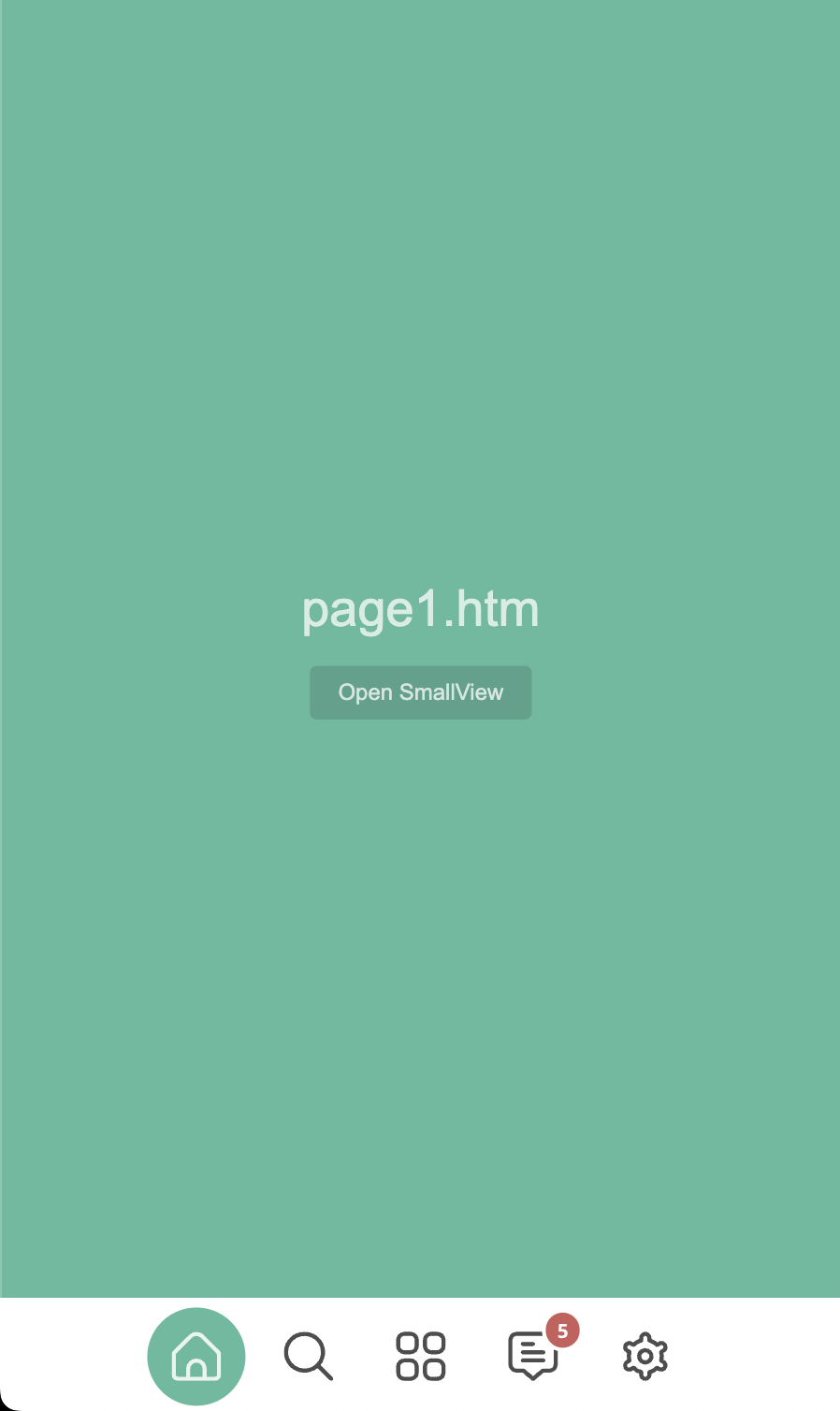
SCREENSHOTS:
HOW TO EDIT THIS TEMPLATE:
- Replace the html files and edit settings.js file with an IDE or text editor.HOW TO EDIT BOTTOM AND SIDE BARS:
- To edit bottom bar, use settings.getBottomBarItemDataList JSON in settings.js file.
- To edit top bar, use settings.getTopBarItemDataList JSON in settings.js file.
NOTE: If you dont want to use advanced pages, switch them to page2 -> page9, page4 -> page10 in settings.getBottomBarItemDataList JSON;

- To find more settings, check settings.js file.
HOW TO EDIT PAGES:
- To edit page1, check page1.htm and js/page/page1.js files.
- To open page1, use settings.openPageById function in settings.js.
- Use pageX.js files to edit page-related settings. (page1.js, page3.js, page5.js vb.)
- To work with direct URL addresses, see page6 (js/page/page6.js) example.

NOTE: Use 600px (settings.USED_WIDTH) width or 100% for your pages.

- If you want to open a page from other page, use window.runAction in settings.js (Check examples: page1, page3, page5)
ADVANCED EDITING:
- Expert programmers can do more customization (Check examples: page2, page4).
- For more documentation, check the following link:
https://bug7a.github.io/basic.js-handbook/
HOW TO MAKE MOBILE APP (PLATFORMS; ANDROID, iOS)
This template, can be used to develop mobile applications with:
- Ionic/Capacitor Native Runtime (recommended) or
- Apache Cordova Framework.
USAGE WITH IONIC / CAPACITOR NATIVE RUNTIME:
CREATE APP DOCUMENTS:
https://capacitorjs.com/docs/getting-started

TUTORIAL VIDEOS (on YouTube):
- How to make an Android and iOS application?
https://youtu.be/rx-z6-_FwU8

SETTINGS FOR CAPACITOR PROJECT:
- Set "bundledwebRuntime": true in "capacitor.config.json" file.
Then Capacitor will create a "capacitor.js" file.
- Set "launchAutoHide": true in "capacitor.config.json" file.
Then Capacitor will hide the splash screen automatically.

PLUGIN LIST:
https://capacitorjs.com/docs/apis

PLUGIN USAGE:
- Just add "Capacitor.Plugins." before plugin name.
NOTE: Because it doesn't work as a module.

EXAMPLE CODE:
const showConfirm = async () => {
    const { value } = await Capacitor.Plugins.Dialog.confirm({
        title: 'Confirm',
        message: `Are you sure you'd like to press the red button?`,
    });

    console.log('Confirmed:', value);
};
showConfirm();

NOTE: Dont forget to install the Dialog plugin to test example code: npm install @capacitor/dialog
NOTE: Errors in javascript code; It can be followed via xcode or android studio.
USAGE WITH CORDOVA FRAMEWORK:
CREATE APP DOCUMENTS:
https://cordova.apache.org/docs/en/latest/guide/cli/index.html

TUTORIAL VIDEOS:
- How to make an Android application? (Language: Turkish)
https://www.youtube.com/watch?v=B6x7yKhKZbY
- How to make an iOS application? (Language: Turkish)
https://www.youtube.com/watch?v=WZZwiI_5WQA

SETTINGS FOR YOUR CORDOVA PROJECT:
- Add these settings to your cordova project config.xml file:
    <preference name="DisallowOverscroll" value="true" />
    <preference name="Orientation" value="portrait" />

PLUGIN LIST:
https://cordova.apache.org/plugins/