
wordly
v3.3.1
Published
A modern CLI wordle game


Readme
🎮 Wordly




A modern CLI Wordle game that brings the popular word-guessing game right to your terminal!
Guess the hidden word in limited attempts with colorful feedback and interactive gameplay.
Installation • Usage • Features • Commands
📸 Screenshots
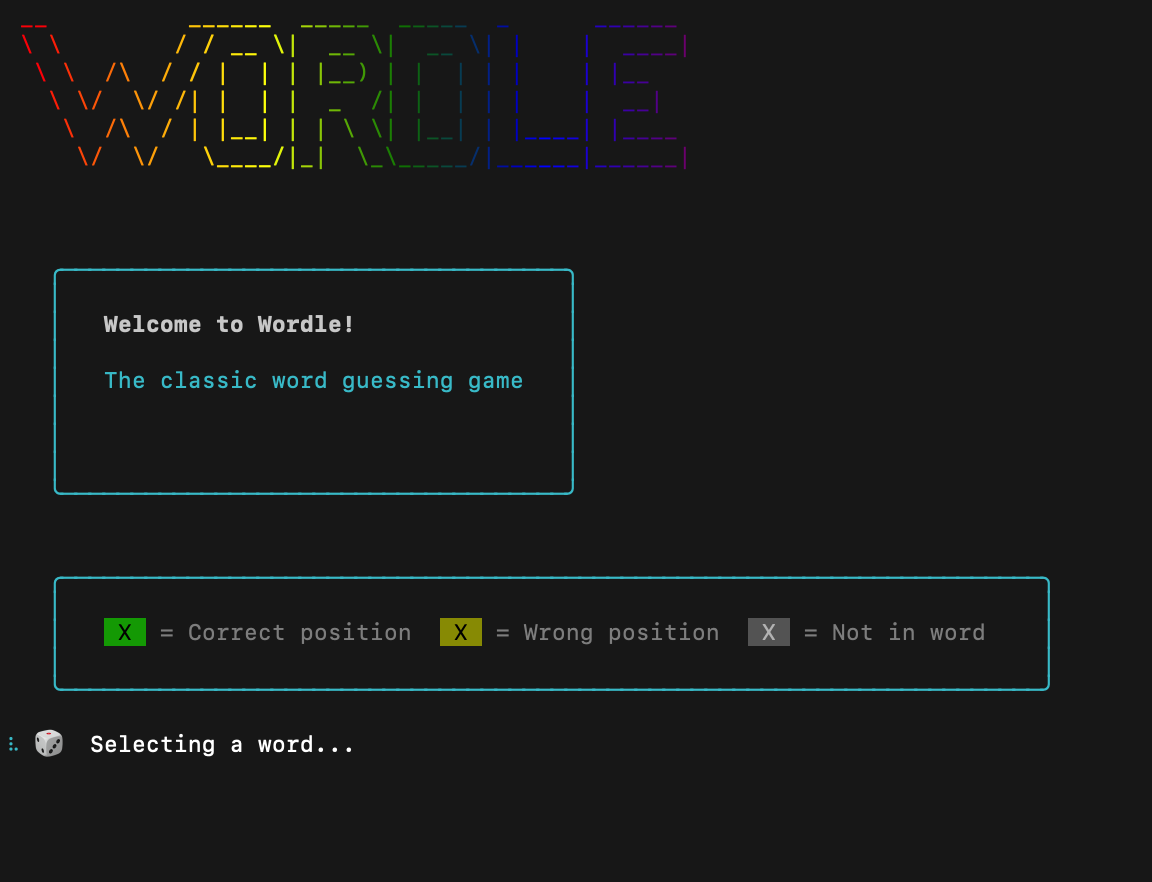
Game Start & Welcome Screen
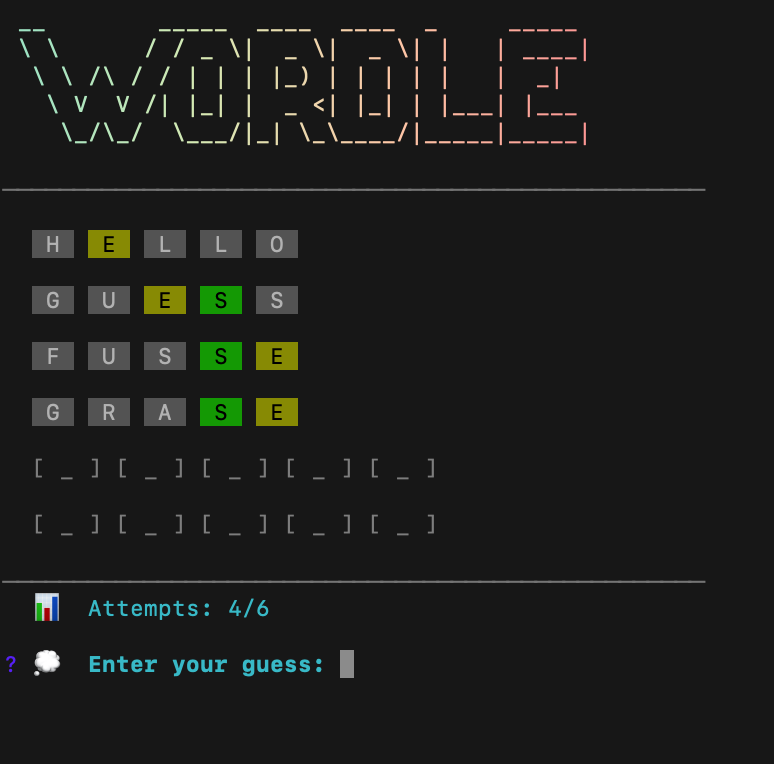
Active Gameplay
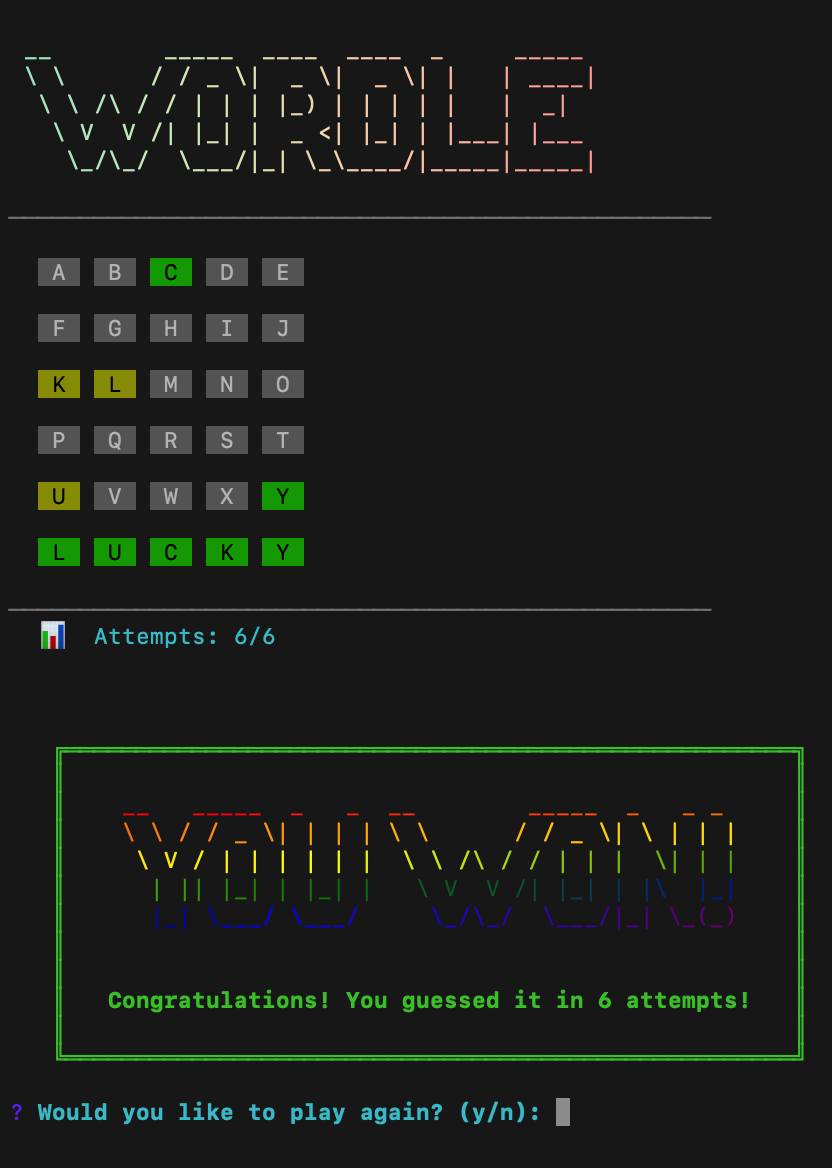
Winning Game
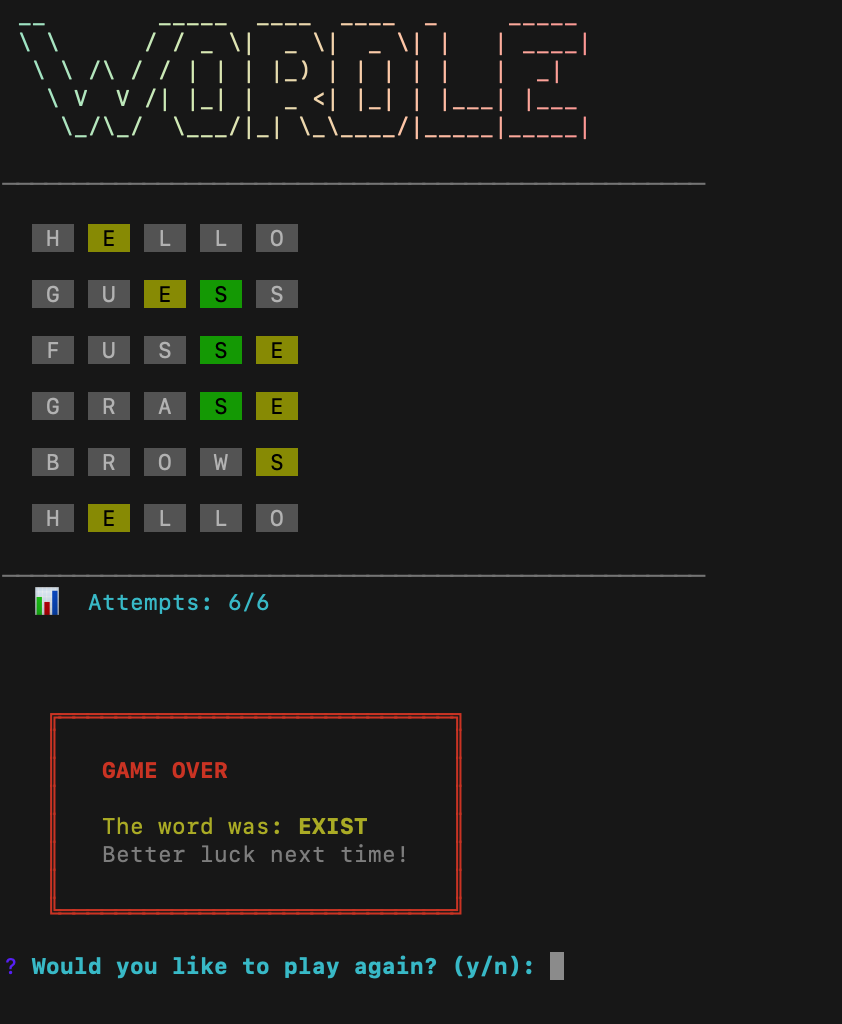
Losing Game
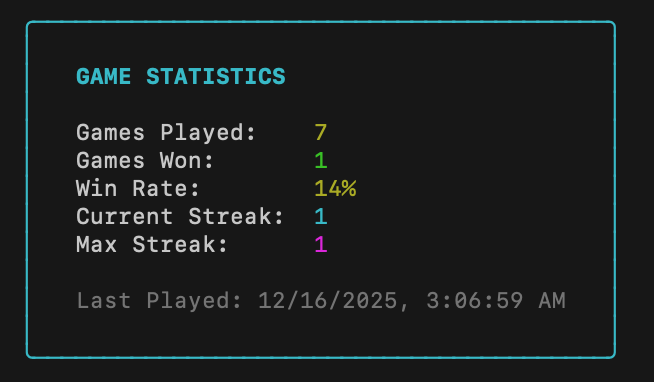
Statistics View
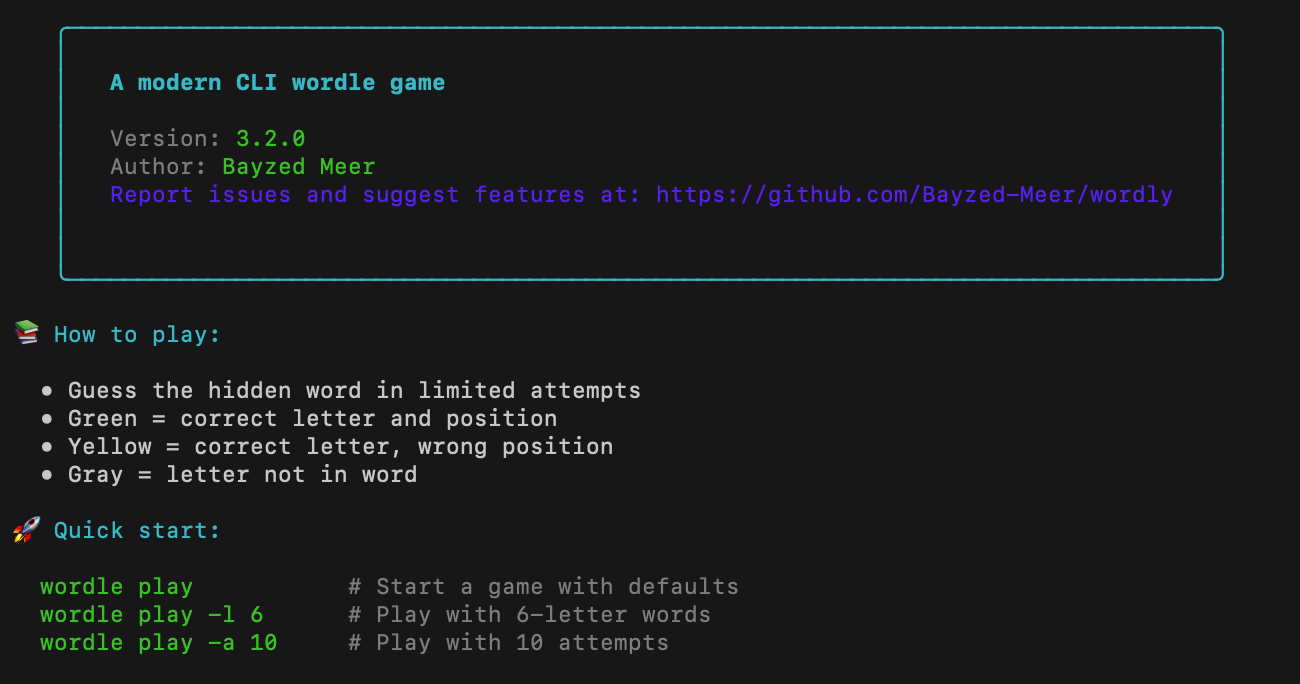
About Screen
✨ Features
- 🎯 Classic Wordle gameplay in your terminal
- 🔧 Customizable difficulty - Word length (3-7 letters) and attempt count
- 📊 Persistent statistics - Tracks games played, wins, losses, streaks, and more
- 🎨 Beautiful UI - Color-coded feedback, ASCII art, animations, and spinners
- 🔄 Instant replay - Play again without restarting the application
- 💾 Auto-save progress - Statistics are saved automatically
- ⚡ Fast and lightweight - No unnecessary dependencies
📋 Requirements
- Node.js:
>= 20.12.0
📦 Installation
Global Installation (Recommended)
Install globally via npm to use the wordle command anywhere:
npm install -g wordlyUsing npx (No Installation Required)
Run directly without installing:
npx wordly playFrom Source
Clone and run from the repository:
git clone https://github.com/Bayzed-Meer/wordly.git
cd wordly
npm install
npm start
🚀 Usage
Quick Start
# Start a game with default settings (5-letter word, 6 attempts)
wordle play
Custom Game Options
# Play with 6-letter words
wordle play -l 6
wordle play --length 6

# Play with 10 attempts
wordle play -a 10
wordle play --attempts 10

# Combine options for custom difficulty
wordle play -l 4 -a 8
wordle play --length 7 --attempts 12
View Statistics
# Display your game statistics
wordle stats

# Reset all statistics
wordle stats -r
wordle stats --reset
Help & Information
# Learn about the game
wordle about

# Show version
wordle -v
wordle --version

# Display help
wordle --help
🎯 How to Play
- Start the game by running
wordle play - Enter your guess - A word matching the required length
- Read the feedback:
- 🟩 Green — Correct letter in the correct position
- 🟨 Yellow — Correct letter in the wrong position
- ⬜ Gray — Letter not in the word
- Keep guessing until you find the word or run out of attempts
- Win by guessing the word within the attempt limit!
📖 Commands
| Command | Description |
|---------|-------------|
| wordle play | Start a new game with default settings |
| wordle play -l <number> | Set word length (3-7), default: 5 |
| wordle play -a <number> | Set max attempts (≥1), default: 6 |
| wordle stats | View your game statistics |
| wordle stats -r | Reset all statistics |
| wordle about | Display game information and quick start guide |
| wordle -v, --version | Show current version |
| wordle --help | Display help information |
🛠️ Tech Stack
Built with modern JavaScript and popular CLI libraries:
- Commander.js - Command-line interface framework
- Inquirer.js - Interactive command-line prompts
- Chalk - Terminal string styling
- Figlet - ASCII art text generation
- Gradient String - Gradient colored text
- Boxen - Terminal boxes
- Ora - Elegant terminal spinners
- Conf - Persistent configuration storage
📄 License
MIT © Bayzed Meer
🔗 Links
- npm Package - View on npm registry
- GitHub Repository - Source code
- Report Issues - Bug reports and feature requests
Enjoy playing Wordle in your terminal! 🎉
Made with ❤️ by Bayzed Meer