
xrplcli
v1.2.1
Published
Downloads
15


Readme
XRPL Cli

Lightweight command line tool for interacting with the XRP Ledger.
Built using @xrplkit, enquirer and the ripple libraries.
Installation
npm install -g xrplcliThen run via
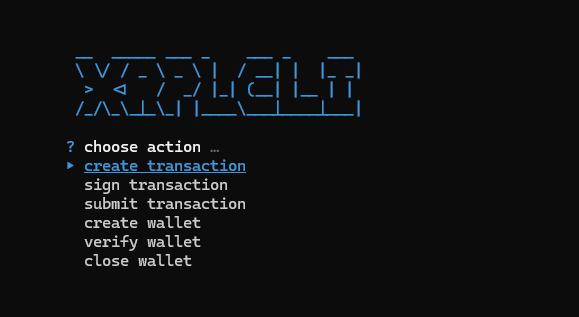
xrplcliCurrent Features
- Create and fill XRPL transactions in your terminal along with transaction flags and auto-filling.
- √
AccountSet - √
AccountDelete - √
AMMBid - √
AMMCreate - √
AMMDelete - √
AMMDeposit - √
AMMVote - √
AMMWithdraw - √
CheckCancel - √
CheckCash - √
CheckCreate - √
Clawback - √
DepositPreauth - √
DIDDelete - √
DIDSet - √
EscrowCancel - √
EscrowCreate - √
EscrowFinish - √
NFTokenAcceptOffer - √
NFTokenBurn - √
NFTokenCancelOffer - √
NFTokenCreateOffer - √
NFTokenMint - √
OfferCreate - √
OfferCancel - √
Payment - √
PaymentChannelClaim - √
PaymentChannelCreate - √
PaymentChannelFund - √
SetRegularKey - √
SignerListSet - √
TicketCreate - √
TrustSet
- √
- Sign transaction from above or supplied HEX/JSON payloads using XRPL cryptographic keys (seed, mnemonic, passphrase)
- Submit signed transactions or HEX blobs to the network
- Create wallet cryptographic keys, optionally with "vanity criteria", a regex defining how the wallet address should look like
- Verify wallet keys by deriving wallet addresses from seeds, mnemonics or passphrases
- Close a wallet, aka delete an AccountRoot object along with its owned objects (implementation pending)
Security Disclaimer
XRPL Cli takes no part in the management of your cryptographic keys. It is merely a tool to sign payloads using the keys you provide via terminal input. The keys never get sent over the wire, and remain only briefly in application memory (RAM) during execution of the program.